
Pinggy
For developers: Pinggy creates instant public URLs for localhost projects with secure tunnels and custom domains so you test webhooks and share work without binaries.
Built by Bishakh Ghosh · Productivity · Developer Tools · SaaS · Freemium
In category: #1065 of 1455 · Productivity
Pinggy is a Community listing on Launch Llama with 2 total upvotes, founded by Bishakh Ghosh who joined in Jul 2026, compared against 4 alternatives.
Community listing
Listing status
2upvotes
Community score
Bishakh Ghosh (Joined Jul 2026)
Founder
Compared against 4 alternatives
Market comparison
Launched on Launch Llama Jul 8, 2026 · #23 of 27 that day
About
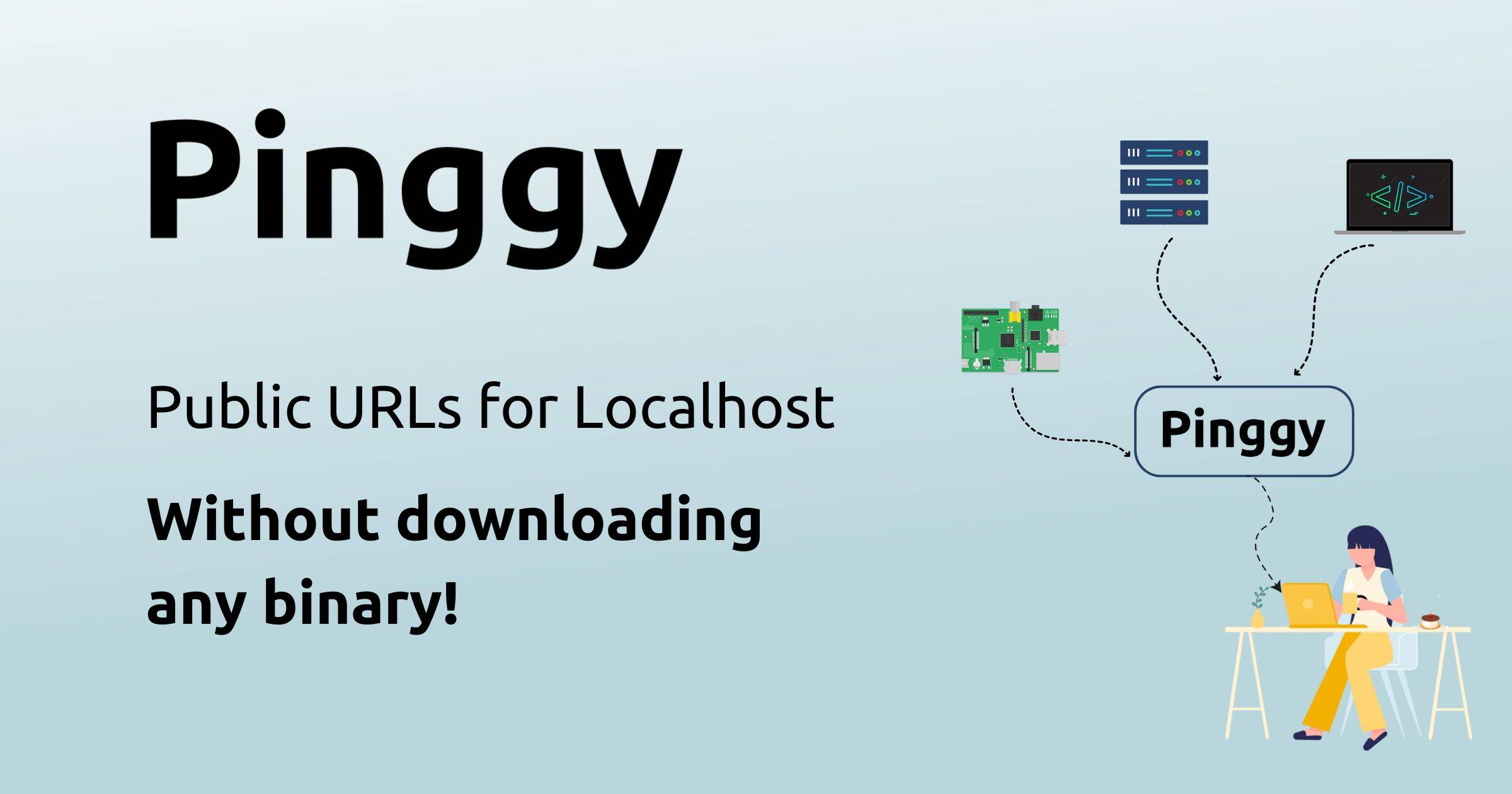
Pinggy makes it easy to expose your local development projects online instantly using secure tunnels. Create HTTP, TCP, UDP, or TLS tunnels to your machine without downloading binaries, even behind firewalls and NATs. Features include a built-in web debugger, persistent URLs with custom domains, and multiple regional endpoints for fast access worldwide.
Follow Pinggy: X (Twitter) · LinkedIn
Use Cases
- Test webhooks from third-party services by exposing a localhost endpoint through a public URL
- Share a local website or app with a client or teammate in seconds without uploading it to the cloud
- Inspect and replay live HTTP requests to a local server while debugging, using the built-in Web Debugger
Who it is for
- Developers who need to expose localhost projects to the internet for testing and demos.
- Developers building webhook integrations who need a public URL for a local server.
- Teams that want secure tunnels with custom domains and access control such as basic auth or IP whitelisting.
Pricing
Free plan includes single-command tunneling, a 60-minute tunnel timeout, and random subdomains. Pro offers persistent tunnels, custom subdomains and domains, and priority support, with a 7-day free trial; Enterprise is custom-priced.
FAQ
What is Pinggy?
For developers: Pinggy creates instant public URLs for localhost projects with secure tunnels and custom domains so you test webhooks and share work without binaries.
How does Pinggy work?
Pinggy makes it easy to expose your local development projects online instantly using secure tunnels. Create HTTP, TCP, UDP, or TLS tunnels to your machine without downloading binaries, even behind firewalls and NATs. Features include a built-in web debugger, persistent URLs with custom domains, and multiple regional endpoints for fast access worldwide.
Who is Pinggy for?
Pinggy is designed for a range of users, including: • Developers who need to expose localhost projects to the internet for testing and demos. • Developers building webhook integrations who need a public URL for a local server. • Teams that want secure tunnels with custom domains and access control such as basic auth or IP whitelisting.
What can you do with Pinggy?
With Pinggy you can: • Test webhooks from third-party services by exposing a localhost endpoint through a public URL. • Share a local website or app with a client or teammate in seconds without uploading it to the cloud. • Inspect and replay live HTTP requests to a local server while debugging, using the built-in Web Debugger.
Is Pinggy free?
Free plan includes single-command tunneling, a 60-minute tunnel timeout, and random subdomains. Pro offers persistent tunnels, custom subdomains and domains, and priority support, with a 7-day free trial; Enterprise is custom-priced.
Alternatives
 PingLoopsFor freelance web developers: PingLoops automates client follow-ups after delivery so you get testimonials and repeat work without manual outreach.
 ProxyForgeCopy-ready Nginx and Apache configs for reverse proxies, WordPress, static sites and PHP-FPM, plus redirects, Let’s Encrypt SSL, security headers and .git/.env blocking. Tested on real servers.
More in Productivity
New on Launch Llama
Launched this week · This month's launches · All products A–Z
Ask AI about Pinggy
Supporters
1 founder
1 founder supported Pinggy on Launch Llama.
Third-party sources
- Remote System Monitoring with FastAPI and Pinggy
Hacker News · November 11, 2024 · 8 points
- Sharing LocalWP WordPress Sites
Hacker News · November 7, 2024 · 8 points
- Host a FastAPI Application Without a Server
Hacker News · November 4, 2024 · 10 points
- Guide to Getting Slack Webhooks
Hacker News · November 1, 2024 · 8 points
- Sharing Minecraft Server from Localhost
Hacker News · October 26, 2024 · 4 points
- Guide to SSH Reverse Tunneling
Hacker News · October 25, 2024 · 19 points
- Top Cloudflare Tunnel Alternatives in 2024
Hacker News · October 21, 2024 · 12 points
- Access your Raspberry Pi without a public IP
Hacker News · October 18, 2024 · 48 points
For bots & AI agents
Machine-readable versions of Pinggy and Launch Llama. Fetch these instead of parsing this page.
This listing (.md) llms.txt llms-full.txt ai.txt Full catalog (.md) Endpoint index API docs MCP server MCP manifest Developer docs