On Launch Llama

PixPin - Smart screenshots, OCR, and screen pinning for designers
For developers and designers: PixPin captures screenshots, annotates them, pins images to your screen, and extracts text with OCR—all offline and fast.
Built by PixPin and xingliang1 z
Productivity Design Tools Freemium
Visit website → Upvotes · 4
In category: #1385 of 1797 · Productivity
PixPin is a Instant Launch listing on Launch Llama with 4 total upvotes across 1 founder supporter, founded by PixPin and xingliang1 z who joined in May 2026, compared against 6 alternatives.
Instant Launch listing
Listing status
4upvotes
Community score
PixPin and xingliang1 z (Joined May 2026)
Founder
Compared against 6 alternatives
Market comparison
Key Features
- Delivers is a powerful, all-in-one screen capture and productivity utility designed to
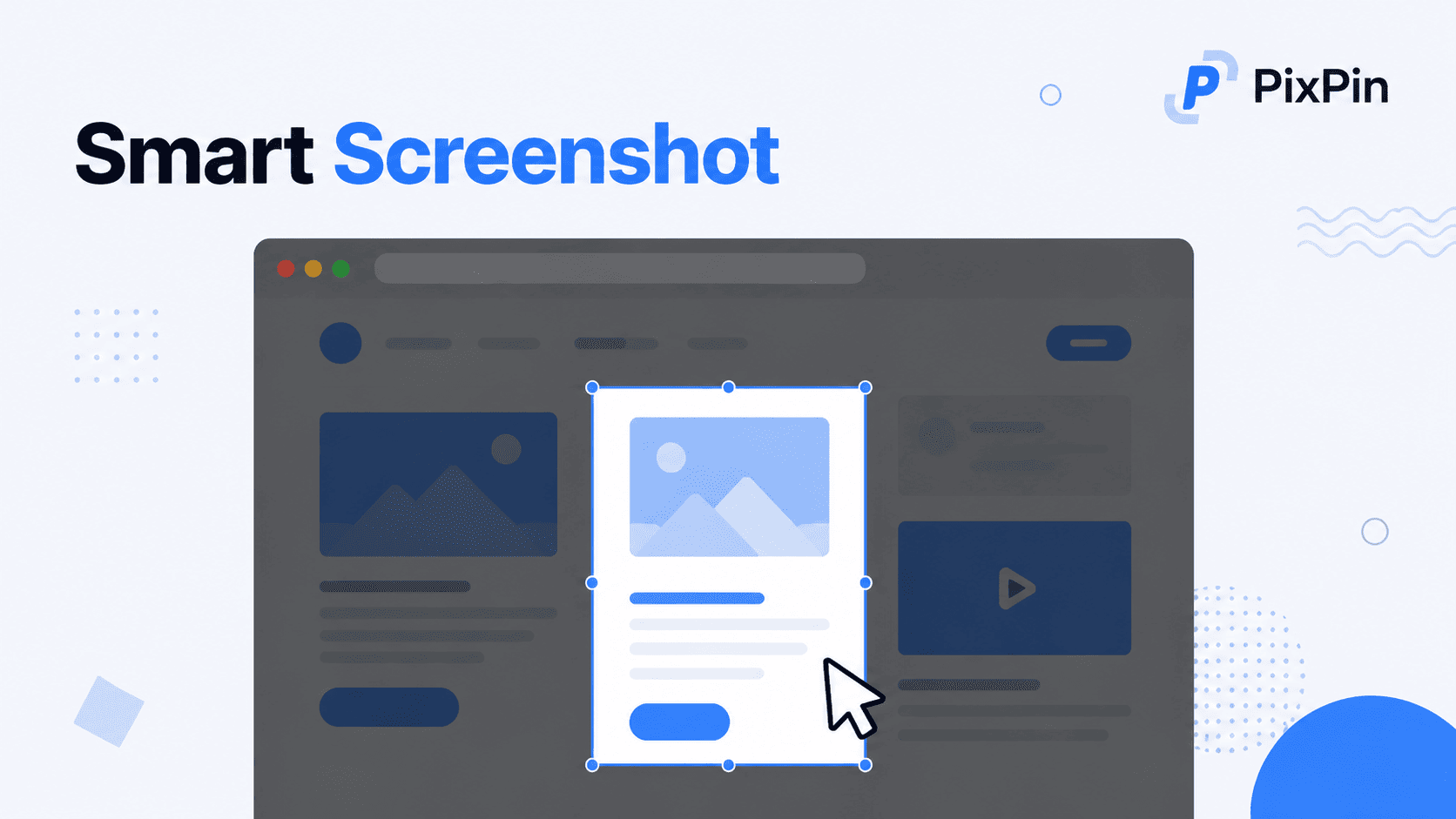
- Surfaces Smart Screenshot: Fast, accurate, and intuitive screen capturing
- Includes a rich set of annotation tools (arrows, text, shapes, blur) to highlight important
- Surfaces Pin any screenshot or image directly on top of other windows as a floating reference
About
PixPin is a powerful, all-in-one screen capture and productivity utility designed to streamline your daily workflow. Whether you are a developer, designer, or knowledge worker, PixPin offers everything you need to capture, annotate, and manage screen content efficiently. Core Features: Smart Screenshot: Fast, accurate, and intuitive screen capturing. Includes a rich set of annotation tools (arrows, text, shapes, blur) to highlight important information instantly. Pin to Screen (Image Pinning): Pin any screenshot or image directly on top of other windows as a floating reference. The perfect assistant for coding, designing, or cross-referencing documents. Text Recognition (OCR): Lightning-fast, high-accuracy offline OCR. Instantly extract editable text from any image or screenshot with just one click. Scrolling Screenshot: Automatically capture long webpages, code snippets, or chat histories smoothly without manual stitching. Screen Recording: Easily record your screen activities to create tutorials, capture bugs, or share quick presentations with your team. Boost your productivity and elevate your desktop experience with PixPin—your ultimate screen management toolkit.
Use Cases
- Eliminate context-switching by centralizing your daily workflow
- Ship faster by automating status updates and task management
- Create professional designs and prototypes without hiring a designer
- Create product demos and explainer videos that convert visitors into users
- Keep your remote team in sync without adding another daily standup
Pricing
PixPin offers a free plan plus paid tiers. See the website for current pricing.
Verdict
In the competitive productivity space, PixPin stands out as a solid option. It's gaining traction among founders who value simplicity and results. PixPin is a powerful, all-in-one screen capture and productivity utility designed to streamline your daily workflow. If for developers and designers: pixpin captures screenshots, annotates them, pins images to your screen, and extracts text with ocr—all offline and fast is a priority for your team, it's worth giving PixPin a closer look.
FAQ
What is PixPin?
PixPin is a powerful, all-in-one screen capture and productivity utility designed to streamline your daily workflow. Whether you are a developer, designer, or knowledge worker, PixPin offers everything you need to capture, annotate, and manage screen content efficiently. Core Features: Smart Screenshot: Fast, accurate, and intuitive screen capturing. Includes a rich set of annotation tools (arrows, text, shapes, blur) to highlight important information instantly. Pin to Screen (Image Pinning): Pin any screenshot or image directly on top of other windows as a floating reference. The perfect assistant for coding, designing, or cross-referencing documents. Text Recognition (OCR): Lightning-fast, high-accuracy offline OCR. Instantly extract editable text from any image or screenshot with just one click. Scrolling Screenshot: Automatically capture long webpages, code snippets, or chat histories smoothly without manual stitching. Screen Recording: Easily record your screen activities to create tutorials, capture bugs, or share quick presentations with your team. Boost your productivity and elevate your desktop experience with PixPin—your ultimate screen management toolkit.
How much does PixPin cost?
PixPin offers a free plan plus paid tiers. See the website for current pricing. You can discover and review PixPin for free on Launch Llama.
What category does PixPin belong to?
PixPin is listed under Productivity, Design Tools on Launch Llama.
How do I get started with PixPin?
Click the "Visit Website" button on this page to go directly to PixPin. You can also upvote and leave a review to help other founders discover it.
Alternatives
- Portfolio Frame
For developers and designers: Portfolio Frame frames and annotates screenshots in-browser so your work looks polished when shared.
- RedLinz
For developers: RedLinz converts marked-up screenshots into structured AI prompts so agents understand your UI changes precisely.
- BoltShot
For developers: BoltShot converts URLs to screenshots via simple API—PNG, PDF, mobile emulation, ad blocking, S3 uploads, no browser ops.
- Screen Studio
For creators: Screen Studio records your screen in-browser with no watermark so you produce polished videos instantly Screen Studio keeps the workflow clear so you ship outcomes with less busywork.
- TidyShot
For teams: TidyShot captures and organizes screenshots by app and date, then searches by filename or OCR text instantly across your library.
- Screend
For content creators: Screend is a Chrome extension that records your screen with webcam overlay and drawing tools for tutorials and demos.
Supporters
1 founder1 founder contributed 4 upvotes to PixPin on Launch Llama.
Reviews
1 comment
Hey, love seeing this here! 👋 What inspired you to build this? Would love to hear the story behind it.
Ask AI
ChatGPT Claude Perplexity Grok
For agents
llms.txt · llms-full.txt · ai.txt · Live fact sheet · Full catalog (.md) · Endpoint index · API spec · REST access · Agent server · Server manifest · Server discovery