Snaggy
Under reviewBookmark app for Mac that saves any webpage fast
Lets Mac users who juggle Safari, Chrome and Arc keep one searchable library of links, sorted automatically by on-device AI, without hand-filing every bookmark.
Built by Mohit Gaddam · MCP · Productivity · Paid
Coming soon on Launch Llama Tools
Snaggy is a Community listing on Launch Llama with 0 total upvotes, founded by Mohit Gaddam who joined in Nov 2026, compared against 4 alternatives.
Community listing
Listing status
0upvotes
Community score
Mohit Gaddam (Joined Nov 2026)
Founder
Compared against 4 alternatives
Market comparison
Lets Mac users who juggle Safari, Chrome and Arc keep one searchable library of links, sorted automatically by on-device AI, without hand-filing every bookmark.
About
Snaggy is a native SwiftUI app that stores your links in a local folder, with optional sync across your Macs through your own iCloud. It imports bookmarks and pinned tabs from Arc, Edge, and any HTML bookmarks file, keeping folders as they were. A built-in reader opens saved pages with ads and trackers blocked and marks articles as read when you reach the end. A built-in MCP server lets Claude, Codex, and Cursor search and save your links during a task.
Competitors: raindrop, anybox, goodlinks
Follow Snaggy: X (Twitter)
Key Features
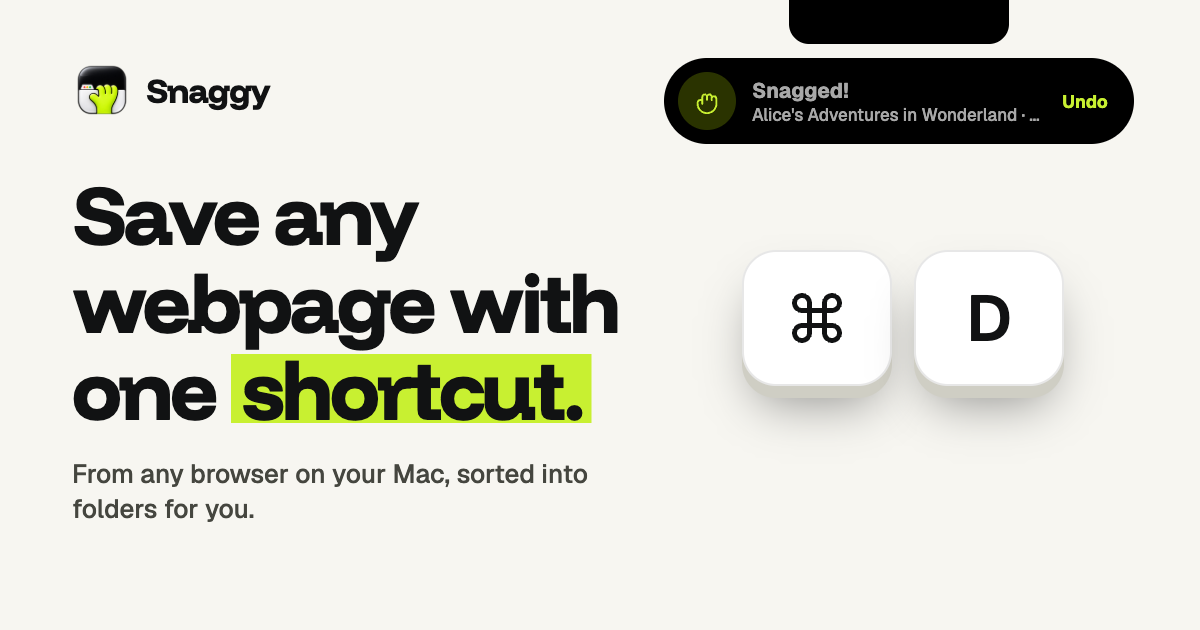
- Saves any webpage from any browser with a single keyboard shortcut (⌘D)
- Imports bookmarks and pinned tabs from Arc, Edge, and HTML bookmark files
- Sorts saved links into folders automatically using on-device AI
- Opens saved articles in a built-in reader with ads and trackers blocked
- Lets Claude, Codex, and Cursor search and save your links through MCP
- Syncs your Macs through your own iCloud if you choose
Use Cases
- Moving from Arc to another browser and bringing every saved folder along without re-filing links by hand
- Reading a saved article in the built-in reader, with ads and trackers blocked, and having it marked as read at the end
- Asking an AI agent mid-task to pull up a link you saved earlier and use it in its plan
From the founder
Who it's for
“Snaggy is for people who save a lot of links & forget about it in different browsers. & who save links for reading later.”
Why I built it
“We built snaggy bcoz we want a single source for our saved links & bookmarks. It can connect with my claude for easy link finding when needed for specific work.”
Who it is for
- Mac users who switch between browsers such as Safari, Chrome, and Arc
- People who save articles to read later and want unread links to stay visible
- Developers and AI-assisted workers who use Claude, Codex, or Cursor and want saved links available to their agents
Pricing
$9
FAQ
Does Snaggy send my links anywhere?
No. Your library, the AI sorting and the MCP server all run on your Mac, and there's no account to create. If you turn on iCloud sync, your links go to your own private iCloud so your other Macs can see them. We never see them.
Can I read links without opening my browser?
Yes. Select a link and press Space, or click Read, and the page opens inside Snaggy. Ads and trackers are blocked, Reader mode shows just the article, and the link is marked read when you reach the end. Press ⌘↩ to open it in your browser instead.
Which browsers does it work with?
Safari, Chrome, Arc, Dia, Brave and Orion. One shortcut snags the front tab from whichever you're using.
Which Macs does it run on?
Any Mac on macOS 26 Tahoe, Apple silicon or Intel. AI sorting uses Apple Intelligence, so it needs an Apple silicon Mac with Apple Intelligence turned on in System Settings. On Intel Macs, or with Apple Intelligence off, Snaggy sorts links by their site instead. Everything else works the same on every Mac.
Will ⌘D clash with my other apps?
No. ⌘D is Snaggy's default shortcut and it only works while a browser is in front. There it takes over from the browser's own bookmark command, so the key you already use saves to Snaggy. In Finder and every other app, ⌘D keeps doing what it always did. You can pick a different shortcut in Settings › General.
Can I bring my existing bookmarks?
Yes. Snaggy imports bookmarks and pinned tabs from your browsers, Edge included, and keeps every folder as it was. You can also import any HTML bookmarks file.
Which AI agents can use my links?
Claude, Codex, Cursor and any other app that speaks MCP. They can search your links, list folders and save new ones, all on your Mac. Setup takes a minute, see the MCP docs .
Is Snaggy safe to install?
Yes. Snaggy is signed with our Apple Developer ID and notarized by Apple, which means Apple checked it for malicious software before release. macOS opens it without any security warnings.
Alternatives
 GhostmarkFor link collectors: Ghostmark organizes bookmarks in folders with instant search and favorites, keeping all saved articles and resources in one place.
 HejourFor Mac users: Hejour links daily notes with todos and reminders so your thoughts persist across days without relying on cloud servers.
More in MCP
New on Launch Llama
Launched this week · This month's launches · All products A–Z
Ask AI about Snaggy
For bots & AI agents
Machine-readable versions of Snaggy and Launch Llama. Fetch these instead of parsing this page.
This listing (.md) llms.txt llms-full.txt ai.txt Full catalog (.md) Endpoint index API docs MCP server MCP manifest Developer docs