Modeinspect
For design teams: Modeinspect lets you build production-grade UI directly in code with AI so you ship PRs without mockup-to-code translation delays.
Built by Alex · Artificial Intelligence · Developer Tools · Design Tools · Freemium
In category: #387 of 2048 · Artificial Intelligence
Modeinspect is a Community listing on Launch Llama with 173 total upvotes, founded by Alex who joined in Jul 2026, compared against 6 alternatives.
Community listing
Listing status
173upvotes
Community score
Alex (Joined Jul 2026)
Founder
Compared against 6 alternatives
Market comparison
Launched on Launch Llama Jul 6, 2026 · #32 of 53 that day
About
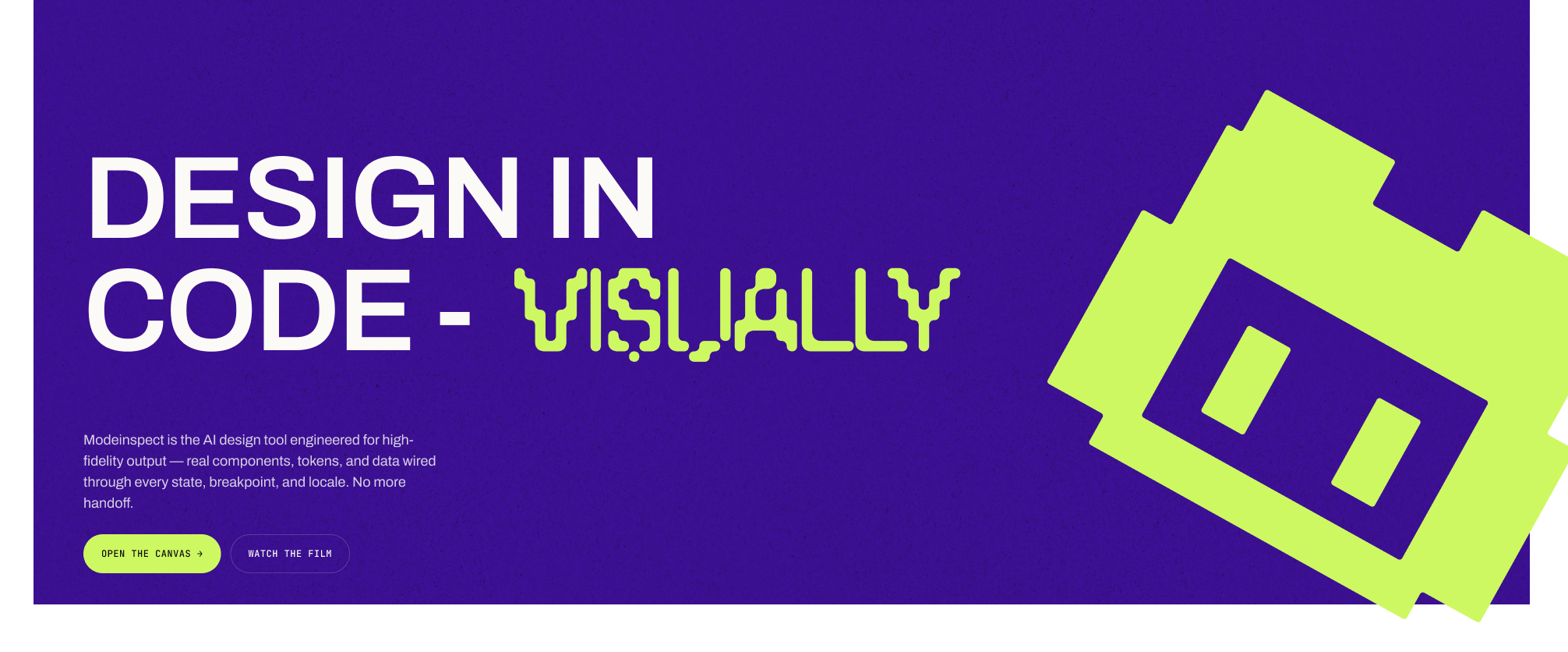
Modeinspect is an AI-native design tool that lets designers shape production-grade UI directly in your codebase. It combines a visual canvas with code, integrating real components, design tokens, and live data to eliminate handoffs between design and engineering. Teams can explore designs with AI, prototype with actual design systems, and ship PRs without mockup-to-code translation.
Competitors: Pen.dev, Figma Make, Superdesign, Flowstep
Key Features
- Edit real product components directly on a visual canvas instead of throwaway mockups
- Pull design tokens and styles from your existing library so output stays on-brand automatically
- Preview and reflow layouts across mobile, tablet, and desktop breakpoints side by side
- Capture live UI states like hover, error, empty, and loading onto the canvas for design work
- Explore design variants and restyle sections using AI models while staying in control
- Compare canvas designs against the live build to catch visual drift, then ship changes as a scoped pull request
Use Cases
- Pull a real product screen into Mode's canvas and use AI exploration to test new layout or style directions before committing to a redesign
- Run Design QA by comparing the canvas to your live build pixel-by-pixel to catch and fix UI drift without cycling back through Figma
- Prototype a new feature using your actual components, tokens, and live data, then share the live prototype with stakeholders instead of static mockups
- Ship a merge-ready PR straight from the canvas for a small UI change, letting engineering review a scoped, type-safe diff instead of a spec doc
- Join the Modeinspect community to see how teams like Prelude and Kiwi.com use canvas-to-PR workflows to compress design-to-ship time
Who it is for
- Design engineers who work on both design and the codebase
- Design teams shipping UI changes through pull requests
Pricing
Modeinspect offers a free plan plus paid tiers. See the website for current pricing.
FAQ
Is this just another AI app builder?
No. App builders start from a prompt or a blank canvas. Modeinspect starts from your product. Your codebase, design system, components, routes, and live interface are already in the loop. The goal is not to generate a throwaway app. The goal is to change the product you actually ship. We sorted the AI tools designers use by where their output lands in AI tools for designers.
Do I need a dev environment to use Modeinspect?
No. Modeinspect lets designers work on the product without setting up a local dev machine. Connect the codebase, open the product, and start designing from real routes, states, components, and tokens. The point is to get designers into the product surface without the setup maze.
Where does Modeinspect fit with Figma?
Figma can still be useful for blank-page exploration and early concepts. Modeinspect is for the moment when design needs to touch the real product: existing screens, components, states, data, breakpoints, and flows. Over time, the goal is simple. Designers should not need a separate static file for most product work. They should be able to design on the product surface itself and move the change toward a real PR. Figma is where product designers have lived for years. Modeinspect keeps the familiar feel of a canvas, then connects it to the product itself. How that compares with Figma and the other design-in-code tools is in Figma alternatives for product teams. If your team pairs Figma with a coding agent instead, start with the Figma MCP server guide.
What do I get out of Modeinspect: prototype or code?
Both. Modeinspect lets designers share a live version of the change. It is not a static mockup or a clickable fake, but the actual interface running with the new design. When the direction is ready, Modeinspect can push the change toward product through PR functionality. The same work can start as a design exploration, become a live preview anyone can open, and move into the codebase as a real product change. Where a prototype on the real codebase beats a click-through, and when a mockup is still enough, is in.
What do I get on the free Hobby plan?
The canvas connected to your codebase, unlimited repositories, and a monthly agent allowance so you can try it on your own projects. Free to start. No credit card required.
What does Pro add?
Pro is $20/month per person. Its core is extended agent limits for daily work, plus merge-ready PRs straight from canvas, design QA on your live product, and priority support. It’s the plan for people using Modeinspect on real product work, week in, week out.
Will you bill me by tokens or usage?
No. On Pro, $20 is $20: flat, per person, per month. No tokens to count, no credits to top up, no usage meter draining in the background. Unlike the tools you may be coming from, your subscription doesn’t evaporate as you work. Sign up and forget about it.
What happens if I hit my Hobby limits?
Nothing breaks and nothing gets charged. Your work stays where it is, and your limits reset at the start of the next month. If you keep bumping into the ceiling, that’s the moment to move to Pro.
Can I switch plans or cancel?
Any time. Pro is month to month: upgrade when you need the headroom, and if you cancel you simply drop back to Hobby. No annual lock-in, no cancellation calls.
I want this for my team or company. What does that cost?
Teams & enterprises get custom pricing that scales with seats and usage, plus SSO/SAML, SCIM, SOC 2 Type II, centralized billing and a dedicated contact. Contact us and we’ll put together pricing that fits your team.
Alternatives
More in Artificial Intelligence
New on Launch Llama
Launched this week · This month's launches · All products A–Z
Ask AI about Modeinspect
Supporters
125 founders
125 founders supported Modeinspect on Launch Llama.


Reviews
5.0 · 2 reviews
Great design elements for new builders
Very powerful toolkit with elegant design elements for building professional looking web applications.
For bots & AI agents
Machine-readable versions of Modeinspect and Launch Llama. Fetch these instead of parsing this page.
This listing (.md) llms.txt llms-full.txt ai.txt Full catalog (.md) Endpoint index API docs MCP server MCP manifest Developer docs