
RealUptime
Ten regions watching separately, not one global green dot
Uptime monitoring, status pages and error tracking on one flat plan. Checks run from up to ten regions and each region's reading stays separate.
Built by Jose Franco · Developer Tools · SaaS · Freemium
In category: #183 of 992 · Developer Tools
RealUptime is a Community listing on Launch Llama with 107 total upvotes, founded by Jose Franco who joined in Aug 2026, compared against 3 alternatives.
Community listing
Listing status
107upvotes
Community score
Jose Franco (Joined Aug 2026)
Founder
Compared against 3 alternatives
Market comparison
Launched on Launch Llama Aug 26, 2026 · #18 of 37 that day
About
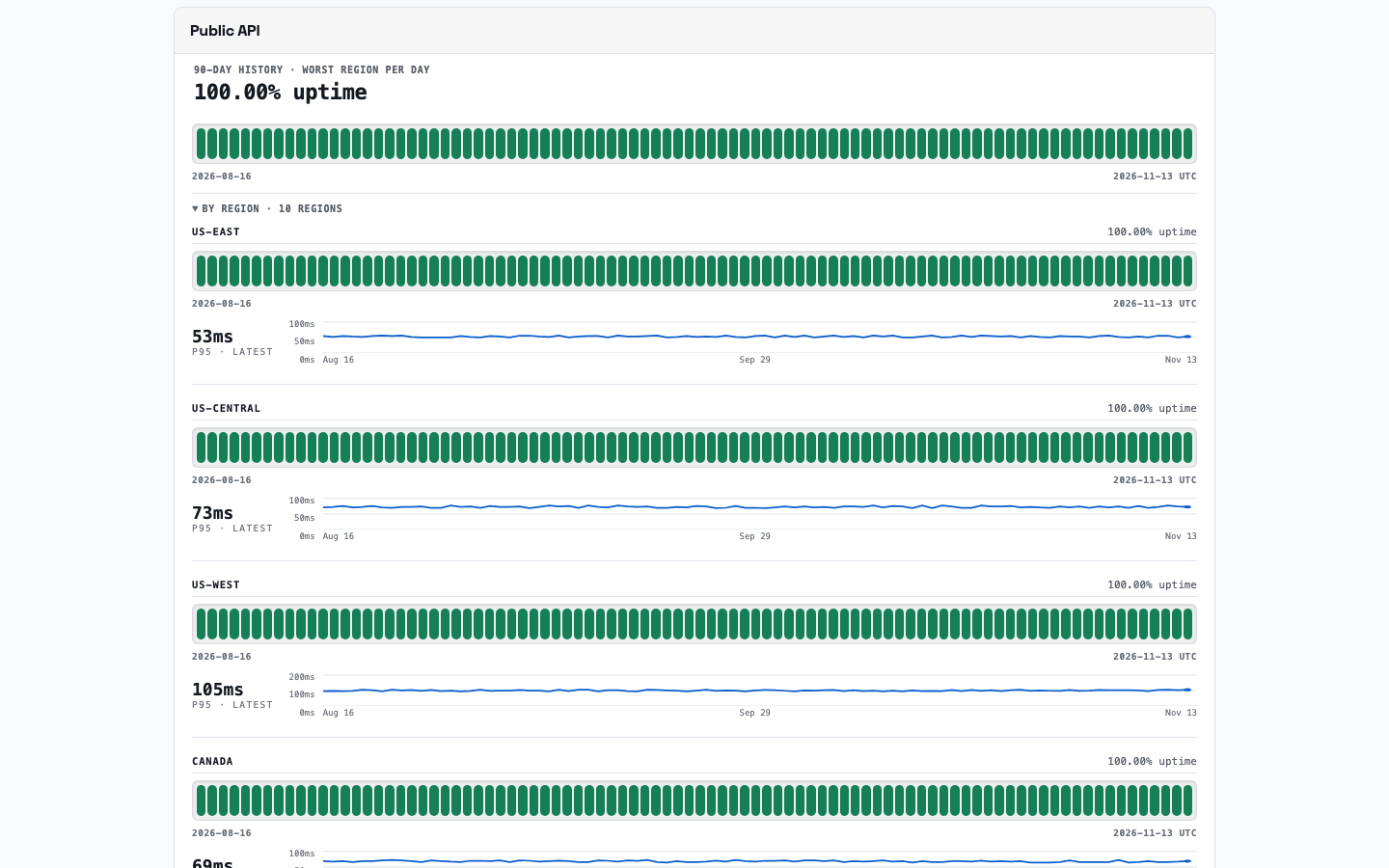
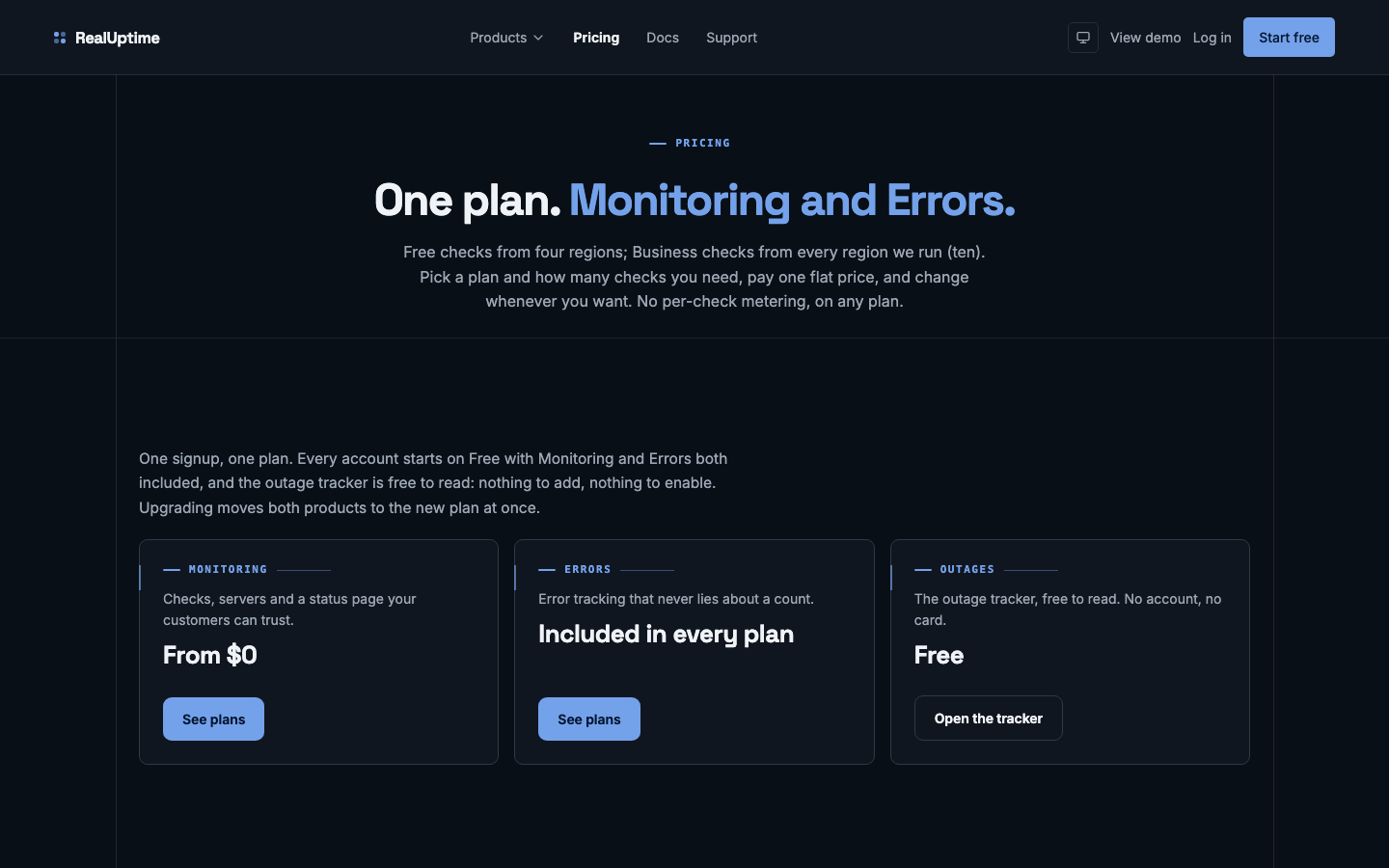
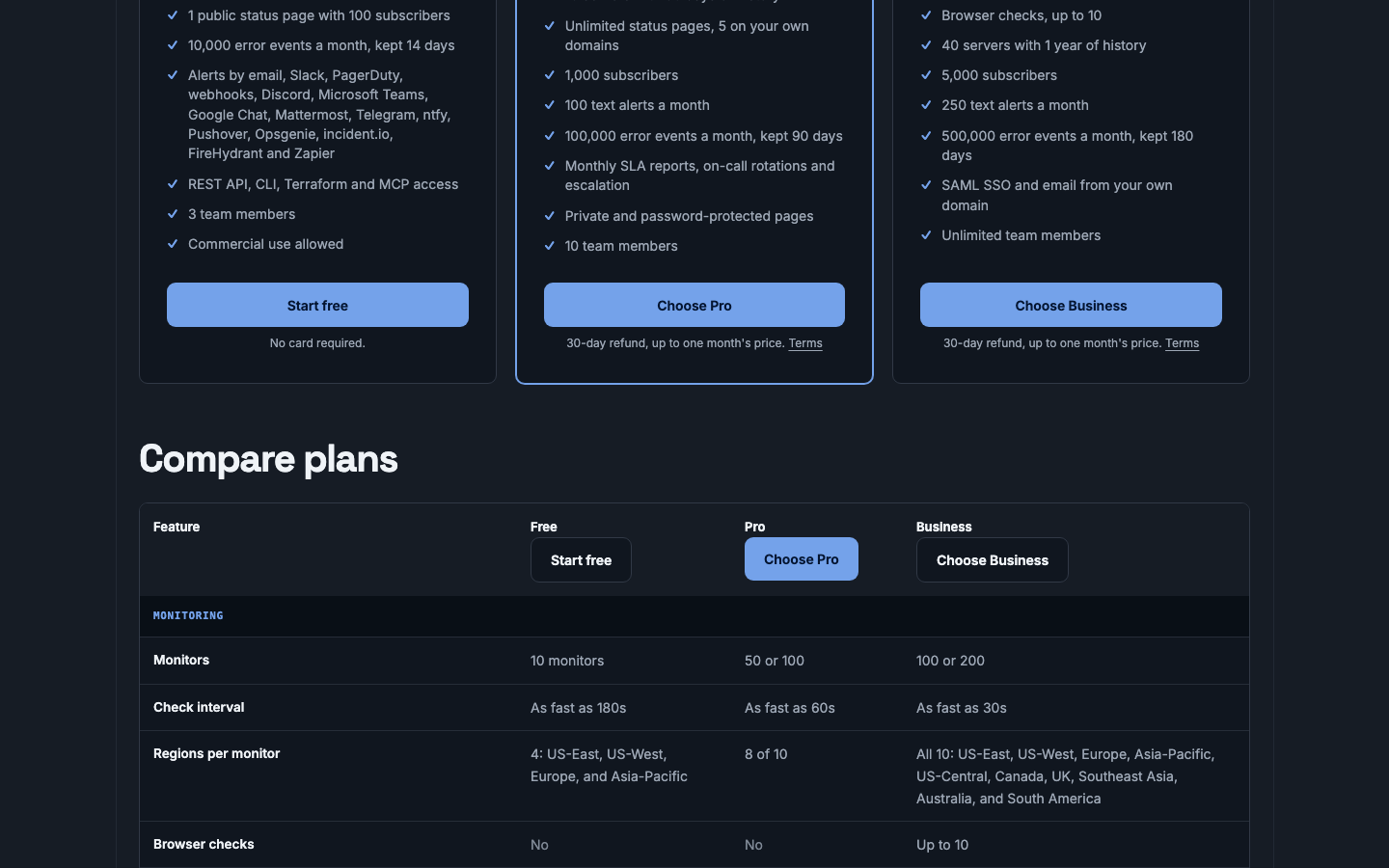
RealUptime is two products on one plan: RealUptime Monitoring (uptime checks, server monitoring with the agent, and public status pages with incident communication) and RealUptime Errors (application error tracking). Checks run from ten regions; Free covers four (US East, US West, Europe and Asia Pacific), Pro eight and Business all ten, with every region's reading shown separately instead of collapsed into one badge. Free includes 20 monitors, 5 servers and 10,000 error events a month, no credit card required. Pro is $35 a month for 50 monitors or $49 for 100; Business is $89 for 100 or $129 for 200. Prices are flat; Errors overage is off unless you turn it on, and every account with a verified email gets 14 days of Pro. Built for teams of every size that need to tell their customers the truth about an outage.
Competitors: Statuspage, UptimeRobot, Sentry, Downdetector, Instatus, Better Stack
Follow RealUptime: X (Twitter)
Key Features
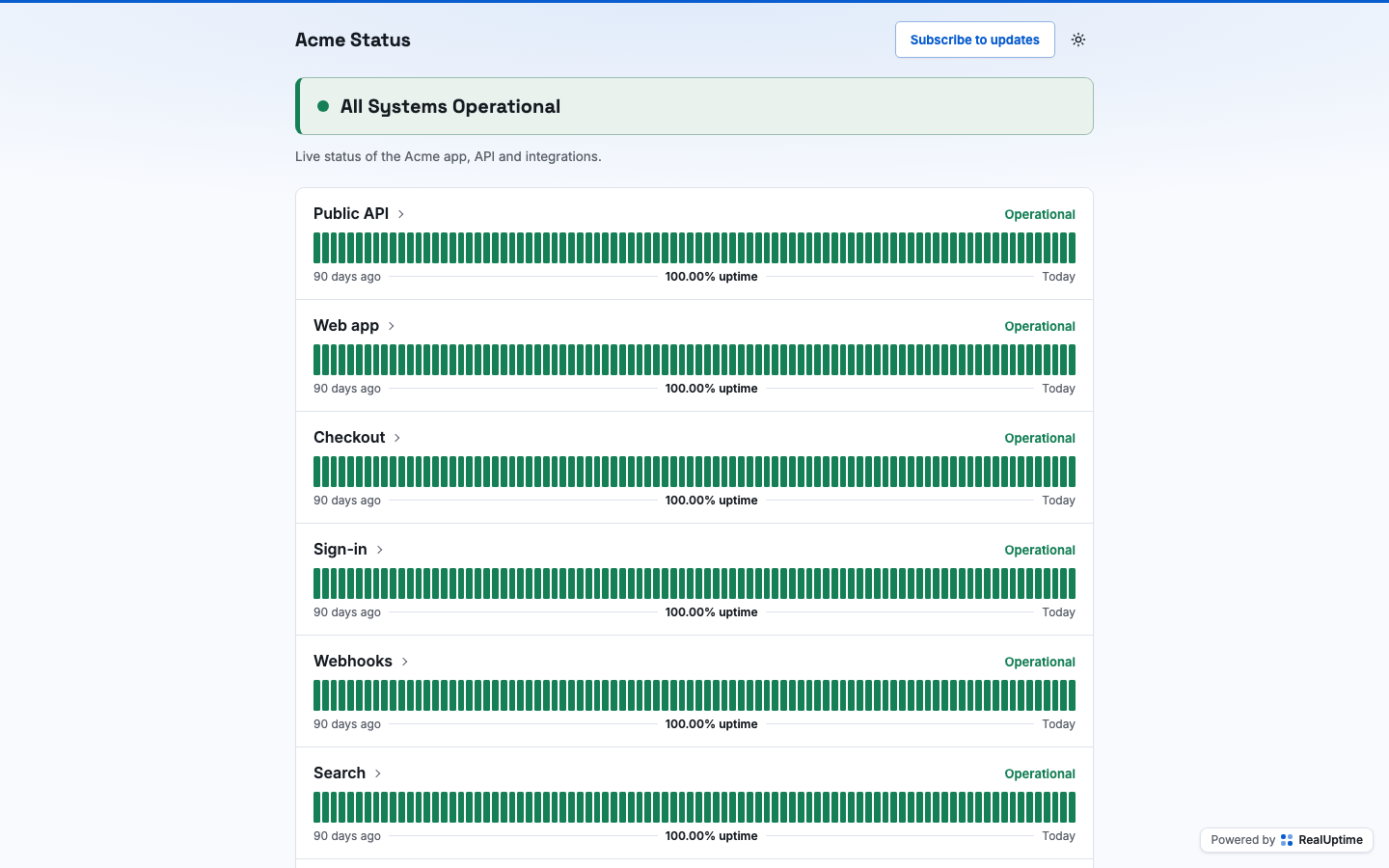
- Status pages that show every region's reading separately
- Uptime monitoring from up to 10 regions
- Server monitoring with the agent
- Flat pricing, no per-subscriber fees
- REST API, MCP server, and Terraform provider
Use Cases
- Show customers regional health during a partial outage instead of one misleading green badge
- Replace per-subscriber Statuspage pricing with a flat monthly rate
- Monitor endpoints from multiple regions, starting on the free tier
- Track application errors and diagnostics without per-event pricing surprises
- Monitor servers with the agent beside your uptime checks
- Get alerted by email, Slack, PagerDuty or webhook when a monitor goes down
- Communicate incident timelines to customers without building a custom page
- Give support one link to send when customers report something is down
Who it is for
- Developers running a SaaS or API
- Small software companies and startups
- Agencies managing client sites
- Solo founders and indie hackers
- Teams that run customer-facing services
Pricing
Free: 20 monitors, 5 servers, one status page and 10,000 error events a month, no card. Pro is $35 a month for 50 monitors or $49 for 100. Business is $89 a month for 100 monitors or $129 for 200. Yearly is ten months. One plan covers both products. Prices are flat and Errors overage is off unless you turn it on. Every account with a verified email gets 14 days of Pro.
FAQ
What does RealUptime include?
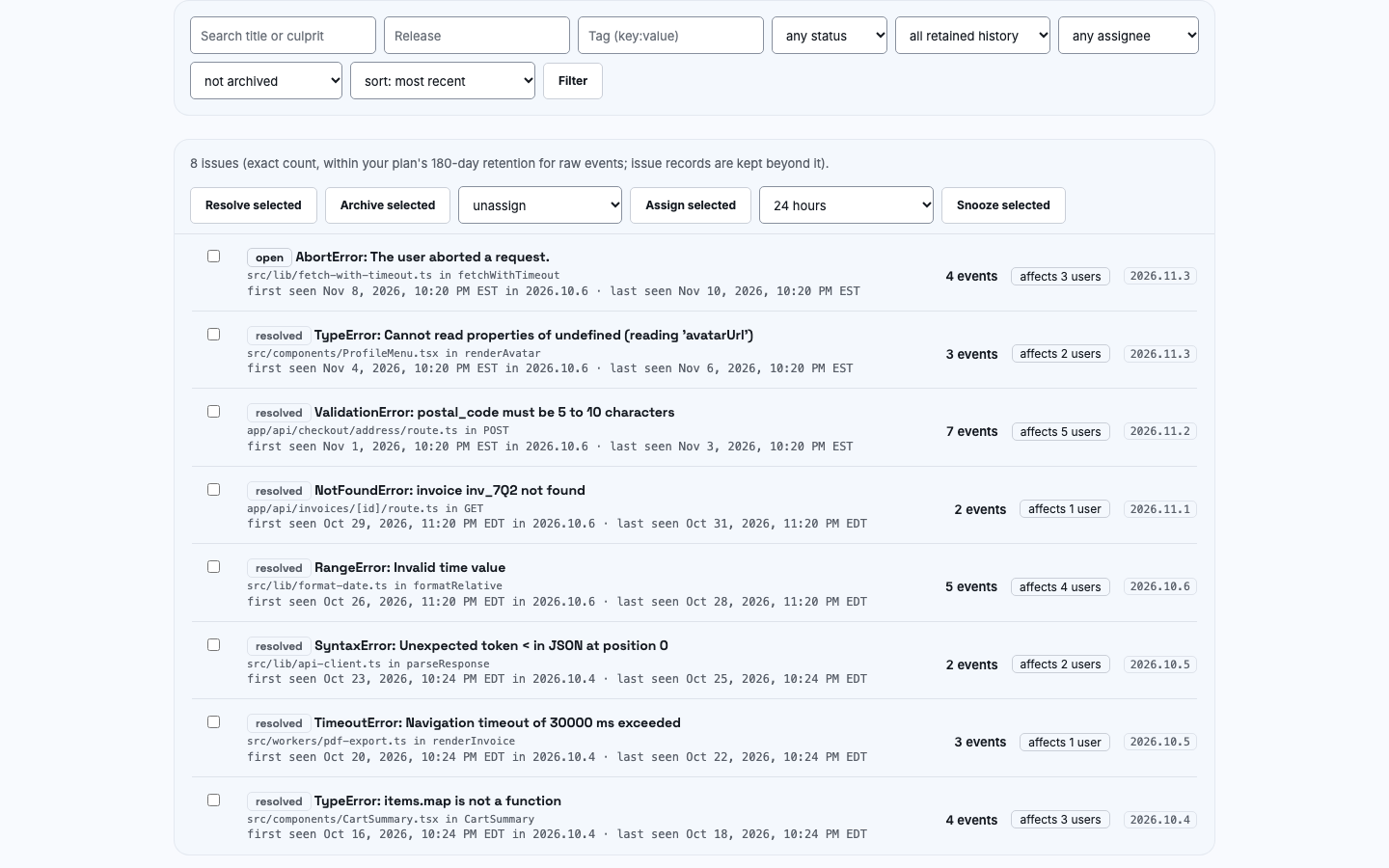
Two products on one plan: RealUptime Monitoring (uptime checks from up to ten regions, server monitoring with the agent, and public status pages) and RealUptime Errors (application error tracking).
How is RealUptime different from Statuspage or Instatus?
Regional health is the default view instead of one aggregate badge, so a partial outage in one region is visible immediately. Pricing is flat-rate, never per subscriber.
How is the error tracking different from Sentry or Rollbar?
It is built for developers and small companies, with flat-rate plans and a free tier of 10,000 events, and it lives alongside your uptime data instead of in a separate tool.
Is there a free tier?
Yes. One free signup covers both products: 20 monitors, 5 servers, one status page and 10,000 error events a month. No credit card required.
How is pricing structured?
One plan covers both products. Pro is $35 a month for 50 monitors or $49 for 100; Business is $89 for 100 or $129 for 200. Yearly is ten months. Errors overage is off unless you turn it on, and there is no bundle to assemble.
Which regions do checks run from?
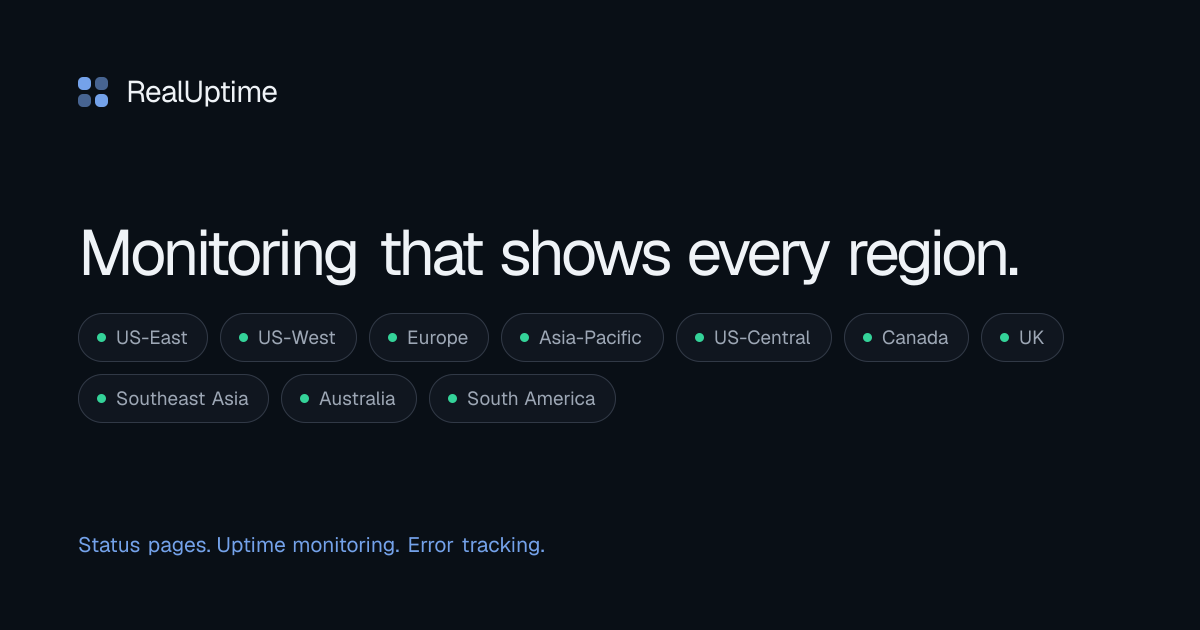
Ten regions: US-East, US-West, US-Central, Canada, UK, Europe, Asia-Pacific, Southeast Asia, Australia and South America. Free checks from four of them, Pro from eight and Business from all ten, and every region's reading is shown separately.
Can I manage RealUptime from code?
Yes. A REST API, an MCP server, a CLI and a Terraform provider are included on every plan, Free included.
Who is RealUptime for?
RealUptime is designed for a range of users, including: • Developers running a SaaS or API • Small software companies and startups • Agencies managing client sites • Solo founders and indie hackers • Teams that run customer-facing services
Alternatives
 NoctrisKnow when your site breaks before your customers do. Uptime, API, and real user monitoring for solo founders and small teams.
More in Developer Tools
New on Launch Llama
Launched this week · This month's launches · All products A–Z
Launch Llama stats
- 31.1kviews
- 12visits sent
- DA18
Views and visits: last 90 days on Launch Llama. DA: Domain Rating by Ahrefs.
Guides
Ask AI about RealUptime
Supporters
85 founders
85 founders supported RealUptime on Launch Llama.






Reviews
5.0 · 2 reviews
Nice product, I like the Monitor features for my homelab
For bots & AI agents
Machine-readable versions of RealUptime and Launch Llama. Fetch these instead of parsing this page.
This listing (.md) llms.txt llms-full.txt ai.txt Full catalog (.md) Endpoint index API docs MCP server MCP manifest Developer docs