Featured
GreenBar Systems - For bookkeepers: desktop bank reconciliation
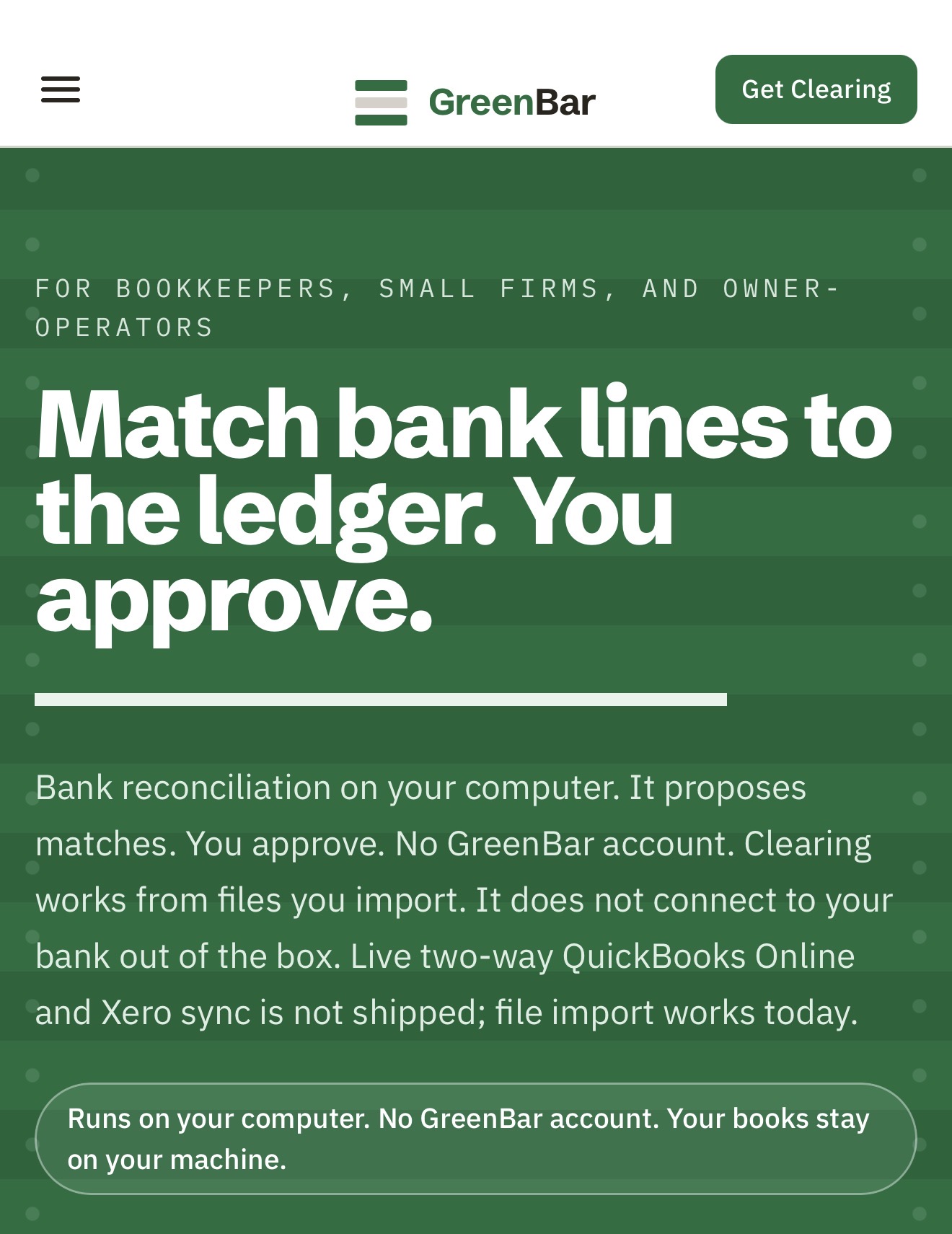
For bookkeepers: Clearing reconciles closed bank months on your desktop so you control the work without uploading to the cloud.
Built by Ryan Moore
SaaS Paid
Visit website → Upvotes · 69
In category: #266 of 1241 · SaaS
GreenBar Systems is a Featured Tool on Launch Llama with 69 total upvotes across 45 founder supporters, +34 in the week of Oct 2–Oct 8, 2026, founded by Ryan Moore who joined in Aug 2026, compared against 6 alternatives.
Featured Tool
Listing status
69upvotes
+34 · Oct 2–Oct 8, 2026
Community score
Ryan Moore (Joined Aug 2026)
Founder
Compared against 6 alternatives
Market comparison
Key Features
- Import CSV or Excel bank and ledger files to reconcile closed months on your desktop
- Propose matches with confidence scores and reasoning signals so you review before approving
- Flag exceptions and unusual items in plain English for manual resolution
- Create tamper-evident audit trails showing what matched, what changed, and who signed off
- Learn from repeated resolution patterns to improve match suggestions over time
- Export signed periods as PDF or CSV with SHA-256 hash verification for auditors
About
Clearing is desktop bank reconciliation for bookkeepers and small firms. You drop in an already-closed month from CSV or Excel and work the rec on your own computer. Clearing shows the work: what lined up, what did not, and the leftovers that still need a person. You sign. The software does not decide. The books stay on the machine. This is not a cloud close and it is not a live bank feed product. Clearing is built for someone who already knows how a rec is supposed to look and wants the mechanical part off the desk without handing the month to a hosted tool. Solo is $199/year. Pro is $499/year. Firm is $899/year and is listed as coming soon. The paid tiers add collaboration (preparer–reviewer sign-off, more than one client, seats). They do not unlock a different rec engine. If you want to see it: greenbarsystems.com/clearing
Who it is for
- Bookkeepers, CPA firms and owner-operators
Use Cases
- Export closed bank months from QB Desktop/Online as CSV, import into Clearing Solo ($199/year), reconcile locally, sign off with audit trail for QB transitions
- Import CSV/Excel bank and ledger exports each month, let Clearing flag exceptions (amount mismatches, timing gaps, duplicates) that need review, approve
- Use Clearing Pro ($499/year) for preparer–reviewer workflow: reconcile, propose matches, review, lock period with tamper-evident audit trail for compliance
- Export signed audit trail (PDF or CSV) with matched amounts, rejected items, timestamps, and signers for clients or auditors
- Reconcile on Windows, macOS, or Linux offline: import online, work locally, resolve vendor exceptions; Clearing proposes treatment for future months
Pricing
GreenBar Systems is a paid product. See the website for current pricing.
Verdict
In the competitive automation space, GreenBar Systems stands out as a solid option. With 69 upvotes from the Launch Llama community, it's clearly resonating with founders. Clearing is desktop bank reconciliation for bookkeepers and small firms. If for bookkeepers: clearing reconciles closed bank months on your desktop so you control the work without uploading to the cloud is a priority for your team, it's worth giving GreenBar Systems a closer look.
FAQ
What is GreenBar Systems?
Clearing is desktop bank reconciliation for bookkeepers and small firms. You drop in an already-closed month from CSV or Excel and work the rec on your own computer. Clearing shows the work: what lined up, what did not, and the leftovers that still need a person. You sign. The software does not decide. The books stay on the machine. This is not a cloud close and it is not a live bank feed product. Clearing is built for someone who already knows how a rec is supposed to look and wants the mechanical part off the desk without handing the month to a hosted tool. Solo is $199/year. Pro is $499/year. Firm is $899/year and is listed as coming soon. The paid tiers add collaboration (preparer–reviewer sign-off, more than one client, seats). They do not unlock a different rec engine. If you want to see it: greenbarsystems.com/clearing
Who is GreenBar Systems for?
GreenBar Systems is designed for a range of users, including: • Bookkeepers, CPA firms and owner-operators
What problem does GreenBar Systems solve?
GreenBar Systems is built around this outcome: For bookkeepers: Clearing reconciles closed bank months on your desktop so you control the work without uploading to the cloud. Use the site demo or docs to confirm it matches the bottleneck you are trying to remove.
How to export closed bank months from QB Desktop/Online as CSV, import into Clearing Solo ($199/year), reconcile locally, sign off with audit trail for QB transitions?
GreenBar Systems is set up for this: Export closed bank months from QB Desktop/Online as CSV, import into Clearing Solo ($199/year), reconcile locally, sign off with audit trail for QB transitions. Open the official site from this page and run that workflow on a real task to confirm fit.
What are the main features of GreenBar Systems?
GreenBar Systems includes: • Import CSV or Excel bank and ledger files to reconcile closed months on your desktop • Propose matches with confidence scores and reasoning signals so you review before approving • Flag exceptions and unusual items in plain English for manual resolution • Create tamper-evident audit trails showing what matched, what changed, and who signed off • Learn from repeated resolution patterns to improve match suggestions over time • Export signed periods as PDF or CSV with SHA-256 hash verification for auditors
How much does GreenBar Systems cost?
See the GreenBar Systems website for current pricing. You can discover and review GreenBar Systems for free on Launch Llama.
What are the best alternatives to GreenBar Systems?
People comparing options often look at AccountEdge, Sage 50 Accounting, NCH Express Accounts, ReconArt, QuickBooks Desktop. Pick based on workflow fit, pricing, and how painful migration would be — not just feature checklists.
Is GreenBar Systems private and safe for my files?
GreenBar Systems's positioning emphasizes keeping work local or private (for example browser-side processing or limited uploads). Still verify the privacy policy and data handling on the official site for your compliance needs.
Is GreenBar Systems worth trying?
It promises: For bookkeepers: Clearing reconciles closed bank months on your desktop so you control the work without uploading to the cloud. A concrete use case founders care about: Export closed bank months from QB Desktop/Online as CSV, import into Clearing Solo ($199/year), reconcile locally, sign off with audit trail for QB transitions.. It has 69 community upvotes on Launch Llama, which is a signal of interest — not a guarantee it fits you. Worth trying if that problem is painful for you this week; skip it if you only need a one-off workaround you already have.
How do I try GreenBar Systems?
Open the official GreenBar Systems website from this page, run the smallest real task you care about (not a toy demo), and decide in one session whether it removes friction. Check pricing and data/privacy terms before you put production work into it.
Guides
- vs Competitor GreenBar Systems vs AccountEdge: Which to Choose?
GreenBar Systems reconciles closed bank months on your desktop from CSV or Excel files, while AccountEdge is a full accounting suite—here's how to choose.
- Pain Point Desktop Bank Reconciliation Without Cloud Upload
GreenBar Systems Clearing automates desktop bank reconciliation from CSV and Excel files without requiring cloud upload or live bank feeds.
- Use Case Reconcile QB Desktop to Online Transitions Locally
GreenBar Systems Clearing Solo lets you reconcile closed QuickBooks Desktop or Online months locally during migrations—export CSV, work offline, sign off with audit trail.
- How-To Guide How to Reconcile Bank Statements with CSV Imports
Import CSV or Excel bank and ledger exports each month, let GreenBar Systems Clearing flag exceptions like amount mismatches and timing gaps, then review and approve.
Alternatives
- Receiptor AI
For accountants: Receiptor AI automates receipt collection and matching with 99% accuracy, so your books stay clean and organized without manual data entry.
- Bank Statement Converter
For accountants and bookkeepers: Bank Statement Converter transforms PDFs into structured Excel files with AI so you eliminate manual data entry.
- Winstwaker
For Dutch SMBs: Automate bookkeeping, VAT, invoices, and bank reconciliation while keeping your accountant in the loop. Speed without losing control.
- Recite
For business owners: Recite automatically organizes financial data into usable outputs, eliminating manual bookkeeping and financial stress.
- BankFlow
For accountants: BankFlow converts bank statements to Excel and CSV with AI categorization so you skip manual data entry and close books faster.
- FinTract
For finance teams: FinTract extracts structured data from bank statements and invoices with validation so you eliminate manual entry and catch errors instantly.
Supporters
45 founders45 founders contributed 69 upvotes to GreenBar Systems on Launch Llama.






Reviews
5.0 · Based on 1 review
very nice app helpful
Hey, love seeing this here! 👋 What inspired you to build this? Would love to hear the story behind it.
Ask AI
ChatGPT Claude Perplexity Grok
For agents
llms.txt · llms-full.txt · ai.txt · Live fact sheet · Full catalog (.md) · Endpoint index · API spec · REST access · Agent server · Server manifest · Server discovery