Pop - Paste, Organize, Perform
For Apple users: Pop syncs clipboard history across macOS, iOS, and iPadOS with keyboard shortcuts and 3-day item recovery.
Built by Sid_Govindaraju · Productivity · Freemium
In category: #330 of 1397 · Productivity
Pop - Paste, Organize, Perform is a Instant Launch listing on Launch Llama with 36 total upvotes, founded by Sid_Govindaraju who joined in Mar 2026, compared against 6 alternatives.
Instant Launch listing
Listing status
36upvotes
Community score
Sid_Govindaraju (Joined Mar 2026)
Founder
Compared against 6 alternatives
Market comparison
Launched on Launch Llama Mar 1, 2026 · #2 of 3 that day
About
Are you constantly copying and pasting text, images, and links, but find yourself losing track of your copied items? Transform your productivity with Pop - Paste, Organize, Perform, the ultimate clipboard manager designed to revolutionize how you manage your copy and paste tasks. With seamless integration across the Apple ecosystem, Pop lets you efficiently manage your clipboard with ease.
Basic Version Features:
- 3-Day Clipboard History: Quickly access items copied in the past three days to avoid re-copying content.
- Multi-Platform Access: Sync your clipboard across macOS, iOS, iPadOS, and visionOS effortlessly with iCloud, ensuring you always have access to your important copied content.
- Keyboard Shortcuts: Activate Pop with a single shortcut (shift ⇧ + command ⌘ + V) and quickly paste your first 9 clips using ⌥ + 1…9.
- Click-to-Paste: Simplify your workflow with the ability to click and paste text swiftly and seamlessly.
- Quick-Type Search: Find and access your clipboard history quickly by simply typing what you’re looking for, including text, images, URLs, and more.
Pro Version Features:
- Advanced Interface Customization: Personalize your experience with multiple interface options like Panel, Card, Mini, and Dock.
- Enhanced Keyboard Navigation: Effortlessly navigate and paste using arrow keys and Enter, boosting productivity without requiring a mouse.
- Contextual Actions: Execute secondary actions directly from the clipboard such as formatting removal, Markdown pasting, image resizing, QR code generation, and color value pasting.
- Batch Pasting: Select multiple clips for sequential pasting with customizable separator keys, including return, tab, or comma.
- Cloak Mode: Keep Pop hidden during screen sharing sessions to maintain a professional presentation.
- Customizable History Duration: Adjust how long you keep your clipboard history to fit your workflow needs.
Pop ensures that every copied text, link, or image is just a keystroke away, making it the perfect tool for students, professionals, and creatives alike. Whether you're managing simple copy-paste tasks or handling more complex clipboard activities, Pop offers you the productivity boost you need. Download Pop today and never lose track of your clipboard content again!
Use Cases
- Syncing copied text, links, images, and files between an iPhone, iPad, Mac, and Vision Pro through the user's own iCloud
- Pasting several copied items in sequence with a custom separator, or pasting into any app via the Pop Keyboard without switching apps
- Searching a clipboard history of the last three days (or unlimited with Pro) to recover something copied earlier
Who it is for
- Apple device users who copy and paste often between phone and laptop and want a clipboard history.
- Developers and power users who work in a terminal or IDE and prefer keyboard-driven clipboard workflows.
Pricing
Pop is free with 3-day clipboard history and in-app purchases. Pro is a one-time purchase with no subscription, unlocking unlimited history, tags, and extra tools; a 15-day free trial of Pro features is offered.
Alternatives
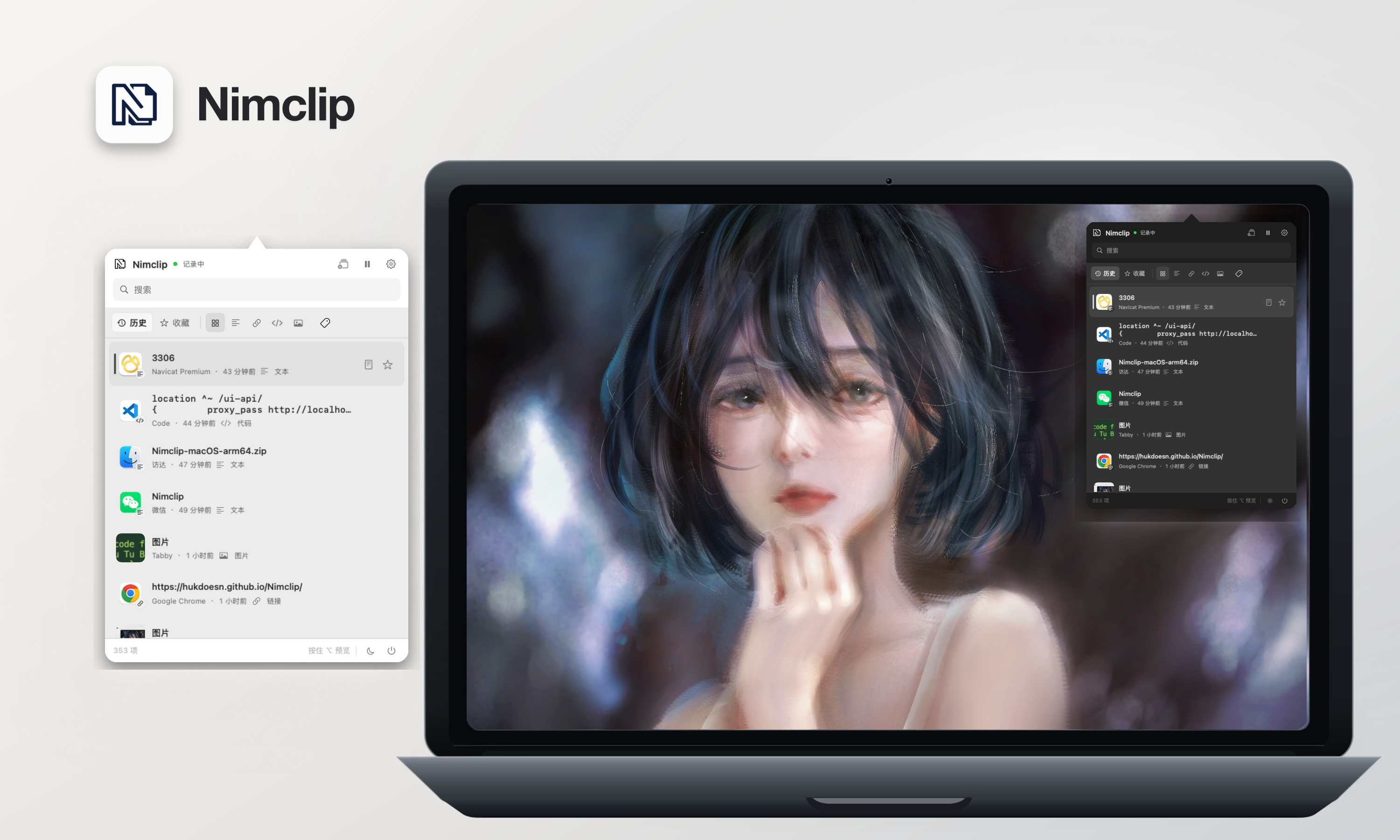 NimclipFor macOS users: Nimclip stores your clipboard history locally with search, tags, and favorites so you never lose copied text or links.
 Encrypted Clipboard ManagerFor privacy-conscious developers: Encrypted Clipboard Manager stores clipboard history with AES-256 encryption, synced across devices securely.
Ask AI about Pop - Paste, Organize, Perform
Supporters
1 founder
1 founder supported Pop - Paste, Organize, Perform on Launch Llama.