BadgeBar
Under reviewSee unread app badges in your Mac menu bar
Lets Mac users who hide the Dock keep track of every app's badge count with one icon per app, so no alert slips past them.
Built by Harikrishnan V K · Productivity · Open Source · Messaging · Free
Coming soon on Launch Llama Tools
BadgeBar is a Community listing on Launch Llama with 0 total upvotes, founded by Harikrishnan V K who joined in Nov 2026, compared against 6 alternatives.
Community listing
Listing status
0upvotes
Community score
Harikrishnan V K (Joined Nov 2026)
Founder
Compared against 6 alternatives
Market comparison
Lets Mac users who hide the Dock keep track of every app's badge count with one icon per app, so no alert slips past them.
About
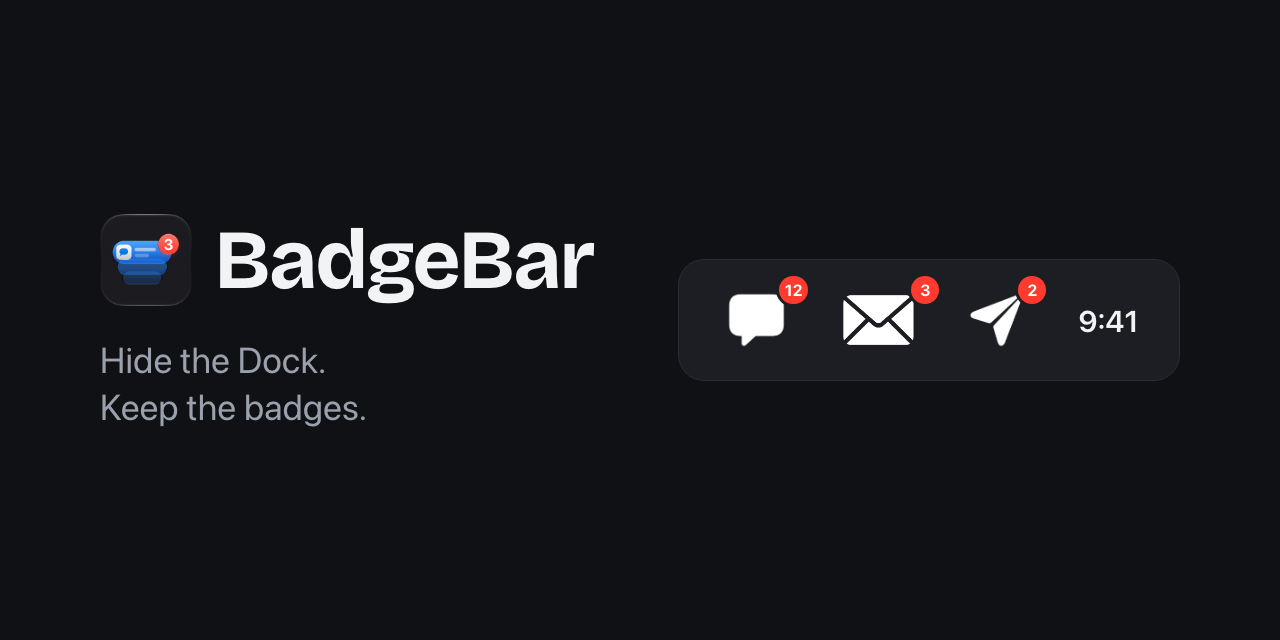
Apps show unread counts on their Dock icons, which stops helping once the Dock is hidden. This tool moves those counts into icons across the top of the screen, with each app's number on its own icon. Icons fade when there is nothing new, and a count that rises pulses, glows, or shimmers, optionally until you read it. Right-clicking an icon shows who wrote and what they said, and related apps can be grouped under one icon that shows their combined total.
Follow BadgeBar: X (Twitter)
Key Features
- Shows a separate icon for each app that displays a Dock badge
- Displays unread counts as a number, a simple dot, or both
- Pulses, glows, or shimmers when a count increases
- Previews the sender and message text on right-click
- Groups related apps under one icon showing their total
- Runs locally on your Mac with no account and no internet connection
Use Cases
- Keeping an eye on chat and email unread counts while the Dock stays hidden
- Checking who messaged you and what they said without opening each app
- Grouping related messaging apps under one icon to see their combined unread total
From the founder
Who it's for
“Mac users who keep the Dock hidden and still want to see unread counts from apps like WhatsApp, Slack and Mail. Without the Dock, those counts are out of sight, so messages get missed.”
Why I built it
“I'm Harikrishnan, a developer who keeps the Dock hidden, and I kept missing unread counts from WhatsApp, Slack and Mail. I built BadgeBar to put those counts in my menu bar, and it's my first public Mac app. It's free and open source.”
Who it is for
- Mac users who hide the Dock and still want to see unread badges
- People who already use menu bar managers such as Bartender or Ice
Pricing
BadgeBar is free to use. See the website for details.
Alternatives
 ChirpyFor Mac users: Chirpy assigns unique notification sounds to Slack, Teams, and apps so you know what matters without checking your screen.
More in Productivity
New on Launch Llama
Launched this week · This month's launches · All products A–Z
Ask AI about BadgeBar
For bots & AI agents
Machine-readable versions of BadgeBar and Launch Llama. Fetch these instead of parsing this page.
This listing (.md) llms.txt llms-full.txt ai.txt Full catalog (.md) Endpoint index API docs MCP server MCP manifest Developer docs