
Updated 2026-11-18 · 8 of 8 clipboard managers for Mac on Launch Llama compared
Quick answer: The best clipboard managers for Mac in 2026, by Launch Llama community upvotes, are Supaste, Paste 7, Assist. If you want to start free, Paste 7 has a free plan. We compared all 8 clipboard managers for Mac listed on Launch Llama on pricing, features and use cases.
Our picks at a glance
- Best overall: Supaste — the most upvoted clipboard manager for Mac on Launch Llama
- Best free option: Paste 7 — free plan; paid from $2.49/month
- Best to see in action: TypeFire — has a demo video you can watch below
- Most features listed: Assist — 5+ features on its listing
The 8 best clipboard managers for Mac in 2026
1. Supaste — best for designers who want to keep colors, icons, and visual assets organized and searchable

Pricing: Free plan + paid tiers · Free plan: Yes · Upvotes: 302
In Supaste's words
Supaste is a clipboard and screenshot history app for Mac that saves copied text, links, images, files, code, colors, and screenshots in a searchable timeline. It helps users find and reuse anything they've copied without switching apps or breaking their workflow.
Key features
- Search clipboard history by app, content type, or keyword
- Automatically recognize text inside screenshots and images
- Combine multiple items into one clip card
- Create keyboard shortcuts to instantly paste saved content
- Set reminders on saved clips with custom dates
Use cases
- Designers who want to keep colors, icons, and visual assets organized and searchable.
- Developers who need to save and quickly find code snippets and API responses.
- Sales teams who want to reuse email templates and customer replies without searching old conversations.
2. Paste 7 — best for developers who need to organize and reuse code snippets across projects

Pricing: Free plan; paid from $2.49/month · Free plan: Yes · Upvotes: 176
In Paste 7's words
Paste is a clipboard manager for Mac, iPhone, and iPad that saves everything you copy and keeps it organized and searchable. It helps users recover copied content from any time in the past and access it across all their devices.
Key features
- Save unlimited clipboard history with no limits
- Search clipboard history to find items in seconds
- Pin frequently used snippets, links, colors, and templates
- Sync clipboard across Mac, iPhone, and iPad devices
- Connect clipboard history to AI tools like Claude and Cursor
Use cases
- Developers who need to organize and reuse code snippets across projects
- Designers who want quick access to colors, icons, and links they frequently use
Pricing details: Free 7-day trial available. Personal plan costs $2.49/month or $29.99/year. Lifetime plan available for one-time purchase.
3. Assist — best for developers who want to monitor Claude Code and Codex token usage daily from their notch

Pricing: Paid · Free plan: No · Upvotes: 137
In Assist's words
Assist is a macOS app that keeps clipboard history, notes, focus timers, calendar, and other tools accessible from your Mac's notch. It helps Mac users capture and annotate screenshots with voice, while keeping frequently used tools close at hand without interrupting workflow.
Key features
- Keep text, links, images, and screenshots in local clipboard history
- Drop files on the notch and drag them into another app
- Write quick notes in a scratchpad that saves every edit
- Run focus timers including Pomodoro, countdown, and stopwatch modes
- Capture full-screen screenshots and annotate them with voice
Use cases
- Developers who want to monitor Claude Code and Codex token usage daily from their notch
- Screenshot annotators who need to explain what they're pointing out with voice notes
- Mac users who need quick access to recently copied text and links throughout their day
Pricing details: Assist is a one-time purchase for one Mac with regional pricing.
4. PeekPaste — best for developers who need to quickly find and reference code snippets while working

Pricing: From $9.99 · Free plan: No · Upvotes: 116
In PeekPaste's words
PeekPaste is a native clipboard manager for Mac that stays out of your way until you need it. Push your pointer against the screen edge and your clipboard slides in. Find text, code, links, images, colors and files, search inside screenshots with on-device OCR, pin and organize clips, or open the full Library when you need more. Everything stays on your Mac - no accounts, analytics, telemetry or cloud clipboard service.
Key features
- Access clipboard history by moving pointer to screen edge
- Display text, code, links, images, colours and files with proper formatting
- Find text within screenshots using on-device recognition
- Preview clips before pasting them into applications
- Organize clips with categories, pins and filters
Use cases
- Developers who need to quickly find and reference code snippets while working
- Users searching for specific information copied from error messages or screenshots
- People working with sensitive information who need password protection
Pricing details: One-time payment of $9.99 with lifetime access and all future updates included.
5. Pastea — best for developers who want to reuse code snippets and commands without retyping

Pricing: From $22.49 · Free plan: No · Upvotes: 88
In Pastea's words
Pastea is a clipboard history manager for macOS that automatically saves everything you copy, including text, links, code, images and screenshots. It helps users find and reuse copied content quickly without manually hunting through old chats or files.
Key features
- Automatically sort clipboard content by type, app, and time
- Search clipboard history by content, type, or app
- Pin favorites and group them into organized lists
- Create custom shortcuts for instant pasting of favorite clips
- Extract text from images and screenshots for editing
Use cases
- Developers who want to reuse code snippets and commands without retyping
- Designers who need to store and instantly paste color codes and asset links
- Marketers who want to keep research, quotes, and draft copy organized
Pricing details: One-time purchase of $22.49 for the first 50 customers (regular price $29.99).
6. Pop - Paste, Organize, Perform — best for syncing copied text, links, images, and files between an iPhone, iPad, Mac, and Vision Pro through the user's own iCloud
Pricing: Free plan + paid tiers · Free plan: Yes · Upvotes: 36
In Pop - Paste, Organize, Perform's words
Are you constantly copying and pasting text, images, and links, but find yourself losing track of your copied items? Transform your productivity with Pop - Paste, Organize, Perform, the ultimate clipboard manager designed to revolutionize how you manage your copy and paste tasks. With seamless integration across the Apple ecosystem, Pop lets you efficiently manage your clipboard with ease.
Use cases
- Syncing copied text, links, images, and files between an iPhone, iPad, Mac, and Vision Pro through the user's own iCloud.
- Pasting several copied items in sequence with a custom separator, or pasting into any app via the Pop Keyboard without switching apps.
- Searching a clipboard history of the last three days (or unlimited with Pro) to recover something copied earlier.
Pricing details: Pop is free with 3-day clipboard history and in-app purchases.
See Pop - Paste, Organize, Perform pricing, reviews and alternatives →
7. TypeFire — best for filling out a recurring payee or client form in one step by typing a short abbreviation that expands into saved bank details, address and signature
Pricing: Free · Free plan: Yes · Upvotes: 3
In TypeFire's words
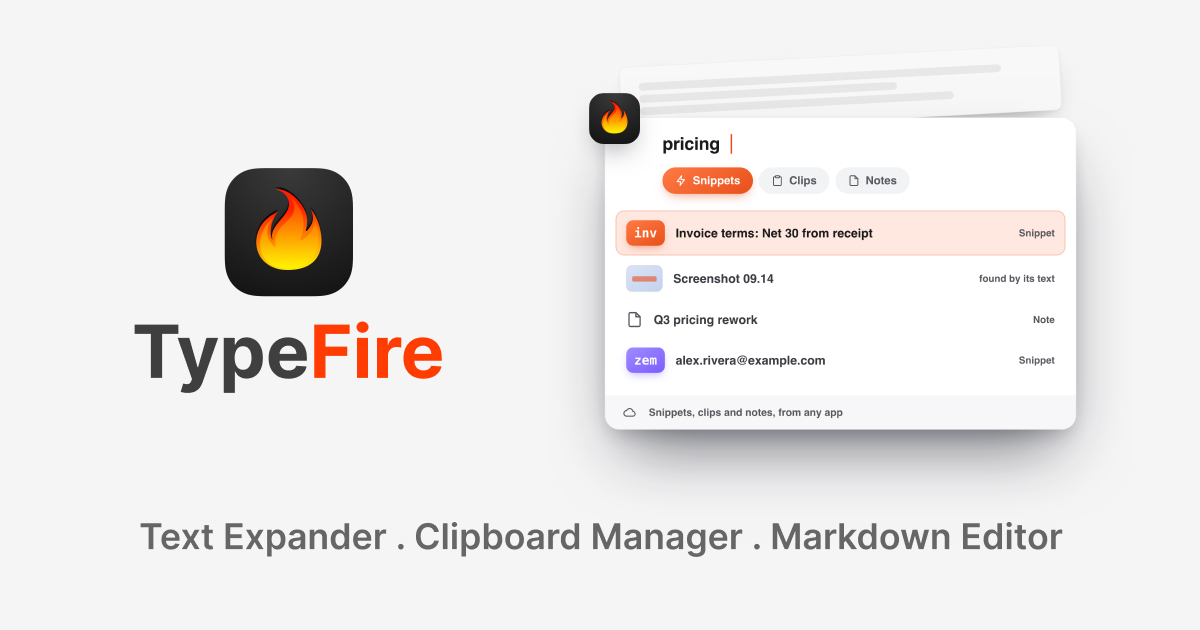
TypeFire is three Mac tools in one app: a text expander, a clipboard manager and a markdown notes editor. Each one opens over whatever you are working in, on its own shortcut, so nothing you do means switching windows.
Snippets. Type an abbreviation and get the whole thing: a signature, an address, a reply you send ten times a day. Unlimited snippets, free forever, expanding in every native Mac app and every website. Rich text and Markdown, live tokens for the date and the clipboard, fill-in fields, and AI inside a snippet.
Use cases
- Filling out a recurring payee or client form in one step by typing a short abbreviation that expands into saved bank details, address and signature.
- Rewriting a blunt message to a clearer version in place by selecting it and pressing one shortcut, without leaving the app.
- Finding a previously copied screenshot by searching for a word that appears inside the image, using on-device OCR in clipboard history.
8. OptionV — best for tracking invoices, bills, and vendor payments due each week in one local accounting ledger on a Mac
Pricing: From $14.99 · Free plan: No · Upvotes: 3
In OptionV's words
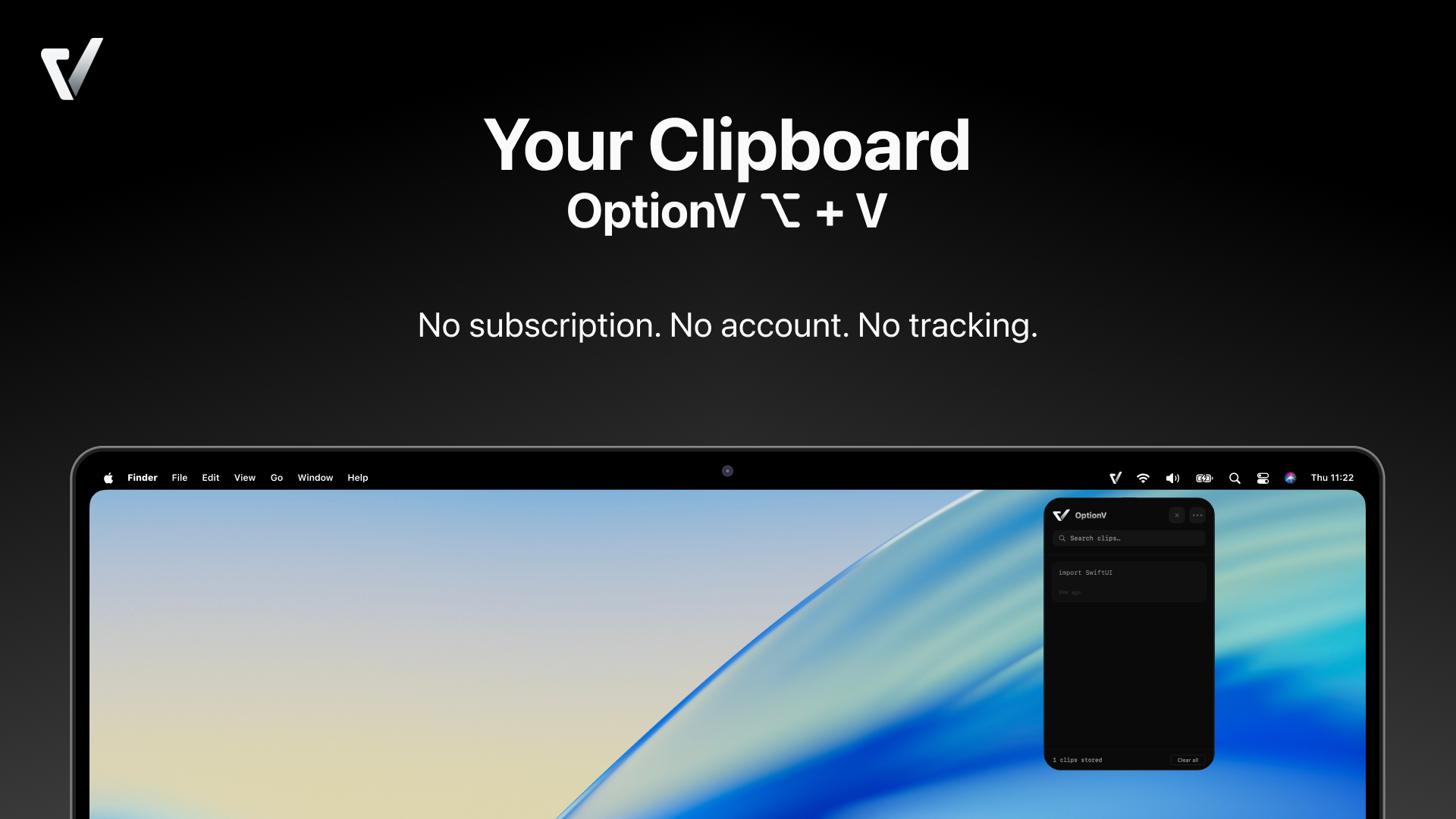
macOS only remembers the last thing you copied. OptionV fixes that. Press Option + V from anywhere on your Mac and your full clipboard history appears instantly. Search through clips, pin the ones you need, and copy back with a single click. Built natively with Swift & SwiftUI — it feels like a part of macOS, not a third-party tool bolted on. Opens in under 50ms, uses minimal CPU, and sits invisibly in your menu bar until you need it. 100% Private Nothing leaves your Mac. No cloud sync, no account required, no analytics, no tracking. Your clipboard is your business. Requires macOS 13 Ventura or later.
Use cases
- Tracking invoices, bills, and vendor payments due each week in one local accounting ledger on a Mac.
- Capturing invoice PDFs and images so AI pre-fills vendor, amount, tax ID, and due date with cross-checks before saving.
- Flagging unusual vendor invoice amounts or recurring cost spikes before they become expensive.
Pricing details: One-time purchase of $14.99 for the full AP and AR accounting coverage, with no subscription.
Comparison table
| # | Tool | Upvotes | Price |
|---|---|---|---|
| 1 | Supaste Designers who want to keep colors, icons, and visual assets organized and searchable |
▲ 302 | Free plan+ paid plans |
| 2 | Paste 7 Developers who need to organize and reuse code snippets across projects |
▲ 176 | Free planthen from $2.49/mo |
| 3 | Assist Developers who want to monitor Claude Code and Codex token usage daily from their notch |
▲ 137 | Paid |
| 4 | PeekPaste Developers who need to quickly find and reference code snippets while working |
▲ 116 | from $9.99 |
| 5 | Pastea Developers who want to reuse code snippets and commands without retyping |
▲ 88 | from $22.49 |
| 6 | Pop - Paste, Organize, Perform Syncing copied text, links, images, and files between an iPhone, iPad, Mac, and Vision Pro through the user's own iCloud |
▲ 36 | Free plan+ paid plans |
| 7 | TypeFire Filling out a recurring payee or client form in one step by typing a short abbreviation that expands into saved bank details, address and signature |
▲ 3 | Free plan |
| 8 | OptionV Tracking invoices, bills, and vendor payments due each week in one local accounting ledger on a Mac |
▲ 3 | from $14.99 |
How we compared them
This is a comparison built from listing data, not a hands-on review: we have not tested these tools ourselves. Every product here is listed on Launch Llama, and the ranking uses what founders and their users have put on the record.
We read the Launch Llama listings that mention clipboard managers for Mac and kept only the products whose listing shows that is what they do. They are ordered by community upvotes; duplicate listings are merged, and listings without a real description are left out. Pricing, features and use cases come from each product's listing and can change, so check the product's own site before you buy.
How to choose
- Choose Supaste for designers who want to keep colors, icons, and visual assets organized and searchable.
- Choose Paste 7 for developers who need to organize and reuse code snippets across projects.
- Choose Assist for developers who want to monitor Claude Code and Codex token usage daily from their notch.
- Choose PeekPaste for developers who need to quickly find and reference code snippets while working.
- Choose Pastea for developers who want to reuse code snippets and commands without retyping.
- Choose Pop - Paste, Organize, Perform for syncing copied text, links, images, and files between an iPhone, iPad, Mac, and Vision Pro through the user's own iCloud.
Still comparing? Browse every tool in Productivity or see the best tools in other categories.
Frequently asked questions
What is the best clipboard manager for Mac in 2026?
Supaste is the most upvoted clipboard manager for Mac on Launch Llama. For Mac users: Supaste saves your clipboard history of text, links, images, and code in a searchable timeline so you find what you copied instantly. Paste 7 and Assist round out the top three.
What is a clipboard manager for Mac?
A clipboard manager keeps a searchable history of everything you copy on your Mac (text, links, images and code), so you can paste something from an hour ago without hunting for it again. Some sync across your Apple devices or add OCR search and snippets.
What should I look for in a clipboard manager for Mac?
Compare a fast keyboard shortcut to search and paste; local storage, and an option to ignore password managers; sync with iPhone and iPad if you need it; and search inside images (OCR) and pinned snippets.
Is there a free clipboard manager for Mac?
Yes. 4 of the 8 tools in this comparison list a free plan, including Supaste, Paste 7, Pop - Paste, Organize, Perform.
How were these clipboard managers for Mac ranked?
By community upvotes on Launch Llama, after merging duplicate listings and dropping listings without a real description. We have not tested these tools hands-on; pricing and features come from each product's listing.
How many clipboard managers for Mac are listed on Launch Llama?
8 clipboard managers for Mac with full listings at the time of writing, and this page compares all of them. Browse the Productivity category for related tools.