Pastea
For Mac users: Pastea saves every copied link, snippet and screenshot so you search and retrieve clipboard history instantly without losing anything.
Built by younes barrad and Hamza Ait darhem · Paid
Pastea is a Product Hunt listing on Launch Llama with 88 total upvotes, founded by younes barrad and Hamza Ait darhem who joined in Sep 2026, compared against 6 alternatives.
Product Hunt listing
Listing status
88upvotes
Community score
younes barrad and Hamza Ait darhem (Joined Sep 2026)
Founder
Compared against 6 alternatives
Market comparison



About
Pastea is a clipboard history manager for macOS that automatically saves everything you copy, including text, links, code, images and screenshots. It helps users find and reuse copied content quickly without manually hunting through old chats or files.
Launch Llama's Take
Based on Launch Llama data as of
Pastea has 88 upvotes, including the votes it received on Product Hunt. It has been listed on Launch Llama since September 2026. No Launch Llama members have upvoted it yet and it has no reviews yet.
Key Features
- Automatically sort clipboard content by type, app, and time
- Search clipboard history by content, type, or app
- Pin favorites and group them into organized lists
- Create custom shortcuts for instant pasting of favorite clips
- Extract text from images and screenshots for editing
- Paste clipboard content without switching windows
Use Cases
- Developers who want to reuse code snippets and commands without retyping
- Designers who need to store and instantly paste color codes and asset links
- Marketers who want to keep research, quotes, and draft copy organized
- Users who want to keep all links and notes searchable forever
Who it is for
- Developers who reuse snippets, commands, and API responses
- Designers who need colors, references, and assets within reach
- Researchers and marketers who collect quotes, sources, links, and UTMs
Pricing
One-time purchase of $22.49 for the first 50 customers (regular price $29.99). Includes all future updates with no subscription required.
FAQ
What is Pastea?
Pastea is a clipboard history manager for macOS that automatically saves everything you copy, text, links, code, images and even screenshots, so you can search, pin, and paste it back anytime.
How much does Pastea cost?
For the direct Mac download on this website, a lifetime license is $29.99 with no subscription. The first 50 direct customers get 25% off, making it $22.49 while that offer lasts; checkout shows the final price. App Store versions use Apple's purchase sheet and local pricing once released.
Is there a free trial?
Yes. The direct Mac download starts seven days of full access on first use, with no card required. In the App Store versions, you choose when to start the seven-day trial through a free In-App Purchase; it does not renew or charge you automatically. Your saved clips remain when the trial ends.
Is my clipboard data private?
Your clipboard history is stored on your devices, not our servers. Optional iCloud sync stores it in your private iCloud database. Link previews may contact the copied website, and an AI tool can read clips only after you approve its connection on Mac. Pastea recognizes items marked concealed by password managers, but no automatic detection is perfect; you can exclude concealed items entirely. See the Privacy Policy for details.
How far back does my history go?
As far as you want. Pastea keeps a month by default, and you can change that to a day, a week, three months, a year, or forever.
Which platforms does Pastea support?
The direct Mac download here supports macOS 15 or later. Pastea for iPhone and iPad requires iOS or iPadOS 18 or later. The iPhone, iPad, and Mac App Store versions have been submitted to Apple for review and are not yet publicly available.
Alternatives
 VillsonFor Mac users: Villson organizes your clipboard and screenshots into searchable history so you instantly find what you copied without digging through files.
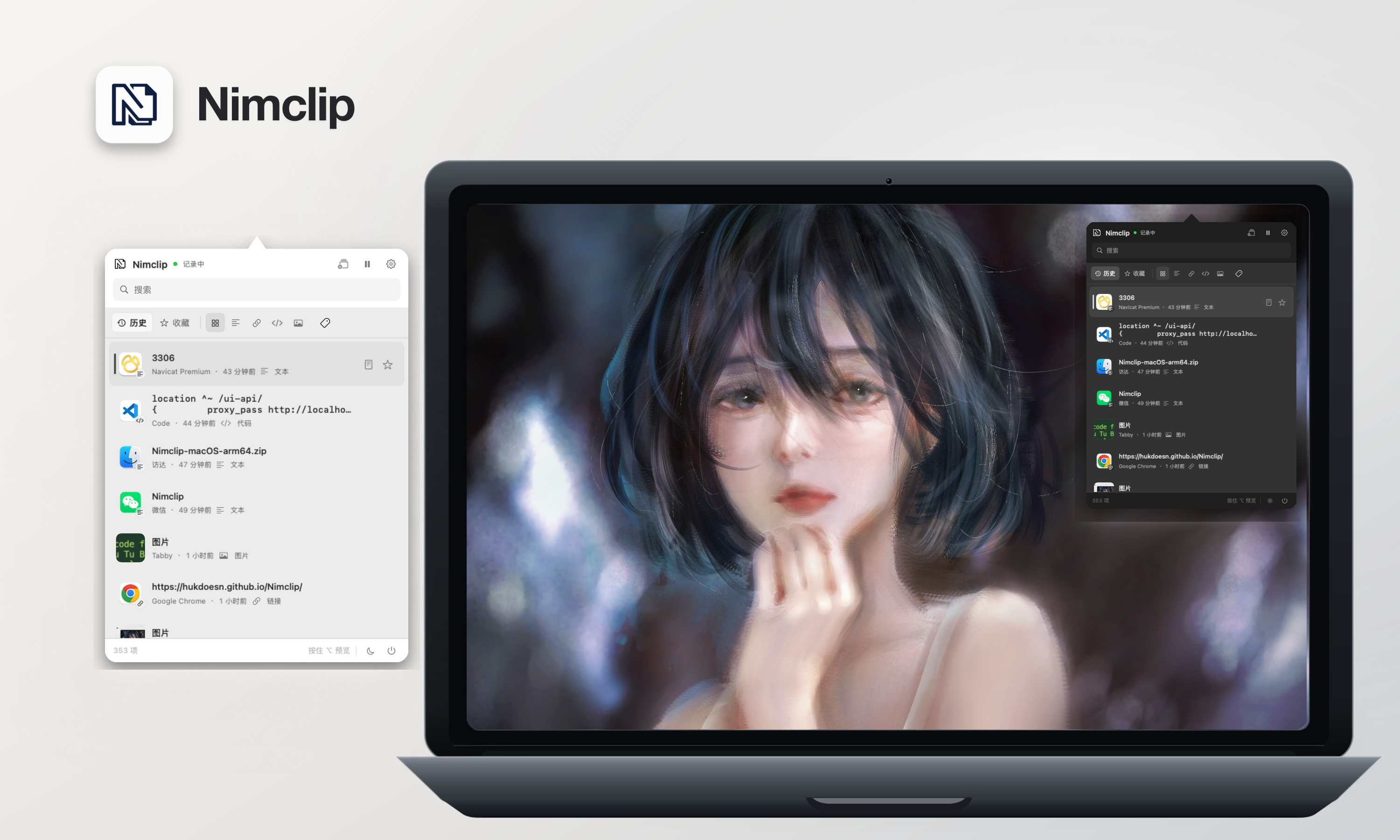 NimclipFor macOS users: Nimclip stores your clipboard history locally with search, tags, and favorites so you never lose copied text or links.
Ask AI about Pastea