On Launch Llama

Swyvo - Keyboard-Driven App Launcher
Keyboard-Driven App Launcher for Windows. Built so you never lose your focus again switching between apps.
Built by Stavros
Productivity SaaS Freemium
Visit website → Upvotes · 1
In category: #1762 of 1796 · ProductivityTrending this week: #98 of 1796 · Productivity
Swyvo is a Community listing on Launch Llama with 1 total upvote across 1 founder supporter, +1 in the week of Sep 29–Oct 5, 2026, founded by Stavros who joined in Oct 2026, compared against 6 alternatives.
Community listing
Listing status
1upvotes
+1 · Sep 29–Oct 5, 2026
Community score
Stavros (Joined Oct 2026)
Founder
Compared against 6 alternatives
Market comparison
About
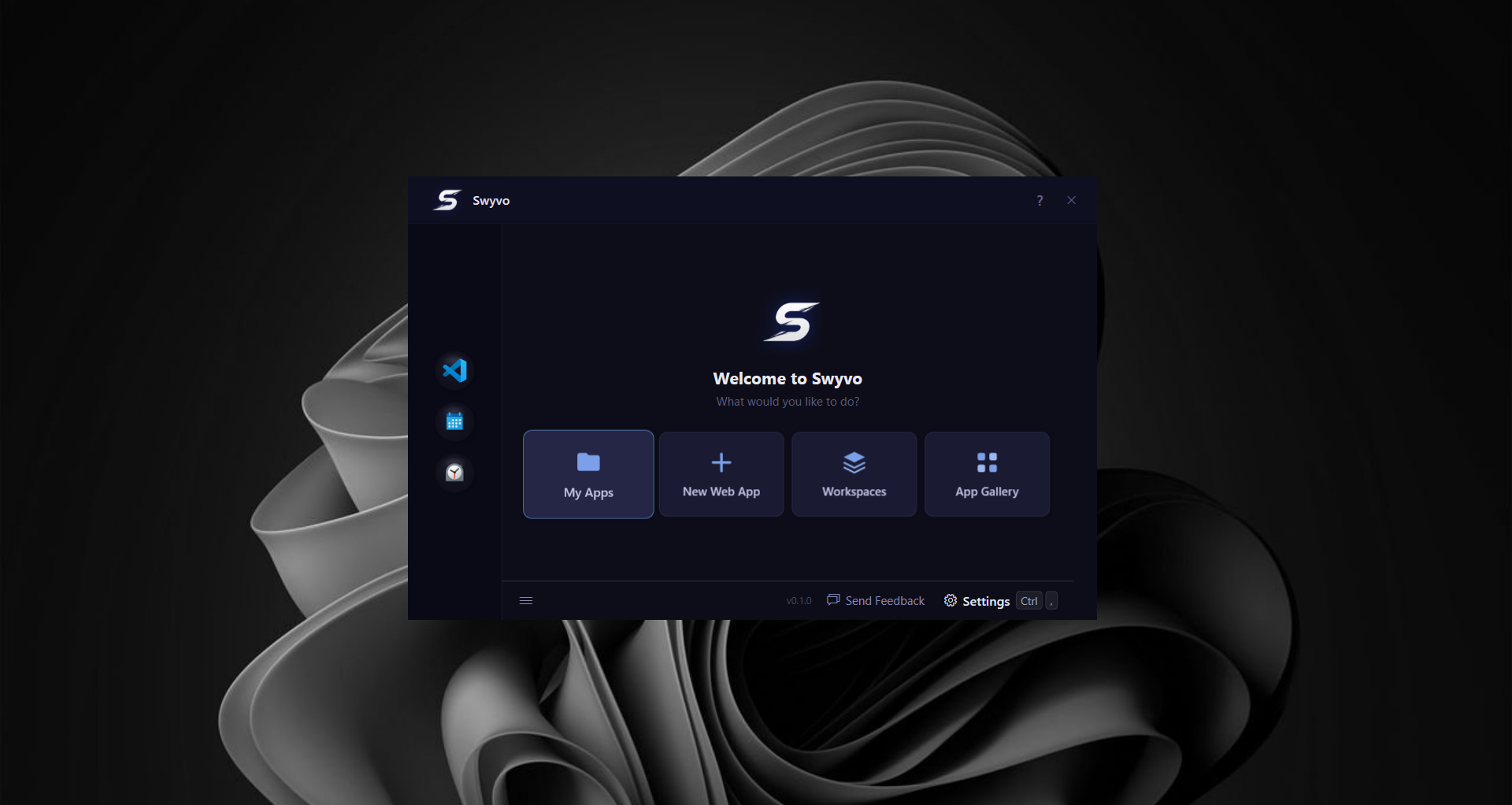
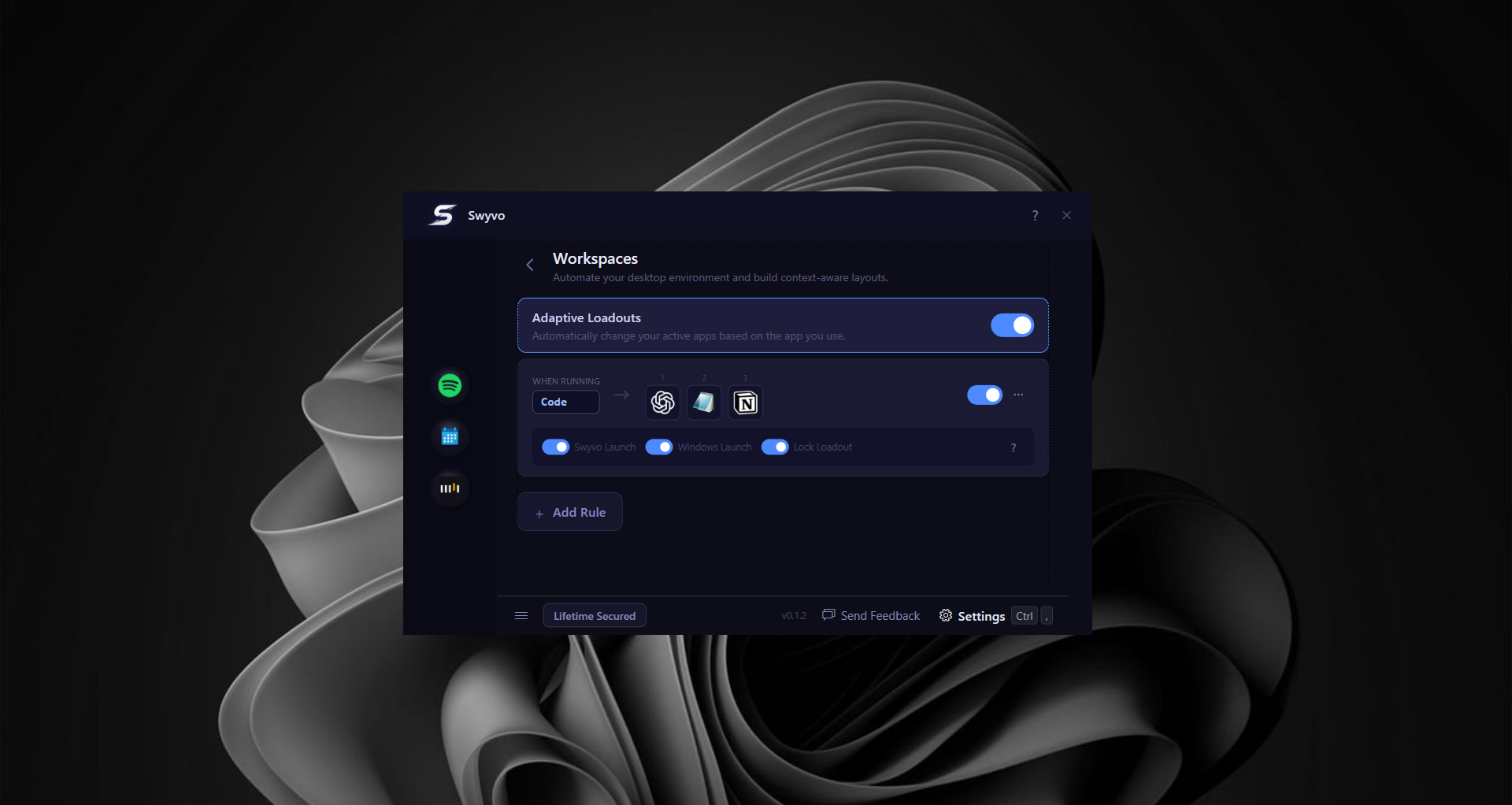
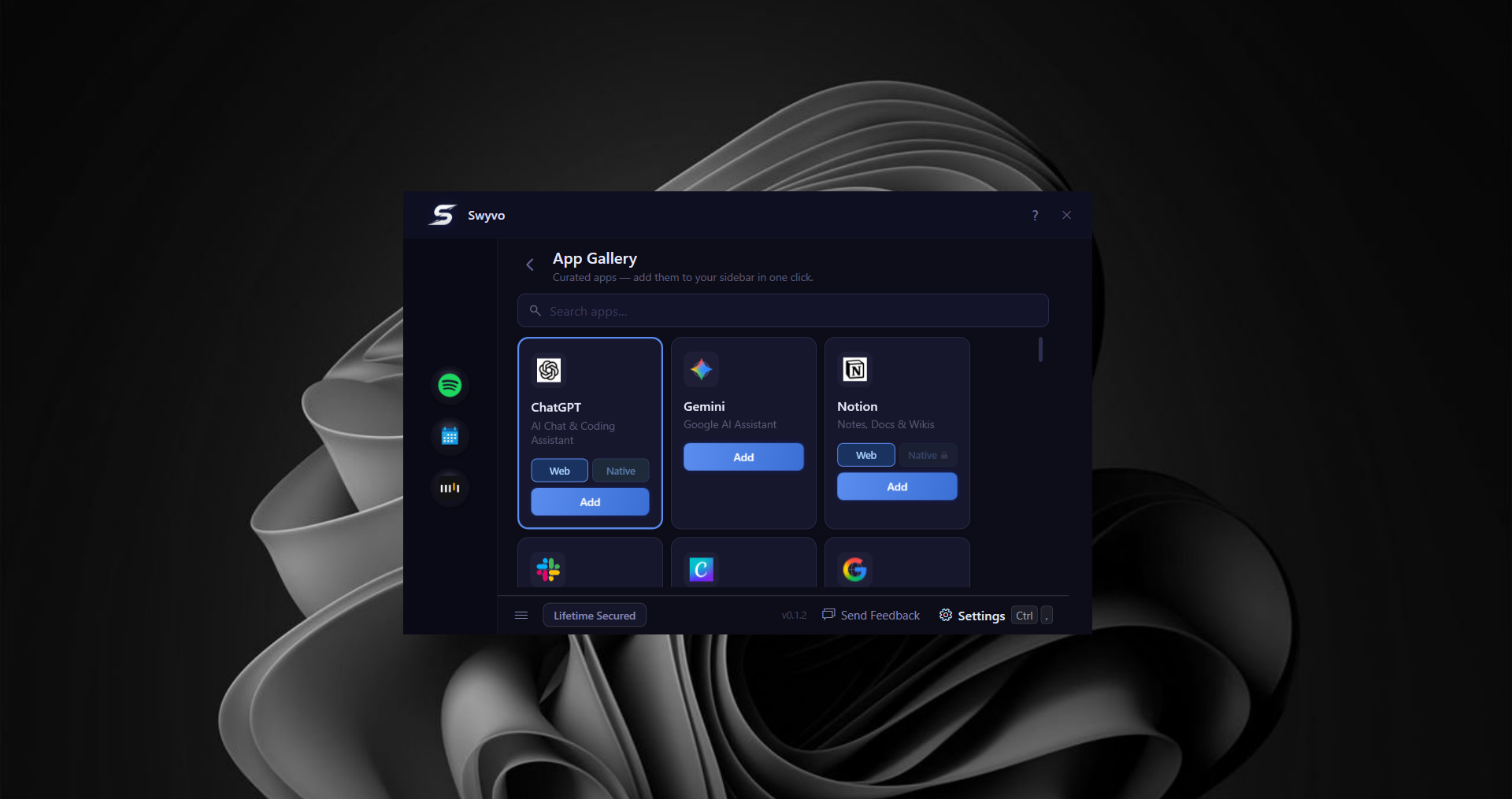
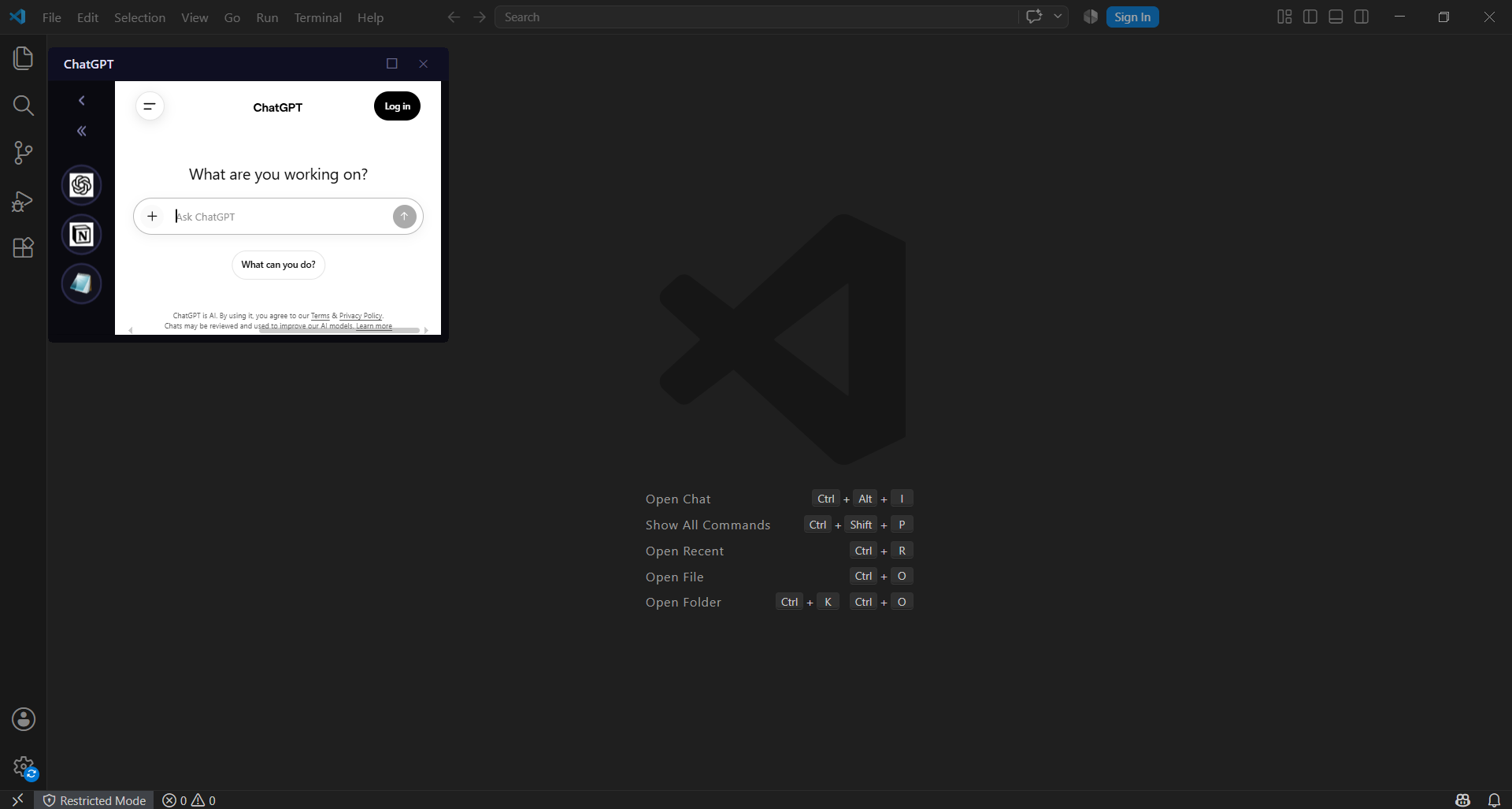
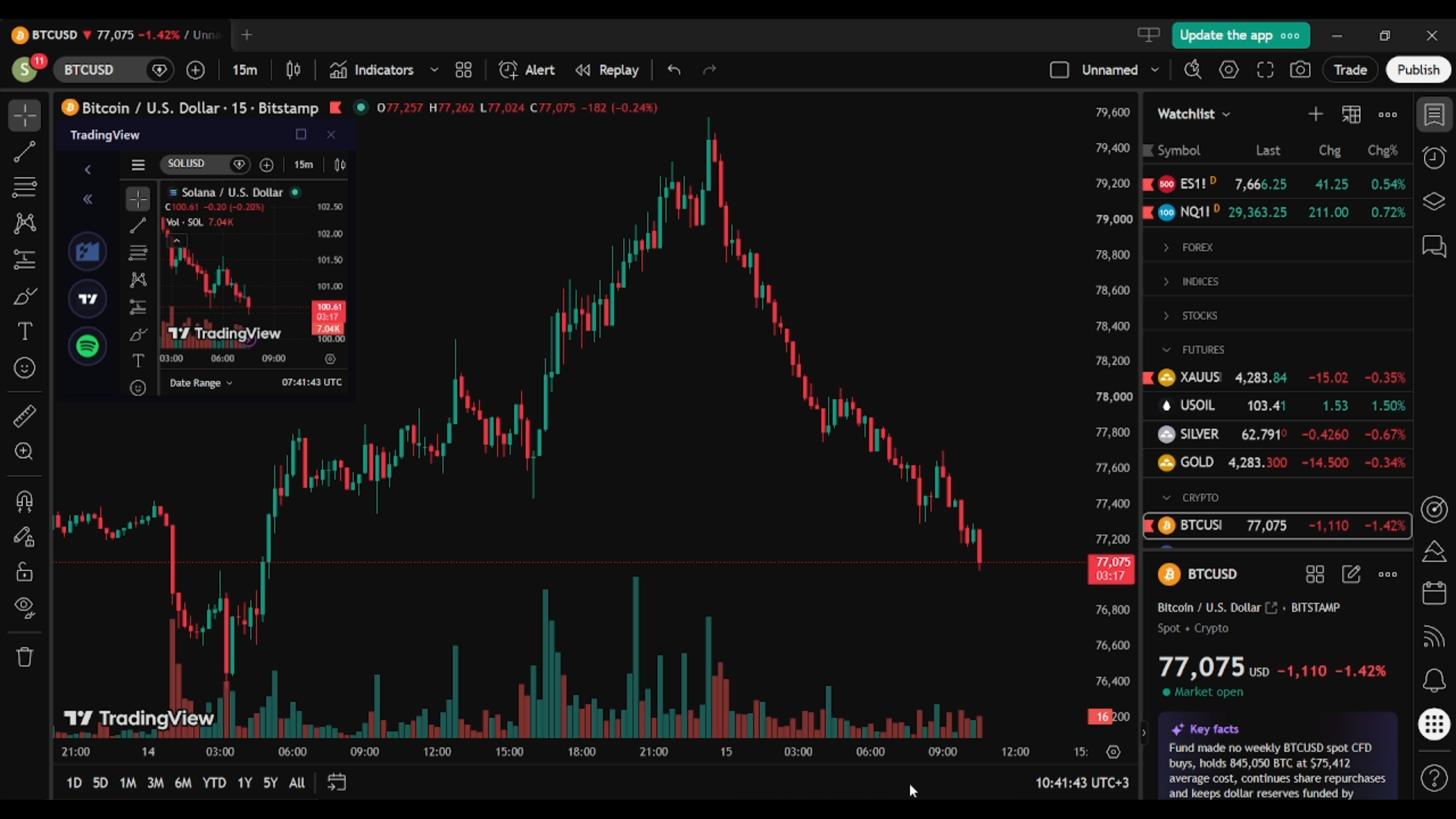
Swyvo is a keyboard-driven app launcher for Windows that runs in the background. Press Alt+Q to instantly bring up your apps and sites right over your current window — press it again to send them away just as fast. Built so you never have to leave the window you're working on again. Apps launch on a small window above what you're working on (always on top) so you don't lose focus moving away from what you're working on. Easily minimize/open the app or keep it open and change focus between the launched app and what you're working on with simple hotkeys Combine websites and native apps in a single fast-switching menu, and let Adaptive Loadouts automatically surface the right tools based on what you're currently working on — so you never have to manually rebuild your setup. Choose per-app whether to launch a fast web view or the full native version, and control everything without touching the mouse. Set it up once and move fluidly through your day. Free, built natively for Windows, and designed for power users who want a faster way to move between everything they use.
Ask AI
ChatGPT Claude Perplexity Grok
For agents
llms.txt · llms-full.txt · ai.txt · Live fact sheet · Full catalog (.md) · Endpoint index · API spec · REST access · Agent server · Server manifest · Server discovery
Pricing
Swyvo offers a free plan plus paid tiers. See the website for current pricing.
FAQ
What is Swyvo?
Swyvo is a keyboard-driven app launcher for Windows that runs in the background. Press Alt+Q to instantly bring up your apps and sites right over your current window — press it again to send them away just as fast. Built so you never have to leave the window you're working on again. Apps launch on a small window above what you're working on (always on top) so you don't lose focus moving away from what you're working on. Easily minimize/open the app or keep it open and change focus between the launched app and what you're working on with simple hotkeys Combine websites and native apps in a single fast-switching menu, and let Adaptive Loadouts automatically surface the right tools based on what you're currently working on — so you never have to manually rebuild your setup. Choose per-app whether to launch a fast web view or the full native version, and control everything without touching the mouse. Set it up once and move fluidly through your day. Free, built natively for Windows, and designed for power users who want a faster way to move between everything they use.
How much does Swyvo cost?
Swyvo offers a free plan plus paid tiers. See the website for current pricing. You can discover and review Swyvo for free on Launch Llama.
What category does Swyvo belong to?
Swyvo is listed under Startups, Productivity, SaaS on Launch Llama.
How do I get started with Swyvo?
Click the "Visit Website" button on this page to go directly to Swyvo. You can also upvote and leave a review to help other founders discover it.
Supporters
1 founder1 founder contributed 1 upvote to Swyvo on Launch Llama.

Reviews
1 comment
Hey, love seeing this here! 👋 What inspired you to build this? Would love to hear the story behind it.
Alternatives
- CTRL OVERRIDE
For developers: CTRL OVERRIDE combines windowed OS and game engine features so you experience an innovative digital workspace in early access.
- SiteQuest
For developers: SiteQuest overlays your browser on any app via hotkey so you access websites and AI tools without switching windows.
- Raycast 2.0
For power users: Raycast 2.0 launches apps and automates workflows from one ergonomic launcher so you reclaim hours lost to context switching.
- SpotMy.app
For indie hackers: SpotMy.app organizes staggered launch windows so your product gets dedicated community support and meaningful feedback during your turn.
- BuildNotch
A notch for Windows builders. Music, tasks, a timer, Github commits and your AI apps sit at the top of your screen.
- whacka
For non-technical founders: whacka builds working apps from plain language descriptions so you launch production-ready applications in minutes without coding.