SwiftSend
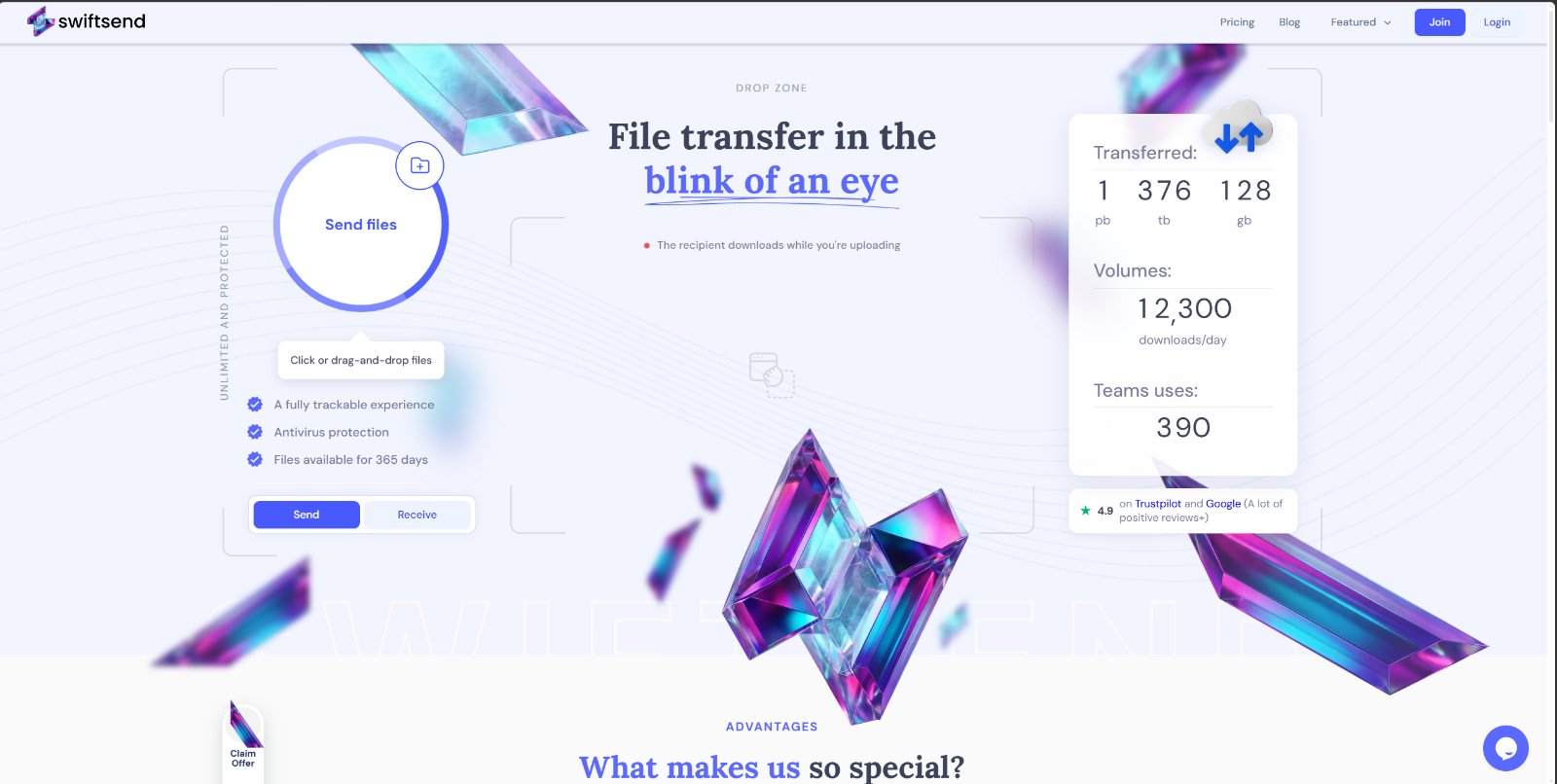
File transfer in the blink of an eye
SwiftSend is a modern file-transfer platform designed for fast, reliable, and effortless sharing of large files.
Built by Mykhailo Sytnyk · Productivity · SaaS · E-Commerce · Freemium
In category: #633 of 1454 · Productivity
SwiftSend is a Community listing on Launch Llama with 18 total upvotes, founded by Mykhailo Sytnyk who joined in Oct 2026, compared against 4 alternatives.
Community listing
Listing status
18upvotes
Community score
Mykhailo Sytnyk (Joined Oct 2026)
Founder
Compared against 4 alternatives
Market comparison
Launched on Launch Llama Oct 5, 2026 · #52 of 165 that day
About
SwiftSend is a modern file-transfer platform designed for fast, reliable, and effortless sharing of large files. Send videos, high-res photos, archives, and work documents to colleagues or clients in seconds without complex setups, mandatory sign-ups, or bandwidth throttling.
Follow SwiftSend: X (Twitter) · LinkedIn
Key Features
- Large File Transfer
- Large Video File Sender
- Image Files and Share
- Bulk File Transfer
- Enterprise File Transfer
Use Cases
- Sending files of up to 250 GB per transfer to a recipient via email or a shareable link
- Letting a recipient start downloading a large file while the sender is still uploading it
- Sending password-protected or expiring file transfers that you can track and manage from your account
Who it is for
- Teams and individuals who regularly send large files and need reliable transfers.
- Anyone who needs a free file-sharing option with 2 GB per transfer and 7-day file availability.
- Users who need to share large media files such as video, audio, or PDFs with recipients who do not have an account.
Pricing
Free forever plan at €0 with 2 GB per transfer, 5 transfers per month, and 10 GB storage.
FAQ
What is the maximum file size I can transfer?
The maximum file size for a single transfer is 2 GB for free users. Upgrade to a Professional plan to send up to 100 GB, or to Studio for up to 250 GB per transfer.
How long are files stored on your server?
Files are stored for 7 days for free users and are automatically deleted after that. With a Professional account files stay available for 30 days, and with Studio for up to 365 days.
Do I need an account to send files?
You need a free SwiftSend account to send files — just confirm your email address, no password or credit card required. Recipients can download your files without an account.
What should I do if my file upload is interrupted or does not complete?
SwiftSend supports resumable uploads. If your connection drops during an upload, you can continue from the point of interruption instead of starting over. Just revisit the upload and it will resume automatically.
How is the security of my transmitted files ensured?
All file transfers use HTTPS with SSL/TLS encryption in transit and AES-256 encryption at rest. This ensures your files are protected from interception or eavesdropping by third parties throughout the entire transfer cycle.
Is it possible to set a password for my transferred files?
Yes. Registered users on Professional or Studio plans can set a password for any transfer. Recipients will be required to enter the password before they can view or download the files.
How will I know if my file has been successfully delivered to the recipient?
You will receive an email notification when the recipient downloads your file. Registered users can also view a detailed access log for each transfer directly from the My Transfers section of their profile.
Can I track my file transfer history?
Yes. Registered users can view a complete transfer history, including download logs for each file, in the My Transfers section of their profile.
How can I contact your support if I have a problem?
You can reach our support team via the Contact Support page on the website. Describe your issue in detail and we will get back to you as soon as possible.
If I sent files by mistake, can I close access to the files?
Yes. Go to My Transfers in your profile, find the relevant transfer, and you can delete it, set a password to restrict access, or adjust other settings at any time.
Alternatives
 FileportSend files up to 20 GB free
More in Productivity
New on Launch Llama
Launched this week · This month's launches · All products A–Z
Ask AI about SwiftSend
Supporters
15 founders
15 founders supported SwiftSend on Launch Llama.








Reviews
5.0 · 1 review
What's good: Good to see a modern take on old wetransfer giant...and that download/upload sync might just work well for the audience. Curious to try. What could improve: Would be great if something more out of the box USP is added to the product that outshines all as key factor.
For bots & AI agents
Machine-readable versions of SwiftSend and Launch Llama. Fetch these instead of parsing this page.
This listing (.md) llms.txt llms-full.txt ai.txt Full catalog (.md) Endpoint index API docs MCP server MCP manifest Developer docs