
FixSTL
Under reviewFree STL repair online for broken 3D print files
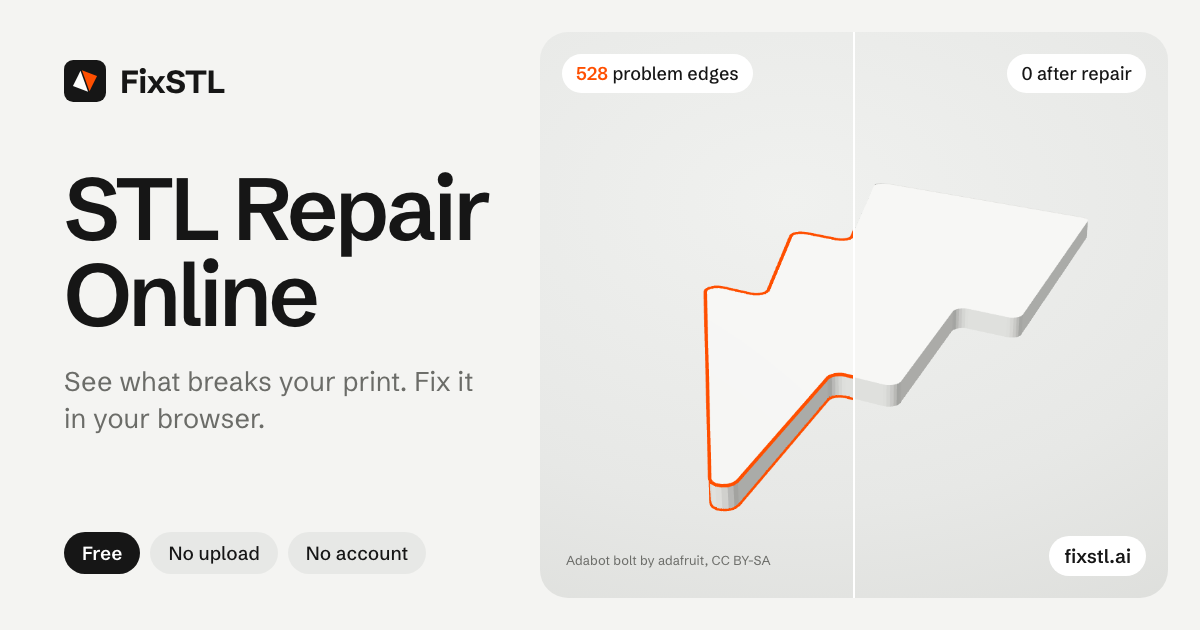
Lets 3D printing hobbyists and makers check an STL for open edges, non-manifold geometry and flipped faces, then apply safe fixes and download the cleaned file in their browser.
Productivity · Design Tools · Free
Coming soon on Launch Llama Tools
FixSTL is a Community listing on Launch Llama with 0 total upvotes, compared against 3 alternatives.
Community listing
Listing status
0upvotes
Community score
—
Founder
Compared against 3 alternatives
Market comparison
Lets 3D printing hobbyists and makers check an STL for open edges, non-manifold geometry and flipped faces, then apply safe fixes and download the cleaned file in their browser.
About
Each file is read and processed locally, so the model and its name never leave your device, and the tool needs no sign-up. The inspection report lists open edges, non-manifold edges, flipped faces, self-intersections and zero-area faces before you choose any repair. After a fix, a before-and-after comparison lets you check the result, and the page notes that a clean mesh is not a printability guarantee and that STL files carry no units.
Key Features
- Check STL files for open edges, non-manifold edges, flipped faces and self-intersections
- Apply repairs such as closing holes and removing duplicate or zero-area faces
- Compare the original and repaired model side by side in a before-and-after view
- Process files locally in the browser so models are never uploaded to a server
- Batch-check up to 20 STL files at once (up to 100 MB each) with a zip and CSV summary
- Download the repaired STL after reviewing the inspection report
Use Cases
- Fixing a downloaded STL that a slicer reports as having non-manifold or open edges before printing it
- Checking an STL exported from Blender or a CAD tool for holes, flipped normals or zero-area faces before slicing
- Repairing a batch of up to 20 STL files at once before preparing them for a print job
From the founder
Who it's for
“Makers, students and 3D printing hobbyists whose slicer reports holes, non-manifold edges or flipped normals, and who would rather not upload private models to a server.”
About me
“We are the FixSTL team at Tripo, a 3D generation company. People kept bringing us STL files that failed in the slicer, and the free fixers either uploaded the file or claimed every mesh was fixed. FixSTL repairs conservatively in the browser and says plainly what it could not fix.”
Who it is for
- 3D printing hobbyists fixing slicer errors on downloaded models
- Makers exporting STL files from Blender or CAD tools for printing
Pricing
FixSTL is free to use. See the website for details.
FAQ
What is STL repair?
STL repair fixes the topology of a triangle mesh so it forms a closed, consistently oriented surface that slicers can turn into toolpaths. Typical fixes are closing holes, removing duplicate or zero-area triangles, welding loose vertices and making face orientation consistent.
Is FixSTL free?
Yes. Checking and repairing STL files is free, with no account, watermark or download limit.
Is my STL file uploaded?
No. The file is read and processed locally in your browser; the model and its name are never sent to a server. Anonymous usage statistics record only summary numbers, such as triangle and issue counts.
What does non-manifold mean in an STL?
A non-manifold edge is shared by more than two triangles, something a real surface cannot do; a non-manifold vertex joins parts of the surface that touch at a single point. Both usually come from overlapping parts or internal faces. FixSTL counts them and repairs the ones caused by duplicate faces, unwelded seams, zero-thickness flaps and small damaged patches it can cut out and fill again. Internal walls and parts that touch along an edge or at one corner stay as they are; they need a boolean union or manual cleanup in a modelling tool.
Can FixSTL fix self-intersections or thin walls?
FixSTL repairs self-intersections confined to a small area: it cuts out the crossing faces with a ring of faces around them and fills the opening, as long as the patch spans less than 15% of the model and the result stays within 1% of the model’s size of your original surface. It does not split parts along the line where they cross, so separate parts pushed into each other and boolean leftovers are reported and left unchanged. It estimates wall thickness and flags zero-thickness surfaces, but cannot thicken them. Use a modelling tool such as Blender or Meshmixer for those, or regenerate the model. If your browser cannot run the WebAssembly checker, the basic checker used instead does not look for self-intersections; the report says which ran.
Will repair change the shape or size of my model?
Most repairs leave the surface where it is: welding, cleanup, reorienting and stitching may move it by at most 0.1% of the model’s bounding-box diagonal. Filling a hole adds surface across the opening. Rebuilding a damaged patch replaces the surface there; the result stays within 1% of the diagonal of your original surface, and the number of parts does not change. A repair beyond these limits is discarded and the original geometry is kept. Dimensions and units are never rescaled. When a patch is rebuilt, the report says how many faces were replaced and the largest measured surface shift, but not where on the model, so check critical dimensions on functional parts.
Why does my slicer still report errors after repair?
Automatic repair leaves what it cannot fix within its limits: openings larger than about a third of the model, overlapping parts and boolean leftovers, internal walls, parts touching along an edge, and damaged areas too large to rebuild locally. The result report shows what remains. Those need manual modelling or a rebuild.
What files and sizes are supported?
ASCII and binary STL files up to 100 MB and 2,097,150 triangles. Checking a 100 MB mesh takes seconds; repairing it can take several minutes, with progress shown and cancel available. The download is a binary STL, or in rare cases an ASCII STL when binary rounding would undo the repair. You can drop up to 20 files (200 MB in total) at once: they are checked and repaired one at a time, and the repaired ones download together as a zip with a CSV summary of every file.
Alternatives
 PictoSTLFor makers and designers: AI-powered JPG to STL converter that transforms 2D images into 3D printable models with adjustable quality levels and interactive preview.
More in Productivity
New on Launch Llama
Launched this week · This month's launches · All products A–Z
Ask AI about FixSTL
For bots & AI agents
Machine-readable versions of FixSTL and Launch Llama. Fetch these instead of parsing this page.
This listing (.md) llms.txt llms-full.txt ai.txt Full catalog (.md) Endpoint index API docs MCP server MCP manifest Developer docs