
ChatGPT Exporter
Under reviewSave ChatGPT chats as PDF, Word or Markdown
Chrome extension that exports a full ChatGPT conversation or selected messages in seven formats, keeping tables and code intact, with no account required.
Built by Prabhat Singh · Artificial Intelligence · Productivity · Chrome Extensions · Freemium
Coming soon on Launch Llama Tools
ChatGPT Exporter is a Community listing on Launch Llama with 0 total upvotes, founded by Prabhat Singh who joined in Nov 2026, compared against 6 alternatives.
Community listing
Listing status
0upvotes
Community score
Prabhat Singh (Joined Nov 2026)
Founder
Compared against 6 alternatives
Market comparison
Chrome extension that exports a full ChatGPT conversation or selected messages in seven formats, keeping tables and code intact, with no account required.
About
The extension adds SELECT and EXPORT buttons to chatgpt.com, so you can save an entire chat or tick individual messages, Shift+click a range, or use presets like Answers only. Before exporting, you can set page size, margins, fonts, light or dark theme, and whether reasoning, sources and Canvas documents are included. PDF exports open the print window for Save as PDF, while most other formats download immediately.
Key Features
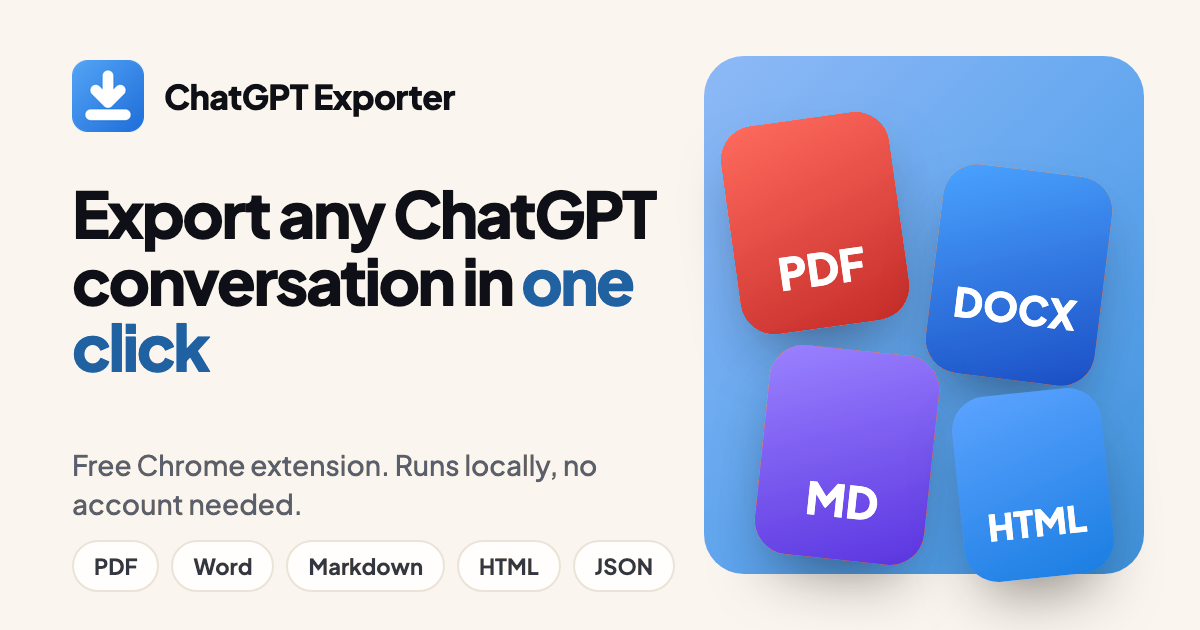
- Export a full ChatGPT conversation to PDF, Word, Markdown, HTML, JSON, CSV or PNG
- Select single messages, Shift+click ranges, or apply Answers and Questions presets
- Keep headings, tables, code blocks and formulas intact in exported files
- Customize page size, margins, fonts, light or dark theme, and page numbers
- Export all chats at once as a ZIP file
Use Cases
- Saving a research thread or project log from ChatGPT as a PDF to share with clients or teammates
- Copying only the useful answers from a long chat into a Word document or Notion page
- Feeding a ChatGPT conversation into a spreadsheet as CSV rows or a script as JSON
From the founder
Who it's for
“Export chatgpt chats to json, pdfs, image”
Why I built it
“this is a chrome extension which I've created to export chats to all kinds of formats”
Who it is for
- People sharing a clean, read-only copy of a ChatGPT chat with clients, teachers or teammates.
- Note-takers who move ChatGPT answers into Obsidian, Notion or other Markdown-based docs.
- Analysts who open ChatGPT conversations as rows in Excel or Google Sheets.
Pricing
Free Plan, $8, $48, $79
FAQ
How do I export a ChatGPT conversation?
Install the ChatGPT Exporter Chrome extension, reload ChatGPT, open a chat and press EXPORT in the bottom-right corner. Pick a format from the arrow beside it. See the step-by-step guide.
Is ChatGPT Exporter free?
Yes, there is a free plan with a monthly quota (5 full exports and 7 single exports) in every format. The Month ($8), Year ($48) and one-time Lifetime ($79) plans remove the limit. See pricing.
Can I export only some messages?
Yes. Click SELECT, tick the messages you want or Shift+click a range, then export. The Answers preset keeps only ChatGPT's replies.
Does it keep code blocks, tables and formulas?
Yes. Headings, lists, tables, code blocks, links and images carry over. Math is typeset in PDF; in Word it is stored as LaTeX text.
Does my conversation get uploaded anywhere?
No. The file is built inside your browser and the extension only talks to chatgpt.com. Read the privacy policy for every permission.
Can I export long conversations?
Yes. The extension reads the whole conversation from the page, so long chats export in one file. To save many chats at once, see export all conversations.
What happens when ChatGPT changes its website?
The extension is updated when the page layout changes. If a button goes missing after an update, check ChatGPT export not working.
Alternatives
 Video CompressorFor content creators: Video Compressor reduces video file sizes in-browser using GPU acceleration without uploading to servers.
 MDViewer - Fast, Native Markdown Viewer for macOSFor macOS users: MDViewer renders Markdown instantly with syntax highlighting, Mermaid diagrams, LaTeX math, and JSON tree view—no lag.
 RendrflowFor photographers: Rendrflow upscales and restores photos offline on your device so your images stay private while gaining studio-quality results.
More in Artificial Intelligence
New on Launch Llama
Launched this week · This month's launches · All products A–Z
Ask AI about ChatGPT Exporter
For bots & AI agents
Machine-readable versions of ChatGPT Exporter and Launch Llama. Fetch these instead of parsing this page.
This listing (.md) llms.txt llms-full.txt ai.txt Full catalog (.md) Endpoint index API docs MCP server MCP manifest Developer docs