
Updated 2026-11-22 · 8 of 8 bookmark managers on Launch Llama compared
Quick answer: The best bookmark managers in 2026, by Launch Llama community upvotes, are Deepmark, Marqly 6.0, FaveNest. If you want to start free, Marqly 6.0 has a free plan. We compared all 8 bookmark managers listed on Launch Llama on pricing, features and use cases.
Our picks at a glance
- Best overall: Deepmark — the most upvoted bookmark manager on Launch Llama
- Best free option: Marqly 6.0 — free plan; paid from $49
- Best to see in action: Boardmarks — has a demo video you can watch below
- Most features listed: FaveNest — 5+ features on its listing
The 8 best bookmark managers in 2026
1. Deepmark — best for find saved videos by remembering partial details without exact keywords

Pricing: From $7/month · Free plan: No · Upvotes: 99
In Deepmark's words
Your browser bookmarks, X bookmarks, Instagram saves and YouTube Watch Later, in one private library you can search in plain language. Deepmark reads every page, transcribes videos and reels, describes and OCRs frames, then embeds it all. 'The reel with the one-pan pasta trick' finds the reel even though nothing in it says pasta. A save is searchable in about 90 seconds; search over 10k items returns in under 100ms. Also a hosted MCP server: your AI agent can search your library too.
Key features
- Aggregate bookmarks from browser, X, Instagram, and YouTube
- Transcribe audio and video to searchable text
- Search bookmarks by natural language and meaning
- Extract and describe visual content from saves
- Connect your AI agent to search your library
Use cases
- Find saved videos by remembering partial details without exact keywords
- Researchers who want to search across transcribed talks and articles
- AI users who want agents to access and cite their saved knowledge
Pricing details: Single plan at $7/month billed yearly or $10/month paid monthly.
2. Marqly 6.0 — best for save highlighted text from research articles via Chrome extension, then use AI search to find relevant quotes across all sources instantly

Pricing: Free plan; paid from $49 · Free plan: Yes · Upvotes: 80
In Marqly 6.0's words
Marqly is an AI bookmark manager that saves, tags, and organizes links with artificial intelligence. It helps users find saved content later by answering questions in plain language about their bookmarks. The product includes features like clipboard history, AI chat storage, YouTube summaries, and webpage highlights.
Key features
- Auto-tag bookmarks with AI as they are saved
- Search bookmarks by meaning instead of keywords
- Ask questions about saved content with cited sources
- Summarize YouTube videos with transcripts and chat
- Highlight text on webpages in multiple colors
Use cases
- Save highlighted text from research articles via Chrome extension, then use AI search to find relevant quotes across all sources instantly.
- Organize bookmarks by custom tags and categories, then query them with natural language to locate specific research findings without manual searching.
- Build a personal research library by collecting web articles and PDFs, making all saved content searchable through AI-powered queries.
Pricing details: Free plan available with up to 100 bookmarks.
3. FaveNest — best for people who want to save and organize web links without creating an account

Pricing: Free plan; paid from $2.99/month · Free plan: Yes · Upvotes: 70
In FaveNest's words
FaveNest is a visual library for the links, notes, screenshots, PDFs, and places you save. Share from any app or click the heart in Safari, and Apple Intelligence writes the title, summary, and tags on your device, so nothing you save is sent off to be read. No account, no FaveNest server: your library syncs through your own iCloud. Native on iPhone, iPad, and Mac. Saving, sync, search, and export are free; Pro (7-day free trial) adds the AI, on device or with your own OpenAI or Anthropic key.
Key features
- Save links, notes, photos and files from any app in one tap
- Write titles, summaries and tags automatically using on-device AI
- Search saved content from Spotlight without opening the app
- Sync library across devices using your own iCloud account
- Read saved web pages offline without internet connection
Use cases
- People who want to save and organize web links without creating an account
- Users who save content and want automatic titles and summaries written
- People who prefer privacy and don't want data sent to external servers
Pricing details: Free plan includes saving, syncing, search and export.
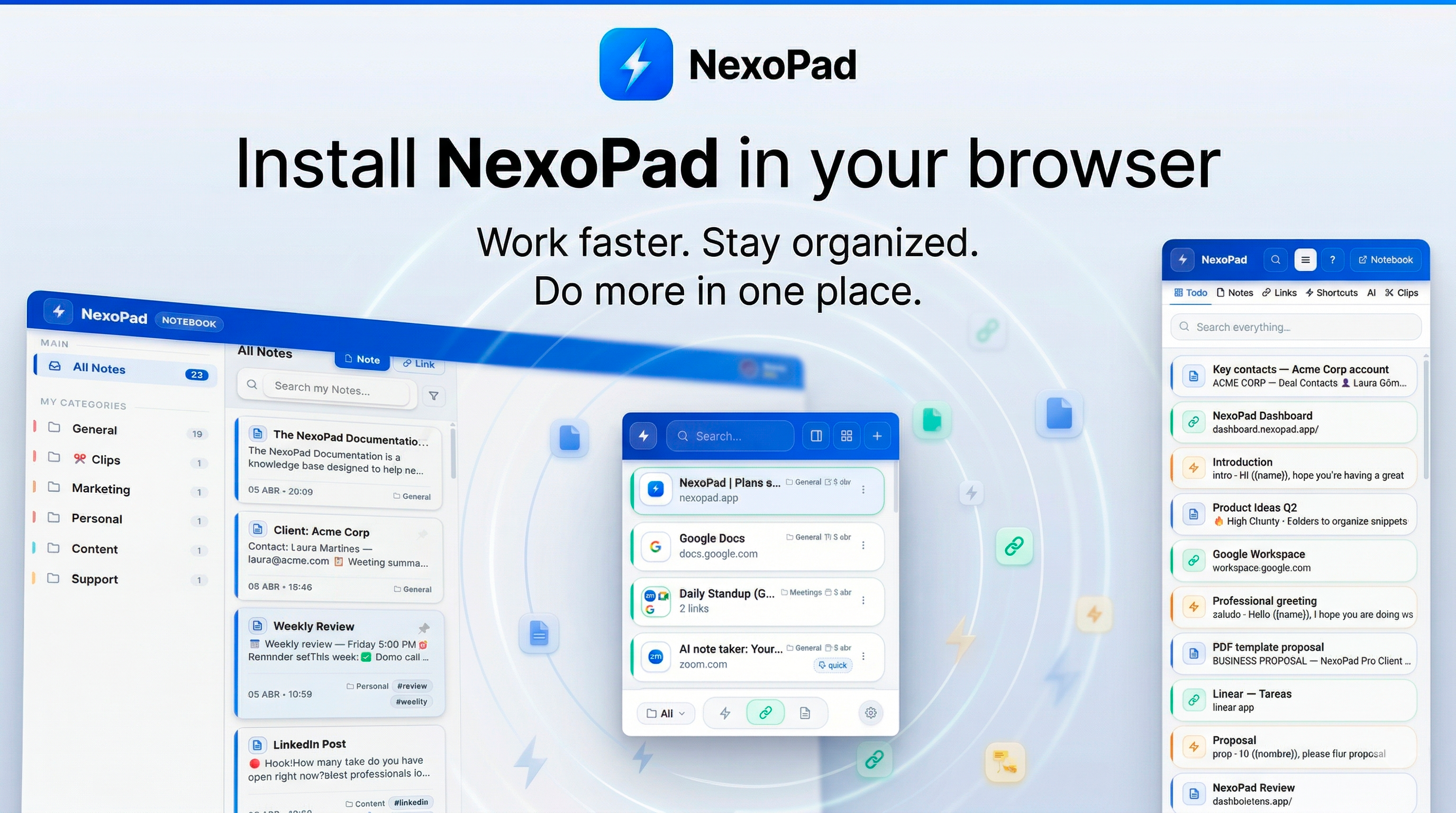
4. NexoPad: Text Expander & Tabs — best for IT Help Desk professionals standardizing support ticket responses with pre-written snippet templates
Pricing: Free plan + paid tiers · Free plan: Yes · Upvotes: 39 · Rating: 5/5 from 1 review
In NexoPad: Text Expander & Tabs's words
NexoPad is the ultimate all-in-one productivity extension for Chromium-based browsers (Chrome, Edge, Brave, Vivaldi). It is designed for IT Help Desk professionals, freelance developers, and digital marketers who want to stop paying for multiple disconnected tools and eliminate repetitive digital tasks.
NexoPad turns your browser into a high-performance workspace by combining four essential features into one lightweight tool:
Key features
- Deploy custom text snippets via keyboard shortcuts to eliminate repetitive typing across web forms and applications
- Save and organize groups of URLs into reusable tab sets for instant access to client environments or daily workflows
- Capture text, code, and web content directly into Markdown notes without leaving the current page
- Integrate your own AI API keys (OpenAI, Gemini, Anthropic, DeepSeek) to summarize, translate, and rewrite text inline
Use cases
- IT Help Desk professionals standardizing support ticket responses with pre-written snippet templates
- Freelance developers managing multiple client project dashboards and environments through tab groups
- Digital marketers clipping competitor content and website references into organized notes while researching
Pricing details: A free plan is available with no credit card required.
See NexoPad: Text Expander & Tabs pricing, reviews and alternatives →
5. Tabisto — best for keeping work and personal bookmarks separate by switching between Workspaces in one click on every new tab
Pricing: Free plan + paid tiers · Free plan: Yes · Upvotes: 12
In Tabisto's words
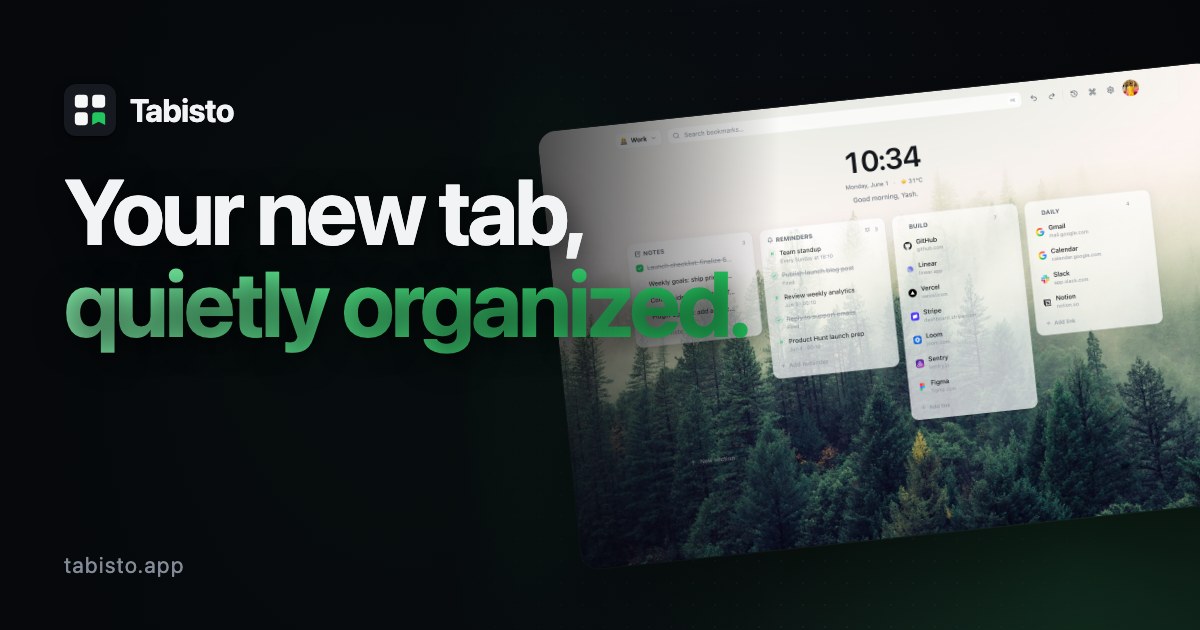
Tabisto is a Chrome new tab extension that helps you stay organized without the clutter.
Instead of a blank new tab page or a messy bookmarks bar, Tabisto gives you a clean dashboard where you can organize bookmarks, save tab sessions, write quick notes, and set reminders.
Use cases
- Keeping work and personal bookmarks separate by switching between Workspaces in one click on every new tab.
- Saving a set of open tabs as a session and reopening the whole group later with one click.
- Jotting quick notes and setting 15 min, 1 hr, tonight or tomorrow reminders for follow-ups without leaving the browser tab.
Pricing details: Tabisto can be added to Chrome for free, with sign-in and sync available on free or Pro plans.
6. Snaggy — best for moving from Arc to another browser and bringing every saved folder along without re-filing links by hand
Pricing: From $9 · Free plan: No · Upvotes: 7
In Snaggy's words
Snaggy is a native SwiftUI app that stores your links in a local folder, with optional sync across your Macs through your own iCloud. It imports bookmarks and pinned tabs from Arc, Edge, and any HTML bookmarks file, keeping folders as they were. A built-in reader opens saved pages with ads and trackers blocked and marks articles as read when you reach the end. A built-in MCP server lets Claude, Codex, and Cursor search and save your links during a task.
Key features
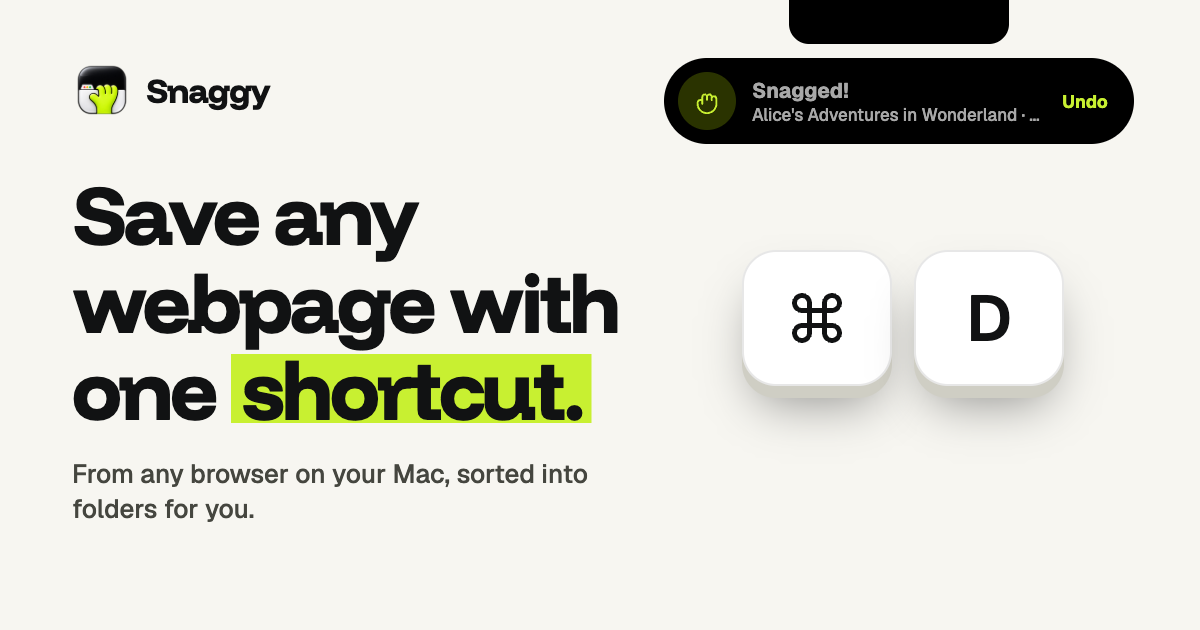
- Saves any webpage from any browser with a single keyboard shortcut (⌘D)
- Imports bookmarks and pinned tabs from Arc, Edge, and HTML bookmark files
- Sorts saved links into folders automatically using on-device AI
- Opens saved articles in a built-in reader with ads and trackers blocked
- Lets Claude, Codex, and Cursor search and save your links through MCP
Use cases
- Moving from Arc to another browser and bringing every saved folder along without re-filing links by hand.
- Reading a saved article in the built-in reader, with ads and trackers blocked, and having it marked as read at the end.
- Asking an AI agent mid-task to pull up a link you saved earlier and use it in its plan.
Pricing details: $9
7. Boardmarks — best for organizing saved Chrome bookmarks into visual boards grouped by project, client, or topic instead of nested folders
Pricing: Free plan + paid tiers · Free plan: Yes · Upvotes: 2
In Boardmarks's words
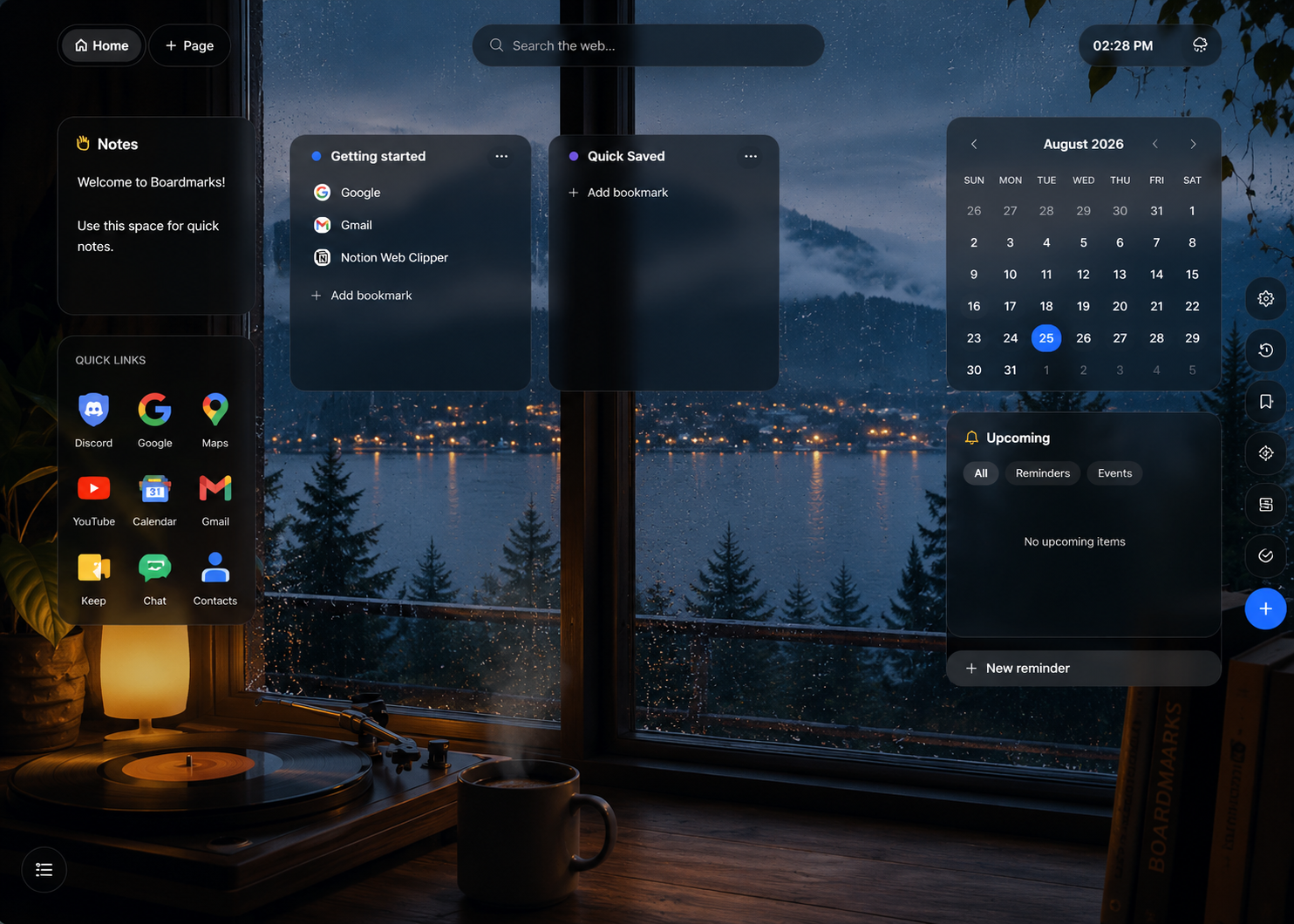
Boardmarks is a Chrome extension that turns your New Tab into a visual workspace for bookmarks and daily productivity.
Instead of managing bookmarks in deep folders and switching between multiple tools, Boardmarks helps you keep everything in one place. You can organize links into visual boards, save tabs quickly, manage tasks, track habits, write notes, and set reminders without leaving Chrome.
Use cases
- Organizing saved Chrome bookmarks into visual boards grouped by project, client, or topic instead of nested folders.
- Saving every open tab in a research session at once and keeping the links on a Quick Saved board.
- Planning the day from the New Tab page with Today and Upcoming task views, and tracking daily habits on a weekly grid.
Pricing details: Seven-day free trial from the extension with no card required, then Pro is available as monthly, yearly, or lifetime plans.
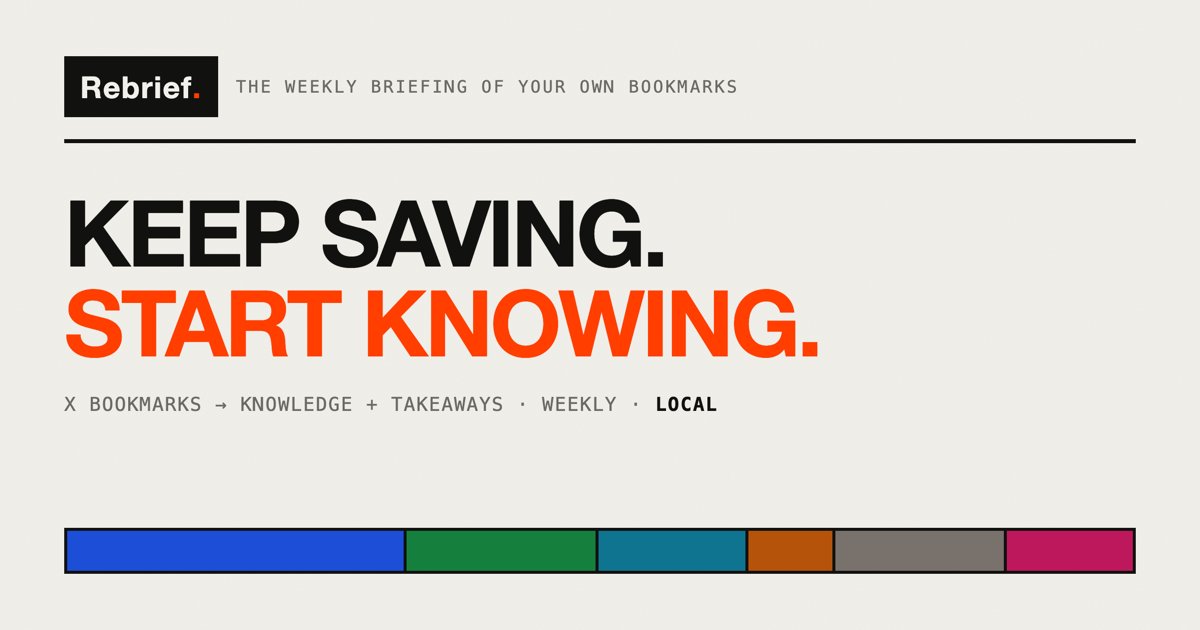
8. Rebrief — best for turning a month of saved X (Twitter) bookmarks into a weekly briefing of takeaways grouped by theme
Pricing: Free plan; paid from $6/month · Free plan: Yes · Upvotes: 2 · Rating: 5/5 from 1 review
In Rebrief's words
Rebrief converts your X (Twitter) bookmarks into organized weekly briefings with one takeaway per save, sorted by intent (learn, build, reference, buy, someday, inspiration). All processing runs locally on your machine with no account or cloud storage required. You can query your bookmarks as a knowledge base using Claude via MCP server integration.
Use cases
- Turning a month of saved X (Twitter) bookmarks into a weekly briefing of takeaways grouped by theme.
- Sorting saved X posts by why you saved them (learn, build, reference, buy, someday, inspiration) to act on them.
- Asking an assistant like Claude to summarise your saved posts on a topic, answering from your own local pile.
Pricing details: Free plan covers everything, run on your own machine.
Comparison table
| # | Tool | Rating | Upvotes | Price |
|---|---|---|---|---|
| 1 | Deepmark Find saved videos by remembering partial details without exact keywords |
No reviews yet | ▲ 99 | from $7/mo |
| 2 | Marqly 6.0 Save highlighted text from research articles via Chrome extension, then use AI search to find relevant quotes across all sources instantly |
No reviews yet | ▲ 80 | Free planthen from $49 |
| 3 | FaveNest People who want to save and organize web links without creating an account |
No reviews yet | ▲ 70 | Free planthen from $2.99/mo |
| 4 | NexoPad: Text Expander & Tabs IT Help Desk professionals standardizing support ticket responses with pre-written snippet templates |
Rated 5 out of 5 from 1 review5(1) | ▲ 39 | Free plan+ paid plans |
| 5 | Tabisto Keeping work and personal bookmarks separate by switching between Workspaces in one click on every new tab |
No reviews yet | ▲ 12 | Free plan+ paid plans |
| 6 | Snaggy Moving from Arc to another browser and bringing every saved folder along without re-filing links by hand |
No reviews yet | ▲ 7 | from $9 |
| 7 | Boardmarks Organizing saved Chrome bookmarks into visual boards grouped by project, client, or topic instead of nested folders |
No reviews yet | ▲ 2 | Free plan+ paid plans |
| 8 | Rebrief Turning a month of saved X (Twitter) bookmarks into a weekly briefing of takeaways grouped by theme |
Rated 5 out of 5 from 1 review5(1) | ▲ 2 | Free planthen from $6/mo |
How we compared them
This is a comparison built from listing data, not a hands-on review: we have not tested these tools ourselves. Every product here is listed on Launch Llama, and the ranking uses what founders and their users have put on the record.
We read the Launch Llama listings that mention bookmark managers and kept only the products whose listing shows that is what they do. They are ordered by community upvotes; duplicate listings are merged, and listings without a real description are left out. Pricing, features and use cases come from each product's listing and can change, so check the product's own site before you buy.
How to choose
- Choose Deepmark for find saved videos by remembering partial details without exact keywords.
- Choose Marqly 6.0 for save highlighted text from research articles via Chrome extension, then use AI search to find relevant quotes across all sources instantly.
- Choose FaveNest for people who want to save and organize web links without creating an account.
- Choose NexoPad: Text Expander & Tabs for IT Help Desk professionals standardizing support ticket responses with pre-written snippet templates.
- Choose Tabisto for keeping work and personal bookmarks separate by switching between Workspaces in one click on every new tab.
- Choose Snaggy for moving from Arc to another browser and bringing every saved folder along without re-filing links by hand.
Still comparing? Browse every tool in Productivity or see the best tools in other categories.
Frequently asked questions
What is the best bookmark manager in 2026?
Deepmark is the most upvoted bookmark manager on Launch Llama. For knowledge workers: Deepmark searches all your bookmarks by content so you find saved pages in plain language instantly. Marqly 6.0 and FaveNest round out the top three.
What is a bookmark manager?
A bookmark manager saves the links you want to keep and makes them findable again, across browsers and devices. The newer ones on Launch Llama search inside the saved pages, organise them automatically with AI or turn your saved posts into digests.
What should I look for in a bookmark manager?
Compare full-text search of saved pages, not only titles; automatic tagging or folders; browser support (Chrome, Safari, Arc) and mobile apps; and export, so your library is not locked in.
Is there a free bookmark manager?
Yes. 6 of the 8 tools in this comparison list a free plan, including Marqly 6.0, FaveNest, NexoPad: Text Expander & Tabs.
How were these bookmark managers ranked?
By community upvotes on Launch Llama, after merging duplicate listings and dropping listings without a real description. We have not tested these tools hands-on; pricing and features come from each product's listing.
How many bookmark managers are listed on Launch Llama?
8 bookmark managers with full listings at the time of writing, and this page compares all of them. Browse the Productivity category for related tools.