Yaps
For knowledge workers: Yaps transcribes speech to text on-device across apps and organizes notes in Markdown so you capture ideas offline.
Built by Richard Awoyemi · Artificial Intelligence · Productivity · SaaS · Freemium
In category: #468 of 2059 · Artificial Intelligence
Yaps is a Community listing on Launch Llama with 79 total upvotes, founded by Richard Awoyemi who joined in Aug 2026, compared against 6 alternatives.
Community listing
Listing status
79upvotes
Community score
Richard Awoyemi (Joined Aug 2026)
Founder
Compared against 6 alternatives
Market comparison
Launched on Launch Llama Aug 31, 2026 · #3 of 95 that day
About
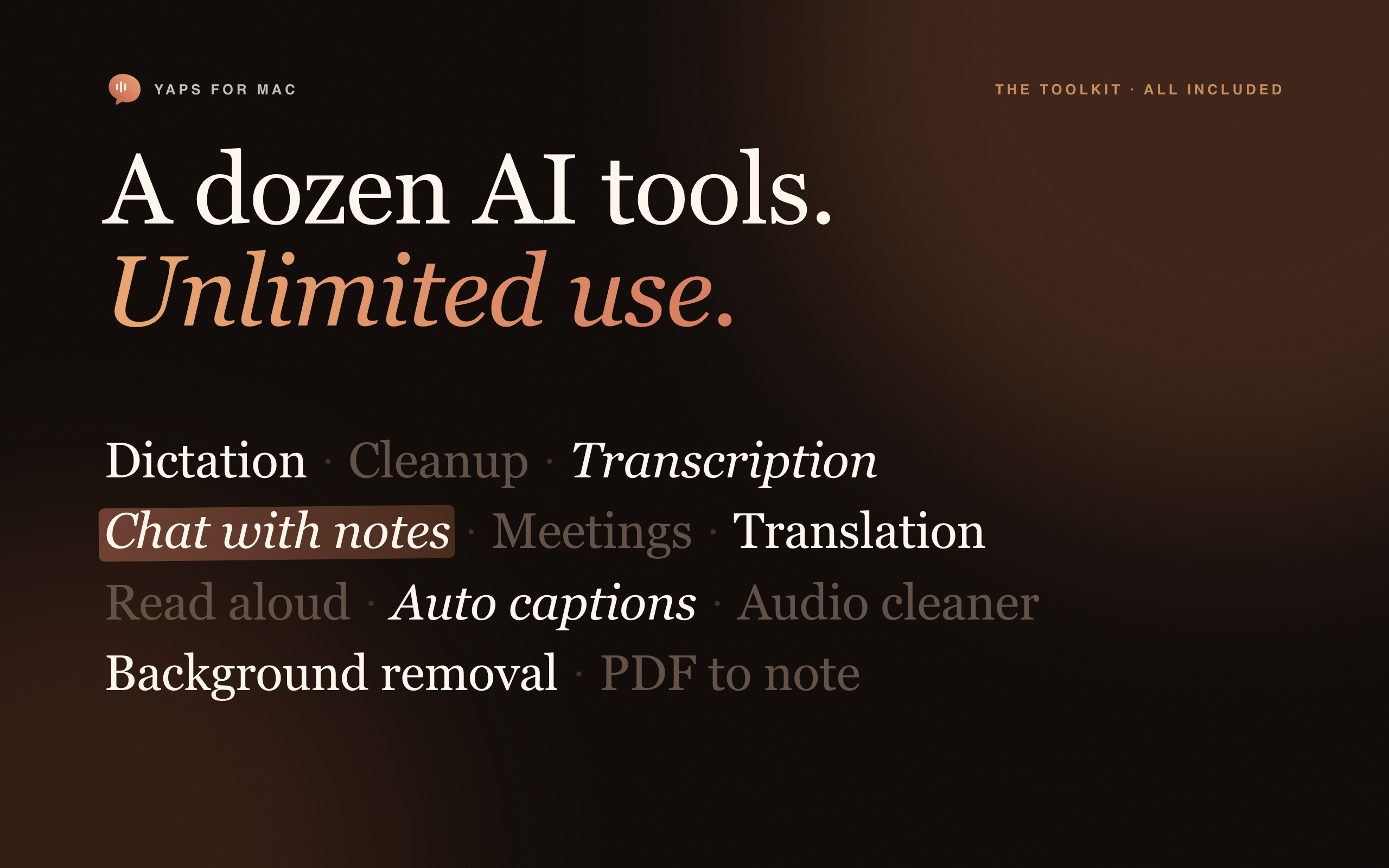
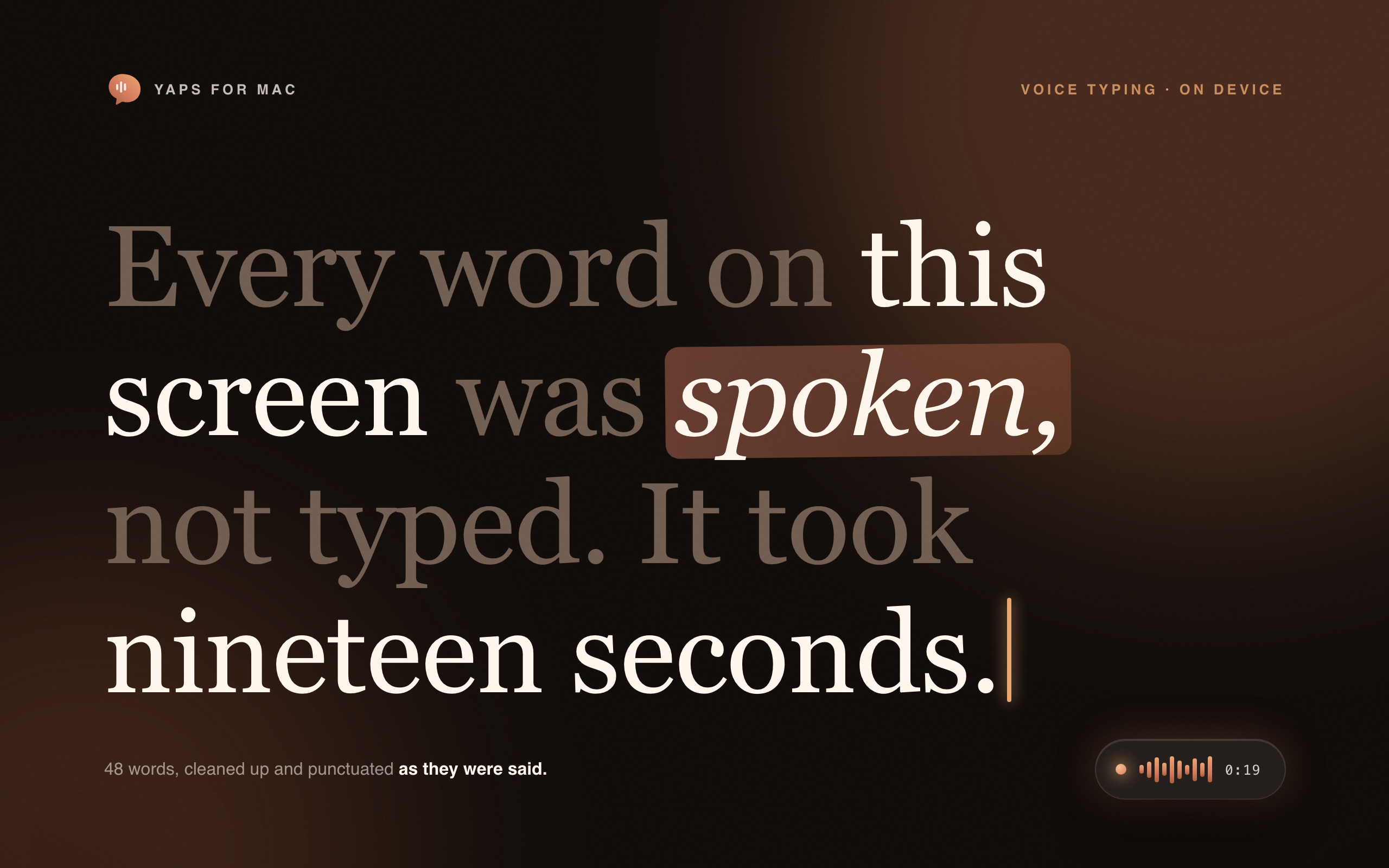
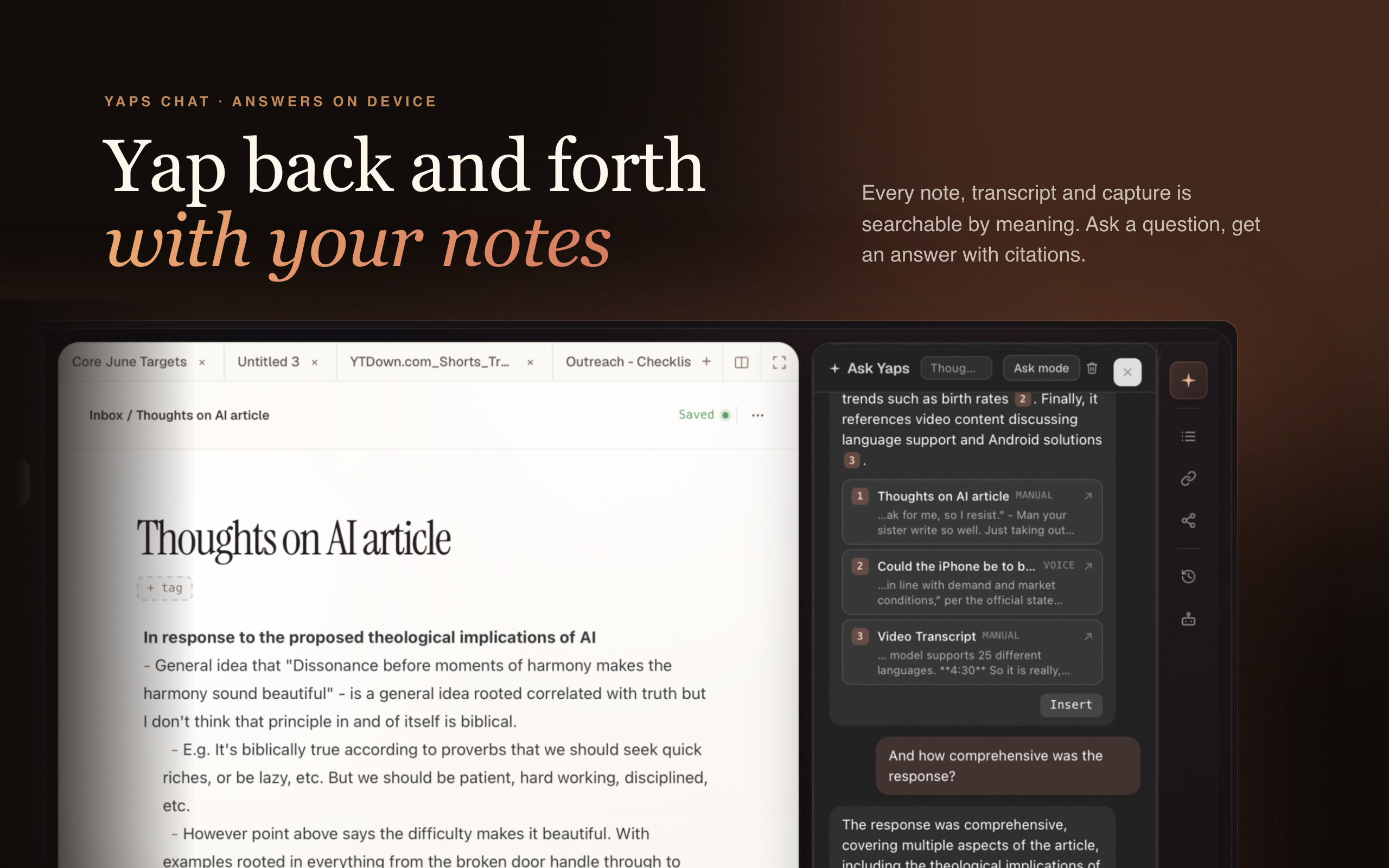
Hold a key and speak. Clean, self-corrected text lands in any app — mail, notes, code. Notes live in a plain Markdown vault with wiki-links and backlinks. Core features run on-device and work offline on Mac, Windows, Linux, Android, and iPhone. Free on Android; desktop has a 7-day trial. Pricing: Free on Android. Pro $15/month or $12/month annual for desktop (Windows, macOS, Linux). Maker: Richard Awoyemi.
Competitors: Otter.ai, Whisper Transcription, Notchmeister, Apple Dictation, Obsidian with Voice
Key Features
- Transcribe speech to text on-device across any application
- Organize notes in plain Markdown format with wiki-links and backlinks
- Capture and access notes offline on Mac, Windows, Linux, Android, and iPhone
- Self-correct transcribed text automatically for accuracy
- Store notes in a searchable Markdown vault
Use Cases
- Use the hold-and-speak hotkey to capture meeting notes directly into your existing note-taking app without switching windows or stopping work
- Build a personal knowledge vault in Markdown with wiki-links and backlinks to connect ideas across projects without relying on cloud sync
- Dictate code snippets and technical documentation directly into your editor while working offline on Linux, Mac, or Windows
- Transcribe voice memos on your phone during commutes (free on Android), then sync them to your Markdown vault for later organization
- Speak quick thoughts into email or messaging apps without typing, leveraging on-device processing so your voice data stays local
Who it is for
- Knowledge workers who want to capture ideas offline and keep notes on their own machine
- Students who can get a discount on the first year of Pro with a verified .edu email
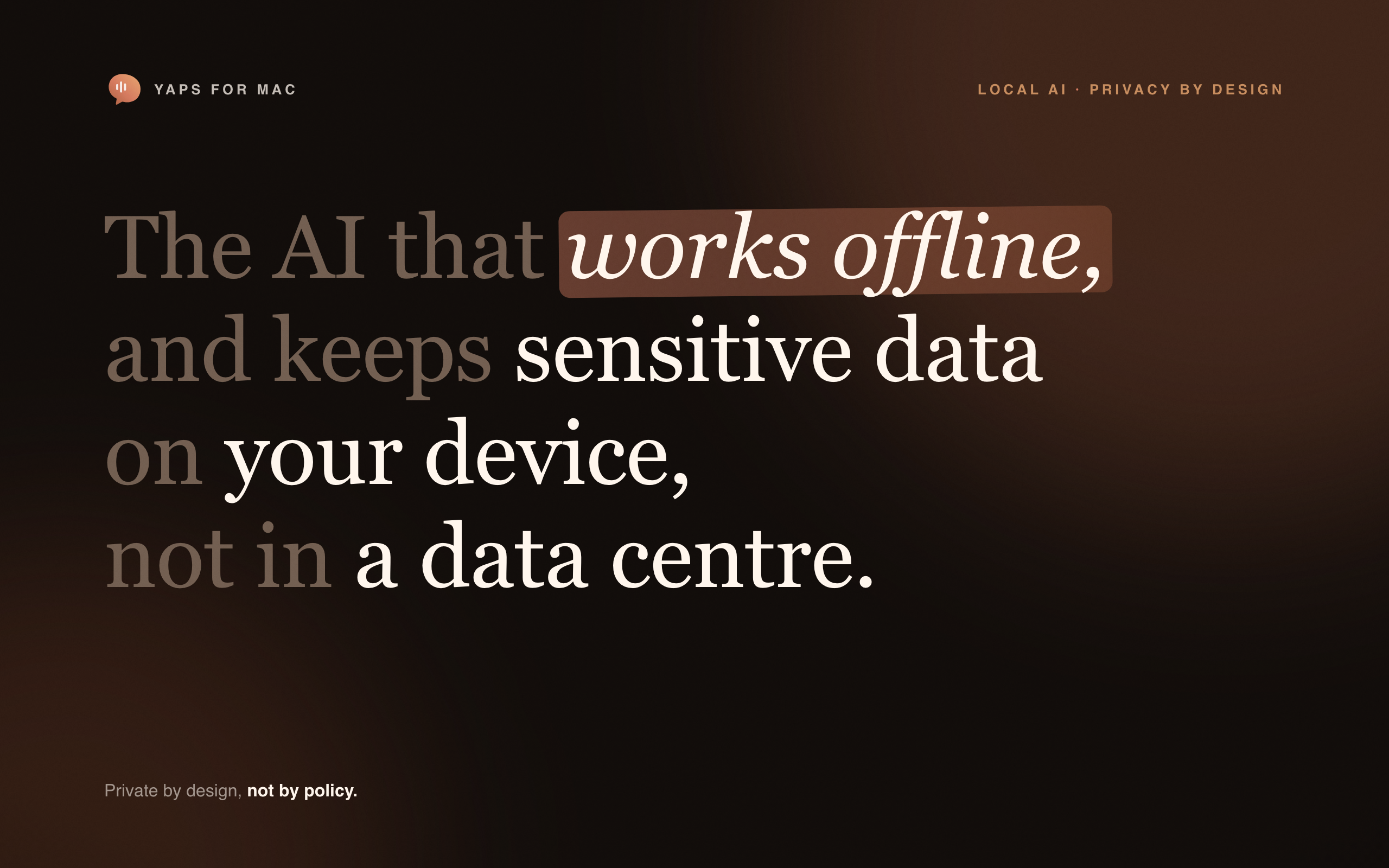
- Privacy-conscious users who want speech-to-text and AI tools that run on their own device
Pricing
Yaps offers a free download with a 7-day desktop trial, plus a Pro plan that students can get at 50% off for the first year.
FAQ
How much does Yaps cost?
Yaps offers two plans. Free is $0/forever on Android, iPhone, and iPad, with voice typing, voice notes, and read-aloud running on-device and no account needed. Pro ($9.99/month or $7.99/month billed annually) adds the desktop apps for Windows, macOS, and Linux, with unlimited dictation, transcription, and video captioning. Desktop starts with a 7-day free trial.
Does Yaps work offline?
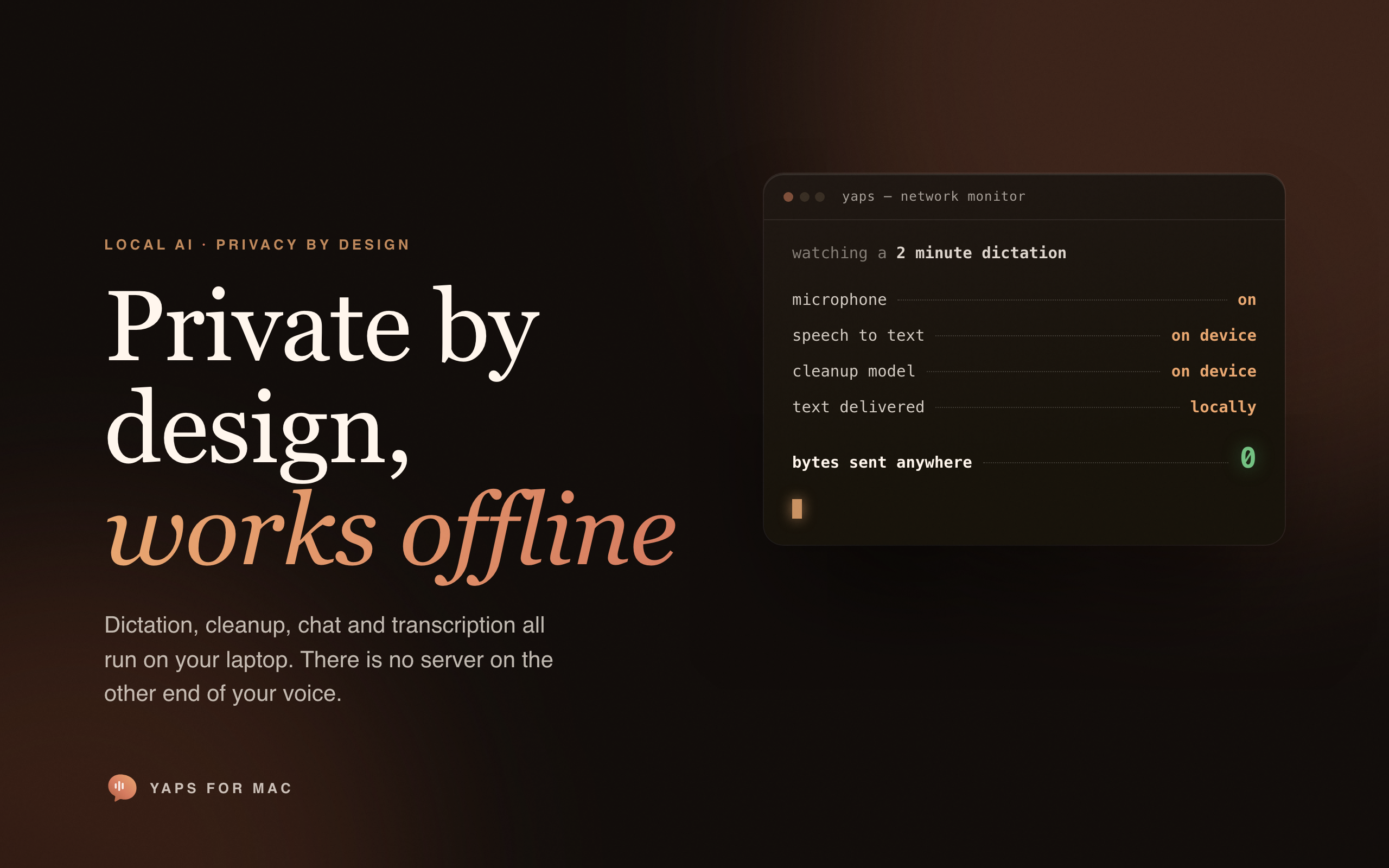
Yes. Core dictation, notes, and offline voices work without an internet connection once local models are installed. Account features and billing actions require internet access.
How do I cancel my subscription?
You can cancel your subscription at any time from the Yaps app settings under Account > Subscription. Your access will continue until the end of your current billing period.
How do referrals work?
Share your Yaps referral code with a friend. When they sign up with it and start Pro, you both earn one free month of Yaps. Referral rewards can stack for up to 12 months.
What is Yaps?
For knowledge workers: Yaps transcribes speech to text on-device across apps and organizes notes in Markdown so you capture ideas offline.
Who is Yaps for?
Yaps is designed for a range of users, including: • Knowledge workers who want to capture ideas offline and keep notes on their own machine • Students who can get a discount on the first year of Pro with a verified .edu email • Privacy-conscious users who want speech-to-text and AI tools that run on their own device
Alternatives
 YapHold a key, speak, and Yap types your words into any app. Speech recognition runs on your Mac or PC, so your audio is never uploaded.
 Better VoiceFor Mac users: Better Voice transcribes dictation and summarizes meetings locally without cloud uploads, so your notes stay private and organized in Apple Notes.
 KoruKoru is a free, open source app for notes, documents, files and tasks. Works offline on Windows, macOS and Linux, with the AI you choose.
More in Artificial Intelligence
New on Launch Llama
Launched this week · This month's launches · All products A–Z
Launch Llama stats
- 6,671views
- 13visits sent
- DA43
- 3HN mentions
Views and visits: last 90 days on Launch Llama. DA: Domain Rating by Ahrefs.
Ask AI about Yaps
Supporters
53 founders
53 founders supported Yaps on Launch Llama.







Third-party sources
- Best Wispr Flow Alternatives for Android
Hacker News · April 20, 2026 · 1 point
- Yaps – AI Custom Keyboard on Android (Private and Offline)
Hacker News · April 15, 2026 · 3 points
- Whisper AI Local Mac Setup
Hacker News · March 28, 2026 · 1 point
For bots & AI agents
Machine-readable versions of Yaps and Launch Llama. Fetch these instead of parsing this page.
This listing (.md) llms.txt llms-full.txt ai.txt Full catalog (.md) Endpoint index API docs MCP server MCP manifest Developer docs