
Zanta AI
For creators: Zanta AI generates high-quality AI videos and images from text prompts so you produce professional marketing content faster.
Built by Zanta AI and xingliang1 z · Artificial Intelligence · Design Tools · Freemium
In category: #1456 of 1956 · Artificial Intelligence
Zanta AI is a Instant Launch listing on Launch Llama with 2 total upvotes, founded by Zanta AI and xingliang1 z who joined in Jun 2026, compared against 6 alternatives.
Instant Launch listing
Listing status
2upvotes
Community score
Zanta AI and xingliang1 z (Joined Jun 2026)
Founder
Compared against 6 alternatives
Market comparison
Launched on Launch Llama Jun 1, 2026 · #12 of 20 that day
About
What is Zanta AI
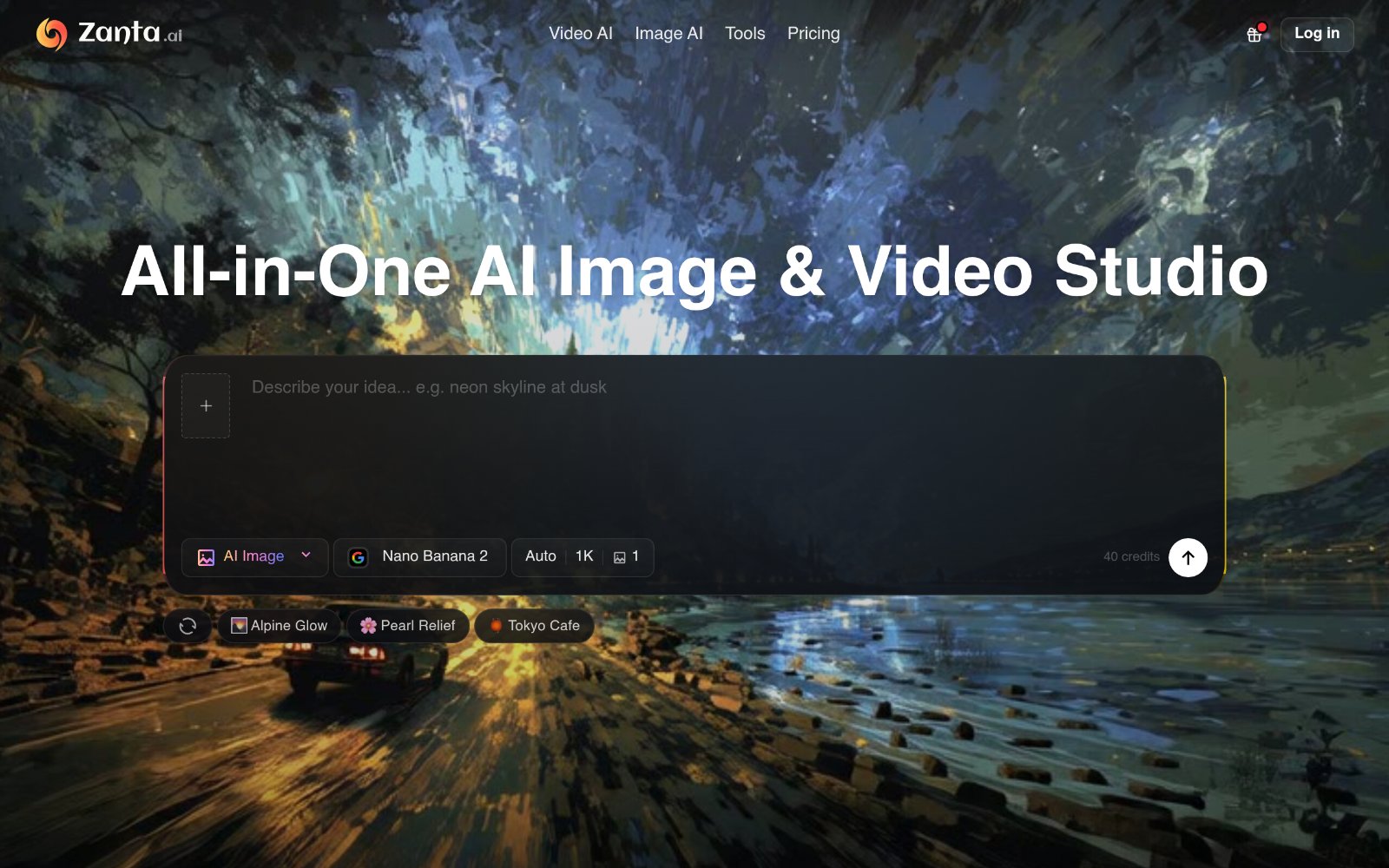
Zanta AI is a comprehensive platform designed for creating AI-generated videos and images, catering to various creative and marketing needs.
Features of Zanta AI
Multi-Model Support: Utilize various AI models like Veo 3.1 and Nano Banana for different creative outputs.
User-Friendly Interface: Intuitive design that allows users to easily navigate and generate content.
High-Quality Outputs: Generate high-resolution images and videos suitable for professional use.
Versatile Use Cases: Ideal for marketing, product visuals, and creative exploration.
Prompt and Image Input: Start with text prompts or upload images to guide the generation process.
Use Cases of Zanta AI
Marketing Campaigns: Create engaging visuals for ads and promotional materials.
Content Creation: Generate unique images and videos for blogs, social media, and websites.
Product Mockups: Design product visuals for e-commerce and presentations.
Creative Exploration: Experiment with different styles and concepts for artistic projects.
Video Production: Produce high-quality video content for various platforms.
Use Cases
- Generating AI videos from text prompts for marketing content
- Creating AI images from text prompts or source photos for social and promotional visuals
- Applying style effects such as photo filters, sketch, anime, or coloring page conversions to existing images
Who it is for
- Creators producing marketing content faster.
- Designers and artists exploring AI image styles and character concepts.
- Social media and content creators who need quick visual assets.
Pricing
Zanta AI offers a Upgrade Plan for additional access, and image generation uses credits (for example, Nano Banana 2 is listed at 1 to 40 credits).
FAQ
Which workflow should I start with?
Start with text when the scene still has to be invented. Start with an image when the first frame already works. Use Nano Banana or GPT Image for stills, and Veo or Kling when the idea needs motion.
Can I start from my own images?
Yes. Zanta can use uploaded source images for video motion or still-image transformations, including portraits, product photography, approved campaign stills, and other brand assets you want to keep recognizable.
What file types and upload sizes are supported?
The current web workflow accepts common still-image uploads such as PNG, JPG, JPEG, WEBP, and GIF. AI source images support uploads up to 64 MB per file.
What affects credits?
Credits depend on the model and settings. Video models like Veo 3.1 and larger image outputs can require more credits than quick still-image tests.
What should I do if a result looks wrong or too generic?
Usually that means the job is scoped too broadly. Narrow the request to one clear scene, one still, or one controlled edit, then retry with a cleaner prompt or a stronger source image. If the first frame matters more than invention, switch from text to an image-based workflow.
Can I use the outputs for commercial work?
Yes. Teams use Zanta for ads, landing pages, product marketing, thumbnails, concept work, and campaign visuals. Final usage still depends on the plan and model terms tied to your account.
Do I need separate editing software to get started?
No. Zanta runs in the browser, so you can go from prompt or source image to generated output, compare variants, and download the result without opening a separate editor first.
How do subscription credits work?
Each plan includes a credit balance tied to that billing option. Use credits across Zanta tools, and move up to a larger plan when you need more room.
What happens after I pay from the studio?
After payment, credits are added to your account. If checkout started from the studio, Zanta can return you to the same task flow so you can keep going without rebuilding the setup.
Can I buy one-time credits without a subscription?
Yes. One-time credit packs are available as a separate purchase path for users who need extra capacity without changing their ongoing plan.
Alternatives
 HappyHorse AIFor content creators and marketers: HappyHorse AI generates high-quality videos and images from text prompts in seconds, no technical skills needed.
 Image to Video AIFor marketers: Image to Video AI converts static images into cinematic videos so you create engaging content in seconds.
 Bimg AI: Nano Banana AI PlatformFor designers and creators: Bimg AI generates, edits, upscales, and restores images with AI so you produce professional visuals without manual design work.
 Veo 4 For content creators: Veo 4 transforms text prompts and images into cinematic videos with realistic motion, fast rendering, and storytelling tools for social and ads.
Ask AI about Zanta AI
Supporters
1 founder
1 founder supported Zanta AI on Launch Llama.