
TinyPDF
Under reviewFree image-to-PDF and practical PDF tools
Free image or TXT to PDF conversion plus tools to merge, split, compress, rotate, extract, watermark, and export PDF pages. HTTPS uploads are processed server-side and deleted automatically.
Productivity · Photo & Video · Free
Coming soon on Launch Llama Tools
TinyPDF is a Community listing on Launch Llama with 0 total upvotes, compared against 6 alternatives.
Community listing
Listing status
0upvotes
Community score
—
Founder
Compared against 6 alternatives
Market comparison
Free image or TXT to PDF conversion plus tools to merge, split, compress, rotate, extract, watermark, and export PDF pages. HTTPS uploads are processed server-side and deleted automatically.
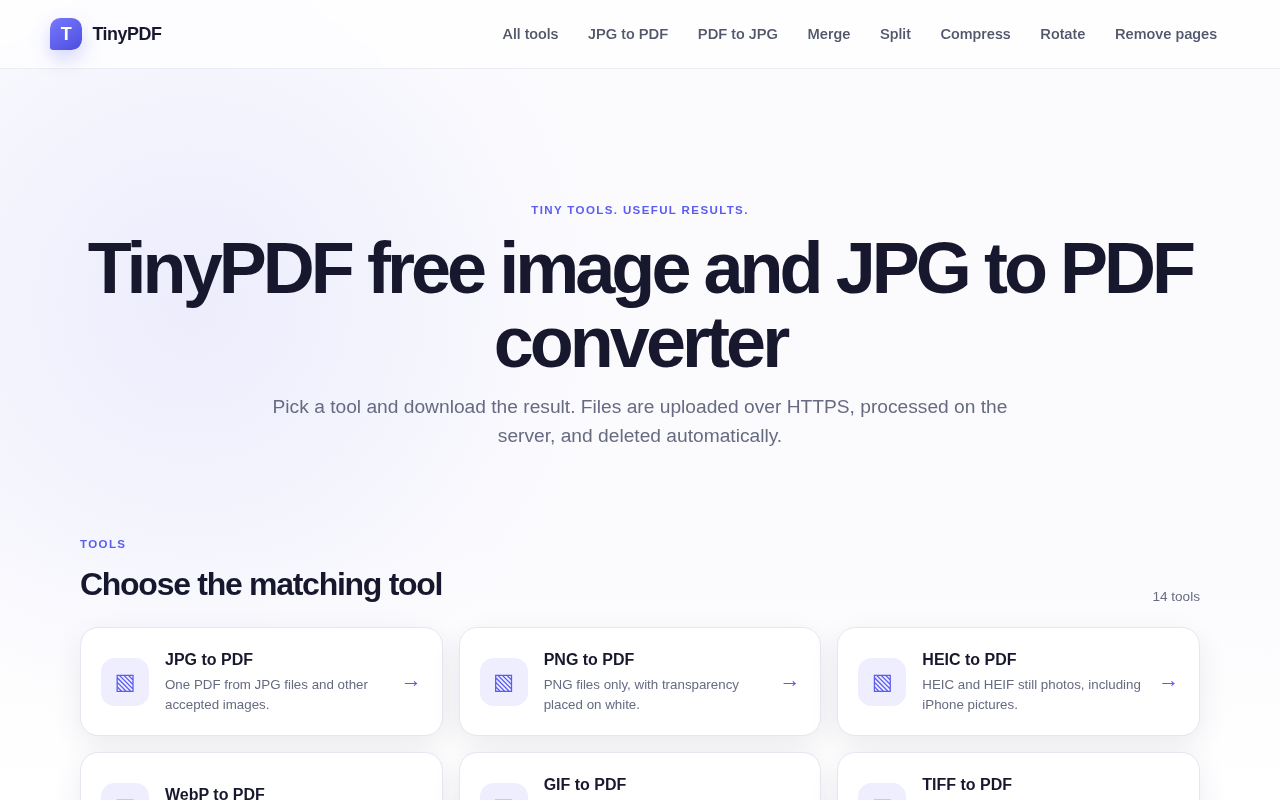
About
TinyPDF is a free collection of image-to-PDF and PDF tools. Convert images or TXT to PDF, merge and split documents, compress files, rotate or extract pages, add page numbers or text watermarks, remove blank pages, and export PDF pages as images or text. Files are sent over HTTPS, processed on the server, and deleted automatically. For straightforward everyday document workflows.
Key Features
- Converts JPG, PNG, WebP, HEIC, GIF, BMP, TIFF, and AVIF images into one PDF
- Reorders images with a preview before the final PDF is built on the server
- Creates a PDF at or below a chosen maximum file size
- Turns every page of a multipage TIFF or every GIF frame into separate pages
- Splits, merges, compresses, rotates, and watermarks PDFs alongside image conversion
- Deletes temporary uploads once conversion finishes or fails
Use Cases
- Combine a set of iPhone HEIC photos into one PDF to send as a single file
- Turn several screenshots into one PDF for a report or record
- Convert a multipage TIFF scan into one PDF for printing
From the founder
Who it's for
“People who need a simple, free way to convert images or text to PDF and handle everyday PDF tasks.”
Why I built it
“I built TinyPDF to bring image-to-PDF conversion and practical PDF tools together in one free place, so common document tasks are straightforward.”
Who it is for
- People who need a quick PDF from phone photos or screenshots without creating an account.
- Anyone preparing two-sided printing who needs odd and even pages separated.
Pricing
TinyPDF is free to use. See the website for details.
FAQ
Do I need an account?
No. Open a tool, add images, and download the PDF.
Which images can I convert?
The general tool accepts JPG, JPEG, PNG, WebP, HEIC, HEIF, GIF, BMP, TIFF, and AVIF. Separate pages are limited to PNG, WebP, GIF, TIFF, HEIC, or screenshots. PDF to JPG renders pages you select.
Where are files processed?
On the server, after an HTTPS upload. A preview can help you check the order first. The PDF itself is built on the server.
How long are files kept?
Temporary copies are removed when the response finishes or conversion fails. Cleanup every 15 minutes deletes files older than two hours.
Alternatives
 EveryPDFToolFor professionals: EveryPDFTool converts, compresses, and edits PDFs instantly so you process documents without leaving your browser.
 PDFtoMDFor developers: PDFtoMD converts PDFs to clean Markdown in seconds so you can edit and repurpose content without manual reformatting.
More in Productivity
New on Launch Llama
Launched this week · This month's launches · All products A–Z
Ask AI about TinyPDF
For bots & AI agents
Machine-readable versions of TinyPDF and Launch Llama. Fetch these instead of parsing this page.
This listing (.md) llms.txt llms-full.txt ai.txt Full catalog (.md) Endpoint index API docs MCP server MCP manifest Developer docs