Saytrim
Under reviewType what to cut. Removes ums and bad takes, adds captions
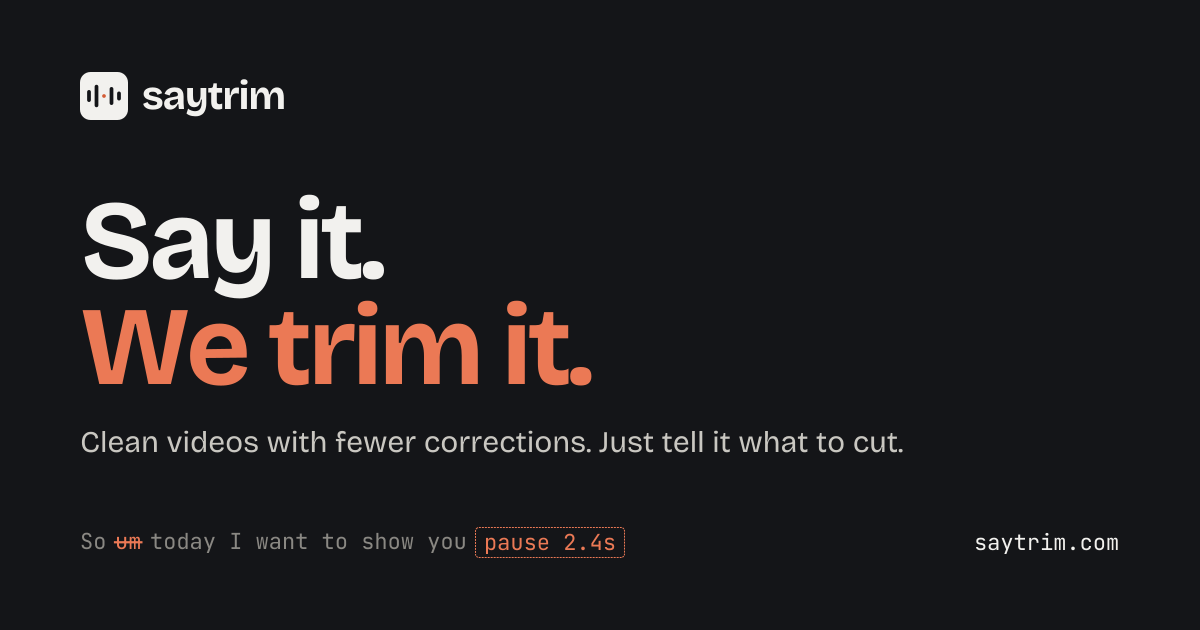
Lets founders, coaches and sales teams type what to cut from a recording, check every cut on the transcript, then export without learning a timeline.
Built by Abdullah Moiz · Video · Freemium
Coming soon on Launch Llama Tools
Saytrim is a Community listing on Launch Llama with 0 total upvotes, founded by Abdullah Moiz who joined in Nov 2026, compared against 5 alternatives.
Community listing
Listing status
0upvotes
Community score
Abdullah Moiz (Joined Nov 2026)
Founder
Compared against 5 alternatives
Market comparison
Lets founders, coaches and sales teams type what to cut from a recording, check every cut on the transcript, then export without learning a timeline.
About
I built Saytrim because editing my own product demos kept taking way longer than it should. Most times I only needed to trim the start, cut a mistake or join two clips. But I don't edit often enough to remember where anything is in a video editor, so a five-minute job turned into an hour of tutorials.
With Saytrim you upload a talking video and just type what you want, like "remove the ums" or "cut from where I say okay". It shows every cut on your transcript before anything renders, so you can keep or undo each one. Then export in 16:9, 9:16 or 1:1 with stylish captions.
No timeline to learn and no AI credits. You pay for video minutes, and fixing a cut never costs extra.
I'm building it solo, so if something feels off, email me at [email protected]. I read every message.
Follow Saytrim: X (Twitter)
Key Features
- Remove umms, long pauses and bad takes without clipping words
- Cut clips by the spoken words you point to, with no timecodes
- Show every planned cut on the transcript before anything renders
- Add captions in styles like Pop, Highlighter and Bold
- Resize one edit to 16: 9, 9:16 or 1:1 in a single export
Use Cases
- Trimming umms, retakes and dead air from a product demo recorded every few weeks
- Cleaning up client or course recordings without learning a timeline-based editor
- Turning one recording into 9:16 and 1:1 versions with captions for social posts
From the founder
Who it's for
“Founders, coaches, consultants and sales teams who record talking videos every week or month but don't edit often. They know what they want cut, but opening an editor means searching for buttons and watching tutorials every time.”
About me
“I'm Abdullah, a software engineer and solo founder. Every few weeks I record a product demo and only need small fixes: trim the start, remove a mistake, join two clips. But I never edit often enough to remember where anything is, so a 5-minute job took an hour. Saytrim lets you type the edit, see every cut before it renders, and approve. No editor to learn, and no credits.”
Who it is for
- Founders and small business owners
- Coaches and consultants
- Recruiters and sales teams
Pricing
Free plan, Creator $9/mo, Pro $19/mo
FAQ
How is Saytrim different from Descript?
Descript is a full video editor, and its AI features use credits that do not roll over (descript.com/pricing). Saytrim does one job: you type what to cut, check every planned cut on the transcript, and approve it. You pay in video minutes only, and asking again is free. If you want to edit every detail by hand, Descript is the better fit.
Will it clip my words?
No cut happens without your say. Saytrim shows every planned cut on the transcript, and any line you said more than once with each take, before anything renders. You pick which take to keep, and you can drop or adjust any cut.
Will my cuts look jumpy?
No. Smooth cuts adds a gentle zoom on every other cut, so a jump looks like a camera change, and the sound fades softly at each cut. It's on by default and free on every plan. Prefer plain cuts? Turn it off in the editor or just ask.
What if a cut is wrong?
Play a short before/after of any cut and restore it in one click. You can undo any step, and fixing a cut never costs extra.
How does pricing work?
Plans are priced by video minutes. No credits. If you need more, a top-up adds 250 minutes for $10 or 600 minutes for $20 on Creator and Pro, and top-up minutes never expire. Yearly billing gives you 2 months free.
Can I upload 4K?
Yes. We export in 1080p, the quality Reels, Shorts and TikTok play. 4K export for paid plans is on our roadmap. Bigger file? We'll offer to make a smaller copy (up to 2 GB on Free, 10 GB on Creator, 20 GB on Pro).
What happens to my videos?
Videos are deleted after 7 days and are never used to train AI.
Which formats can I export?
9:16, 1:1 and 16:9 in one go. Captions can go on the video or be downloaded as an SRT file, and you can download the edited transcript as text. All plans.
Alternatives
 Demo EditorPaste your product's URL and get a promo video with voice-over and music, cut from your real site.
 VibecutYour raw videos go in. Publish-ready videos come out. Record naturally, make mistakes, upload everything, Vibecut handles the rest
 SnapDubPaste a long video, get vertical clips that keep the speaker in frame
More in Video
New on Launch Llama
Launched this week · This month's launches · All products A–Z
Ask AI about Saytrim
For bots & AI agents
Machine-readable versions of Saytrim and Launch Llama. Fetch these instead of parsing this page.
This listing (.md) llms.txt llms-full.txt ai.txt Full catalog (.md) Endpoint index API docs MCP server MCP manifest Developer docs