
Restore Old Photos - Retrocap
For families and genealogy fans: an iPhone and Android app that repairs scratched, faded or blurry old photos, sharpens faces and colorizes black-and-white pictures in seconds.
Built by aslı çakmak · Artificial Intelligence · Design Tools · Mobile Apps · Freemium
In category: #1533 of 2058 · Artificial Intelligence
Restore Old Photos - Retrocap is a Community listing on Launch Llama with 2 total upvotes, founded by aslı çakmak who joined in Oct 2026, compared against 5 alternatives.
Community listing
Listing status
2upvotes
Community score
aslı çakmak (Joined Oct 2026)
Founder
Compared against 5 alternatives
Market comparison
Launched on Launch Llama Oct 19, 2026 · #130 of 215 that day
About
Restore Old Photos - Retrocap is an AI photo restoration app for iPhone and Android, built for anyone with a box of old family prints. Snap or upload an old photo and Retrocap repairs scratches, tears, stains and fading, recovers blurry faces in portraits and group shots, colorizes black-and-white images with natural tones, and upscales low-resolution scans into sharp HD pictures. No editing skills are needed: one tap gives a restored result in seconds that you can save or share. It is popular with genealogy and family-history enthusiasts digitizing albums, and with people preparing photos for anniversaries, memorials and gifts. Free to download, with an optional premium subscription for unlimited HD restorations.
Use Cases
- Repairing scratched, torn and faded old family photos on a phone in seconds
- Colorizing black-and-white or sepia photos in Natural, Vivid, Vintage or Cool styles
- Animating old portraits with subtle movement and optional voice narration to share with family
Who it is for
- Families restoring old family photographs
- Genealogy enthusiasts working on family history archives
Pricing
Free to download. Credits are available through a weekly or yearly subscription or one-time token packs.
FAQ
What is the best app to restore old photos?
The best app is one that can handle every kind of damage in one place: scratches, tears, fading, blur and missing color. Retrocap is an AI photo restoration app for iPhone and Android that repairs, colorizes, sharpens and animates old photos, is free to download and shows a before-and-after comparison so you can judge the result yourself.
How do I restore an old photo on my iPhone?
Install Retrocap from the App Store, take a photo of your print with the iPhone camera or pick a scan from your photo library, then tap Restore. Retrocap’s AI removes scratches, tears, blur and fading in seconds, and you can save the restored photo straight to your Photos library.
Can AI colorize black and white photos accurately?
AI can add realistic, natural-looking color to black-and-white and sepia photos. Retrocap lets you choose a Natural, Vivid, Vintage or Cool style. Because the original colors were never recorded, the result is a realistic interpretation rather than an exact reconstruction.
Is Retrocap free?
Retrocap is free to download. Restoring, colorizing and animating photos uses credits, which come with a weekly or yearly subscription or with one-time token packs available inside the app.
Can I fix a torn or water-damaged photo?
Yes. Retrocap’s AI fills in torn corners, deep folds, tape marks and water stains by rebuilding the missing areas from the surrounding image. Results depend on how much of the original survives; areas that are completely missing, such as a lost face, cannot always be recovered.
How do I animate an old photo?
Open the Animate tool and choose a portrait. Retrocap turns it into a short video with subtle, natural movement, and you can add optional voice narration before saving or sharing it.
Are my photos private?
Your photos are used only to create your results. To process them, Retrocap sends them securely to its AI processing partner. Your photos are never sold, and you can delete them and your data from the app at any time.
Does Retrocap work offline?
No. Retrocap needs an internet connection to restore, colorize, enhance or animate a photo, because the AI processing runs on cloud servers rather than on your phone. Connect to Wi-Fi or mobile data before you start.
What resolution are the restored photos?
Retrocap saves restored photos in high resolution, sharp enough for sharing on screen and for printing at common photo sizes.
Is Retrocap available on Android?
Yes. Retrocap is available on Google Play for Android phones (Android 7.0 or later) and on the App Store for iPhone (iOS 16.4 or later).
Alternatives
 RendrflowFor photographers: Rendrflow upscales and restores photos offline on your device so your images stay private while gaining studio-quality results.
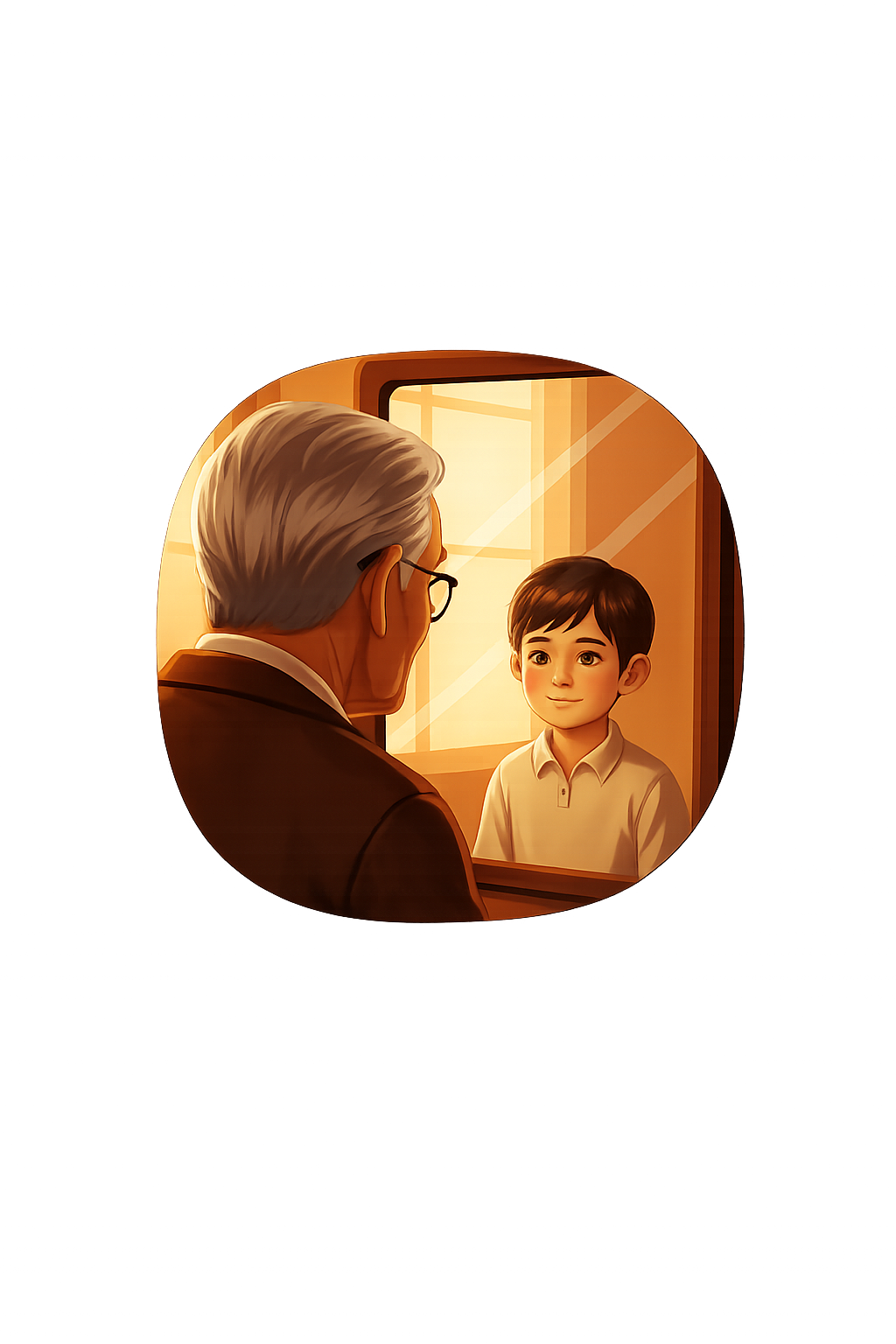 RetroFor self-reflection: Retro is an AI app that lets you have conversations with your younger self to process decisions and understand your growth.
More in Artificial Intelligence
New on Launch Llama
- Calorie API
- UncensoredLabs
- Audio to Text
- AI Rap Video Generator
- Playable Notes
- Fighter Ready
- LuriaLab
- WAV AI
Launched this week · This month's launches · All products A–Z
Launch Llama stats
- 200views
- Verified
Views and visits: last 90 days on Launch Llama.
Featured in
Ask AI about Restore Old Photos - Retrocap
Supporters
1 founder
1 founder supported Restore Old Photos - Retrocap on Launch Llama.
For bots & AI agents
Machine-readable versions of Restore Old Photos - Retrocap and Launch Llama. Fetch these instead of parsing this page.
This listing (.md) llms.txt llms-full.txt ai.txt Full catalog (.md) Endpoint index API docs MCP server MCP manifest Developer docs