PartFit 3D
For 3D printing engineers: PartFit 3D splits oversized STL and 3MF models into printer-ready parts so you print complex designs without assembly.
Built by Serpit G · Productivity · Developer Tools · Design Tools · Free
In category: #1044 of 1442 · Productivity
PartFit 3D is a Community listing on Launch Llama with 2 total upvotes, founded by Serpit G who joined in Aug 2026, compared against 4 alternatives.
Community listing
Listing status
2upvotes
Community score
Serpit G (Joined Aug 2026)
Founder
Compared against 4 alternatives
Market comparison
Launched on Launch Llama Aug 10, 2026 · #100 of 108 that day
About
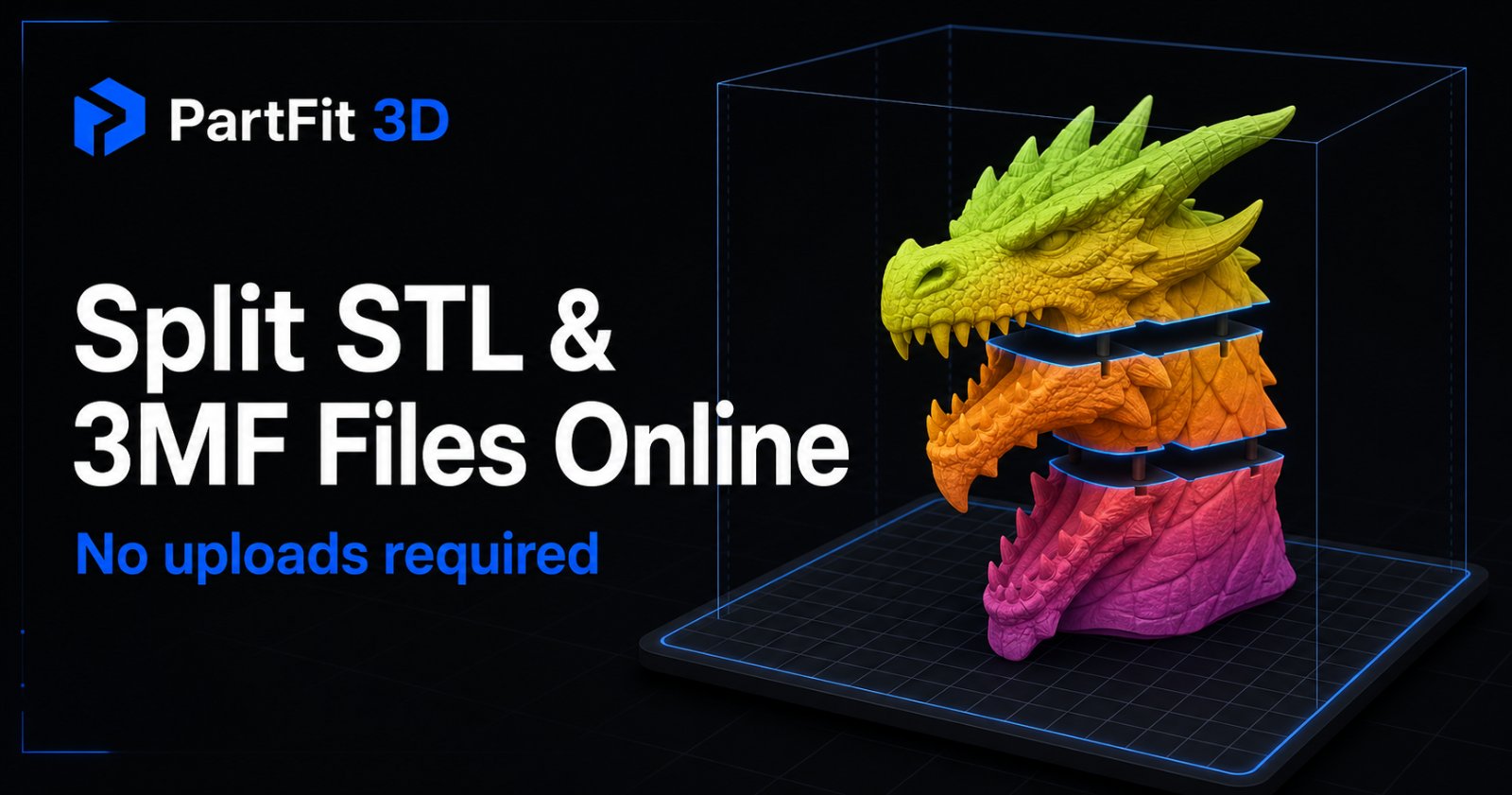
PartFit 3D is a private, browser-based STL and 3MF splitter for 3D printing. Orient oversized models, make repeated plane cuts, check every result against a configurable printer build volume and safety margin, inspect mesh issues, and export slicer-ready STL or 3MF parts. Model processing stays on your device, with no upload or account required.
Use Cases
- Splitting an oversized STL or 3MF model into parts that fit a desktop 3D printer's build volume without assembly
- Cutting a large cosplay helmet or armor model into printable sections and verifying each part is watertight before slicing
- Preparing large figures, statues, or architectural models by choosing an orientation and cut planes, then exporting 3MF or STL parts
Who it is for
- 3D printing engineers preparing models for desktop printers
- Cosplay makers printing helmets and armor pieces
- Hobbyists and makers printing large figures or terrain models
Pricing
PartFit 3D is free to use. See the website for details.
FAQ
Does PartFit 3D upload my model?
No. In this first release, parsing, checking, cutting, and exporting happen in your browser.
Can I keep cutting a part that is still too large?
Yes. Select any Too Large part, choose a new axis and position, then cut again until every part fits.
Does the cutter close the open surface?
Yes. PartFit reconstructs the boundary at the cutting plane, caps both results, then reruns boundary, non-manifold, and watertight checks.
Will it repair a broken STL?
The separate STL repair tool can attempt supported mesh repairs. Cutting also checks boundaries and non-manifold edges, and blocks export for severe topology errors. Some damaged or self-intersecting models still need a dedicated mesh editor.
Can I enter a custom build volume?
Yes. Choose Custom and enter the usable X, Y, and Z dimensions for your printer.
Can I use 3MF?
Yes. Import STL or 3MF, then export all verified parts as one 3MF project or as a ZIP of STL files.
Can PartFit divide a model into equal parts?
Yes. Professional mode lets you choose 1–6 divisions independently on the X, Y, and Z axes, preview the resulting planes, and apply them together.
Can I add more than one cutting plane?
Yes. Add multiple X, Y, or Z planes, drag each position independently, and execute the complete set in one operation.
Can PartFit create alignment pins and sockets?
Yes. Professional mode can generate one, two, or four printable pins with matching clearance-adjusted sockets directly on the cut surfaces.
Why does PartFit use a printer safety margin?
The safety margin reserves space for brims, clips, calibration differences, and conservative fit checking instead of assuming every advertised millimeter is usable.
Alternatives
 PictoSTLFor makers and designers: AI-powered JPG to STL converter that transforms 2D images into 3D printable models with adjustable quality levels and interactive preview.
 Alpha3DFor 3D artists: Alpha3D automates retopology, UV unwrapping, and texturing so you create production-ready models in minutes.
 PrintSheriffReal-time 3D print failure detection that runs locally on OctoPrint. Analyzes webcam frames to catch spaghetti prints with push alerts and visual heatmaps—no cloud uploads, no subscriptions.
More in Productivity
New on Launch Llama
- unsubs.org
- VaultShield
- CBSA Salary Calculator
- HMDIA Login and Registration
- eSIMify - Global Internet Data Plans
- Ember Origin
- Presentation to Video
- Vitalityfit
Launched this week · This month's launches · All products A–Z
Ask AI about PartFit 3D
Supporters
1 founder
1 founder supported PartFit 3D on Launch Llama.
For bots & AI agents
Machine-readable versions of PartFit 3D and Launch Llama. Fetch these instead of parsing this page.
This listing (.md) llms.txt llms-full.txt ai.txt Full catalog (.md) Endpoint index API docs MCP server MCP manifest Developer docs