On Launch Llama
Passport Size Photo - Turn a clear photo into a compliant passport, visa, or ID...
Turn a clear photo into a passport, visa, or ID photo with country presets, a free preview, and a digital file plus 4×6 print sheet. Web and iOS.
Built by Felix and zhou felix
Visit website → Upvotes · 3
In category: #2187 of 2735 · Artificial IntelligenceWeekly rank: #33Trending this week: #60 of 2735 · Artificial Intelligence
Passport Size Photo is a Community listing on Launch Llama with 3 total upvotes across 1 founder supporter, +3 in the week of Sep 29–Oct 5, 2026, founded by Felix and zhou felix who joined in Oct 2026, compared against 6 alternatives.
Community listing
Listing status
3upvotes
+3 · Sep 29–Oct 5, 2026
Community score
Felix and zhou felix (Joined Oct 2026)
Founder
Compared against 6 alternatives
Market comparison
About
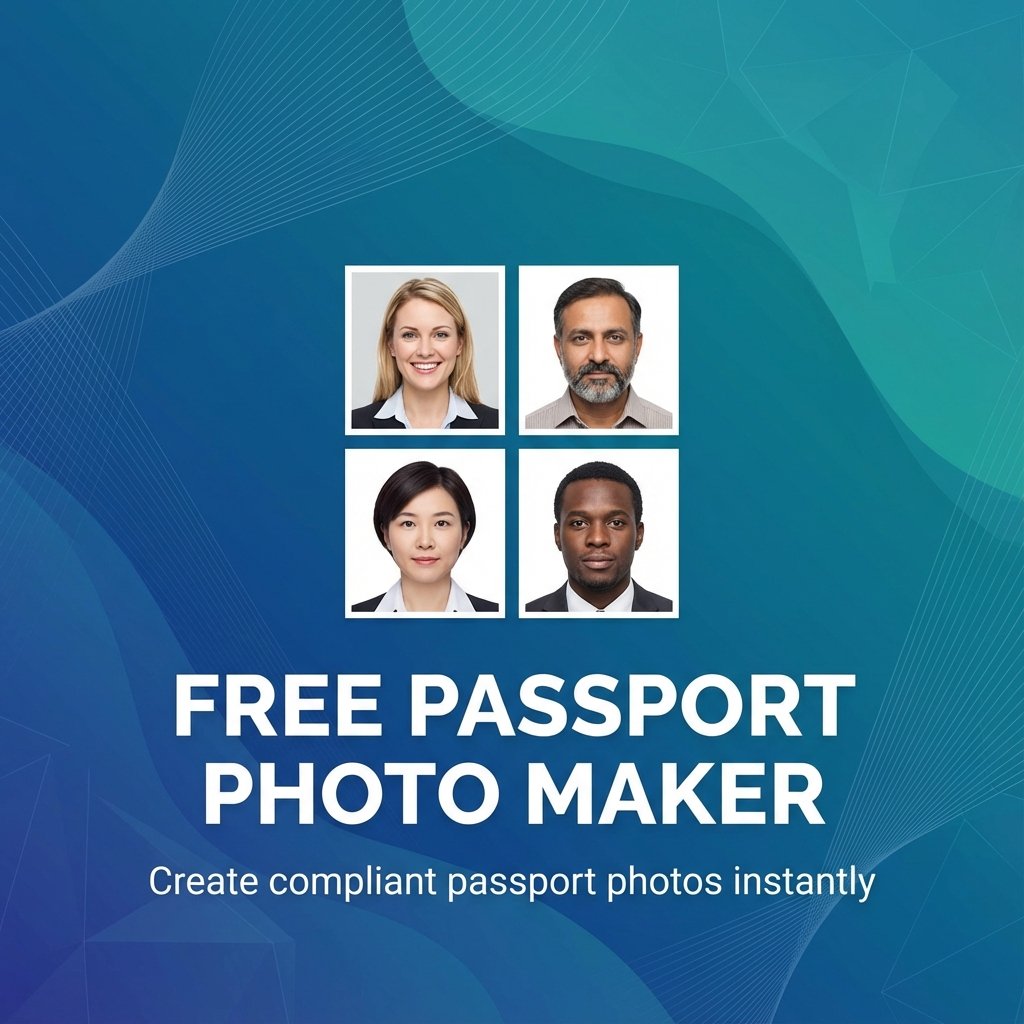
Passport Size Photo helps travelers, students, and applicants create passport, visa, and ID photos from a clear photo taken at home. Choose a country or document preset, upload your photo, and the tool crops and sizes it to the selected specifications and replaces the background. You get a free preview before paying, then a one-time purchase (about US$6.99–8.99) unlocks a high-resolution digital file for online applications plus a 4×6 print sheet you can print at a local photo shop or at home. Available on the web and on iOS. Always check the latest requirements from the issuing authority for your document.
Ask AI
ChatGPT Claude Perplexity Grok
For agents
llms.txt · llms-full.txt · ai.txt · Live fact sheet · Full catalog (.md) · Endpoint index · API spec · REST access · Agent server · Server manifest · Server discovery
Key Features
- Country and document presets for passport, visa, and ID photo sizes
- Free preview of your cropped photo before you pay
- Digital file for online applications plus a 4×6 print sheet
Pricing
Passport Size Photo offers a free plan plus paid tiers. See the website for current pricing.
FAQ
What is Passport Size Photo?
Passport Size Photo helps travelers, students, and applicants create passport, visa, and ID photos from a clear photo taken at home. Choose a country or document preset, upload your photo, and the tool crops and sizes it to the selected specifications and replaces the background. You get a free preview before paying, then a one-time purchase (about US$6.99–8.99) unlocks a high-resolution digital file for online applications plus a 4×6 print sheet you can print at a local photo shop or at home. Available on the web and on iOS. Always check the latest requirements from the issuing authority for your document.
What are the key features of Passport Size Photo?
Passport Size Photo includes: • Country and document presets for passport, visa, and ID photo sizes • Free preview of your cropped photo before you pay • Digital file for online applications plus a 4×6 print sheet
How much does Passport Size Photo cost?
Passport Size Photo offers a free plan plus paid tiers. See the website for current pricing. You can discover and review Passport Size Photo for free on Launch Llama.
What category does Passport Size Photo belong to?
Passport Size Photo is listed under Artificial Intelligence, Productivity, Design Tools on Launch Llama.
How do I get started with Passport Size Photo?
Click the "Visit Website" button on this page to go directly to Passport Size Photo. You can also upvote and leave a review to help other founders discover it.
Supporters
1 founder1 founder contributed 3 upvotes to Passport Size Photo on Launch Llama.

Reviews
1 comment
Hey, love seeing this here! 👋 What inspired you to build this? Would love to hear the story behind it.
Alternatives
- AI Photo Editor
For creators: AI Photo Editor transforms images via text prompts, editing JPG, PNG, WebP instantly without design skills or software.
- Enhance My Photo
For photographers and e-commerce sellers: Enhance My Photo uses AI to sharpen details, recover clarity, and improve color in portraits, products, and everyday photos. Free without signup, paid plans a
- Sniploom
For photographers: Sniploom enhances photos, removes backgrounds, and processes PDFs in your browser so your images stay private and look professional.
- imgpilot
For iPhone users: imgpilot converts HEIC photos to JPG in your browser instantly—no upload, no signup, quality preserved.
- Tiny tools
For privacy-conscious users: Tiny tools offers 25+ utilities for document formatting, image editing, and development—all processing locally in your browser, zero uploads.
- AI Image Resizer
For creators: AI Image Resizer expands photos to any size with intelligent outpainting for Instagram, websites, and product visuals without cropping.