nolainocr
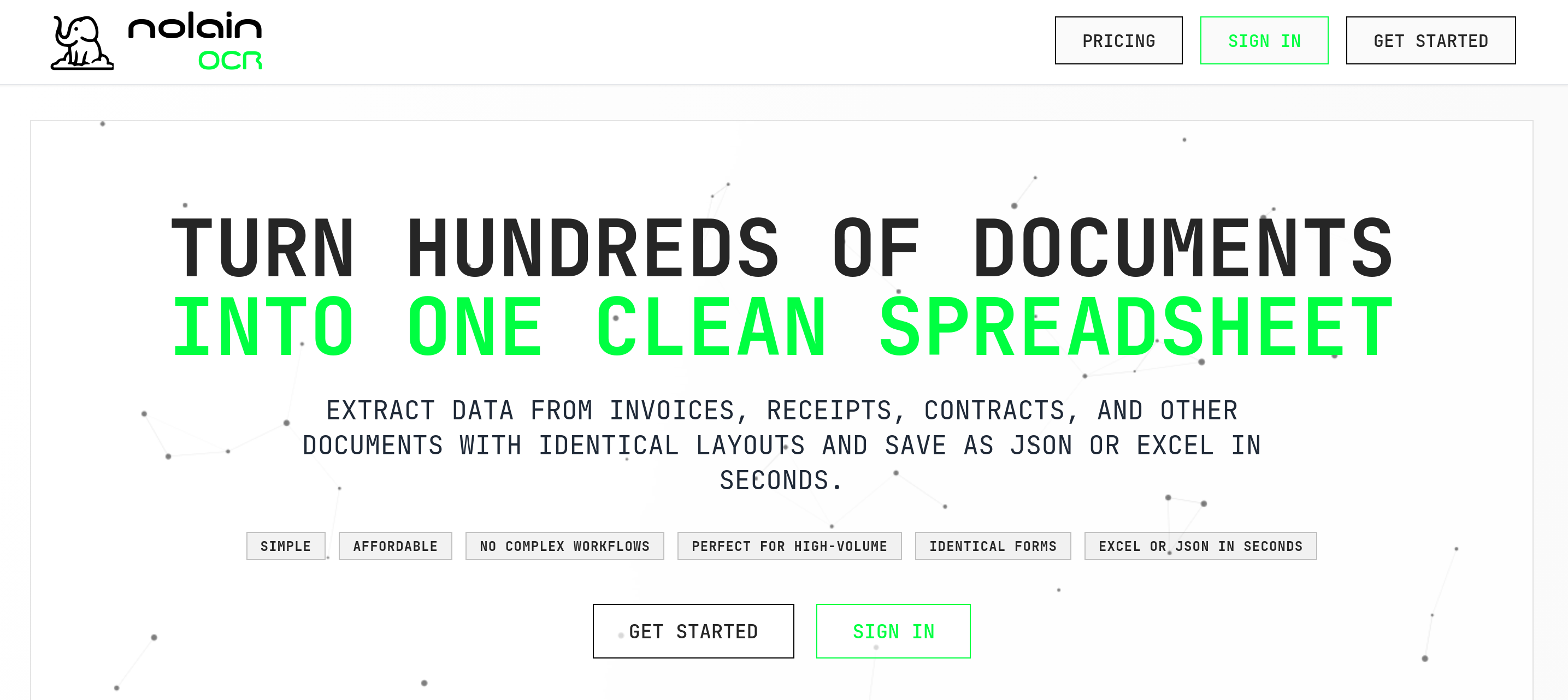
For finance teams: nolainocr extracts data from invoices, forms, and receipts in bulk, then exports to Excel or Google Sheets automatically.
Built by Julian David · Artificial Intelligence · SaaS · Freemium
In category: #970 of 2052 · Artificial Intelligence
nolainocr is a Community listing on Launch Llama with 17 total upvotes, founded by Julian David who joined in May 2026, compared against 4 alternatives.
Community listing
Listing status
17upvotes
Community score
Julian David (Joined May 2026)
Founder
Compared against 4 alternatives
Market comparison
Launched on Launch Llama May 5, 2026 · #6 of 13 that day
About
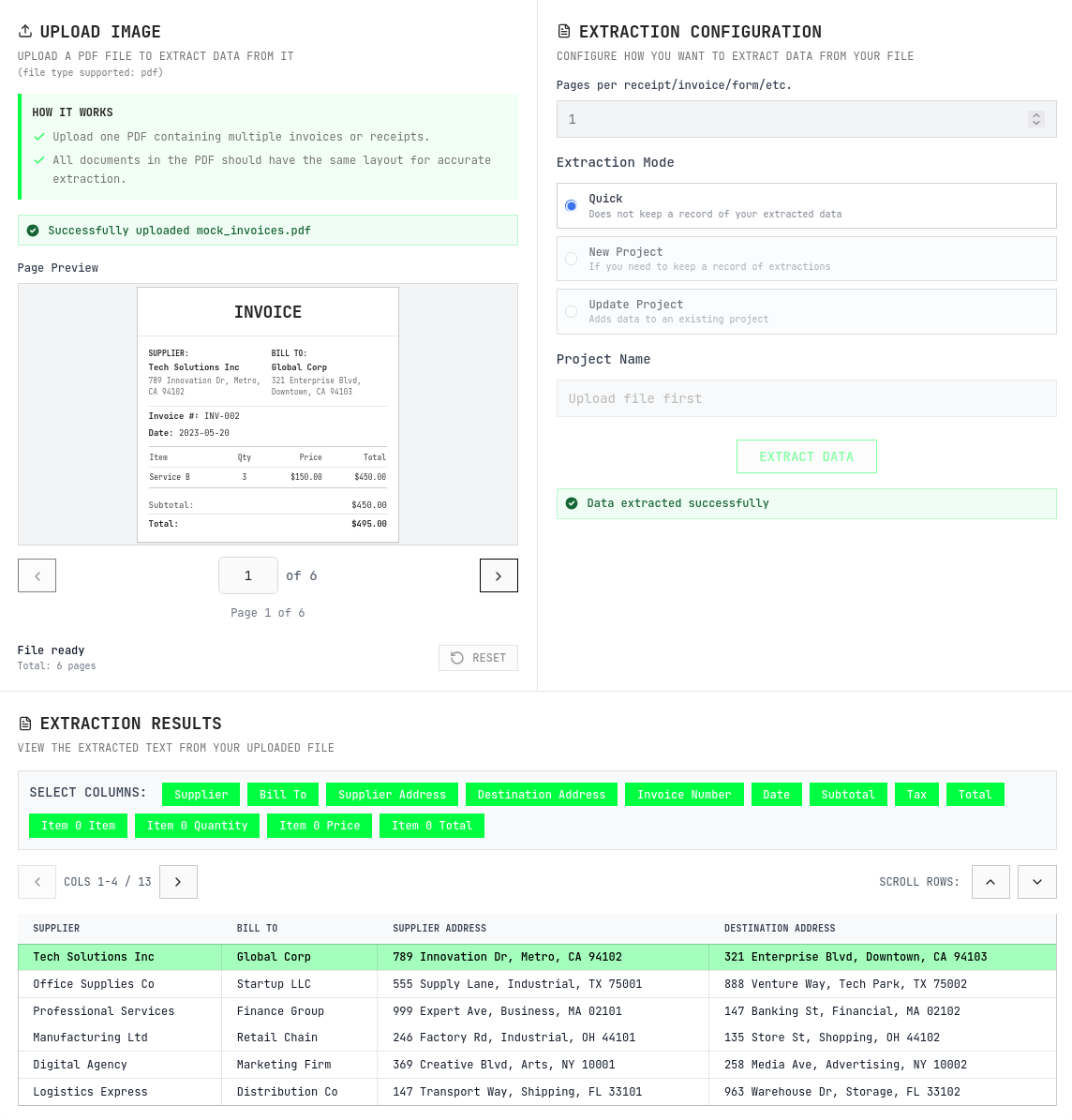
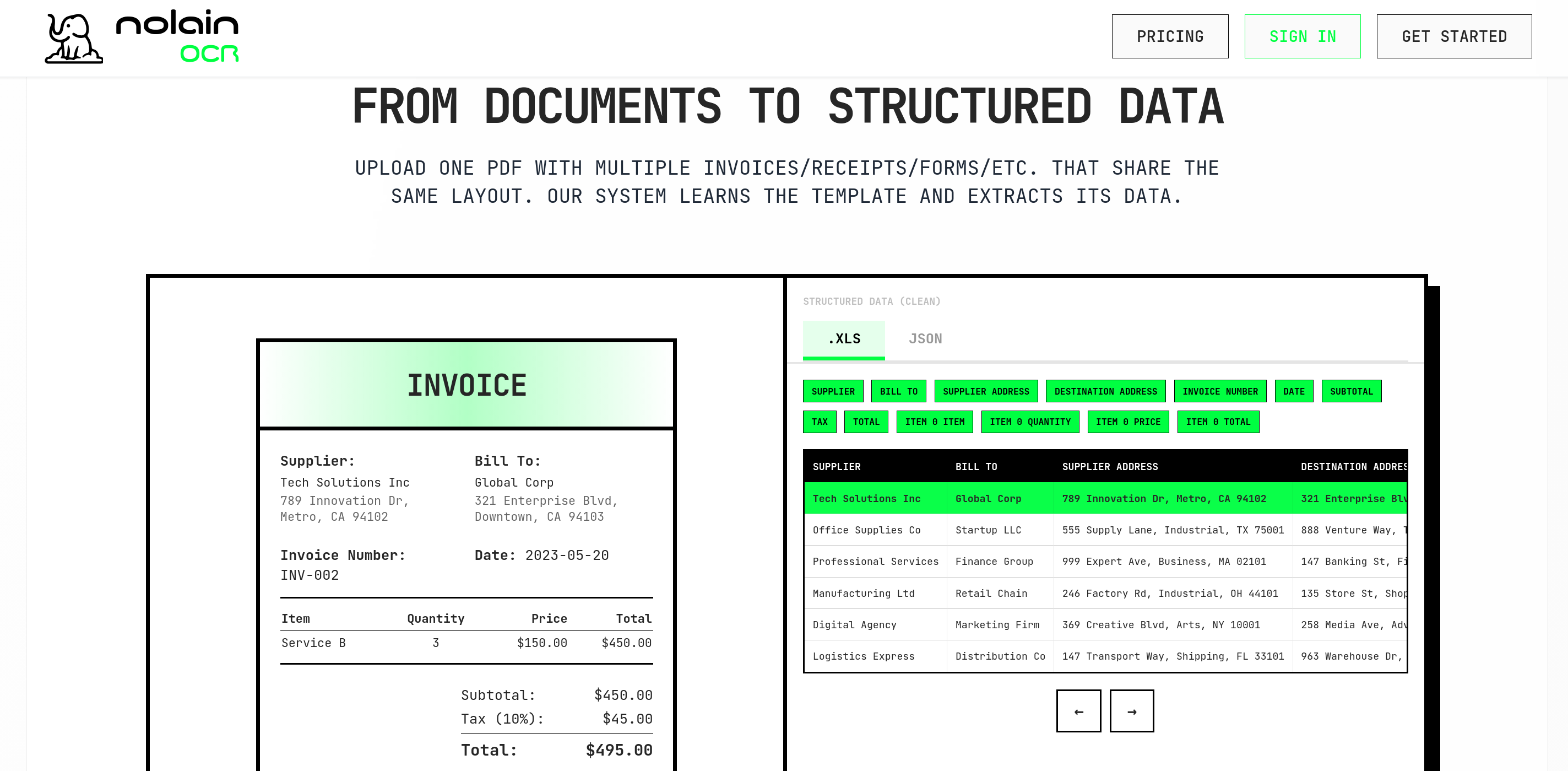
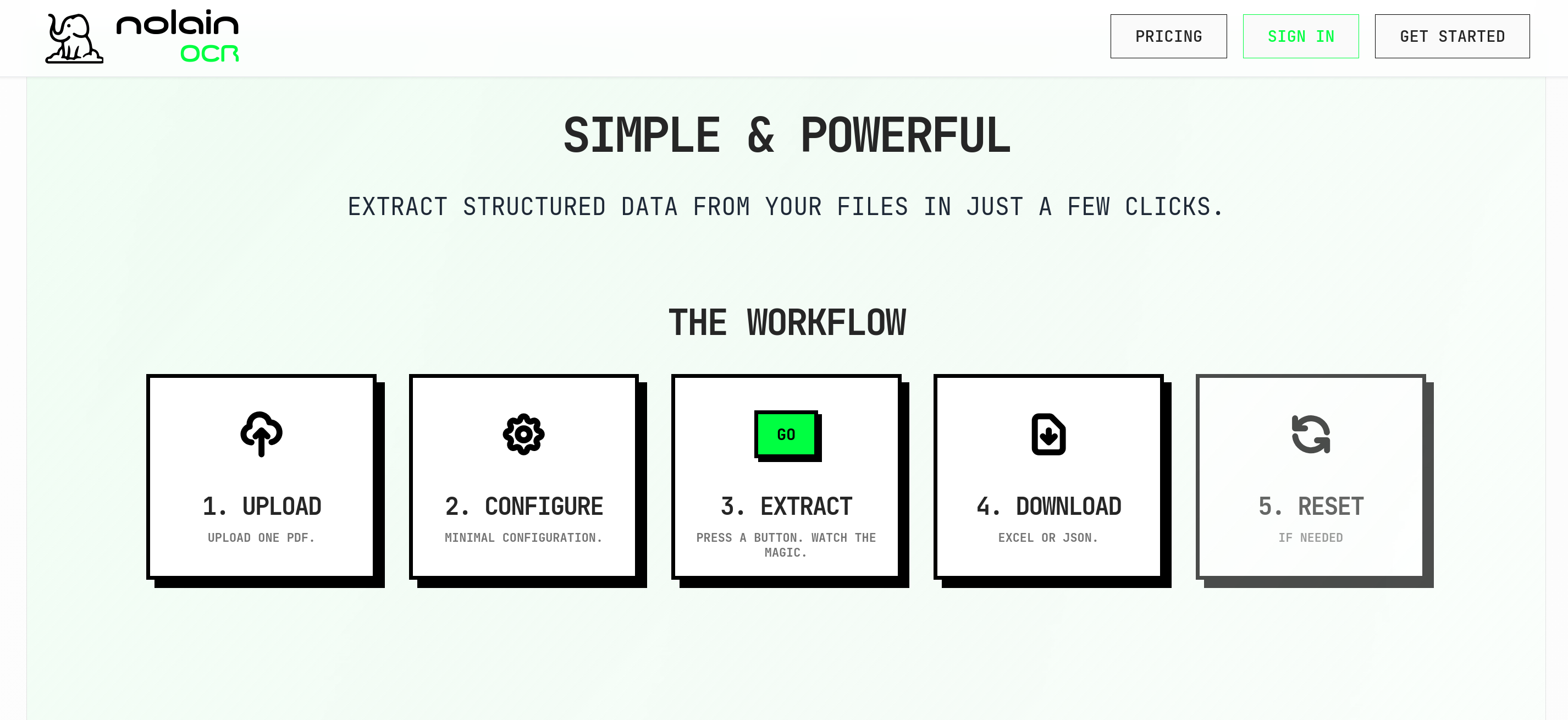
Extract data from batches of invoices/forms/receipts/bank statements and download it as Excel or Google sheets.
Use Cases
- Bulk-extracting data from stacks of invoices and receipts and exporting it to Excel or Google Sheets
- Converting hundreds of paper receipts, including crumpled thermal paper, into categorized expense reports
- Turning PDF bank statements into structured transaction tables for reconciliation and audits
Who it is for
- Accounting and bookkeeping teams reconciling invoices, receipts, and bank statements
- Logistics and supply chain staff extracting SKUs and shipping details from purchase orders
- Insurance teams digitizing claim forms and EOBs at scale
Pricing
Free plan covers 6 pages per month. Pro is $25/month for 2,000 pages per month, and Pro Plus is $99/month for 10,000 pages per month.
FAQ
What types of documents can nolainocr process?
nolainocr processes any structured document that repeats across pages: invoices, receipts, expense reports, insurance claim forms, lease agreements, purchase orders, delivery notes, bank statements, and more. As long as the pages share a common layout, the AI extracts the data automatically.
How accurate is AI-powered document extraction?
Modern LLM-based extraction understands document semantics, not just character positions. It recognizes that "Ref.", "Invoice No.", and "Bill Number" all mean the same thing. For clear, well-scanned documents, accuracy is very high.
Do my documents need to have the same layout?
Yes, documents within the same batch should share the same layout. If you have documents with different layouts, simply separate them into different PDFs and run each one through the workflow individually. The system adapts to each template automatically.
Is my data secure?
Yes. All data is transmitted over TLS encryption. Uploaded documents are stored only during your session and deleted when you log out. Payment details are handled exclusively by Stripe and never touch our servers. We do not sell your data or use it for advertising.
Can I try nolainocr for free?
Absolutely. The free plan lets you process documents with no credit card required. You can upgrade to a paid plan anytime if you need higher page limits.
What is nolainocr?
For finance teams: nolainocr extracts data from invoices, forms, and receipts in bulk, then exports to Excel or Google Sheets automatically.
Alternatives
 ScanPilotFor finance teams: ScanPilot converts PDFs to Excel automatically so you extract invoices, statements, and reports into structured data without manual setup.
 NaxelyHelps freelance analysts, consultants, and small agencies turn exported CSV or Excel data into client-ready reports with AI summaries and charts, so they can deliver in under a minute.
More in Artificial Intelligence
New on Launch Llama
Launched this week · This month's launches · All products A–Z
Ask AI about nolainocr
Supporters
1 founder
1 founder supported nolainocr on Launch Llama.
For bots & AI agents
Machine-readable versions of nolainocr and Launch Llama. Fetch these instead of parsing this page.
This listing (.md) llms.txt llms-full.txt ai.txt Full catalog (.md) Endpoint index API docs MCP server MCP manifest Developer docs