On Launch Llama
FeedLog - Changelog and Feedback from GitHub
For GitHub teams: FeedLog turns issues into published changelogs and user feedback without leaving your workflow, keeping release notes current.
Visit website → Upvotes · 7
In category: #1276 of 1761 · ProductivityTrending this week: #661 of 1761 · Productivity
FeedLog is a Instant Launch listing on Launch Llama with 7 total upvotes across 1 founder supporter, compared against 6 alternatives.
Instant Launch listing
Listing status
7upvotes
Community score
—
Founder
Compared against 6 alternatives
Market comparison
About
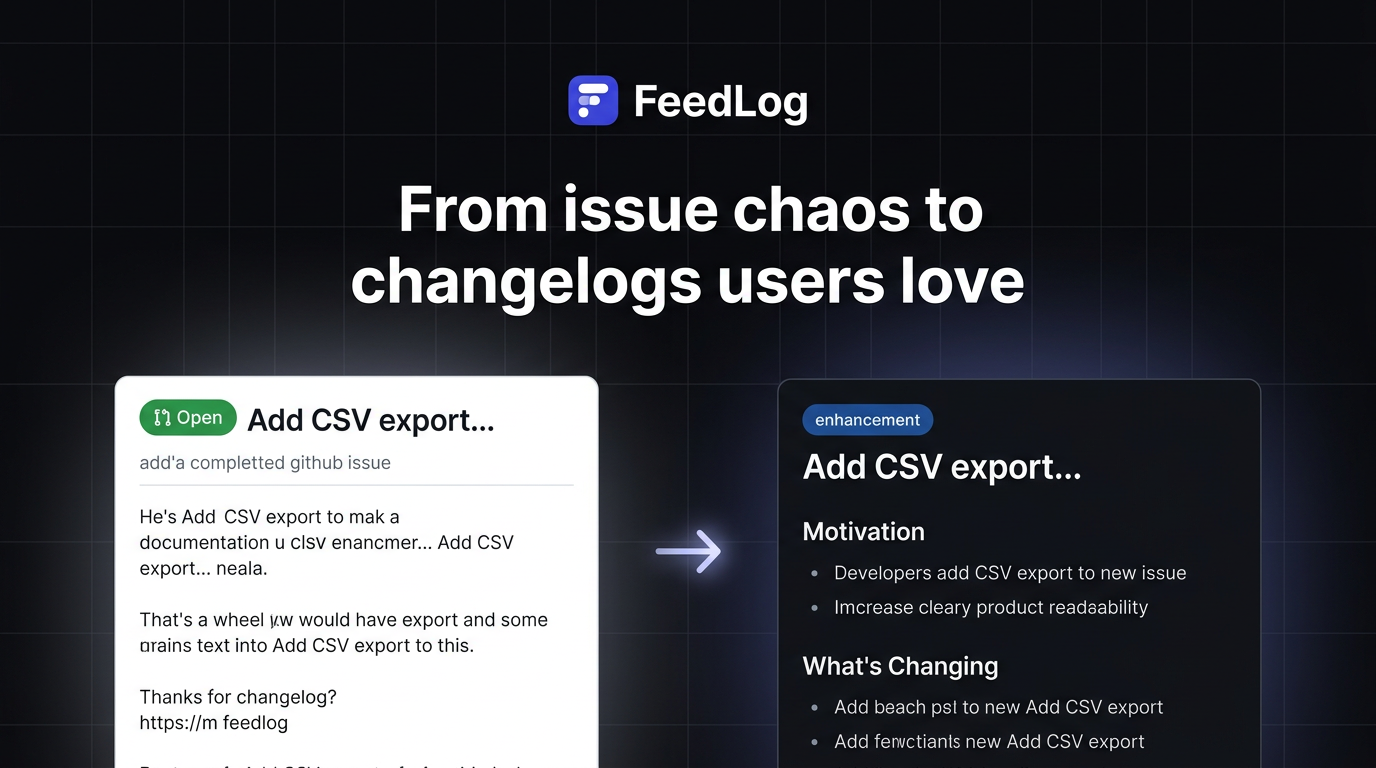
Your changelog is probably 3 weeks behind right now. Not because your team doesn’t care — because writing release notes means leaving GitHub, opening a CMS nobody checks, rewriting a ticket in human language, and hoping someone hits publish before the next sprint starts. Users send “what changed?” support tickets. Adoption of new features lags. Trust erodes quietly. For teams shipping on GitHub, FeedLog fixes this without changing how your team works. It combines user‑visible product updates with feedback that ties back to issues — so you don’t maintain a separate marketer‑first CMS or copy work into a second system. AI turns rough issues into draft posts; you approve with @feedlog publish before anything goes live. Nothing goes live until you say so.
Ask AI
ChatGPT Claude Perplexity Grok
For agents
llms.txt · llms-full.txt · ai.txt · Live fact sheet · Full catalog (.md) · Endpoint index · API spec · REST access · Agent server · Server manifest · Server discovery
Pricing
See the FeedLog website for current pricing.
FAQ
What is FeedLog?
Your changelog is probably 3 weeks behind right now. Not because your team doesn’t care — because writing release notes means leaving GitHub, opening a CMS nobody checks, rewriting a ticket in human language, and hoping someone hits publish before the next sprint starts. Users send “what changed?” support tickets. Adoption of new features lags. Trust erodes quietly. For teams shipping on GitHub, FeedLog fixes this without changing how your team works. It combines user‑visible product updates with feedback that ties back to issues — so you don’t maintain a separate marketer‑first CMS or copy work into a second system. AI turns rough issues into draft posts; you approve with @feedlog publish before anything goes live. Nothing goes live until you say so.
How much does FeedLog cost?
See the FeedLog website for current pricing. You can discover and review FeedLog for free on Launch Llama.
What category does FeedLog belong to?
FeedLog is listed under Automation, Developer Tools, Productivity on Launch Llama.
How do I get started with FeedLog?
Click the "Visit Website" button on this page to go directly to FeedLog. You can also upvote and leave a review to help other founders discover it.
Supporters
1 founder1 founder contributed 7 upvotes to FeedLog on Launch Llama.
Reviews
1 comment
Hey, love seeing this here! 👋 What inspired you to build this? Would love to hear the story behind it.
Alternatives
- Feednote.io
For SaaS founders and product teams: Feednote collects user feedback and feature requests, then prioritizes your roadmap based on upvotes and insights.
- Shippost
For developers: Shippost watches git commits and auto-generates social posts for features so you build social presence without extra marketing work.
- Feedjolt
For SaaS teams: Feedjolt centralizes customer feedback and prioritizes requests so you ship features users actually want.
- SeaTicket
For support teams: SeaTicket syncs GitHub, Discourse, and email issues into one workspace so AI agents resolve tickets faster using full context.
- Onset MCP
For product teams: Onset MCP drafts release notes via AI and publishes to your changelog so customers stay informed Onset MCP keeps the workflow clear so you ship outcomes with less busywork.
- Postmate
For developers: Postmate converts GitHub commits into polished LinkedIn and X drafts in your voice, ready to edit, schedule, and publish.