SiteQuest
For developers: SiteQuest overlays your browser on any app via hotkey so you access websites and AI tools without switching windows.
Built by SiteQuest · Artificial Intelligence · Productivity · Developer Tools · Freemium
In category: #1428 of 2034 · Artificial Intelligence
SiteQuest is a Community listing on Launch Llama with 3 total upvotes, founded by SiteQuest who joined in Aug 2026, compared against 6 alternatives.
Community listing
Listing status
3upvotes
Community score
SiteQuest (Joined Aug 2026)
Founder
Compared against 6 alternatives
Market comparison
Launched on Launch Llama Aug 3, 2026 · #81 of 101 that day
About
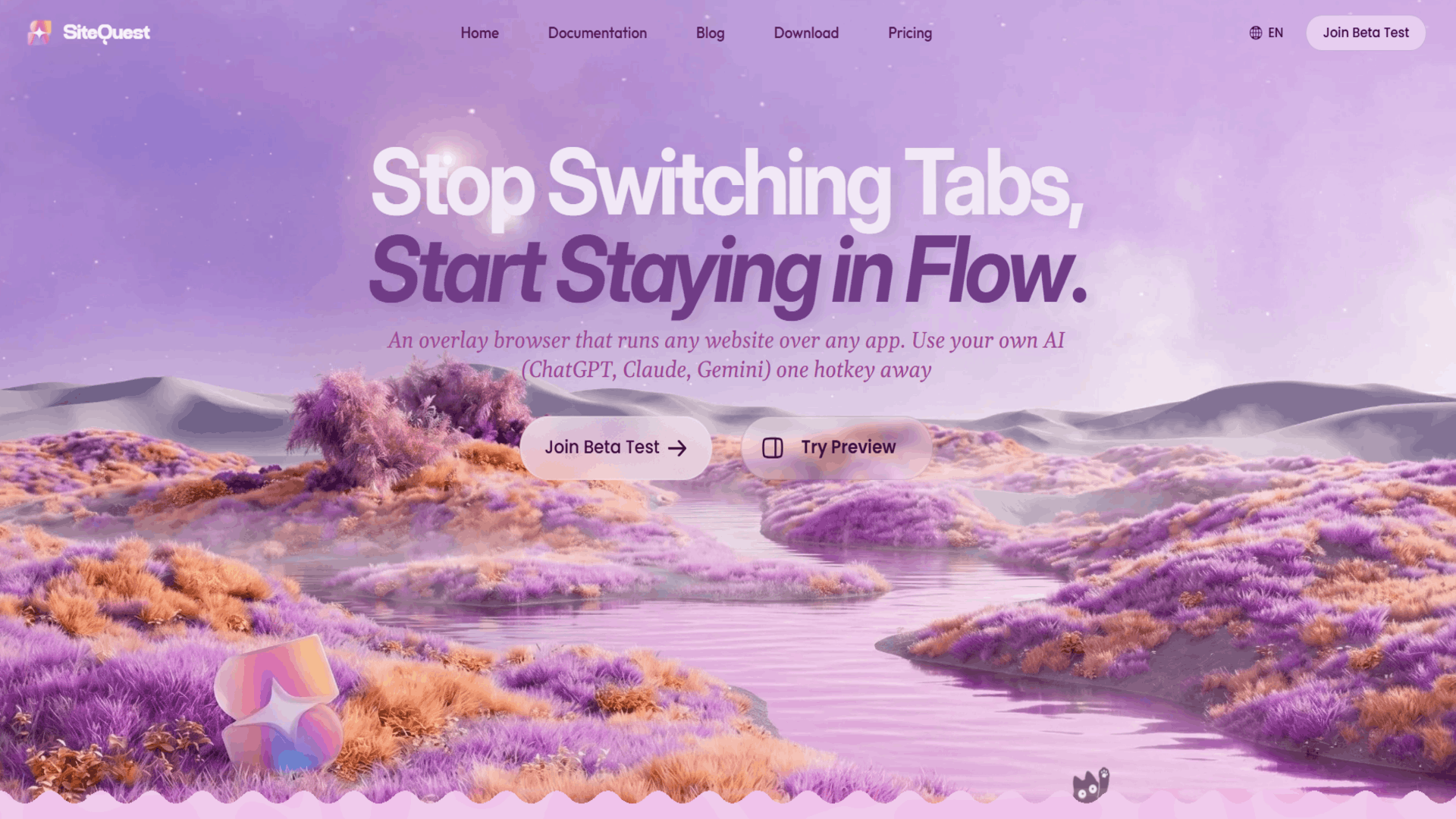
SiteQuest is a desktop overlay browser for Windows and macOS that opens over any app with a keyboard shortcut. Instead of constantly switching between your browser, editor, documentation, and AI tools, you can instantly access websites, ChatGPT, Claude, Gemini, or any web app without leaving your current workspace.
SiteQuest works alongside your existing browser—it doesn't replace it. The goal is to make the web available wherever you're working, reducing unnecessary window switching while keeping your workflow uninterrupted.
Follow SiteQuest: X (Twitter) · LinkedIn
Use Cases
- Summon ChatGPT or another AI tool with Shift+Space while coding in another app, without switching windows
- Check documentation, email, or a website mid-task through a pop-in overlay instead of leaving the workspace
- Summarize a web page or translate it into one of 18 languages without opening a new tab
Who it is for
- Developers who switch between their editor and AI tools or documentation many times a day.
- Knowledge workers who check email, websites, and AI assistants while working in other apps.
Pricing
Free plan includes core browsing, 2 saved sites, local AI, and a 14-day Pro trial. Plus is $3.99 per month with an ad blocker and 2-device sync, and Pro is $6.99 per month with cloud AI, extensions, and 3-device sync.
SiteQuest at a glance
- 01What it is
- SiteQuest: For developers: SiteQuest overlays your browser on any app via hotkey so you access websites and AI tools without switching windows.
- 02Pricing
- SiteQuest pricing: Free plan includes core browsing, 2 saved sites, local AI, and a 14-day Pro trial.
- 03Best for
- SiteQuest is best for developers who switch between their editor and AI tools or documentation many times a day. and knowledge workers who check email, websites, and AI assistants while working in other apps.
- 04Alternatives
- Top SiteQuest alternatives on Launch Llama: CTRL OVERRIDE, Promptly A and Moltbot.
FAQ
Is there a free trial for Pro?
Yes, every new user gets a 14-day free trial of Pro. No credit card required.
How does yearly billing work?
You save 20% compared to monthly billing and receive an extra month free.
How do I cancel my subscription?
Go to your account page and follow the cancellation instructions. Your Pro features remain active until the end of the current billing period.
What's Plus Lite?
Plus Lite is a temporary status earned through consistent daily streaks. It is not a paid tier — it is a reward for regular use that unlocks additional saved sites and features.
Why is SiteQuest free?
Core browsing is free forever. Premium features like cloud sync, unlimited saved sites, and higher AI usage limits are available with Plus or Pro.
Is the Free plan a trial?
No. The Free plan is free forever with no time limit.
Can I get Pro without AI?
Yes. You can toggle AI to local-only mode if you do not need cloud AI features, while keeping all other Pro benefits.
Can I upgrade or downgrade anytime?
Yes. Changes take effect immediately when you upgrade. When downgrading, your current plan continues until the end of the billing period.
What payment methods do you accept?
We accept all major credit and debit cards.
What happens to my data if I cancel?
Your data is retained even after cancellation. You can choose to delete your data at any time through your account settings.
Alternatives
More in Artificial Intelligence
New on Launch Llama
Launched this week · This month's launches · All products A–Z
Ask AI about SiteQuest
Supporters
2 founders
2 founders supported SiteQuest on Launch Llama.

For bots & AI agents
Machine-readable versions of SiteQuest and Launch Llama. Fetch these instead of parsing this page.
This listing (.md) llms.txt llms-full.txt ai.txt Full catalog (.md) Endpoint index API docs MCP server MCP manifest Developer docs