Private PDF
Under reviewPrivacy-first PDF scanner, editor, merge and split tools
Scan documents and finish your PDF workflow: merge, split, compress and organize PDFs with privacy-first tools and on-device core processing.
Built by Habib · Productivity · Freemium
Coming soon on Launch Llama Tools
Private PDF is a Community listing on Launch Llama with 0 total upvotes, founded by Habib who joined in Nov 2026, compared against 6 alternatives.
Community listing
Listing status
0upvotes
Community score
Habib (Joined Nov 2026)
Founder
Compared against 6 alternatives
Market comparison
Scan documents and finish your PDF workflow: merge, split, compress and organize PDFs with privacy-first tools and on-device core processing.
About
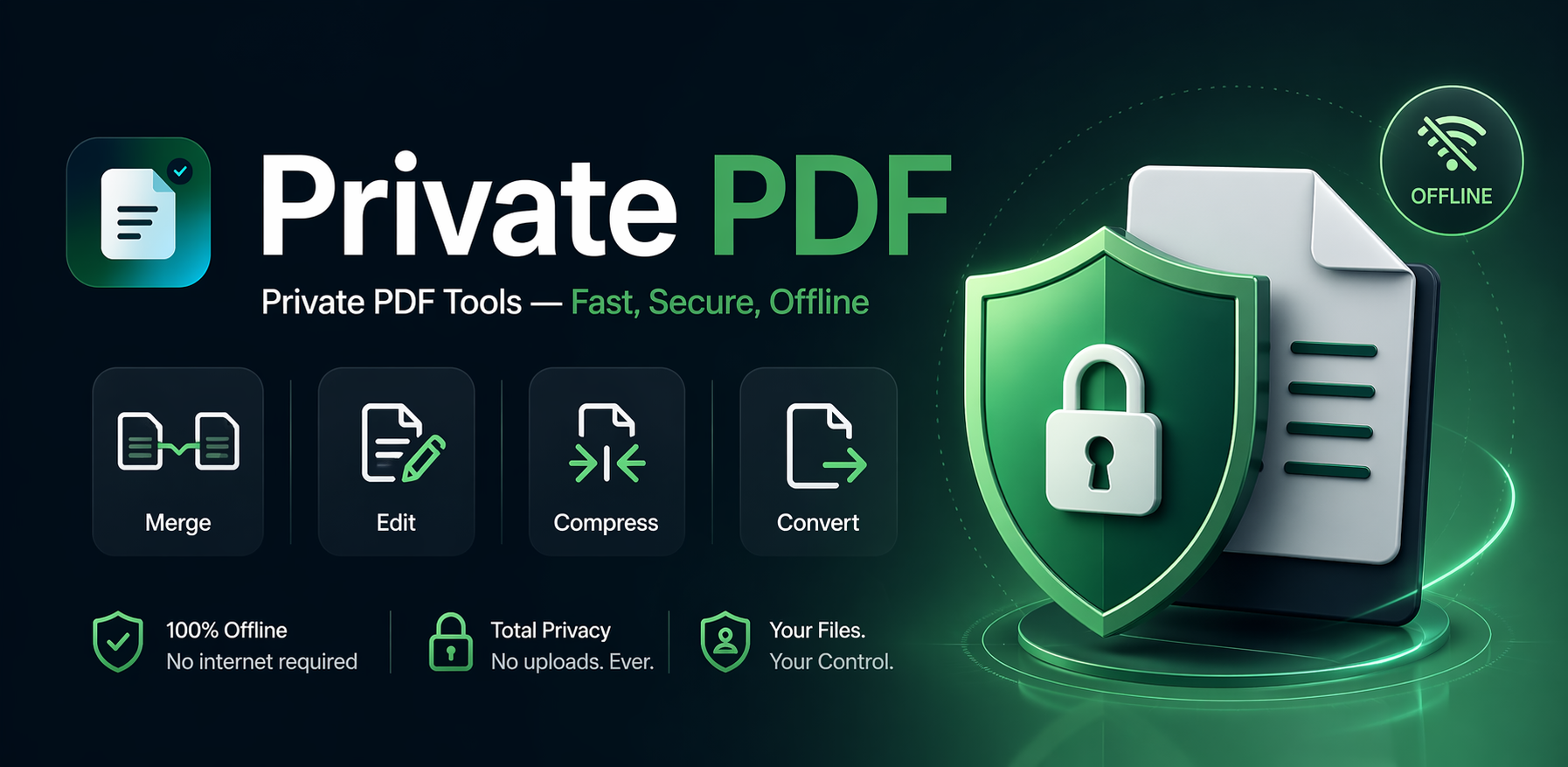
Private PDF by Dayfiles combines a PDF scanner with tools to finish everyday document tasks. Scan documents on mobile, merge PDF files, split pages, compress PDFs, and organize or rotate pages. Its core processing runs on-device, making it useful for people who prefer privacy-first document workflows. Private PDF is available on iPhone and Android, while dayfiles.com provides browser-based PDF tools. The mobile apps offer optional paid upgrades.
Key Features
- Merge multiple PDFs into one file in the order you choose
- Split PDFs by page or page range into separate files
- Reorder, extract, remove, and rotate PDF pages
- Scan documents on mobile
- Compress PDFs for easier sharing
- On-device core PDF processing
Use Cases
- Combining several scanned forms or receipts into one PDF in a chosen page order before sending
- Permanently redacting sensitive text from a document before sharing it externally
- Compressing a finished PDF so it fits within an email attachment size limit
From the founder
Who it's for
“For students, professionals and anyone who needs a privacy-first PDF editor to merge PDF files, split pages, compress PDFs and organize everyday documents.”
Why I built it
“Private PDF brings scanning and practical PDF tools into one workflow, with on-device core processing and apps for iPhone and Android.”
Who it is for
- People who want to edit or sign PDFs without uploading sensitive documents to a server
Pricing
Varies by platform and plan
FAQ
Which PDF tasks does Private PDF list?
Merge, split, organize and edit PDFs.
Where is the Private PDF app listed?
Private PDF is listed on Google Play and the App Store.
What does the home page describe?
Merge, split, organize and edit PDFs.
Alternatives
 FileLumeFor privacy-conscious users: FileLume compresses, converts, and merges files in your browser so your data never leaves your device.
 EveryPDFToolFor professionals: EveryPDFTool converts, compresses, and edits PDFs instantly so you process documents without leaving your browser.
 HivePDFToolsFor professionals and students: Free online PDF tools for splitting, merging, converting, and editing PDFs with no signup required. All tools run in-browser for privacy.
More in Productivity
New on Launch Llama
Launched this week · This month's launches · All products A–Z
Ask AI about Private PDF
For bots & AI agents
Machine-readable versions of Private PDF and Launch Llama. Fetch these instead of parsing this page.
This listing (.md) llms.txt llms-full.txt ai.txt Full catalog (.md) Endpoint index API docs MCP server MCP manifest Developer docs