
NotebookLama
AI PDF chat and quiz maker for studying faster
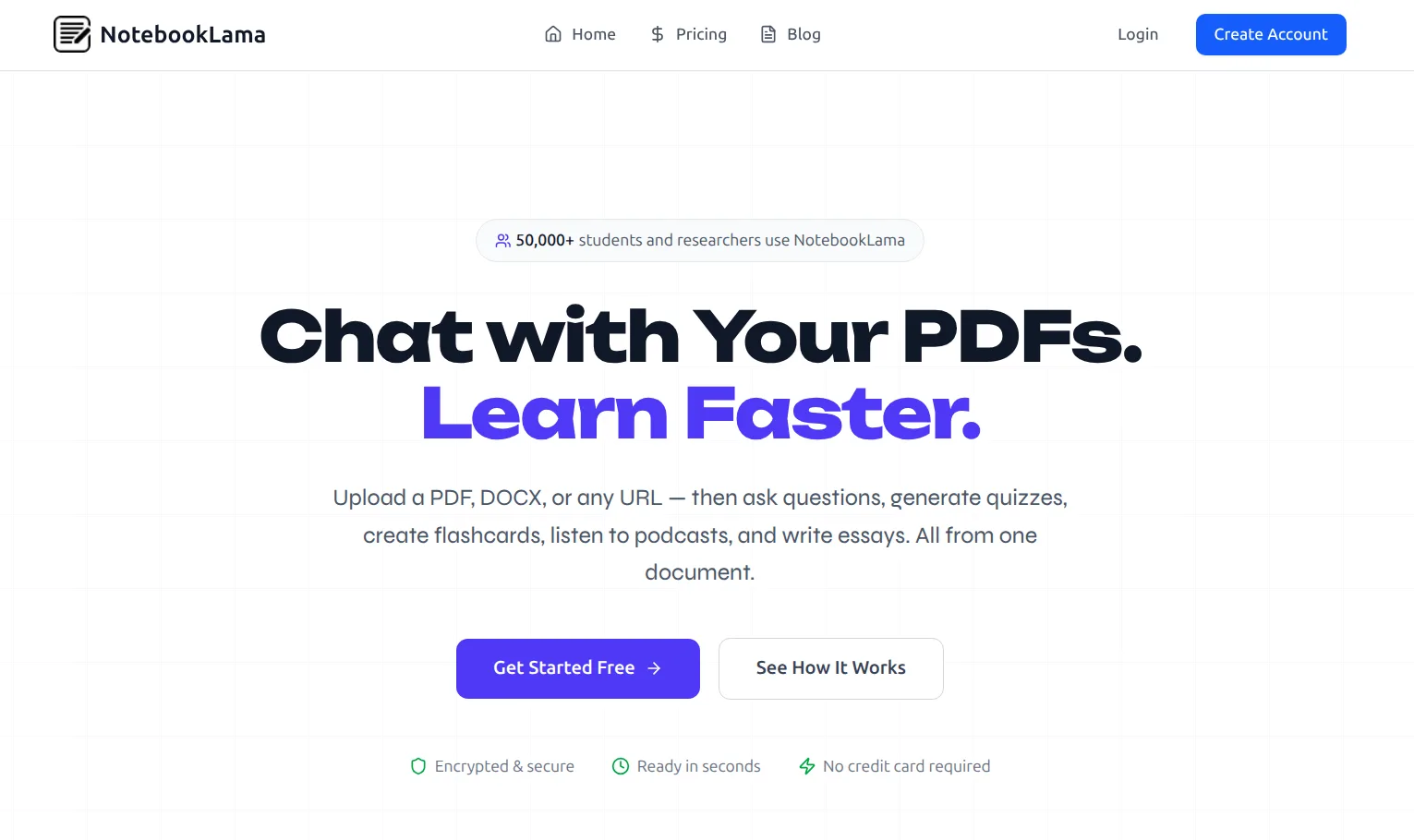
Chat with Your PDFs. Learn Faster.
Built by partner:aidirectories and AS · Productivity · Free
In category: #976 of 1442 · Productivity
NotebookLama is a Community listing on Launch Llama with 3 upvotes from 3 founders, +3 in the week of Nov 5–Nov 11, 2026, founded by partner:aidirectories and AS who joined in Nov 2026, compared against 2 alternatives.
Community listing
Listing status
3upvotes
+3 · Nov 5–Nov 11, 2026
Community score
partner:aidirectories and AS (Joined Nov 2026)
Founder
Compared against 2 alternatives
Market comparison
Launched on Launch Llama Nov 4, 2026 · #5 of 5 that day
About
NotebookLama is an AI-powered research assistant that helps you understand and organize information from your documents and sources. Upload PDFs, documents, websites, and other materials to ask questions, generate summaries, and explore key insights. It can also transform your research into engaging audio overviews, making complex information easier to understand.
Use Cases
- Asking questions across uploaded PDFs, DOCX files, or webpages and getting cited answers from the source material
- Generating quizzes, flashcards, and audio podcasts from a single document to study for exams or a thesis defense
- Searching and combining notes from multiple research papers or legal documents into topic-based libraries
Who it is for
- Students preparing for exams or thesis defenses
- Research analysts and graduate students working through papers
- Legal professionals searching case documents for precise, cited answers
Pricing
NotebookLama is free to use. See the website for details.
FAQ
What is NotebookLama and how does it work?
NotebookLama is an AI-powered document learning platform. Upload a PDF, DOCX, TXT, Markdown file, or any webpage URL — the AI reads every page and builds a searchable knowledge base. From there, you can chat with your document, generate quizzes, create flashcards, produce audio podcasts, and write or grade essays.
What file formats does NotebookLama support?
NotebookLama supports PDF, DOC, DOCX, TXT, and Markdown files. You can also paste any public webpage URL, and the platform will automatically extract and process the content. Multiple files can be uploaded and queried at the same time.
Is NotebookLama free to use?
Yes. NotebookLama offers a free plan that includes document uploads and access to AI chat, quiz generation, and flashcard creation. For higher limits and features like unlimited podcasts and essay tools, you can upgrade to a paid plan. No credit card is required to start.
How accurate are the answers?
NotebookLama bases every response on the actual content of your uploaded documents. Answers include page references so you can verify them. Accuracy depends on the clarity of your source material — the more structured the document, the more precise the output.
Is my data secure on NotebookLama?
All documents are encrypted in transit and at rest. Files are stored on secure cloud infrastructure, and your data is never shared with third parties. You can delete your documents and associated data at any time from your dashboard.
How does the PDF to podcast feature work?
NotebookLama uses text-to-speech AI to convert your document into a listenable audio summary. The system identifies key sections, creates a structured narrative, and generates natural-sounding audio you can play directly in the app or download for offline listening.
Alternatives
More in Productivity
New on Launch Llama
Launched this week · This month's launches · All products A–Z
Ask AI about NotebookLama
Supporters
3 founders
3 founders contributed 3 upvotes to NotebookLama on Launch Llama.
For bots & AI agents
Machine-readable versions of NotebookLama and Launch Llama. Fetch these instead of parsing this page.
This listing (.md) llms.txt llms-full.txt ai.txt Full catalog (.md) Endpoint index API docs MCP server MCP manifest Developer docs