On Launch Llama
Dina 4.5
Beautiful screen recordings, screenshots, and 3D motion
Built by Zaid
Visit website → Upvotes · 125

About
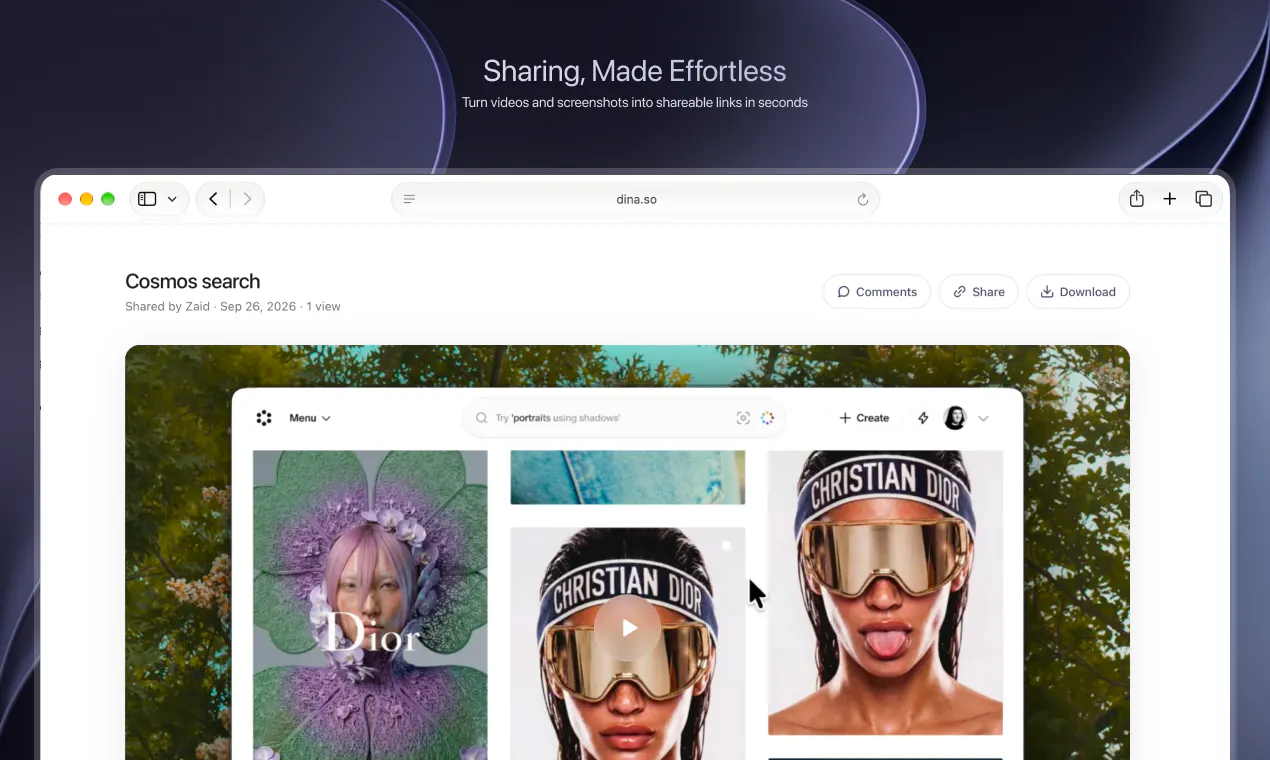
Dina is a macOS app that handles your entire video workflow in one place. Record your screen, edit clips, auto-clean audio, add voiceovers, transcript-driven editing, AI caption generation, text-to-speech voiceovers, keyboard shortcuts, beautiful annotations capabilities, ios recordings, upto 8k exports and many more — all without jumping between five different tools. Built for and creators who want professional results without the production nightmare.
Ask AI
ChatGPT Claude Perplexity Grok
For agents
llms.txt · llms-full.txt · ai.txt · Live fact sheet · Full catalog (.md) · Endpoint index · API spec · REST access · Agent server · Server manifest · Server discovery
Key Features
- Automatically zoom into key interactions during playback
- Add smooth cursor movements and keyboard shortcut visibility
- Generate transcripts automatically and edit videos by transcript
- Create captions automatically with editable timing and phrasing
Use Cases
- Product managers creating software demos with automatic focus on key interactions
- Educators and course creators who need polished tutorial videos quickly
- IOS app developers showcasing iPhone features in professional mockups
Pricing
See the Dina 4.5 website for current pricing.
FAQ
What is Dina 4.5?
Dina is a macOS app that handles your entire video workflow in one place. Record your screen, edit clips, auto-clean audio, add voiceovers, transcript-driven editing, AI caption generation, text-to-speech voiceovers, keyboard shortcuts, beautiful annotations capabilities, ios recordings, upto 8k exports and many more — all without jumping between five different tools. Built for and creators who want professional results without the production nightmare.
What are the key features of Dina 4.5?
Dina 4.5 includes: • Automatically zoom into key interactions during playback • Add smooth cursor movements and keyboard shortcut visibility • Generate transcripts automatically and edit videos by transcript • Create captions automatically with editable timing and phrasing • Record iPhone screen with device mockups and polished presentation • Export videos in native resolution and layer formats
What can I use Dina 4.5 for?
• Product managers creating software demos with automatic focus on key interactions • Educators and course creators who need polished tutorial videos quickly • iOS app developers showcasing iPhone features in professional mockups
How much does Dina 4.5 cost?
See the Dina 4.5 website for current pricing. You can discover and review Dina 4.5 for free on Launch Llama.
What category does Dina 4.5 belong to?
Dina 4.5 is listed under Screenshots and screen recording apps, Video editing on Launch Llama.
How do I get started with Dina 4.5?
Click the "Visit Website" button on this page to go directly to Dina 4.5. You can also upvote and leave a review to help other founders discover it.
Reviews
No reviews yet — be the first
Alternatives
- FrameOS
For app creators: FrameOS records iOS and Android screens from your Mac with camera, transitions, and zooms so you ship polished demo videos fast.
- Screenify Studio
For builders: Screenify Studio turns rough screen recordings into polished product demos with cinematic motion so you skip editing.
- NovaCapture — Beautiful Screen Recording for Mac
For SaaS founders: NovaCapture creates cinematic screen recordings with smooth motion and auto-zoom so your product demos look polished without editing.
- Assist
For Mac users: Assist captures full-screen screenshots and voice annotations from your notch so you document work faster and keep clipboard history ready.
- Snapr
For content creators: Snapr captures, records, annotates and edits screenshots and video in one app with 4K 60fps recording and polished export options.
- Glisio
For product teams: Glisio records cinematic demos on Mac with smart auto-zoom and built-in editing so you ship polished product videos without timeline work.