On Launch Llama
FrameOS
For app marketers: FrameOS records iOS and Android screens from your Mac with camera, transitions and zooms so you create polished demo videos fast.
Built by Paul Waweru
Paid
Visit website → Upvotes · 137
FrameOS is a Product Hunt listing on Launch Llama with 137 total upvotes, founded by Paul Waweru who joined in Sep 2026, compared against 6 alternatives.
Product Hunt listing
Listing status
137upvotes
Community score
Paul Waweru (Joined Sep 2026)
Founder
Compared against 6 alternatives
Market comparison



Real numbers
90d
-
0
Views
-
0
Visitors
-
0
Clicks
Public Launch Llama traffic for this listing.
Key Features
- Record device screens directly from Mac without the recording indicator visible
- Trim and cut sections from recordings without opening another video editor
- Add camera and microphone audio alongside the app recording
- Export videos in presets for App Store, YouTube, social media or custom sizes
- Capture screenshots from recordings for store listings and landing pages
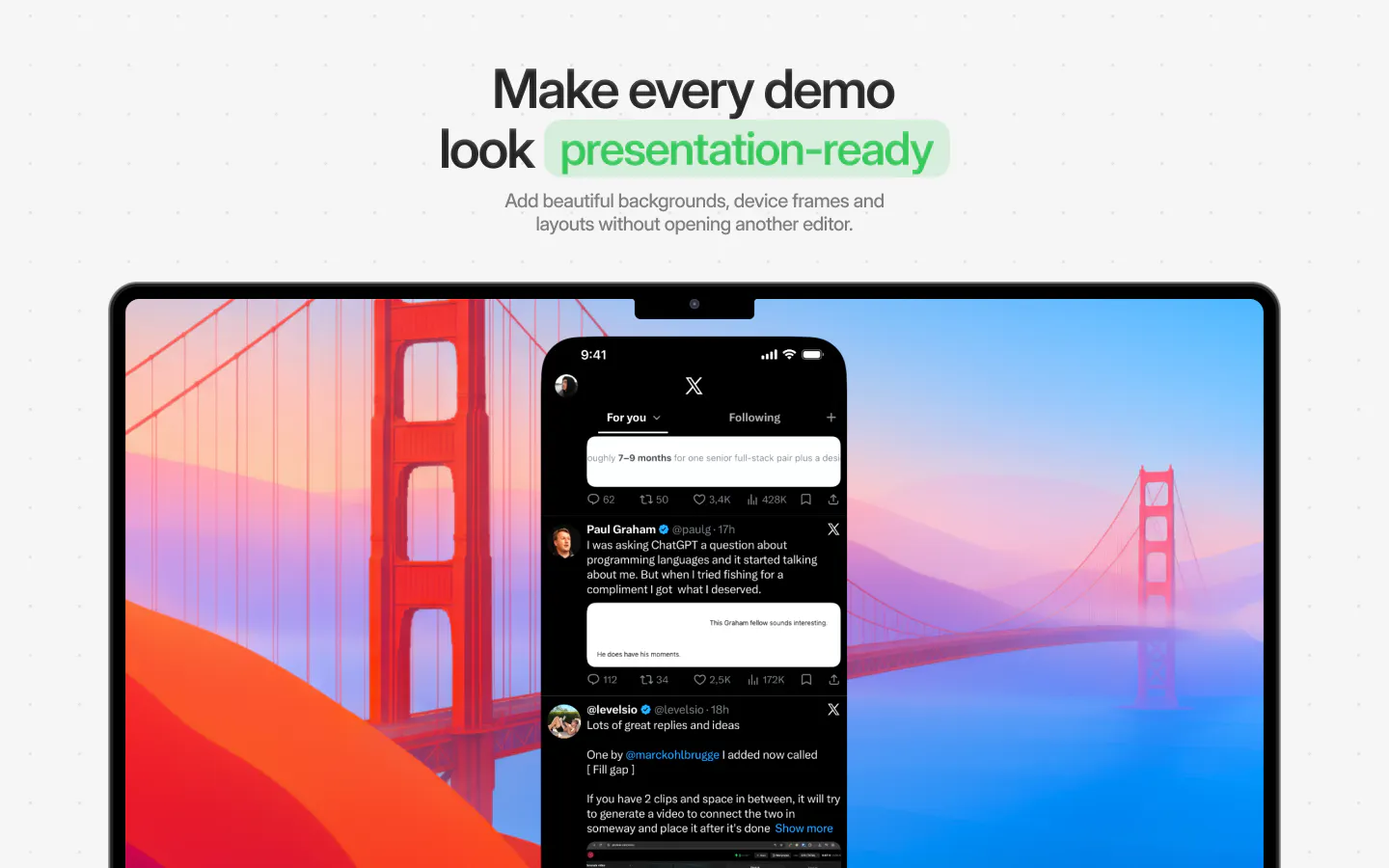
- Add backgrounds and device frames to recordings within the same workflow
About
FrameOS is a Mac app that records iPhone, iPad and Android app screens and turns them into polished videos and screenshots. It is built for developers, founders, content creators and product teams who need finished demos without switching between multiple tools.
Use Cases
- Developers creating App Store previews and feature demos for product releases
- Content creators turning app recordings into polished videos for social posts and tutorials
- Founders creating product demos for launches, investor updates and landing pages
- Product teams sharing walkthroughs and explaining new features with professional recordings
Pricing
One-time purchase of $79.99 with no subscription. Available directly or through Mac App Store with lifetime updates and customer support included.
Founder Guides
Alternatives
- Glisio
For product teams: Glisio records cinematic demos on Mac with smart auto-zoom and built-in editing so you ship polished product videos without timeline work.
- Screenify Studio
For builders: Screenify Studio turns rough screen recordings into polished product demos with cinematic motion so you skip editing.
- Capso
For Mac users: Capso is a free, open-source screenshot and screen recorder with annotation, OCR, and image beautification—no subscriptions or telemetry.
- Mockiosa
For designers: Mockiosa creates interactive 3D device mockups in Framer so you ship polished product visuals instantly Mockiosa keeps the workflow clear so you ship outcomes with less busywork.
- Shotbase
For Mac users: Shotbase captures and organizes screenshots and recordings with private AI so you find and share visual content instantly.
- Snapr
For content creators: Snapr captures, records, annotates and edits screenshots and video in one app with 4K 60fps recording and polished export options.
Ask AI
ChatGPT Claude Perplexity Grok
For agents
llms.txt · llms-full.txt · ai.txt · Live fact sheet · Full catalog (.md) · Endpoint index · API spec · REST access · Agent server · Server manifest · Server discovery