
Quick Answer
Use 3 or 4 screenshots of the real product doing the main job, in the order a new user would see it. On Launch Llama, free listings with 3 screenshots turned 3.56% of page views into website clicks and listings with 4 turned 3.17%, against 1.03% for listings with none. Even a single screenshot roughly doubled it (2.00%). The first image does most of the work, so make it the result, not the login screen. Add a one-line caption to each, crop out empty space, blur private data and keep the text readable at phone size.
Key takeaways
- 3 or 4 is the sweet spot: 3.56% and 3.17% click-through, against 1.03% with no images.
- One is far better than none: a single screenshot got 2.00%.
- More isn't better: 5 or more fell back to 1.99%. Pick your best few.
- Lead with the result: the report, the dashboard, the finished output.
- Caption every image with what it shows and why it matters.
What our listing data shows
Free founder listings, page views and website clicks May 4 to November 15, 2026. The groups with 2, 3 and 4 images are small, so read the pattern rather than the exact numbers. Correlations, not controlled tests.
Two things stand out. Most listings have no screenshots at all, so adding them is the quickest way to stand out. And listings with a handful of focused images did better than those with many: a visitor decides in seconds, and a long gallery of similar screens doesn't help them decide.
A demo video helps for the same reason: free listings with one turned 2.25% of views into clicks, against 1.17% without. Screenshots are the faster version of the same proof. More in does a demo video help your launch.
The 4 screenshots to take
Think of the set as a story told in four frames:
Skip the login page, an empty dashboard, the settings menu and the pricing table. None of them help someone decide.
How to make each screenshot clear
Use real data, not lorem ipsum
A dashboard with realistic numbers and names is believable. One with "Test User" and "$0" isn't. Build a demo account with sample data that looks like a real customer's.
Crop to the part that matters
A full 1440-pixel browser window shrinks to unreadable on a listing card. Crop to the panel that shows the point, then scale it up. If the key number is small, it's lost.
Check it at phone size
Many visitors see your listing on a phone. Open your images on one: if you can't read the main text, crop tighter or zoom the UI before you capture it.
Add one caption per image
"Client report built from your Google Ads account in 40 seconds" tells the visitor what they're looking at. A screenshot without context makes them guess.
Blur anything private
Customer names, emails, API keys, revenue you don't want to share. Our free screenshot privacy blur does it in the browser.
Keep a consistent frame
Same browser chrome (or none), same background, same aspect ratio. A set that looks like a set reads as a finished product.
Sizes and formats
Compress before you upload. A 4 MB PNG slows your page and the listing alike. WebP at quality 80 usually looks the same at a fraction of the size. Our social preview checker shows how your link image looks when shared.
Screenshots, mockups or GIFs?
- Plain screenshots are the most trusted. Use them for most of the set.
- A device mockup (laptop or phone frame) can work for the first image if it stays readable. Don't shrink the UI to fit a fancy frame.
- A short GIF shows motion, like a drag-and-drop or a live update. Keep it under 10 seconds and under a few MB.
- A demo video is best when the value is in the flow. Use it alongside 3 screenshots, not instead.
Common mistakes
- No images at all. That's where most listings are, and they averaged 1.03% click-through.
- Ten near-identical screens. Pick the best four.
- Leading with the logo or a marketing banner. Show the product.
- Tiny text. If you need to zoom in to read it, so will everyone else.
- Outdated UI. Update screenshots after every visible redesign.
Keep reading
- Listing Gets Views but No Clicks? What the Top Launches on Launch Llama Do Differently (Data From 4,976 Listings)
- Does a Demo Video Help Your Launch? What Listings With Video and Screenshots Got (2026)
- What Is a Good Click-Through Rate for a Product Listing? (Benchmarks From 4,870 Listings, 2026)
- Landing Page Not Converting? What to Fix First, in Order (2026)
- How to Market an App in 2026: A Step-by-Step Plan for Indie Developers and Small Teams
Frequently asked questions
How many screenshots should a product listing have?
Three or four. Free Launch Llama listings with 3 screenshots got 3.56% click-through and those with 4 got 3.17%, against 1.03% with none.
What should the first screenshot show?
The result your product produces: the finished report, the output or the dashboard full of data. It's what the visitor is buying.
Should I use mockups or real screenshots?
Mostly real screenshots, which are the most trusted. A device mockup can work for the first image if the UI stays readable.
What size should product screenshots be?
Landscape and at least 1280 pixels wide for listings and landing pages, compressed as WebP or PNG. Check them at phone size before you upload.
Do screenshots matter if I have a demo video?
Yes. Many visitors won't press play. Screenshots show the proof in a glance, and the video is there for those who want the full flow.
Update your listing
Add your screenshots and get more clicks.
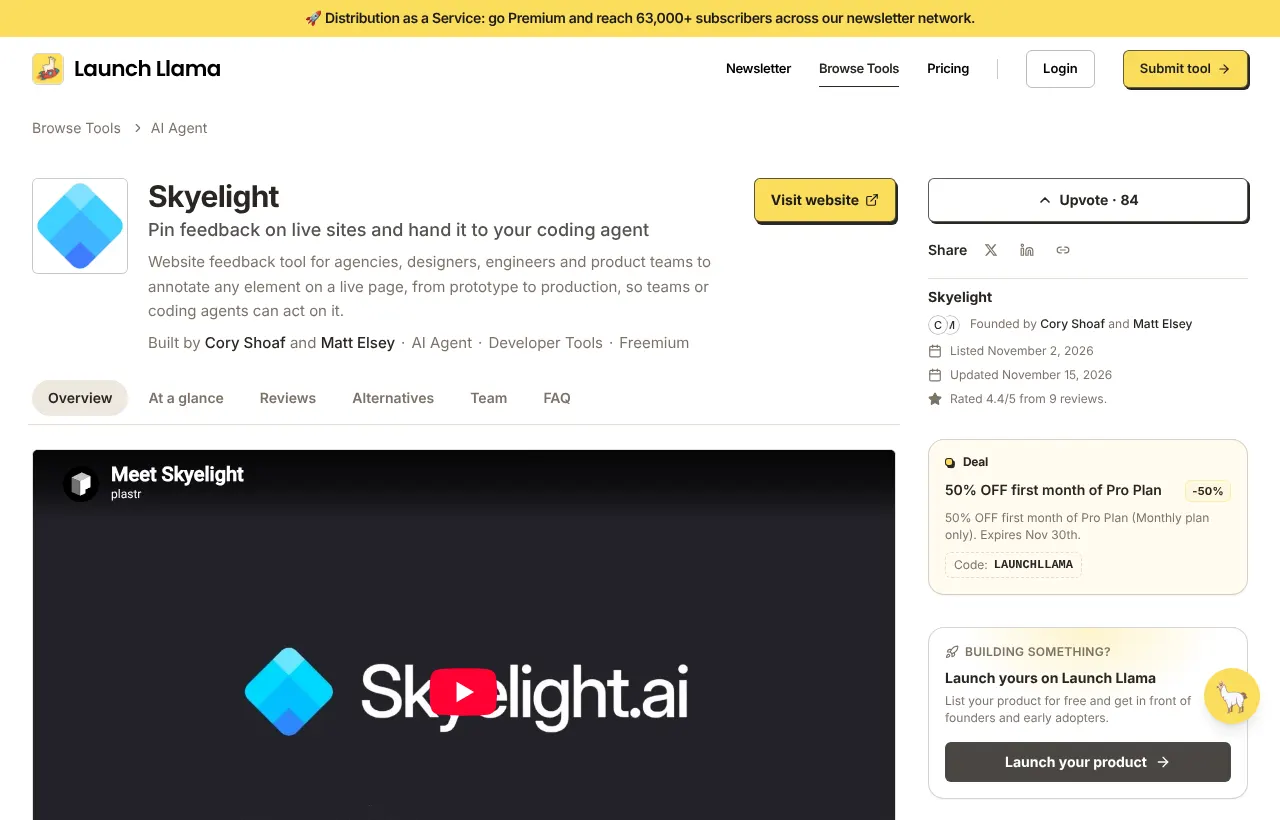
Free Launch Llama listings are permanent product pages with a gallery, a demo slot, deals and reviews. Listings with 3 or 4 screenshots got about 3x the click-through of those with none.
List your product →