
Quick Answer
Yes. On Launch Llama, launch listings with a YouTube demo video turned 2.25% of their page views into clicks to the founder's website, against 1.17% without one. Screenshots mattered even more: listings with 3 or more screenshots reached 2.45%, against 1.03% with none, and had a median of 10 upvotes against 3. Very few founders bother: only 4.7% of free listings had a video and 4.3% had three or more screenshots, so adding both is one of the easiest ways to stand out. The demo that works is short (about 60 seconds), shows the product doing its main job from the first second, and has no intro.
Key takeaways
- Yes, it helps: free listings with a YouTube demo turned 2.25% of views into website clicks, against 1.17% without.
- Screenshots matter even more often: 3 to 4 screenshots did best, at about 3.2% to 3.6%.
- Keep it to about 60 seconds, with the product on screen in the first 3 seconds.
- No music required, captions are: most people watch with the sound off.
- Reuse it everywhere: listing, landing page, launch posts, cold emails.
What video and screenshots did to click-through
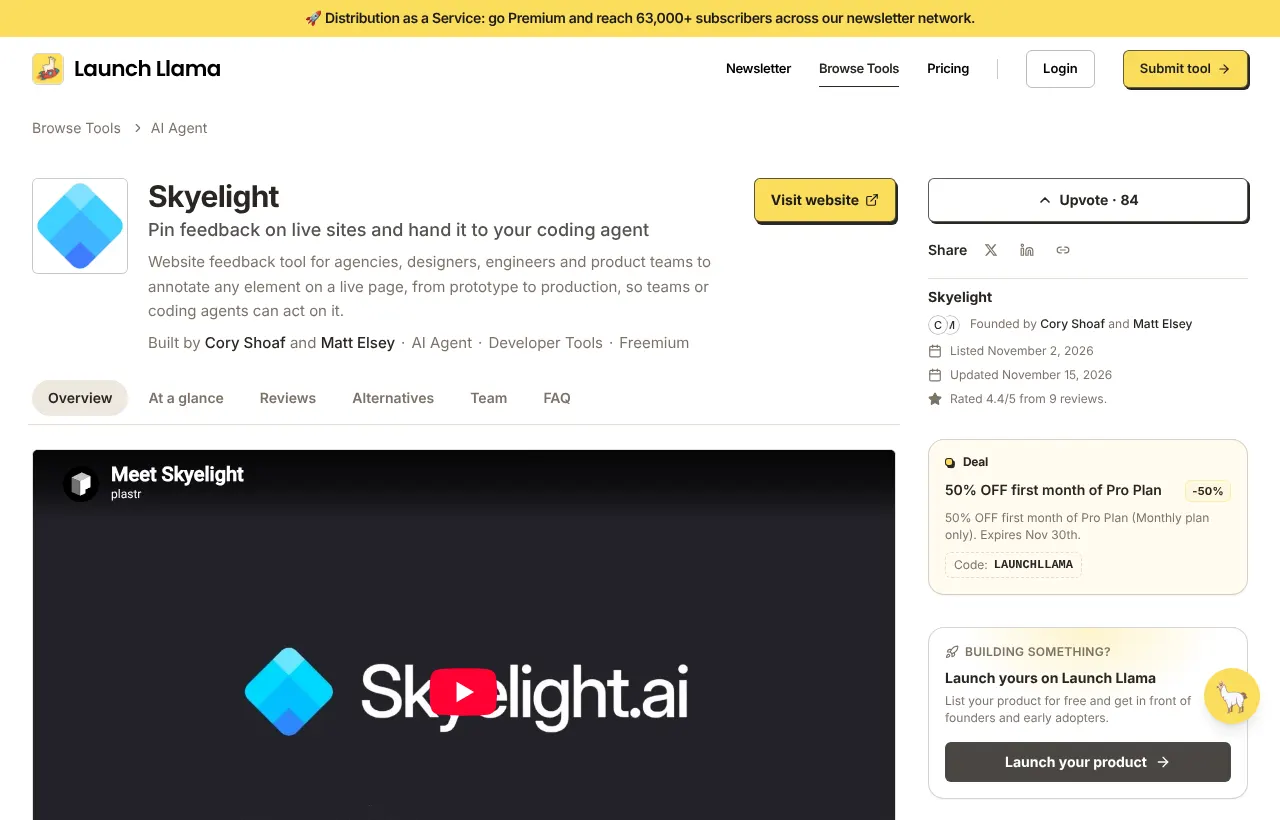
Free founder listings on Launch Llama, May 4 to November 15, 2026. Click-through is website clicks divided by listing page views.
Among the free listings that sent 5 or more visitors to their website, 17.5% had a demo video and 30% had three or more screenshots, roughly four and seven times the rate across all free listings. These are correlations: founders who make a demo also tend to polish everything else. Still, the listings that work almost always show the product.
Why showing beats telling
A visitor decides in a few seconds whether a product is worth a click. A paragraph asks them to imagine what it does. A screenshot or a ten-second clip shows them. It also answers the silent question every new launch faces, "is this real?", because a working interface is hard to fake.
How to make a 60-second demo
You don't need a studio, an animator or a voice actor. A screen recording and your own voice is enough, and often better.
- Pick one job. The single thing most people buy your product for. Not a feature tour.
- Start with the result. Show the finished outcome in the first three seconds: the report, the cleaned-up file, the published page. Then show how you got there.
- Use real data. A demo with "Lorem ipsum" and "Test User" looks unfinished. Use realistic examples.
- Keep it under 90 seconds, ideally 45 to 60. If you need longer, make a second video.
- Talk like you would to a friend. "Here I paste a messy CSV, click Clean, and it's done." No script voice, no hype.
- Add captions. Many people watch with the sound off.
- Cut every pause and loading spinner. Speed it up rather than make people wait.
- End with one next step: "Try it free at yoursite.com."
Free tools that do the job: your operating system's screen recorder, Loom, Screen Studio or OBS, then upload to YouTube (unlisted is fine) so you can add the link to your listing and your landing page.
What screenshots to show
Three to five, in this order:
- The result. The thing the user gets.
- The main screen, with real-looking content.
- The key step that makes your product different.
- Optional: a settings, integrations or pricing screen if buyers usually ask about it.
Tips that make them readable on a listing:
- Crop to the part that matters. Full-screen captures with tiny text are unreadable on a phone.
- Use the same size and aspect ratio for all of them.
- Add one short caption per image if the screen needs context ("Paste a link, get a summary in 3 seconds").
- Skip mockups of laptops on desks, stock photos and logo-only images.
Where else to use the demo
- Your landing page, above the fold or right under the headline.
- Your launch post on X, LinkedIn and Reddit. Native video usually gets more reach than a link.
- Product Hunt and other launch platforms, which let you add a video to your gallery.
- Your welcome email for new sign-ups, so they know what to do first.
- Cold outreach, as a link that answers "what is it?" without a call.
A 60-second script you can follow
Record the real product with real (or realistic) data. A polished animation with no product in it doesn't do the job: visitors want to see what they'll actually use.
Tools that are good enough
- Screen recording: your operating system's built-in recorder, Loom, or Screen Studio for smooth zooms.
- Editing: cut the pauses. That's most of the work.
- No time to record: nod, an AI launch video generator, turns your product page into an editable script and a branded launch video with music and an optional voiceover.
- Captions: YouTube adds them automatically; check them.
- Hosting: YouTube is the simplest for a listing, because most launch platforms (Launch Llama included) embed it directly.
Screenshots by count
Free founder listings, May 4 to November 15, 2026. Small groups for 2 to 4 screenshots, so read it as "a few well-chosen images beat none or a pile".
Where to put the video on your landing page
- Above the fold, beside the headline, if the product is visual and the result is quick to show.
- Right under the hero, if your headline needs the space. Use a still from the most interesting moment as the thumbnail, not your logo.
- Don't autoplay with sound. Autoplay muted with captions is fine; anything that makes noise unasked sends people away.
- Keep a screenshot fallback for people who never press play: the same result, as a still image, with a one-line caption.
Video or screenshots first?
If you only have time for one, start with screenshots. They're quicker to make, they show on every platform (including ones that don't embed video), and 3 or 4 good ones went with the highest click-through in our data. Add the video when you can: it's the clearest way to show how the product works, and listings with one nearly doubled their click-through.
Common mistakes
- A 30-second logo animation before the product appears. People leave.
- Music and no voice. It looks like an ad and explains nothing.
- Showing every feature. Viewers remember one thing. Make it the right one.
- An out-of-date demo. If the interface changed, re-record. A demo that doesn't match the product breaks trust.
Keep reading
- Listing Gets Views but No Clicks? What the Top Launches on Launch Llama Do Differently (Data From 4,976 Listings)
- How to Get Reviews for Your Startup, and Why They Matter More Than Anything Else on Your Listing (2026)
- How to Launch a Product Successfully in 2026: The Launch Plan Our Best Listings Followed
- No Users After Launch? How to Get Your First 100 Users (2026)
- How to Market an App in 2026: A Step-by-Step Plan for Indie Developers and Small Teams
Frequently asked questions
Does a demo video increase conversions?
In our data, launch listings with a demo video converted views to website clicks at about twice the rate of listings without one (2.25% against 1.17%).
How long should a product demo video be?
About 45 to 60 seconds for a launch, and never more than 90. Start with the result in the first three seconds.
Are screenshots or video more important?
Both helped. Three or more screenshots had the larger lift in our data (2.45% against 1.03%), and they're quicker to make, so start there.
Do I need a professional to make a demo video?
No. A screen recording with your own voice, captions and tight cuts works. Real usage beats polish.
Where should I host my demo video?
YouTube is the easiest because launch listings, including Launch Llama's, accept a YouTube link, and you can embed it anywhere.
How long should a product demo video be?
About 60 seconds for a listing or landing page. Show the result in the first 3 seconds, then the product doing the job start to finish.
Make your listing show the product
Add screenshots and a demo video to your listing in two minutes.
Free to list on Launch Llama. Featured listings also go out to 69,000+ newsletter subscribers.
List your product →