
Updated 2026-11-20 · 6 of 6 AI email assistants on Launch Llama compared
Quick answer: The best AI email assistants in 2026, by Launch Llama community upvotes, are Upstream, Revo AI Email Assistant, Quartz. If you want to start free, Revo AI Email Assistant has a free plan. We compared all 6 AI email assistants listed on Launch Llama on pricing, features and use cases.
Our picks at a glance
- Best overall: Upstream — the most upvoted AI email assistant on Launch Llama
- Best free option: Revo AI Email Assistant — lists a free plan
- Most features listed: Quartz — 5+ features on its listing
The 6 best AI email assistants in 2026
1. Upstream — best for teams wanting to collaborate on shared email threads and channels
Pricing: Free plan; paid from $20 · Free plan: Yes · Upvotes: 687
In Upstream's words
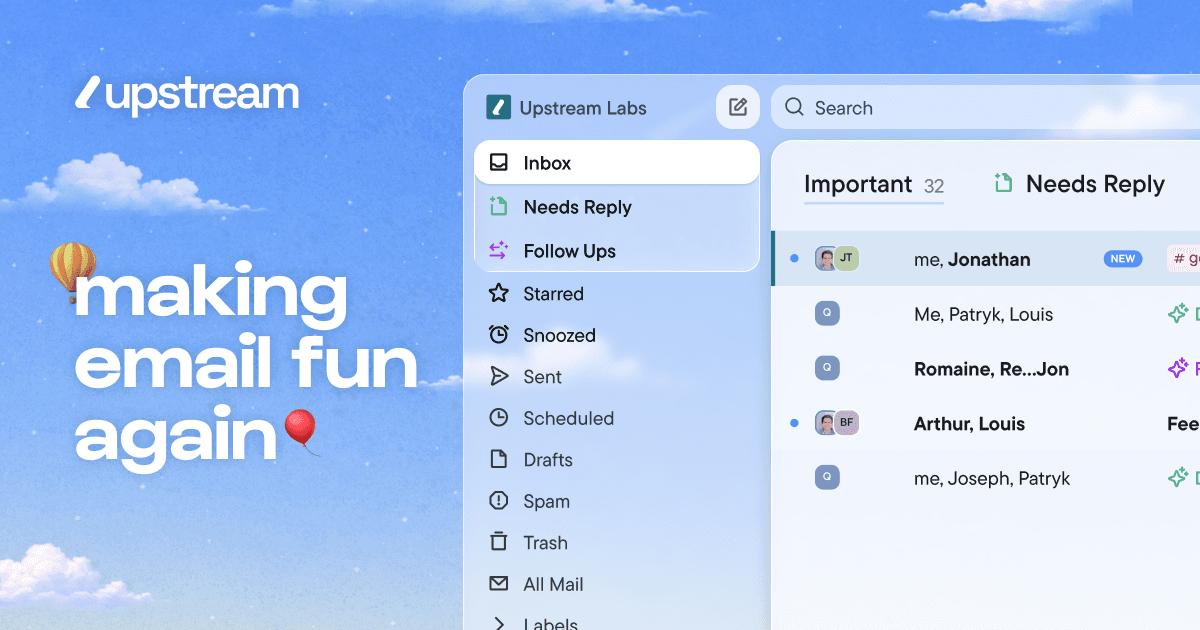
Upstream is an AI-powered inbox management tool that organizes emails and automates replies. It works on top of Gmail and helps professionals manage email overload without sending anything without their approval. The tool splits inboxes into categories so important emails get prioritized and nothing gets buried.
Key features
- Draft email replies that match your writing style and voice.
- Organize inbox into splits that match your workflow.
- Automatically follow up on important conversations at the right time.
- Pre-sort messages that need replies when you open your inbox.
- Move cold emails and newsletters out of the primary inbox.
Use cases
- Teams wanting to collaborate on shared email threads and channels.
- High-performing teams and individuals managing large email volumes.
Pricing details: Free plan available forever. Pro costs $20 per member per month billed yearly. Max tier costs $60 per member per month billed yearly.
2. Revo AI Email Assistant — best for law firm attorneys who need to find case details across multiple coworkers' inboxes quickly
Pricing: See website · Free plan: Yes · Upvotes: 364
In Revo AI Email Assistant's words
Revo is a proactive AI agent that connects to your work tools and drafts communications without being asked. It reads your inbox, meetings, and tools to draft emails, run workflows, and prepare actions for your approval. The platform gives teams one shared memory of meetings, threads and decisions, with six agents that convert that context into completed work.
Key features
- Surface and prepare action items from email for one-click completion.
- Transcribe, summarize and generate follow-ups from meetings automatically.
- Draft email replies in your voice grounded in the message thread.
- Build a personal brain from emails, meetings and chats for context.
- Connect to 50+ work tools with one-click setup and execution.
Use cases
- Law firm attorneys who need to find case details across multiple coworkers' inboxes quickly.
- Sales leaders handling enterprise deals who need emails to sound on-brand, not generic.
- Founders managing global teams who need drafts ready before waking up from international emails.
Pricing details: Free to start, with a 14-day free trial mentioned on the page.
See Revo AI Email Assistant pricing, reviews and alternatives →
3. Quartz — best for gmail users who want to focus on only their most important messages
Pricing: Free · Free plan: Yes · Upvotes: 262
In Quartz's words
Quartz turns Gmail into a focused inbox. It sorts every message by importance, and learns what matters to you over time. When you reply, it drafts in your own voice. And the AI runs entirely on your own Mac, so your mail stays end-to-end encrypted and never shared with AI providers.
Key features
- Auto-categorize emails by importance learned from your preferences
- Draft replies that match your writing style and tone
- Process emails and AI entirely on your device
- Encrypt mail end-to-end with keys only you hold
- Collapse non-urgent messages out of the way automatically
Use cases
- Gmail users who want to focus on only their most important messages
- People who need email replies written in their personal voice and style
Pricing details: Free for beta users.
4. Slashy Assistant — best for founders who need to track customer inquiries and investor responses without missing anything

Pricing: From $25/user · Free plan: No · Upvotes: 261
In Slashy Assistant's words
Slashy is an AI-native email client and assistant that drafts replies in your voice, triages what matters, and makes sure no follow-up slips, so you spend less time in your inbox and more time on what matters. It connects to your email, calendar, CRM, and meeting notes and learns how you work, so you can ask Slashy to prep you for your next meeting, draft a follow-up, clear your inbox to zero, track who still owes you a reply, or fire off an email from iMessage or Slack while you're on the go.
Key features
- Draft email replies in your voice
- Search conversations by meaning in plain language
- Schedule meetings and check availability across calendars
- Find stalled threads and prepare follow-ups automatically
- Label and organize incoming email automatically
Use cases
- Founders who need to track customer inquiries and investor responses without missing anything
- Teams coordinating across multiple time zones to find meeting times
Pricing details: Professional plan costs $25 per user per month when billed annually, or $30 per month.
5. Supafax — best for professionals who need to handle meeting scheduling back-and-forth automatically
Pricing: Free plan; paid from $35 · Free plan: Yes · Upvotes: 240
In Supafax's words
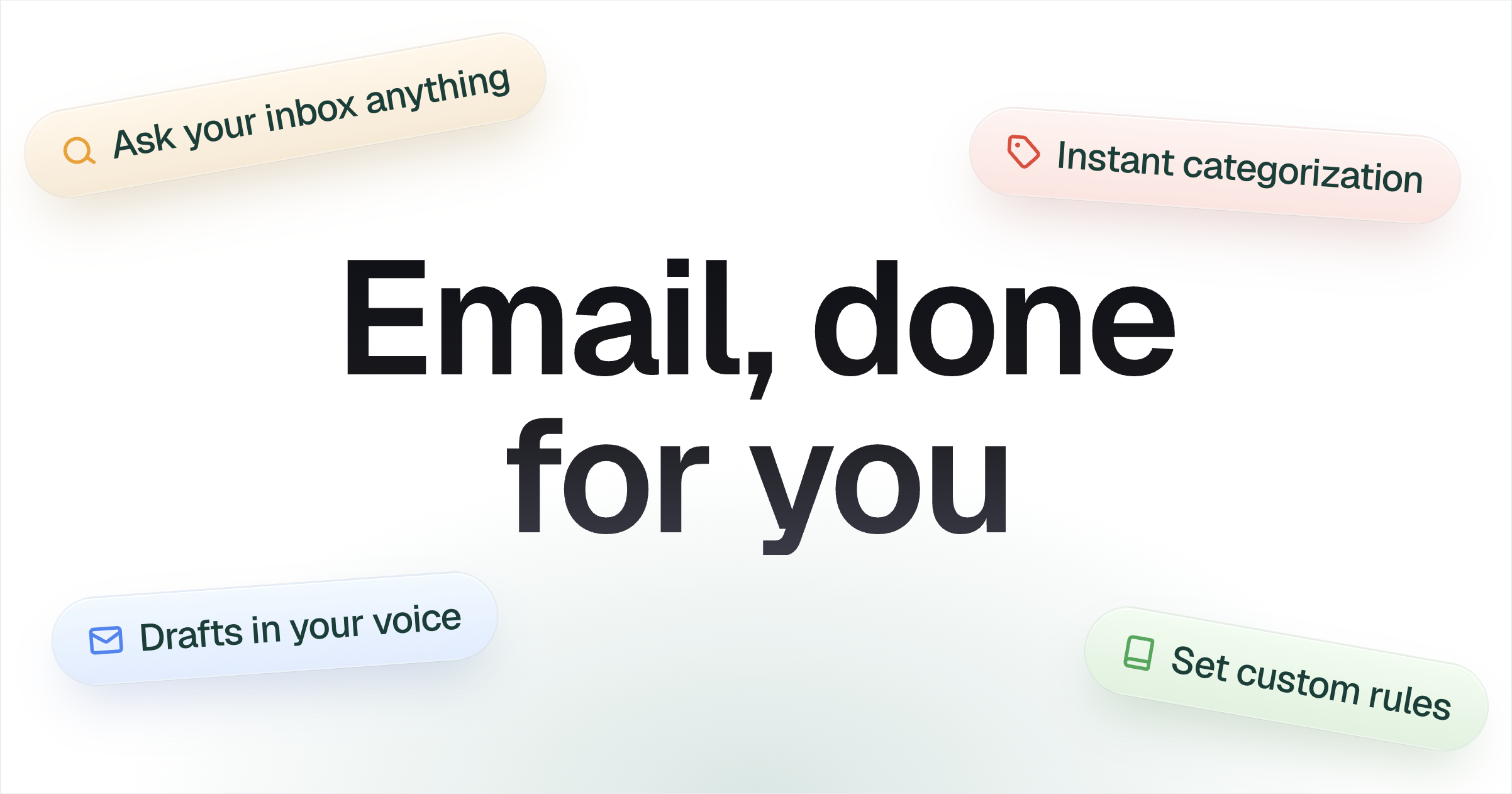
Supafax is an email assistant that works inside Gmail and Outlook to automate email tasks. It learns your writing style and work patterns to handle repetitive email tasks on your behalf. It helps professionals save time by automating inbox management and email workflows.
Key features
- Draft email replies in your writing voice
- Schedule and coordinate meetings automatically
- Organize inbox with automatic labels and categorization
- Set custom automation rules using plain English
- Ask your inbox questions and get answers
Use cases
- Professionals who need to handle meeting scheduling back-and-forth automatically
- Teams that want to automate repetitive email tasks like digests and reminders
Pricing details: Free 14-day trial with no credit card required.
6. Kai — best for sorting a busy inbox into Needs Reply, FYI, Waiting Reply and Done, with the reason attached to each thread
Pricing: Free plan; paid from $20/user · Free plan: Yes · Upvotes: 99 · Rating: 4.6/5 from 15 reviews
In Kai's words
Kai is an AI executive assistant for founders, freelancers, consultants and busy professionals who run their own inbox and calendar. Connect your Gmail or Outlook account and your calendar, and Kai works in the background: it reads what comes in, works out what matters, and has the next step ready for you.
Who Kai is for People who need an assistant but don't have one: startup founders, solopreneurs, freelancers, agency owners, sales leads and executives who lose hours every week to email, scheduling and meeting follow-up.
Use cases
- Sorting a busy inbox into Needs Reply, FYI, Waiting Reply and Done, with the reason attached to each thread.
- Capturing live meeting transcripts, summaries and action items from Zoom, Google Meet or Teams without a bot joining the call.
- Drafting email replies in your own voice for you to review and send, while tracking promises you made as real tasks.
Pricing details: Start free with no credit card required. Paid plans start from $20 per user, per month.
Comparison table
| # | Tool | Rating | Upvotes | Price |
|---|---|---|---|---|
| 1 | Upstream Teams wanting to collaborate on shared email threads and channels |
No reviews yet | ▲ 687 | Free planthen from $20 |
| 2 | Revo AI Email Assistant Law firm attorneys who need to find case details across multiple coworkers' inboxes quickly |
No reviews yet | ▲ 364 | Free plan |
| 3 | Quartz Gmail users who want to focus on only their most important messages |
No reviews yet | ▲ 262 | Free plan |
| 4 | Slashy Assistant Founders who need to track customer inquiries and investor responses without missing anything |
No reviews yet | ▲ 261 | from $25 |
| 5 | Supafax Professionals who need to handle meeting scheduling back-and-forth automatically |
No reviews yet | ▲ 240 | Free planthen from $35 |
| 6 | Kai Sorting a busy inbox into Needs Reply, FYI, Waiting Reply and Done, with the reason attached to each thread |
Rated 4.6 out of 5 from 15 reviews4.6(15) | ▲ 99 | Free planthen from $20 |
How we compared them
This is a comparison built from listing data, not a hands-on review: we have not tested these tools ourselves. Every product here is listed on Launch Llama, and the ranking uses what founders and their users have put on the record.
We read the Launch Llama listings that mention AI email assistants and kept only the products whose listing shows that is what they do. They are ordered by community upvotes; duplicate listings are merged, and listings without a real description are left out. Pricing, features and use cases come from each product's listing and can change, so check the product's own site before you buy.
How to choose
- Choose Upstream for teams wanting to collaborate on shared email threads and channels.
- Choose Revo AI Email Assistant for law firm attorneys who need to find case details across multiple coworkers' inboxes quickly.
- Choose Quartz for gmail users who want to focus on only their most important messages.
- Choose Slashy Assistant for founders who need to track customer inquiries and investor responses without missing anything.
- Choose Supafax for professionals who need to handle meeting scheduling back-and-forth automatically.
- Choose Kai for sorting a busy inbox into Needs Reply, FYI, Waiting Reply and Done, with the reason attached to each thread.
Still comparing? Browse every tool in Email or see the best tools in other categories.
Frequently asked questions
What is the best AI email assistant in 2026?
Upstream is the most upvoted AI email assistant on Launch Llama. For email users: Upstream uses AI agents to sort messages, draft replies, and handle grunt work so your inbox feels light and manageable. Revo AI Email Assistant and Quartz round out the top three.
What is an AI email assistant?
An AI email assistant works inside your inbox: it sorts and prioritises messages, drafts replies in your voice and handles follow-ups and scheduling. Most connect to Gmail or Outlook, and some pull context from your calendar, meetings, Slack or CRM.
What should I look for in an AI email assistant?
Compare which email providers it supports; whether drafts sound like you after a few days of use; what data it reads and where it is stored; and whether it only drafts, or can send on your behalf.
Is there a free AI email assistant?
Yes. 5 of the 6 tools in this comparison list a free plan, including Upstream, Revo AI Email Assistant, Quartz.
How were these AI email assistants ranked?
By community upvotes on Launch Llama, after merging duplicate listings and dropping listings without a real description. We have not tested these tools hands-on; pricing and features come from each product's listing.
How many AI email assistants are listed on Launch Llama?
6 AI email assistants with full listings at the time of writing, and this page compares all of them. Browse the Email category for related tools.