On Launch Llama
Kai - AI executive assistant for your inbox, calendar and meetings
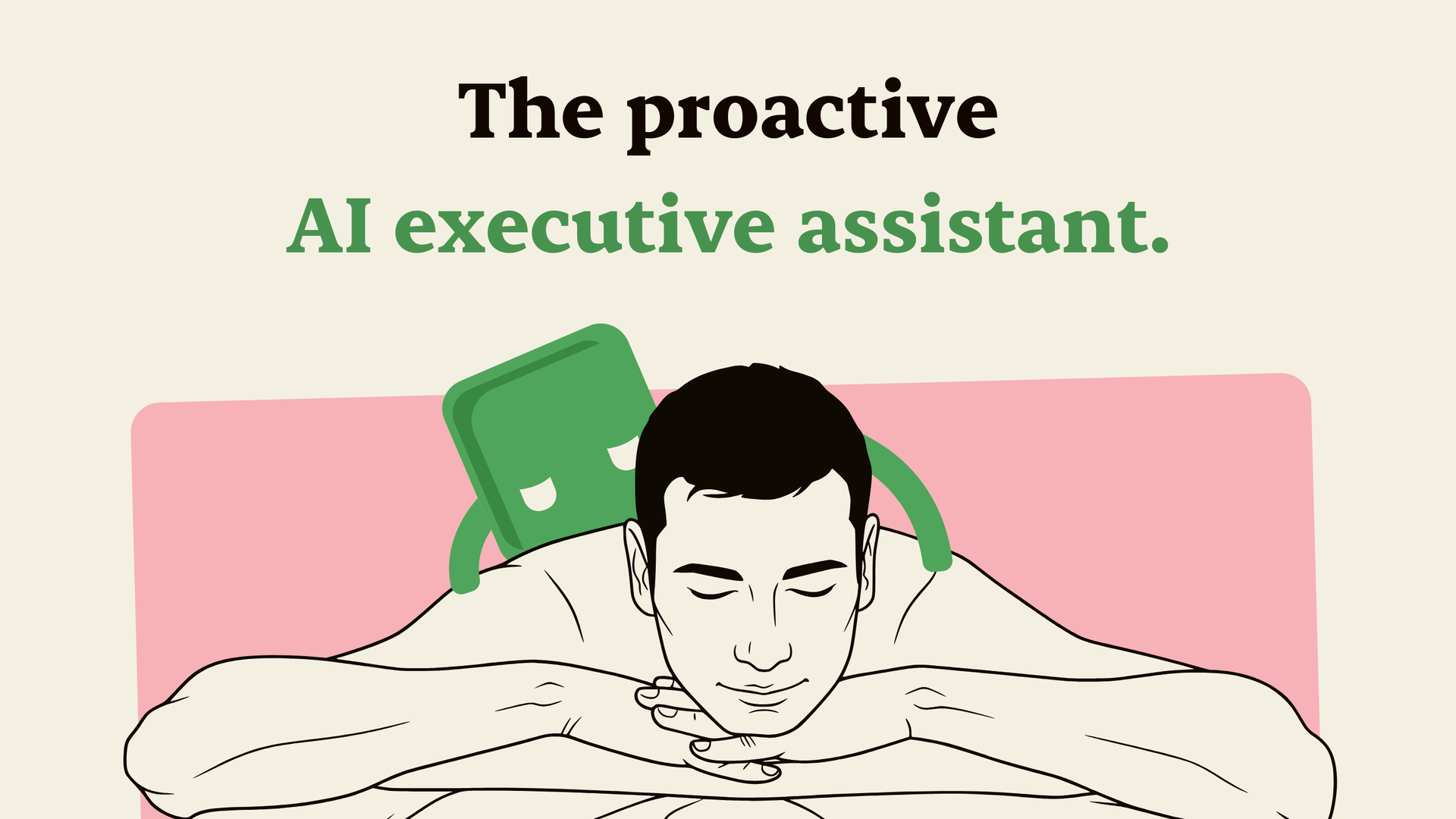
Kai is an AI executive assistant that sorts your inbox, drafts email replies, takes meeting notes and books time for tasks around your meetings.
Built by Kai AI
Visit website → Upvotes · 4
In category: #2177 of 2808 · Artificial IntelligenceWeekly rank: #41
Kai is a Instant Launch listing on Launch Llama with 4 total upvotes across 4 founder supporters, +4 in the week of Oct 6–Oct 12, 2026, founded by Kai AI who joined in Oct 2026, compared against 6 alternatives.
Instant Launch listing
Listing status
4upvotes
+4 · Oct 6–Oct 12, 2026
Community score
Kai AI (Joined Oct 2026)
Founder
Compared against 6 alternatives
Market comparison
Real numbers
90d
-
0
Views
-
0
Visitors
-
0
Clicks
Public Launch Llama traffic for this listing.
Key Features
- Delivers is an AI executive assistant for founders, freelancers, consultants and busy
- Surfaces Kai drafts replies in your voice, using context from your past emails and your recent
- Delivers nothing is sent until you press Send
- Surfaces threads you're waiting on come back after a few days, and Kai drafts the follow-up
About
Kai is an AI executive assistant for founders, freelancers, consultants and busy professionals who run their own inbox and calendar. Connect your Gmail or Outlook account and your calendar, and Kai works in the background: it reads what comes in, works out what matters, and has the next step ready for you. Who Kai is for People who need an assistant but don't have one: startup founders, solopreneurs, freelancers, agency owners, sales leads and executives who lose hours every week to email, scheduling and meeting follow-up. What you can use Kai for - Inbox management: Kai sorts your email into Needs reply, FYI and Waiting for reply, with a one-line summary per thread, so you see what needs you first. - AI email replies: Kai drafts replies in your voice, using context from your past emails and your recent meetings. Nothing is sent until you press Send. - Follow-ups: threads you're waiting on come back after a few days, and Kai drafts the follow-up when you ask. - AI meeting notes: Kai records calls on Zoom, Google Meet, Microsoft Teams, Webex and Slack Huddles from your own device, with no bot joining. After the call you get a summary, the decisions and action items you can accept or edit. - Calendar and scheduling: ask Kai to put a task on your calendar and it books time around your meetings. - Morning brief: each morning Kai reads your calendar, tasks and inbox and tells you what matters today. - Workflows: describe a recurring job in plain language, like a weekday brief, and it runs even when the app is closed. Key features - One AI assistant for email, calendar, meetings and tasks - AI email assistant for Gmail and Outlook - AI note taker with no meeting bot - Learns your preferences: tell Kai how you like things done and it remembers, in memories you can edit - Works with Claude and ChatGPT, so the AI tools you already use can reach your inbox, calendar and calls - Nothing is sent, moved or deleted without your OK Integrations Gmail, Outlook, Google Calendar, Outlook Calendar, Zoom, Google Meet, Microsoft Teams, Webex, Slack Huddles, Claude and ChatGPT. Platforms and pricing Kai runs on the web, Mac and Android, with iPhone in beta. Start with a free trial, no credit card needed. Paid plans start at $20 per user per month. If you're comparing a virtual executive assistant, an AI email assistant like Fyxer or an AI note taker like Otter.ai, Kai covers email, meetings and your calendar in one place.
Pricing
Kai is a paid product. See the website for current pricing.
Verdict
In the competitive artificial intelligence space, Kai stands out as a solid option. It's gaining traction among founders who value simplicity and results. Kai is an AI executive assistant for founders, freelancers, consultants and busy professionals who run their own inbox and calendar. If kai is an ai executive assistant that sorts your inbox, drafts email replies, takes meeting notes and books time for tasks around your meetings is a priority for your team, it's worth giving Kai a closer look.
FAQ
What is Kai?
Kai is an AI executive assistant for founders, freelancers, consultants and busy professionals who run their own inbox and calendar. Connect your Gmail or Outlook account and your calendar, and Kai works in the background: it reads what comes in, works out what matters, and has the next step ready for you. Who Kai is for People who need an assistant but don't have one: startup founders, solopreneurs, freelancers, agency owners, sales leads and executives who lose hours every week to email, scheduling and meeting follow-up. What you can use Kai for - Inbox management: Kai sorts your email into Needs reply, FYI and Waiting for reply, with a one-line summary per thread, so you see what needs you first. - AI email replies: Kai drafts replies in your voice, using context from your past emails and your recent meetings. Nothing is sent until you press Send. - Follow-ups: threads you're waiting on come back after a few days, and Kai drafts the follow-up when you ask. - AI meeting notes: Kai records calls on Zoom, Google Meet, Microsoft Teams, Webex and Slack Huddles from your own device, with no bot joining. After the call you get a summary, the decisions and action items you can accept or edit. - Calendar and scheduling: ask Kai to put a task on your calendar and it books time around your meetings. - Morning brief: each morning Kai reads your calendar, tasks and inbox and tells you what matters today. - Workflows: describe a recurring job in plain language, like a weekday brief, and it runs even when the app is closed. Key features - One AI assistant for email, calendar, meetings and tasks - AI email assistant for Gmail and Outlook - AI note taker with no meeting bot - Learns your preferences: tell Kai how you like things done and it remembers, in memories you can edit - Works with Claude and ChatGPT, so the AI tools you already use can reach your inbox, calendar and calls - Nothing is sent, moved or deleted without your OK Integrations Gmail, Outlook, Google Calendar, Outlook Calendar, Zoom, Google Meet, Microsoft Teams, Webex, Slack Huddles, Claude and ChatGPT. Platforms and pricing Kai runs on the web, Mac and Android, with iPhone in beta. Start with a free trial, no credit card needed. Paid plans start at $20 per user per month. If you're comparing a virtual executive assistant, an AI email assistant like Fyxer or an AI note taker like Otter.ai, Kai covers email, meetings and your calendar in one place.
Who should use Kai?
Kai is a strong fit if you are one of: • teams adopting AI-powered workflows and automation • busy founders and teams looking to do more with less If that does not sound like you, skim the features and site before committing time.
What problem does Kai solve?
Kai is built around this outcome: Kai is an AI executive assistant that sorts your inbox, drafts email replies, takes meeting notes and books time for tasks around your meetings. Use the site demo or docs to confirm it matches the bottleneck you are trying to remove.
How much does Kai cost?
Kai is a paid product. See the website for current pricing. Check the official site before you buy so you see current plans, trials, and limits.
How does Kai use AI?
Kai uses AI as part of its workflow. Before relying on it for customer-facing or confidential work, confirm what data is sent to models, whether outputs are editable, and how you can review results.
Is Kai worth trying?
It promises: Kai is an AI executive assistant that sorts your inbox, drafts email replies, takes meeting notes and books time for tasks around your meetings. Worth trying if that problem is painful for you this week; skip it if you only need a one-off workaround you already have.
How do I try Kai?
Open the official Kai website from this page, run the smallest real task you care about (not a toy demo), and decide in one session whether it removes friction. Check pricing and data/privacy terms before you put production work into it.
Alternatives
- Cece AI
For business owners: Cece AI handles email, scheduling, quotes, invoices, and follow-ups directly in your inbox, cutting admin work.
- Agentys
For busy professionals: Agentys learns your writing voice from Gmail or Outlook and drafts email replies automatically so you spend less time on inbox management.
- Slashy Assistant
For busy professionals: Slashy drafts emails in your voice and triages your inbox so you reclaim hours every week for real work.
- Revo AI Email Assistant
For busy professionals: Revo AI connects your meetings, Slack, and CRM to write accurate email replies and handle next-step tasks.
- Fluxmail
Connect existing mailboxes to AI agents and apps through MCP, REST, or CLI. Self-host Fluxmail for Gmail, Outlook, Exchange, and IMAP/SMTP, with per-client permissions.
- HiReceptionist
For small business owners: HiReceptionist answers calls 24/7, books appointments, and sends WhatsApp alerts so you never lose a customer again.
Supporters
4 founders4 founders contributed 4 upvotes to Kai on Launch Llama.



Reviews
5.0 · Based on 1 review
Directly get the point + Amazing design. Would definitely collab with the builder (Shoutout to D) More features related to distribution (I have some ideas)
Ask AI
ChatGPT Claude Perplexity Grok
For agents
llms.txt · llms-full.txt · ai.txt · Live fact sheet · Full catalog (.md) · Endpoint index · API spec · REST access · Agent server · Server manifest · Server discovery