On Launch Llama
Whisperstream - Local AI dictation for Windows
For Windows users: Whisperstream transcribes your voice locally via push-to-talk so audio never leaves your machine and you can dictate into any app instantly.
Built by D Jackson
Paid
Visit website → Upvotes · 77
Whisperstream is a Product Hunt listing on Launch Llama with 77 total upvotes, founded by D Jackson who joined in Aug 2026, compared against 6 alternatives.
Product Hunt listing
Listing status
77upvotes
Community score
D Jackson (Joined Aug 2026)
Founder
Compared against 6 alternatives
Market comparison

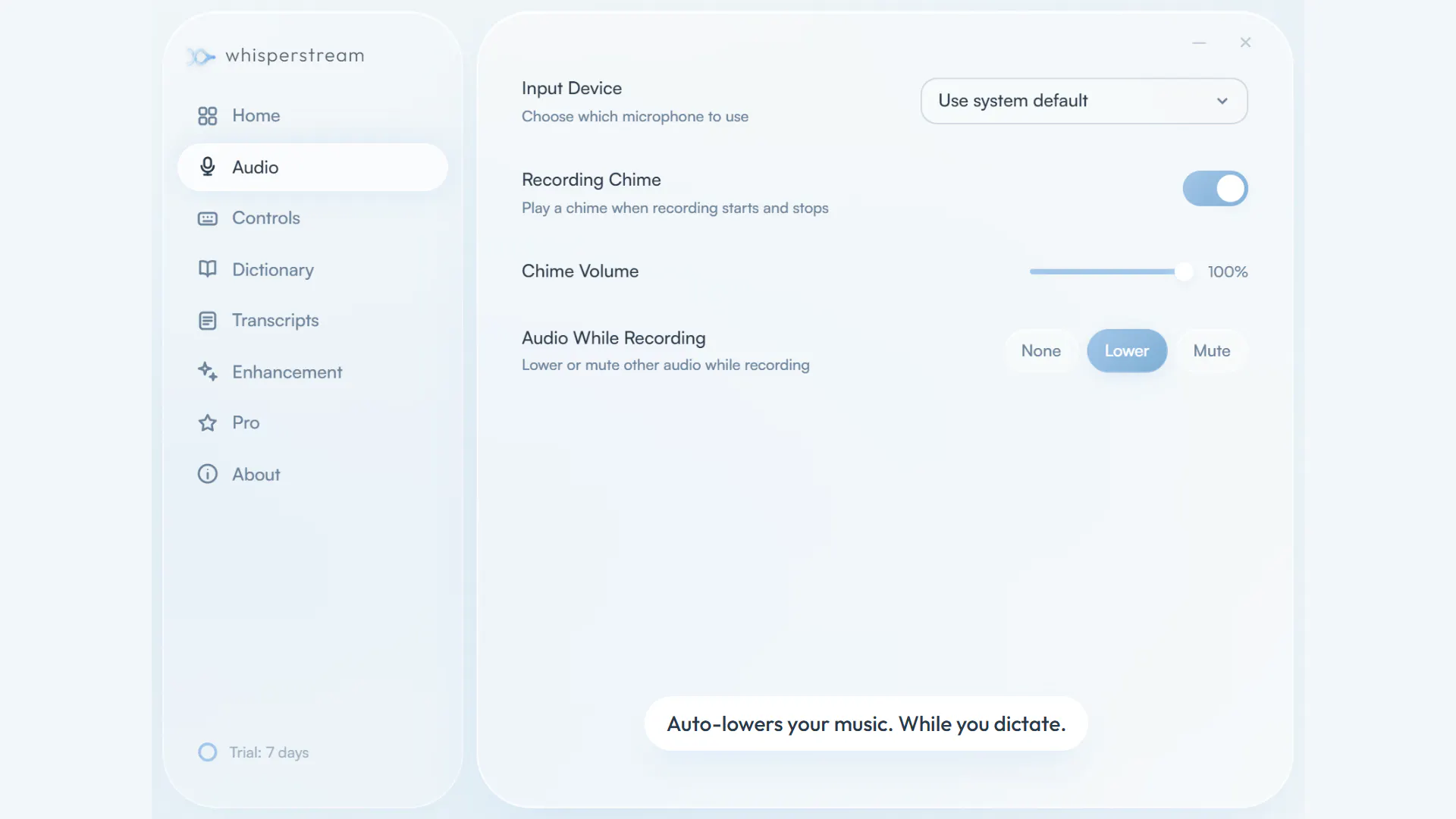
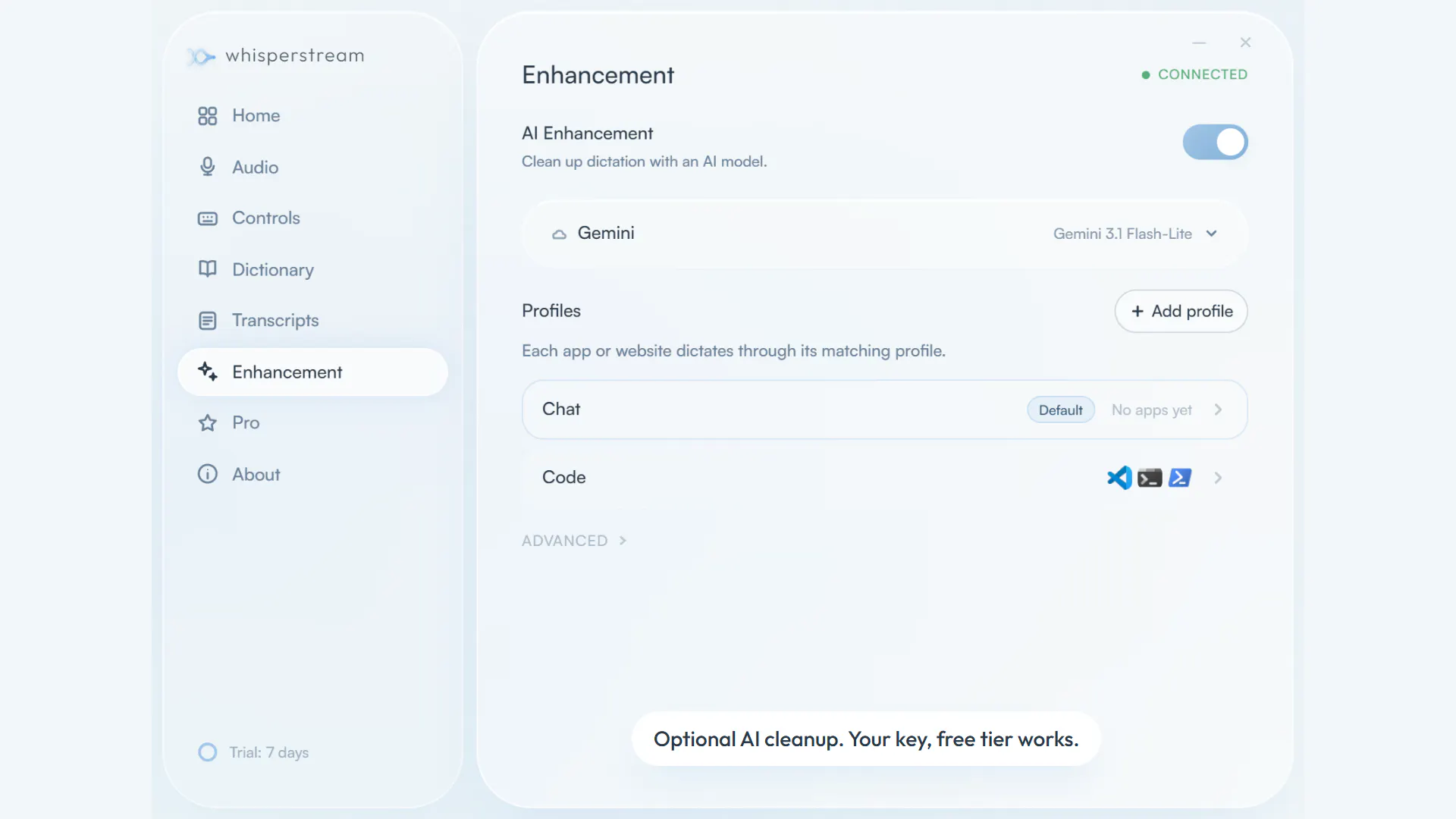
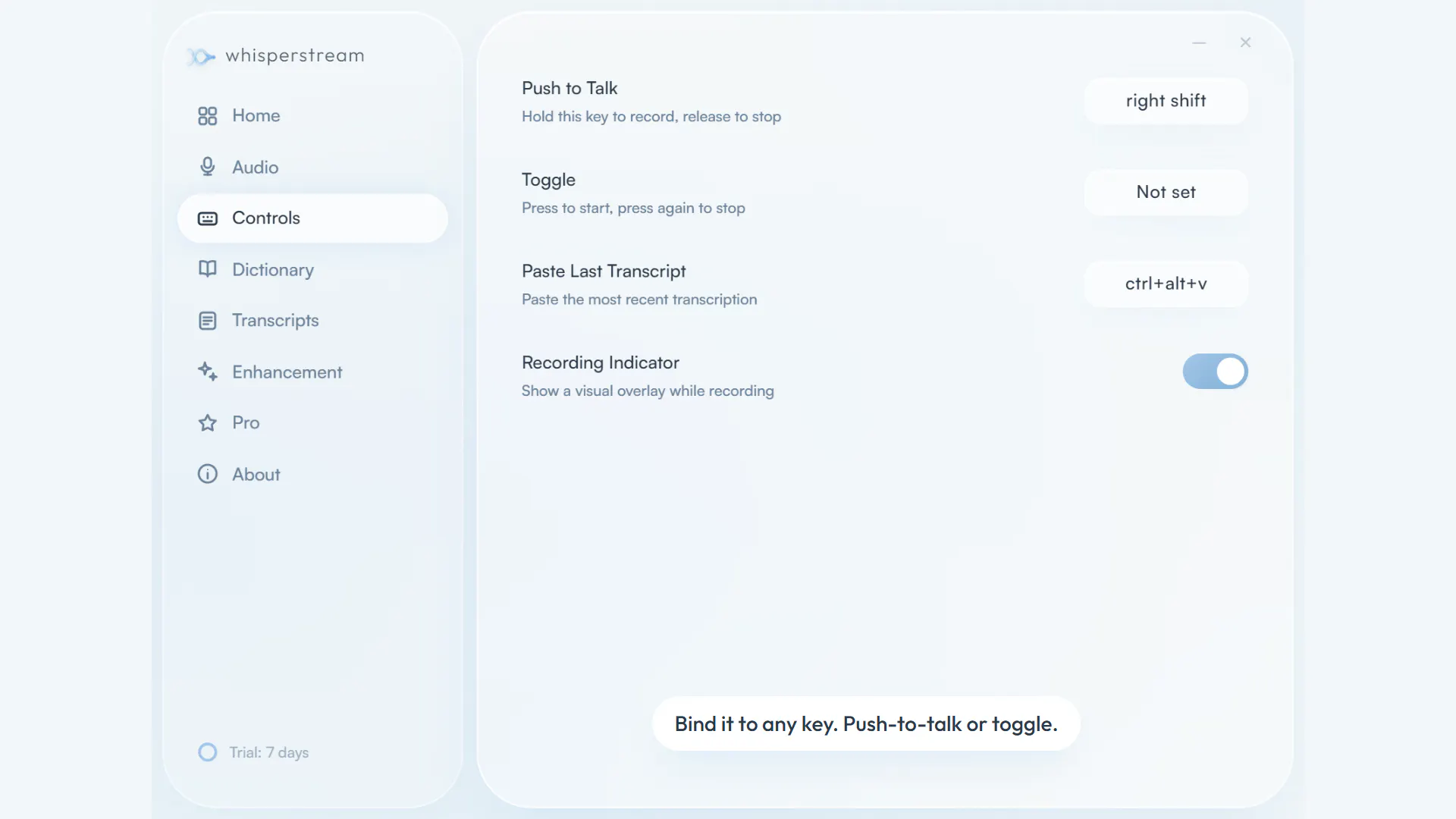
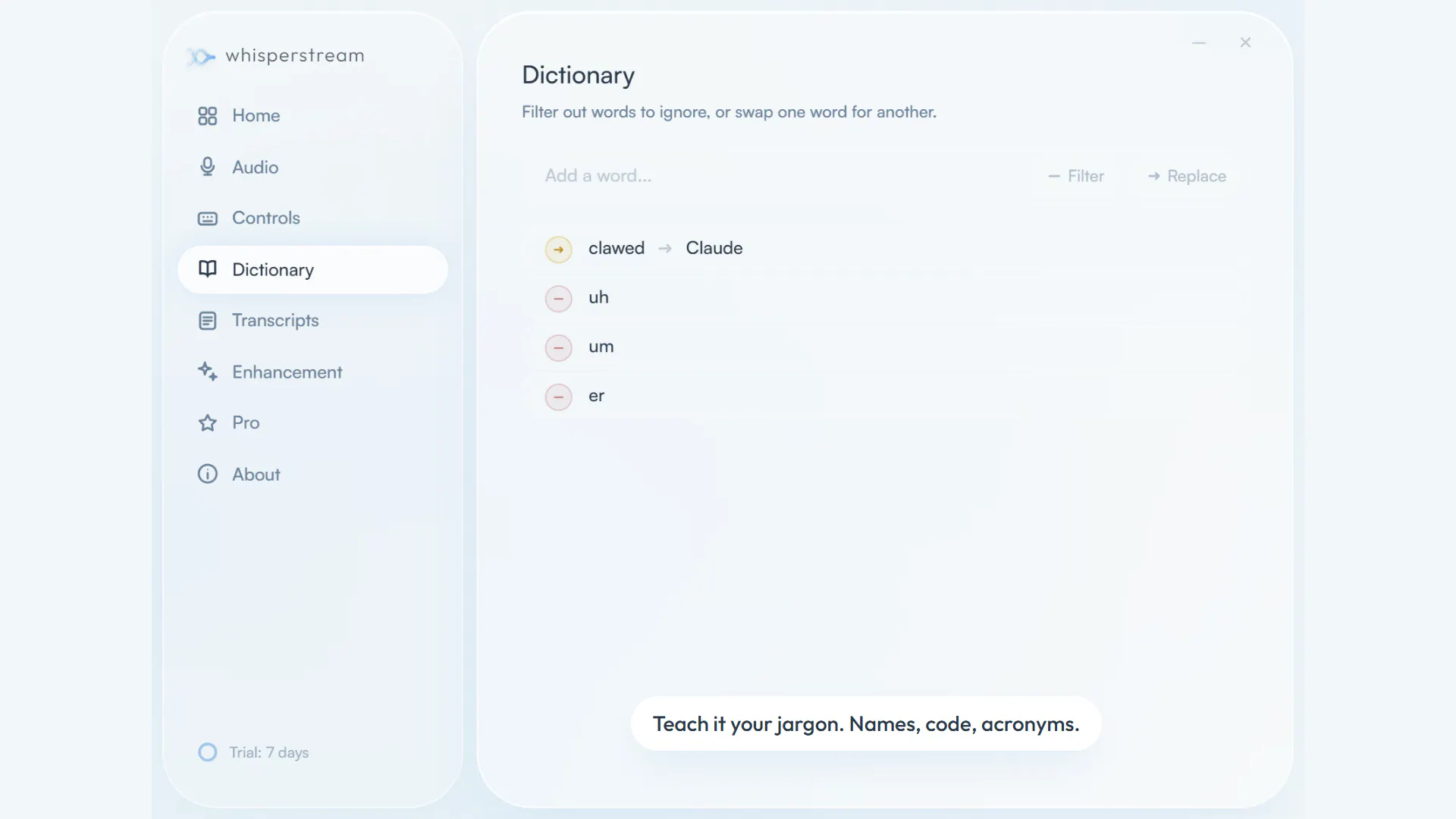
About
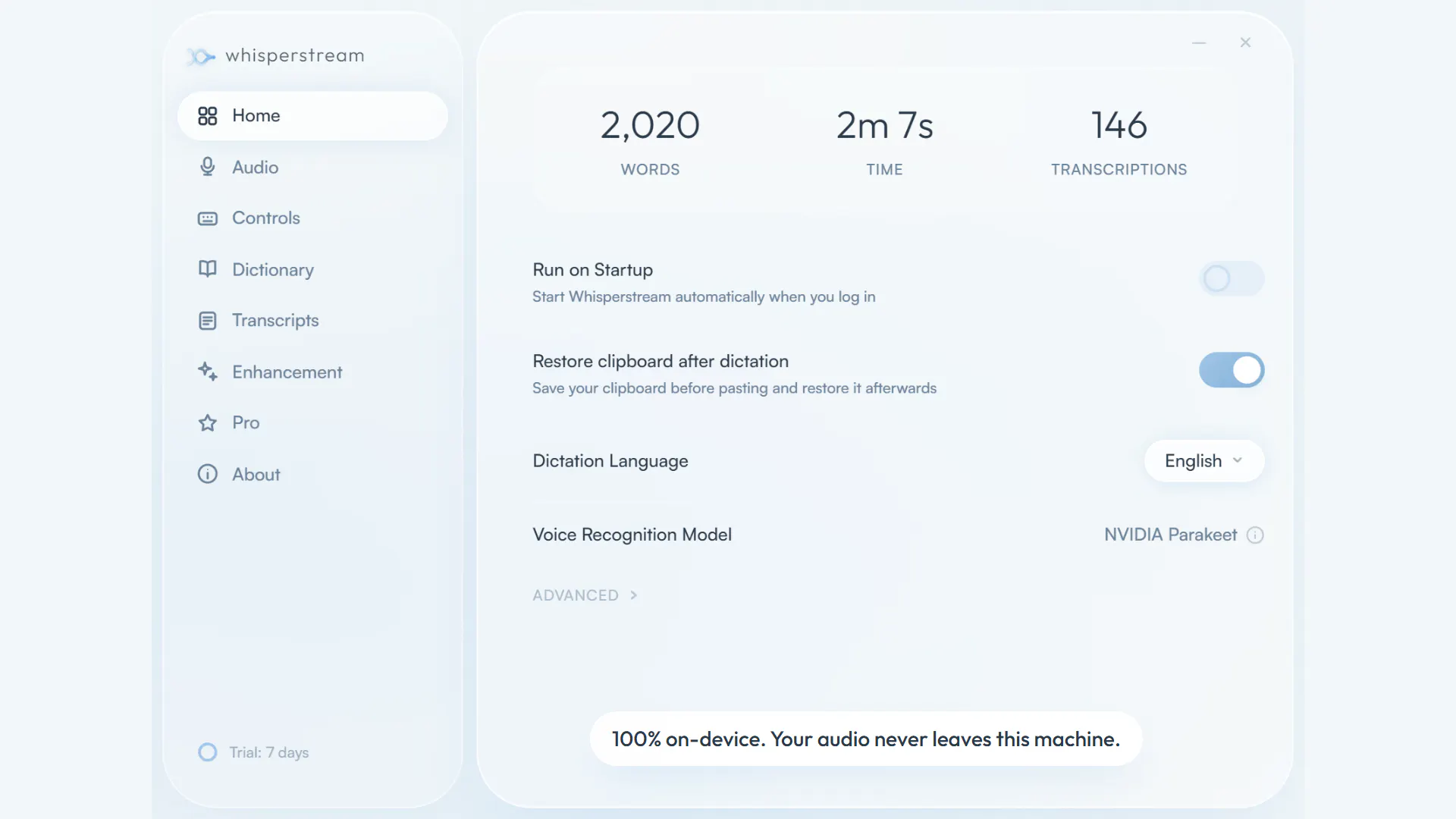
Whisperstream is a dictation application for Windows that converts speech to text locally on your computer. It helps users who want to compose text faster by speaking instead of typing, without uploading audio to the cloud. The software runs entirely on your PC using NVIDIA Parakeet for speech recognition.
Ask AI
ChatGPT Claude Perplexity Grok
For agents
llms.txt · llms-full.txt · ai.txt · Live fact sheet · Full catalog (.md) · Endpoint index · API spec · REST access · Agent server · Server manifest · Server discovery
Key Features
- Transcribe speech to text locally on your CPU
- Insert dictated text into any application automatically
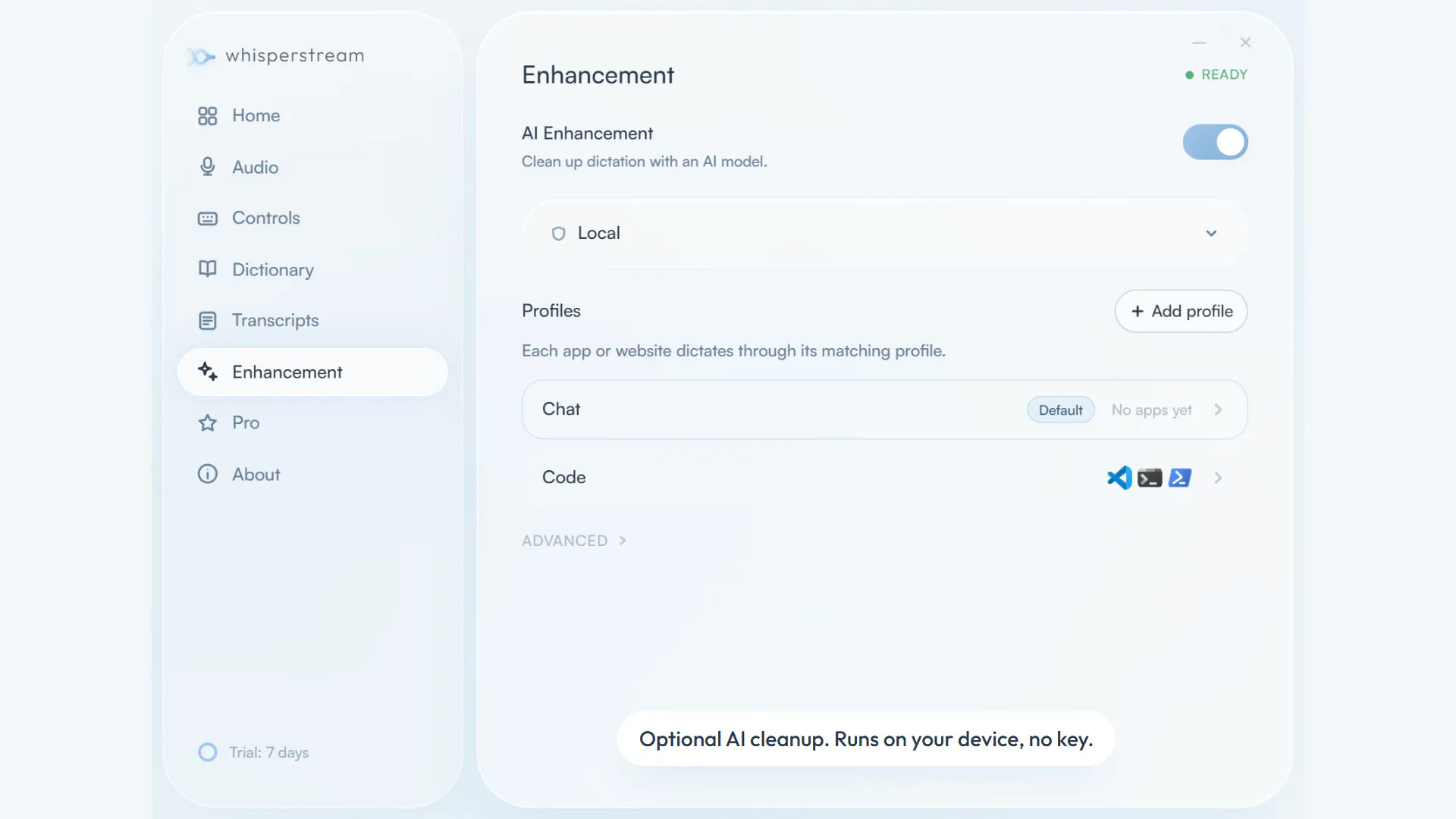
- Clean up filler words and apply spoken corrections
- Add custom vocabulary for names, jargon, and acronyms
Use Cases
- Programmers who want to write code faster by dictating instead of typing
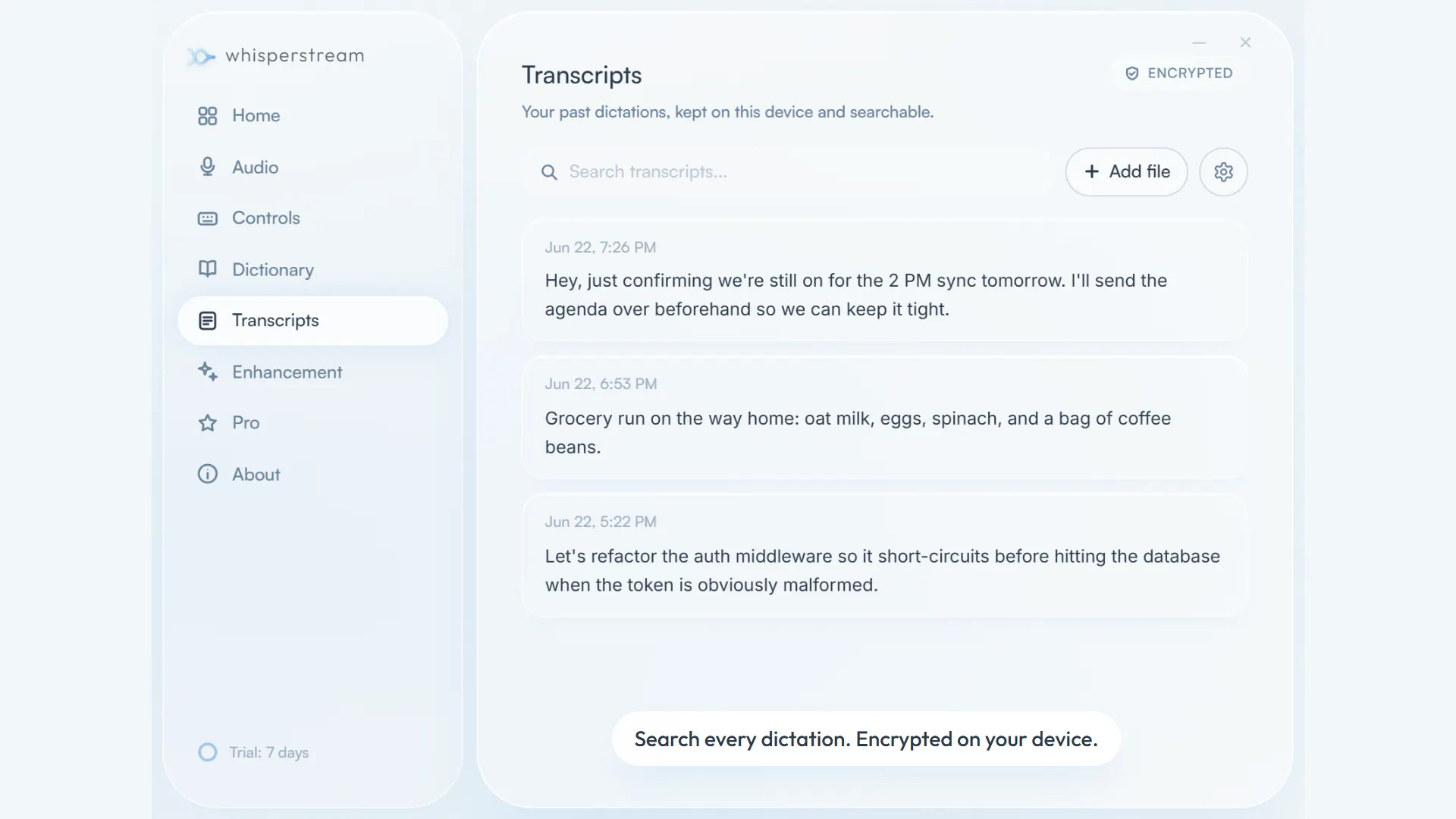
- Users who need privacy-preserving transcription without cloud uploads
- Remote workers who need dictation to work offline on flights or when Wi-Fi is unavailable
Pricing
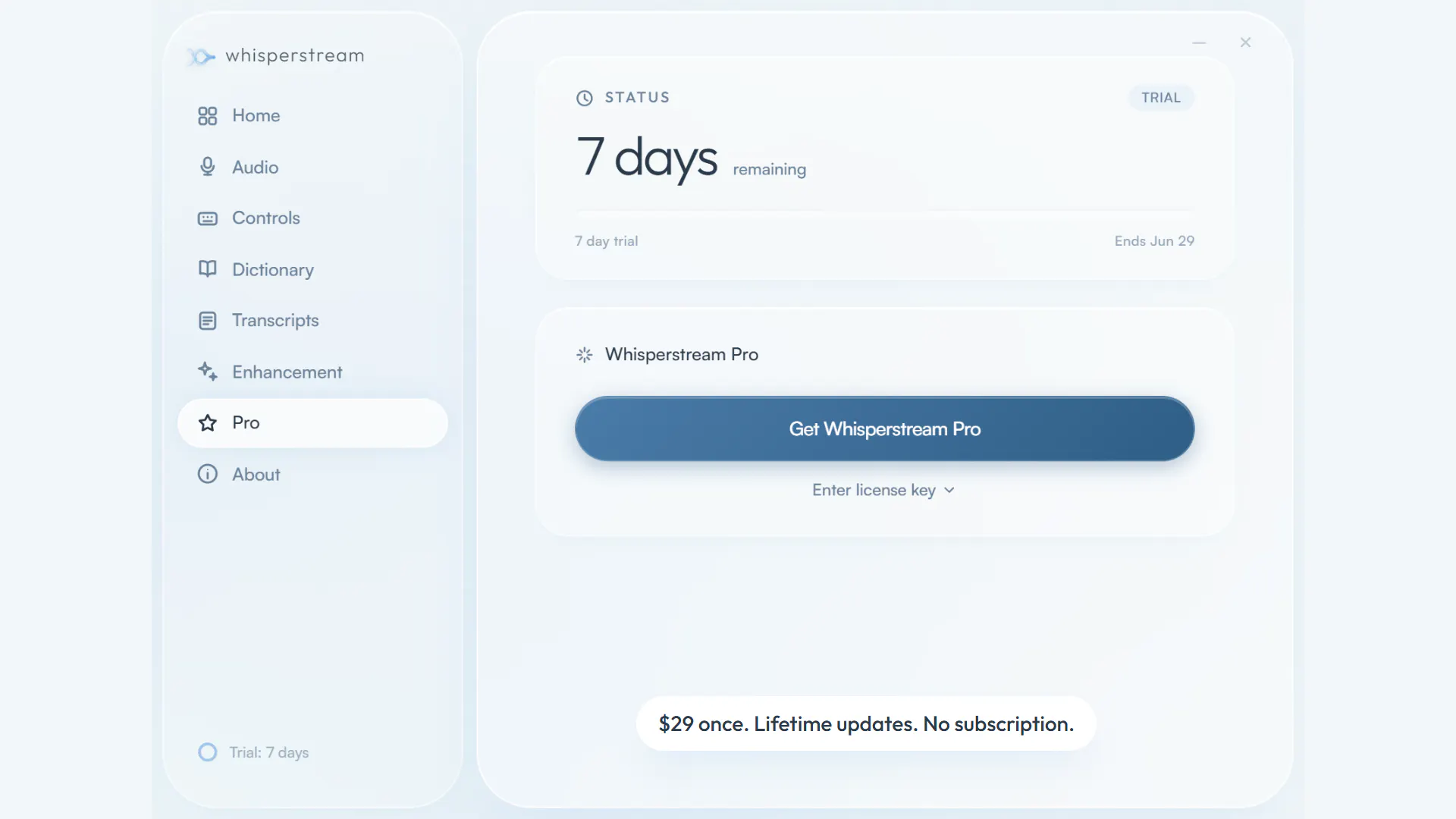
One-time payment of $29 for a single device, or $49 for up to 2 devices. Free trial available with no account required.
FAQ
What is Whisperstream?
Whisperstream is a dictation application for Windows that converts speech to text locally on your computer. It helps users who want to compose text faster by speaking instead of typing, without uploading audio to the cloud. The software runs entirely on your PC using NVIDIA Parakeet for speech recognition.
What are the key features of Whisperstream?
Whisperstream includes: • Transcribe speech to text locally on your CPU • Insert dictated text into any application automatically • Clean up filler words and apply spoken corrections • Add custom vocabulary for names, jargon, and acronyms • Work offline without requiring an internet connection • Support speech recognition in 39 languages
What can I use Whisperstream for?
• Programmers who want to write code faster by dictating instead of typing. • Users who need privacy-preserving transcription without cloud uploads. • Remote workers who need dictation to work offline on flights or when Wi-Fi is unavailable.
How much does Whisperstream cost?
One-time payment of $29 for a single device, or $49 for up to 2 devices. Free trial available with no account required.
What category does Whisperstream belong to?
Whisperstream is listed under AI Dictation Apps, Transcription on Launch Llama.
How do I get started with Whisperstream?
Click the "Visit Website" button on this page to go directly to Whisperstream. You can also upvote and leave a review to help other founders discover it.
Alternatives
- PipeVoice
For developers: PipeVoice transcribes speech into any Windows app offline so you hands-free code without cloud dependencies or subscriptions.
- Whisper AI
For professionals: Whisper AI transcribes voice to text across 25+ languages with smart cleanup and translation modes so you draft emails and documents hands-free.
- VoiceNote
For professionals: VoiceNote converts speech to text on your device so you transcribe meetings and dictate notes without cloud servers or compliance risk.
- Aloud
For developers: Aloud converts your spoken feedback and screen recordings into executable tasks for Claude Code so you skip writing and get straight to building.
- Vocaldi
For Mac users: Vocaldi enables writing by speaking and reviewing by listening with on-device speech models so you stay private and work offline.
- Better Voice
For Mac users: Better Voice transcribes dictation and summarizes meetings locally without cloud uploads, so your notes stay private and organized in Apple Notes.