On Launch Llama
Vitals
A Mac activity monitor that thinks in apps, not processes
Built by Atta 🐬
Paid
Visit website → Upvotes · 294



About
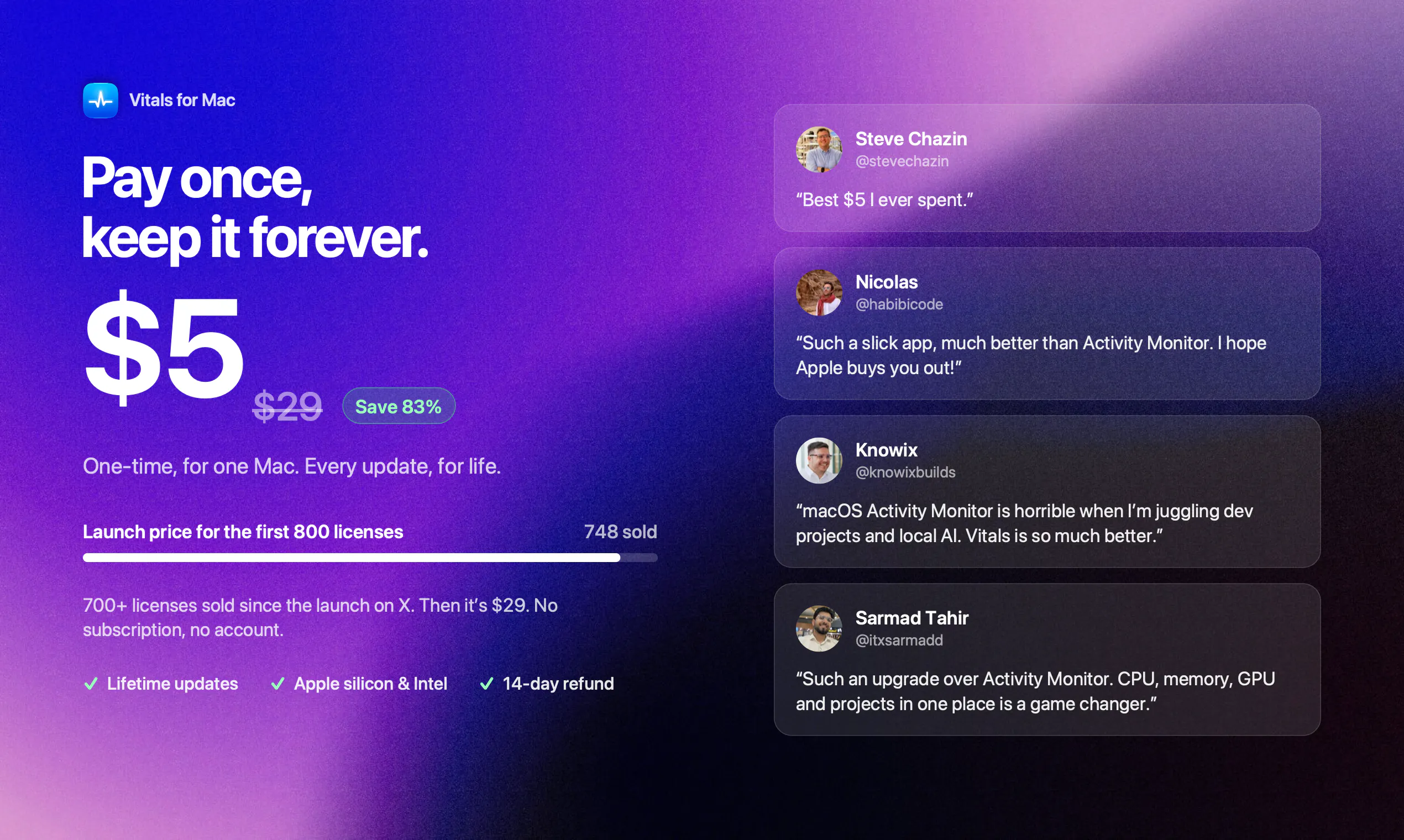
Activity Monitor lists a thousand processes, a hundred of them called Google Chrome Helper. Vitals adds every helper to the app that launched it, so you see 60 apps instead of 1,000 processes, each with one figure for memory, CPU, energy, disk and network. It keeps 30 days of history, alerts you when an app misbehaves, finds forgotten dev servers, and shows temperatures, fans and battery. Every readout can sit in your menu bar, arranged your way. Pay once. No subscription, no account.
Ask AI
ChatGPT Claude Perplexity Grok
For agents
llms.txt · llms-full.txt · ai.txt · Live fact sheet · Full catalog (.md) · Endpoint index · API spec · REST access · Agent server · Server manifest · Server discovery
Key Features
- Group processes under their parent application for clarity
- Keep 30 days of historical data for all metrics
- Alert when applications use excessive resources
- Display menu bar widgets showing CPU, memory, and network
Use Cases
- Mac developers juggling multiple projects needing resource visibility
- Users monitoring battery drain and power consumption on MacBooks
- Developers tracking which applications consume disk and network bandwidth
Pricing
One-time payment of $9. No subscription or account required.
FAQ
What is Vitals ?
Activity Monitor lists a thousand processes, a hundred of them called Google Chrome Helper. Vitals adds every helper to the app that launched it, so you see 60 apps instead of 1,000 processes, each with one figure for memory, CPU, energy, disk and network. It keeps 30 days of history, alerts you when an app misbehaves, finds forgotten dev servers, and shows temperatures, fans and battery. Every readout can sit in your menu bar, arranged your way. Pay once. No subscription, no account.
What are the key features of Vitals ?
Vitals includes: • Group processes under their parent application for clarity • Keep 30 days of historical data for all metrics • Alert when applications use excessive resources • Display menu bar widgets showing CPU, memory, and network • Show temperatures, fan speeds and battery health information • Identify and manage forgotten development servers
What can I use Vitals for?
• Mac developers juggling multiple projects needing resource visibility • Users monitoring battery drain and power consumption on MacBooks • Developers tracking which applications consume disk and network bandwidth
How much does Vitals cost?
One-time payment of $9. No subscription or account required.
What category does Vitals belong to?
Vitals is listed under Observability tools on Launch Llama.
How do I get started with Vitals ?
Click the "Visit Website" button on this page to go directly to Vitals . You can also upvote and leave a review to help other founders discover it.
Founder Guides
Reviews
No reviews yet — be the first
Alternatives
- Hejour
For Mac users: Hejour links daily notes with todos and reminders so your thoughts persist across days without relying on cloud servers.
- Better Resource Monitor
For Mac developers: Better Resource Monitor displays CPU, memory, GPU, and network usage in your menu bar so you catch performance issues before they slow your work.
- FocusOS
For professionals: FocusOS blocks distractions and tracks time locally on Mac so you stay focused and understand where your hours actually go.
- ZenTrack
For busy people: ZenTrack combines notes, expense tracking, and health logs in one minimal app designed for consistency without complexity.
- Censuus
For app discoverers: Censuus is a curated directory of 260+ lesser-known apps across health, productivity, finance and lifestyle categories, helping users find the exact tool they need.
- Bento
For individuals: Bento tracks spending your way with custom widgets and Benii AI copilot, delivering personalized insights without data sales.