Vaiz
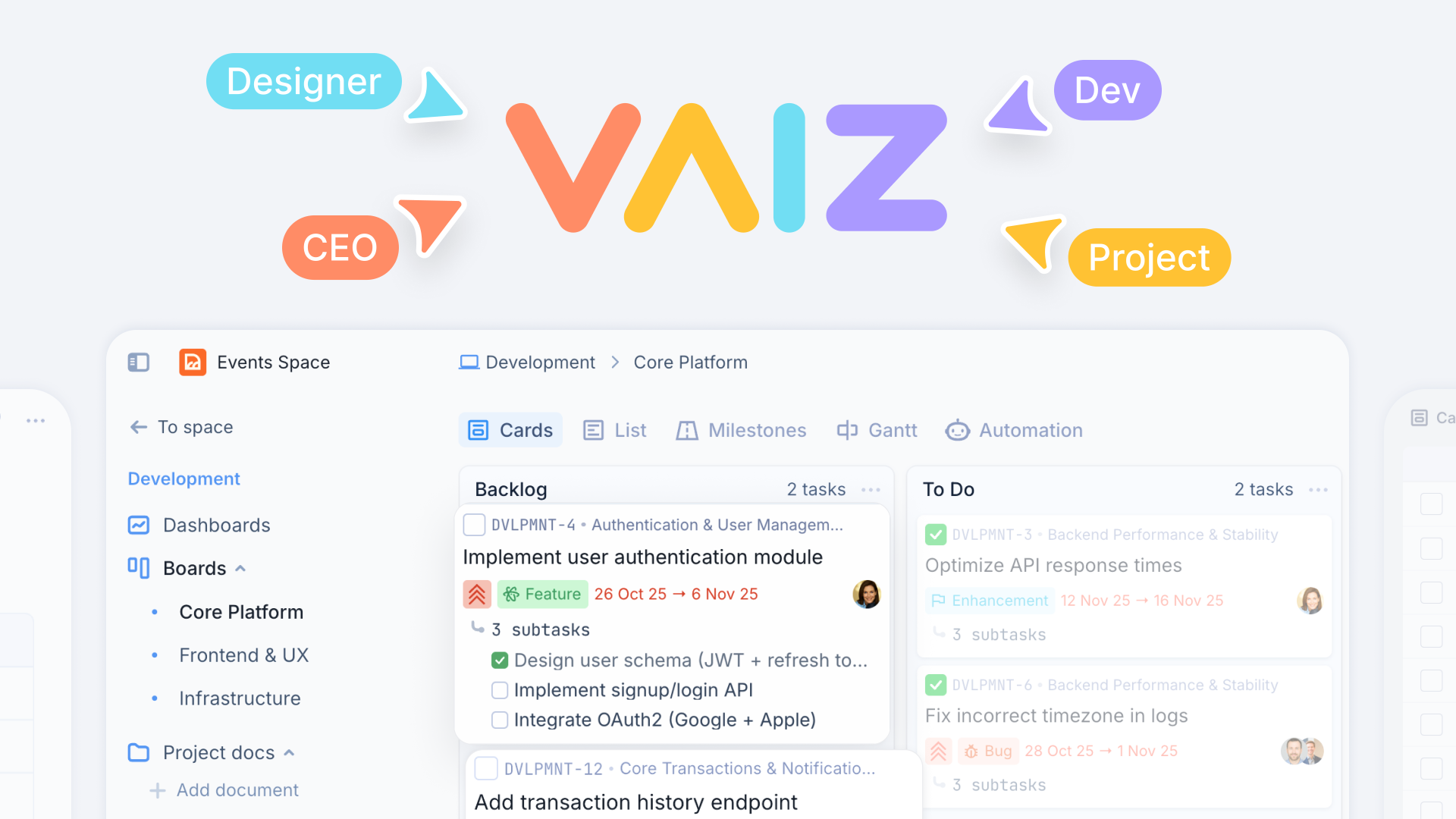
For small teams: Vaiz unifies tasks, projects, and documents in one workspace with Kanban, Gantt, timeline views, and AI planning.
Built by Vaiz · Productivity · SaaS · Freemium
In category: #826 of 1454 · Productivity
Vaiz is a Community listing on Launch Llama with 7 total upvotes, founded by Vaiz who joined in Apr 2026, compared against 5 alternatives.
Community listing
Listing status
7upvotes
Community score
Vaiz (Joined Apr 2026)
Founder
Compared against 5 alternatives
Market comparison
Launched on Launch Llama Apr 27, 2026 · #5 of 7 that day
About
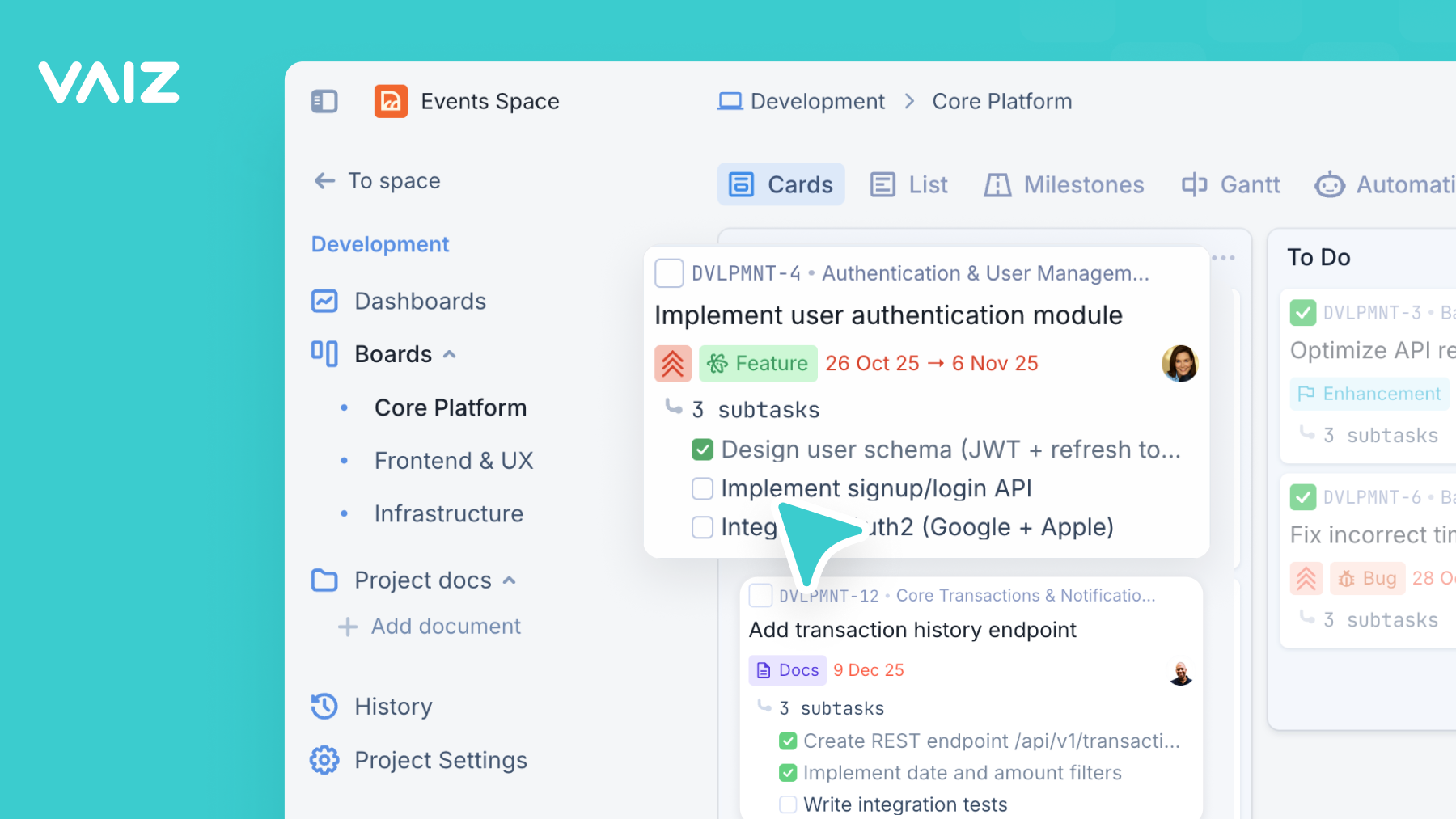
Vaiz is a work management platform that gives small and mid-sized teams a single workspace for tasks, projects, and documents. It combines task management with multiple views (Kanban, Gantt, timeline, list, calendar), real-time document collaboration, workflow automation, and a built-in AI assistant for planning and writing help, plus an MCP server that lets external AI tools work with your Vaiz workspace today. A workspace-aware AI agent is on the roadmap for Q2 2026
Vaiz is built for cross-functional teams of 5 to 100 people: startups, product teams, game studios, marketing, HR, and self-managed teams that have outgrown spreadsheets but don’t want the complexity of Jira or the fragmentation of running Notion and Google Docs side by side.
The product is intentionally opinionated. Vaiz does not include surveillance or automatic activity tracking, story points, swimlanes, SLA tracking, or AI auto-scheduling. The focus is on helping teams coordinate and communicate, not on monitoring them. One-click importers from Jira, Asana, Trello, YouTrack, Linear, and Notion mean teams can move in within minutes. Pre-configured board templates for Scrum, Kanban, Waterfall, Sales, Marketing, Engineering, OKR, RAID, RACI, and more let teams start in seconds.
Use Cases
- Tracking an October release with milestones, blockers, and task progress across a shared release overview
- Previewing how a scope change like adding completion analytics affects dependencies, schedule, and budget before approval
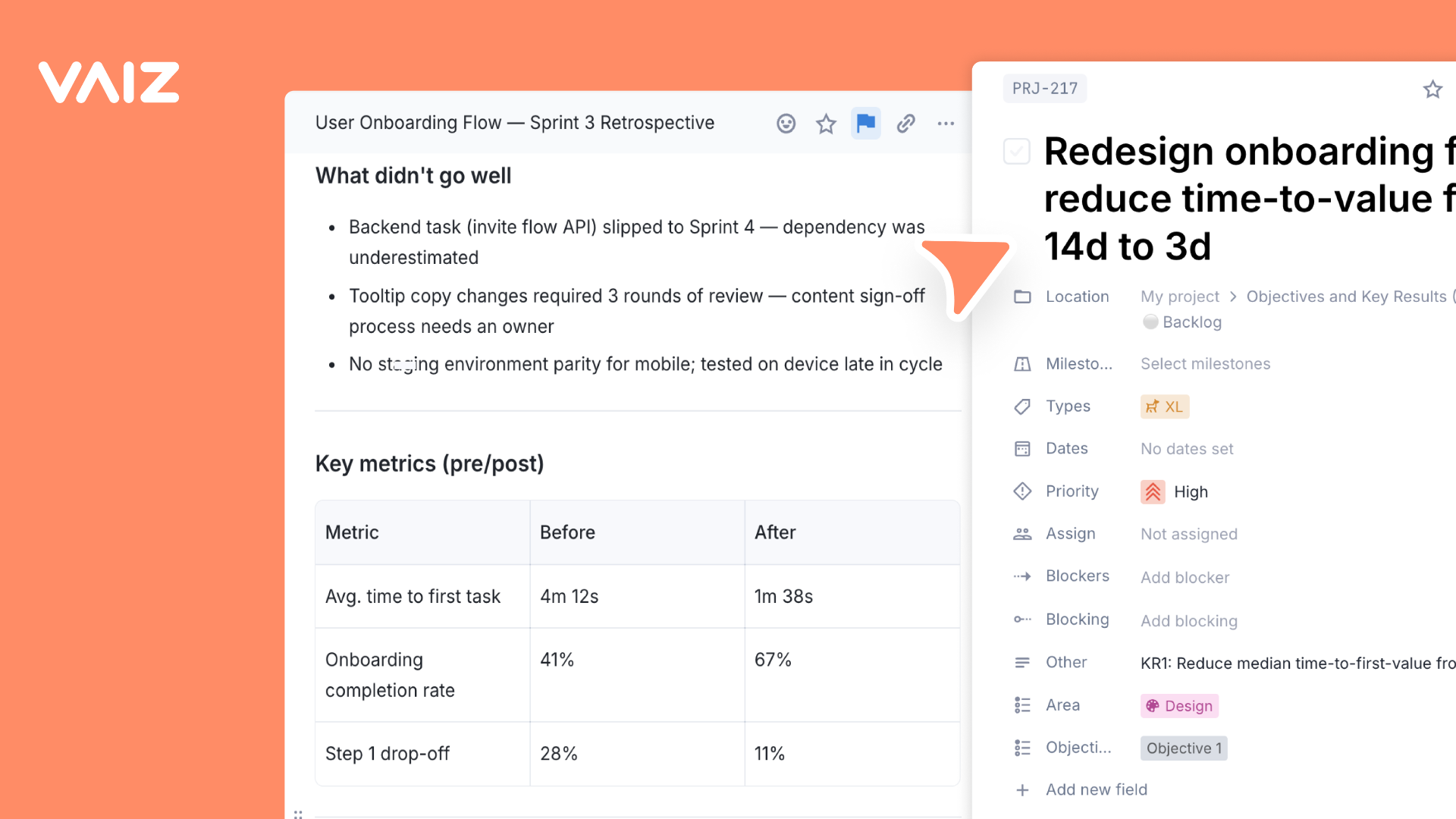
- Connecting onboarding requirements and decisions to linked tasks, then routing external agent work back to Vaiz for review
Who it is for
- Small teams coordinating tasks, projects, and documents in one workspace.
- Game development teams coordinating art, engineering, and QA around release milestones.
- Product and engineering teams tracking requirements, decisions, and QA checks for releases.
Pricing
Vaiz offers a free plan plus paid tiers. See the website for current pricing.
FAQ
Does vaiz.com have a free plan?
Vaiz starts with a 14-day free trial with full access to Pro or Premium. No credit card is required. After the trial, choose the plan that fits your team.
What happens to my data after the trial ends?
Your data stays safe and accessible. We do not delete anything. If you haven't selected a plan, your workspace switches to read-only mode, so your team can still view every task, board, document, and automation but cannot create or edit content until you upgrade.
What's the difference between Pro and Premium?
Pro covers the core toolkit teams need day to day: unlimited members, 500 GB storage, unlimited automations and history, and MCP access. Premium includes everything in Pro plus unlimited storage, Vaiz Agent, higher MCP limits, and priority support with a dedicated account manager.
Can I change subscription plans or upgrade/downgrade at any time?
Yes! You can switch between Pro and Premium anytime through your dashboard. When upgrading, changes take effect immediately with prorated billing. When downgrading, your new plan will start at the beginning of the next billing cycle.
What payment methods do you accept?
Vaiz accepts major credit and debit cards for monthly and annual subscriptions. Annual invoicing and bank transfer are available for eligible teams. Contact sales to arrange them.
Are taxes (VAT) included in the price?
No. All listed prices are exclusive of VAT and any other applicable taxes. Any taxes are calculated and added at checkout based on your billing location.
Do guest accounts count as paid seats?
No. Guest accounts do not count as paid seats. You only pay for full workspace members; guests can access the projects and content shared with them at no additional cost.
Need annual invoicing or 50+ seats?
Talk to sales. Pricing stays the same per seat, it just comes with different paperwork: invoicing, a master agreement, or a rollout plan for larger teams.
Alternatives
 GanttGenAIFor teams: GanttGenAI transforms project ideas into structured roadmaps with AI-powered planning and collaborative boards.
 FluentiveFor freelancers and small teams: Fluentive combines scheduling, client management, task tracking, and team chat in one workspace across web and mobile.
 LuoLets teams without developers create their own internal workspaces, CRMs, and automations by describing them in everyday language, with tasks that run on a schedule or trigger.
More in Productivity
New on Launch Llama
Launched this week · This month's launches · All products A–Z
Ask AI about Vaiz
Supporters
2 founders
2 founders supported Vaiz on Launch Llama.

For bots & AI agents
Machine-readable versions of Vaiz and Launch Llama. Fetch these instead of parsing this page.
This listing (.md) llms.txt llms-full.txt ai.txt Full catalog (.md) Endpoint index API docs MCP server MCP manifest Developer docs