
TrendTada
Under reviewTurn your photos into trending AI video effects
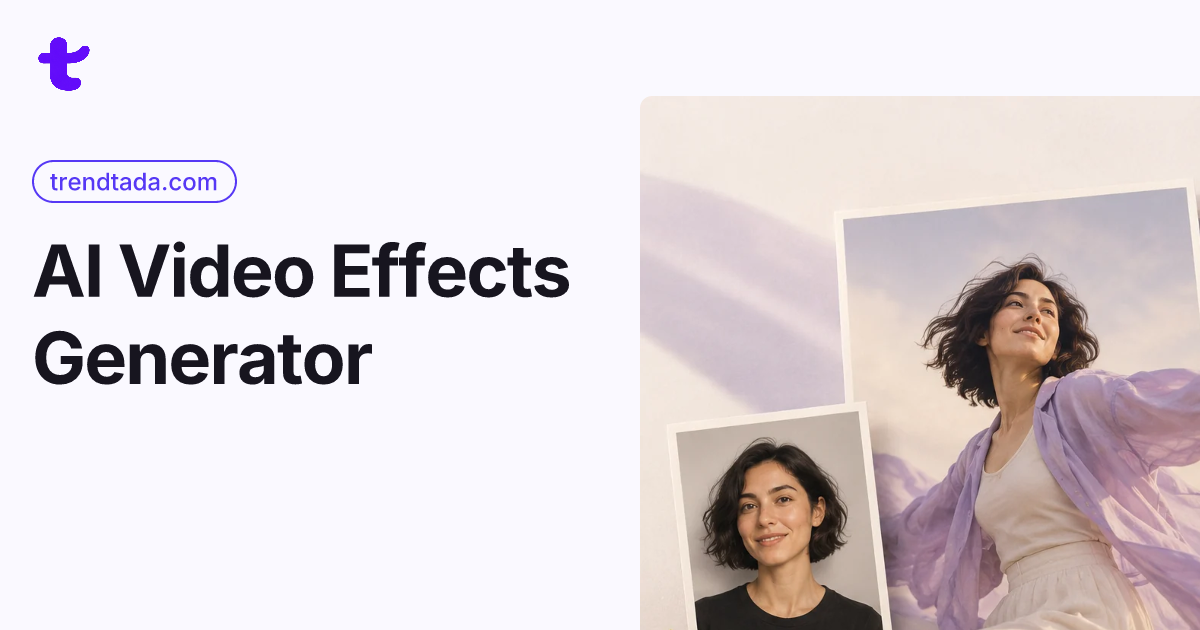
TrendTada is an AI video effects generator: upload the photos an effect asks for and get a short clip for TikTok, Reels, or Shorts, with the credit cost shown first.
Built by Mia Carter · Photo & Video · Paid
Coming soon on Launch Llama Tools
TrendTada is a Community listing on Launch Llama with 0 total upvotes, founded by Mia Carter who joined in Nov 2026, compared against 6 alternatives.
Community listing
Listing status
0upvotes
Community score
Mia Carter (Joined Nov 2026)
Founder
Compared against 6 alternatives
Market comparison
TrendTada is an AI video effects generator: upload the photos an effect asks for and get a short clip for TikTok, Reels, or Shorts, with the credit cost shown first.
About
TrendTada is an AI video effects generator that brings trends like Hotel Lobby AI, Dime Dime Baby AI, and AI Pet Dance into one place. Watch real examples, upload the photos an effect needs, check the credit quote, and download a watermark-free MP4. TrendTada creates a short clip for TikTok, Reels, or Shorts from the photos an effect asks you to upload, with the credit cost shown first.
Key Features
- Browse example effects before choosing one to try
- Generate clips from one or two uploaded photos
- Confirm a credit quote before each video is generated
- Stream and review full clips in account History
- Download MP4 files to keep or repost elsewhere
- Offers five- and nine-second settings on some effects
Use Cases
- Making a funny clip from a friend's portrait to share in a group chat
- Creating a birthday or anniversary video using photos of a partner or friend
- Posting a trend-style clip from your own selfies to TikTok, Reels, or Shorts
From the founder
Who it's for
“For people who want to make short, trend-inspired videos from their photos for TikTok, Reels, or Shorts.”
Why I built it
“I built TrendTada to bring popular AI video effects into one place and make it easy to preview examples, see the credit cost before generating, and download a watermark-free clip.”
Who it is for
- Social media creators who want fresh motion content for TikTok, Reels, or Shorts
- Couples and best friends making shared videos from their camera roll photos
- Pet owners who want their dog or cat in an AI video story
Pricing
One-time $9.99 Clip Pack (36 credits)
FAQ
What do AI video effects create from my photos?
They turn your photos into short clips in the style of the effect you pick. The effect adds movement, expressions, and a new scene, so you get a clip that is ready to post or send.
How many photos do I need to upload?
It depends on the effect. Each effect page shows what to upload before you start.
Can I preview my video before sharing it online?
Yes, you can stream and review the full generated video in your account History. Check the appearance, movement, and sound before saving it. You decide whether to keep the clip, send it in a chat, or publish it yourself.
Will my video look exactly like the example?
Examples show the style of an effect. Your own photos shape the expressions, movement, and details in your video. Review the finished video before sharing it.
Do generated video clips include audio or background music?
Some effects come with sound and some are silent. Either way, you can add your own music when you post on TikTok, Reels, or Shorts.
Do I need an ongoing subscription to create a video?
No subscription is required. You can purchase one-time credits whenever you want to make a clip. One-time packs do not renew automatically; review the available purchase options when you need credits.
Can I include pets in the generated videos?
Yes, some effects accept pet photos. Each effect page says whether pets work. Sharp photos where your pet's face is easy to see give the best result.
Where do I find and download my finished video clips?
Finished clips are saved in History, where you can watch them and download the MP4. Keep a copy on your device if you want it for later.
Alternatives
 VideoifyUpload a photo, describe the motion, and get a 1–30s AI video with synced audio, end-frame control and up to 2K output. No watermark.
 Hotel Lobby AI Video GeneratorBuilt for solo creators making TikTok and Reels: upload one front-facing portrait, pick 6 or 15 seconds at 720p or 1080p, and download a 9:16 MP4 with Wan 3.0.
More in Photo & Video
New on Launch Llama
- HMDIA Login and Registration
- eSIMify - Global Internet Data Plans
- Ember Origin
- Presentation to Video
- Vitalityfit
- Cveezi
- NotebookLama
- Aureum
Launched this week · This month's launches · All products A–Z
Ask AI about TrendTada
For bots & AI agents
Machine-readable versions of TrendTada and Launch Llama. Fetch these instead of parsing this page.
This listing (.md) llms.txt llms-full.txt ai.txt Full catalog (.md) Endpoint index API docs MCP server MCP manifest Developer docs