
Secure Folder: Privacy Vault
Under reviewA private folder for photos and videos on iPhone.
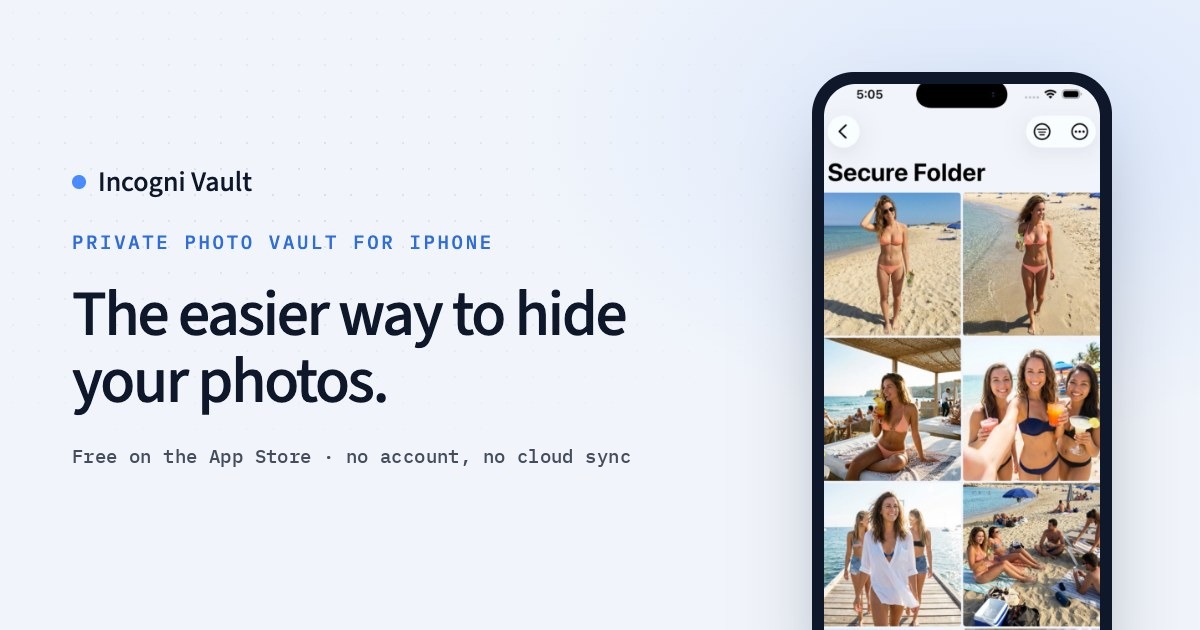
An iPhone app that keeps private photos and videos on the device. Nothing is uploaded. The vault opens with a PIN or Face ID.
Built by Mehmet Ali Kisacik and Mehmet Ali Kısacık · Security · Photo & Video · Freemium
Coming soon on Launch Llama Tools
Secure Folder: Privacy Vault is a Community listing on Launch Llama with 0 total upvotes, founded by Mehmet Ali Kisacik and Mehmet Ali Kısacık who joined in Nov 2026, compared against 4 alternatives.
Community listing
Listing status
0upvotes
Community score
Mehmet Ali Kisacik and Mehmet Ali Kısacık (Joined Nov 2026)
Founder
Compared against 4 alternatives
Market comparison
An iPhone app that keeps private photos and videos on the device. Nothing is uploaded. The vault opens with a PIN or Face ID.
Secure Folder: Privacy Vault demo video
About
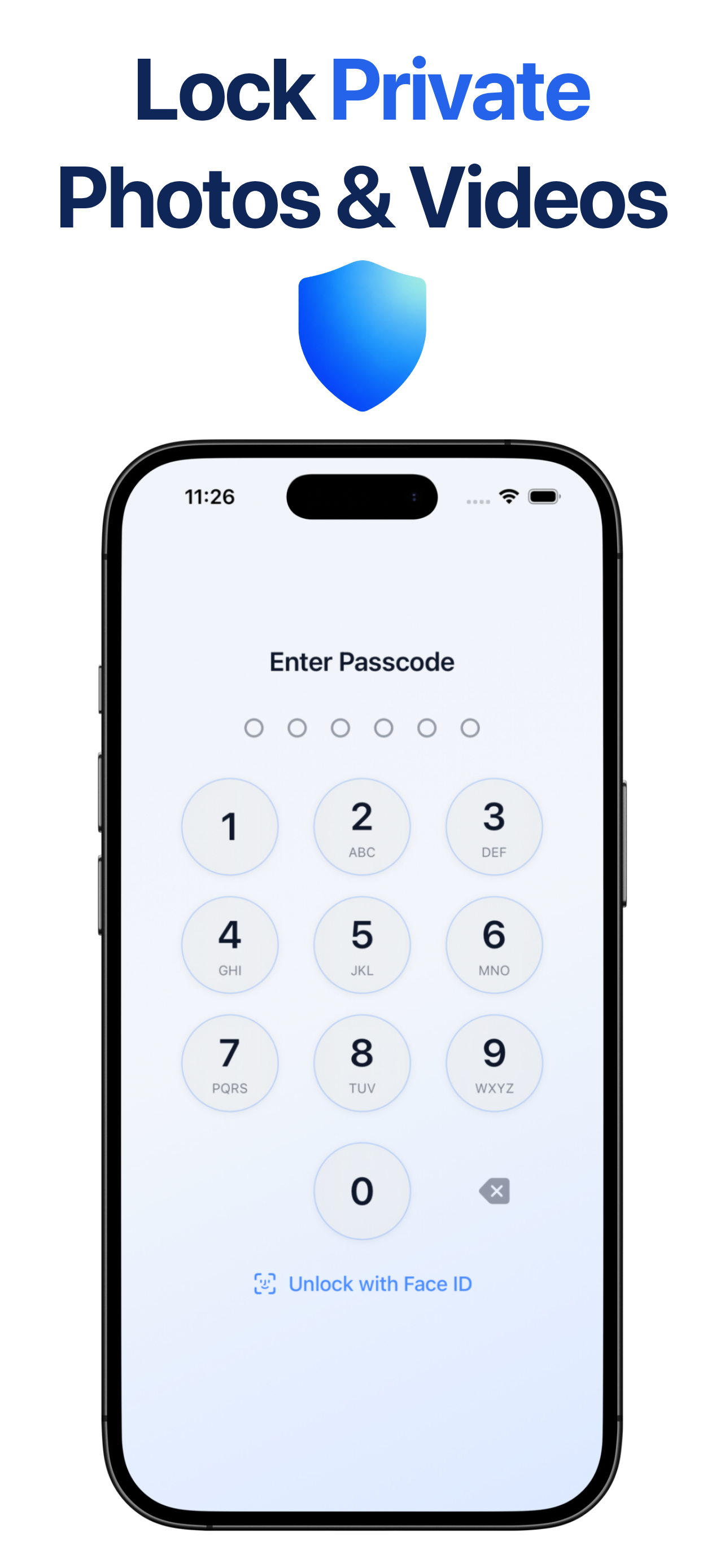
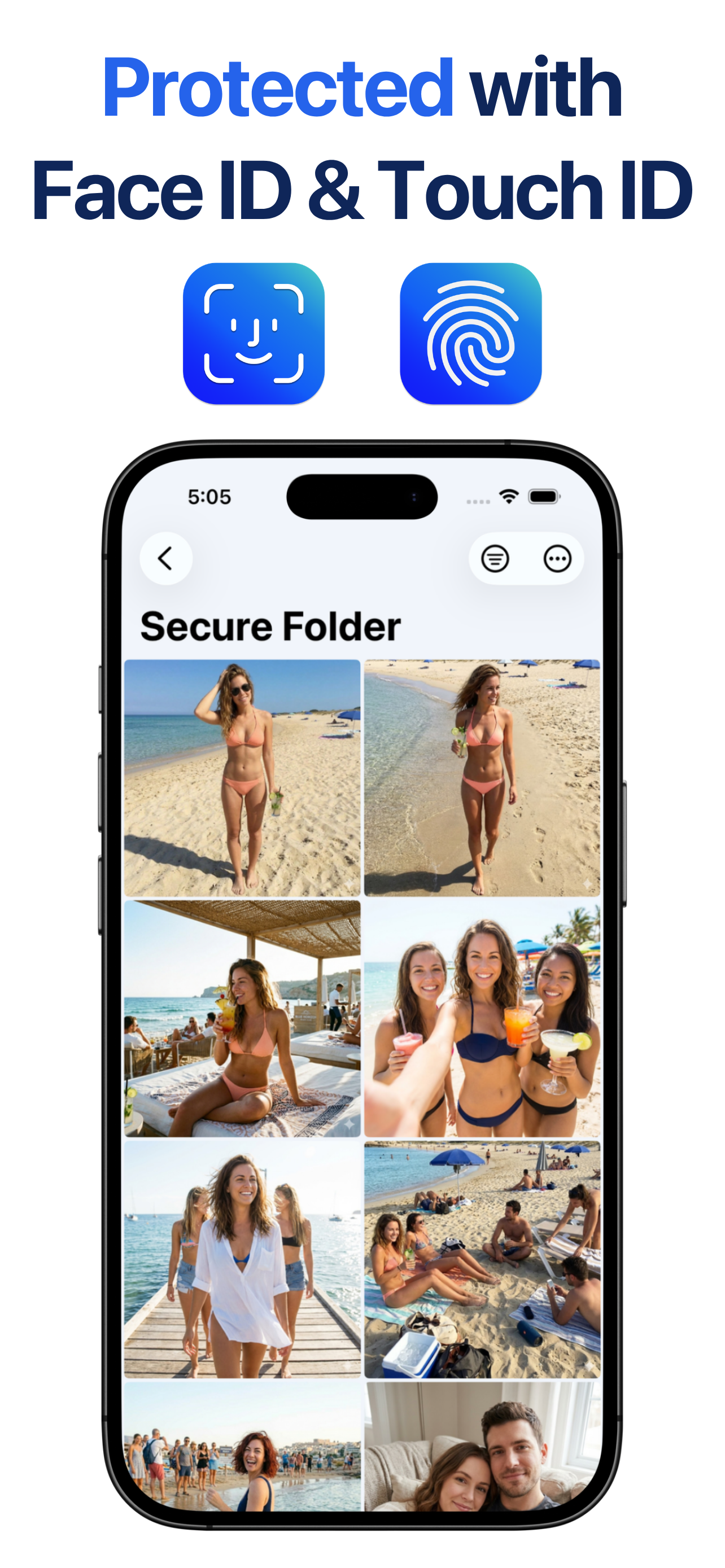
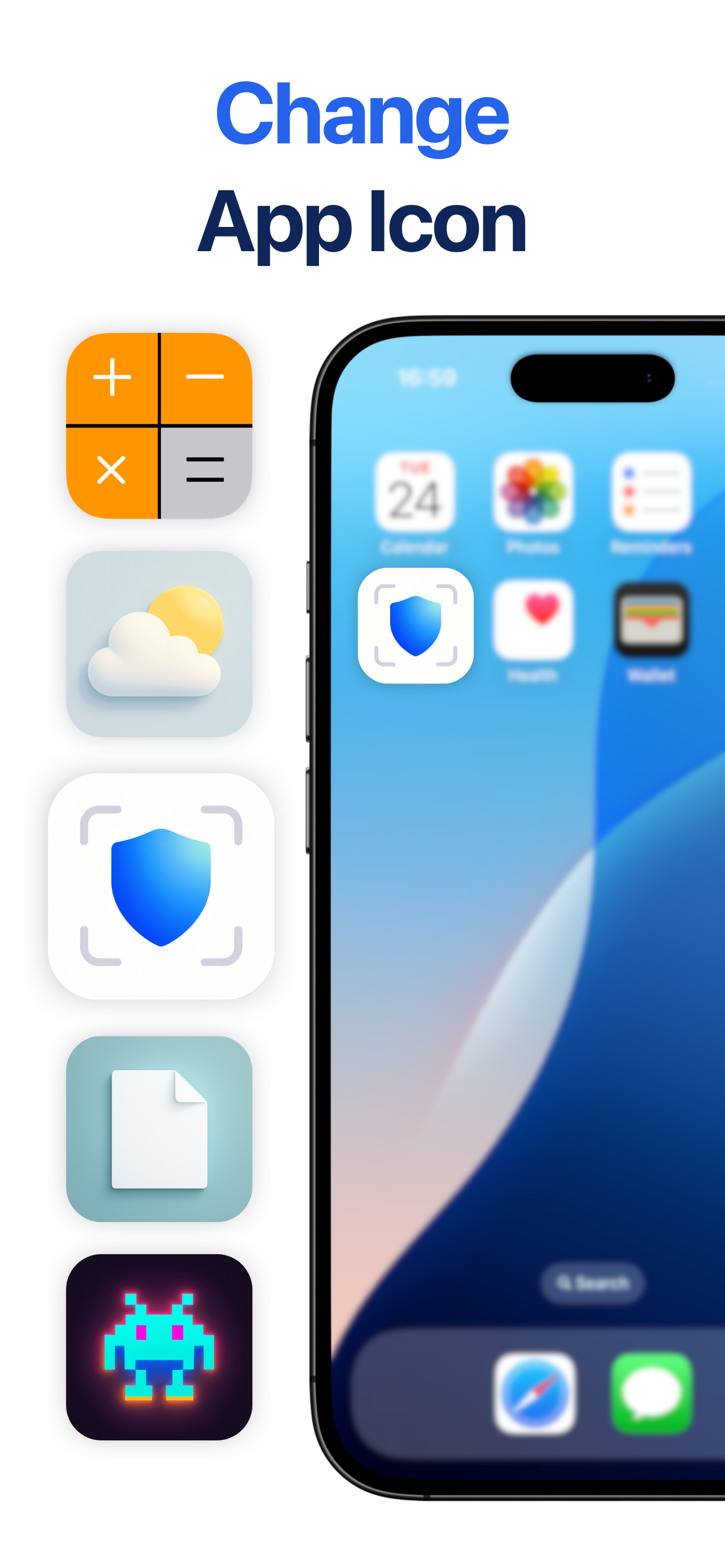
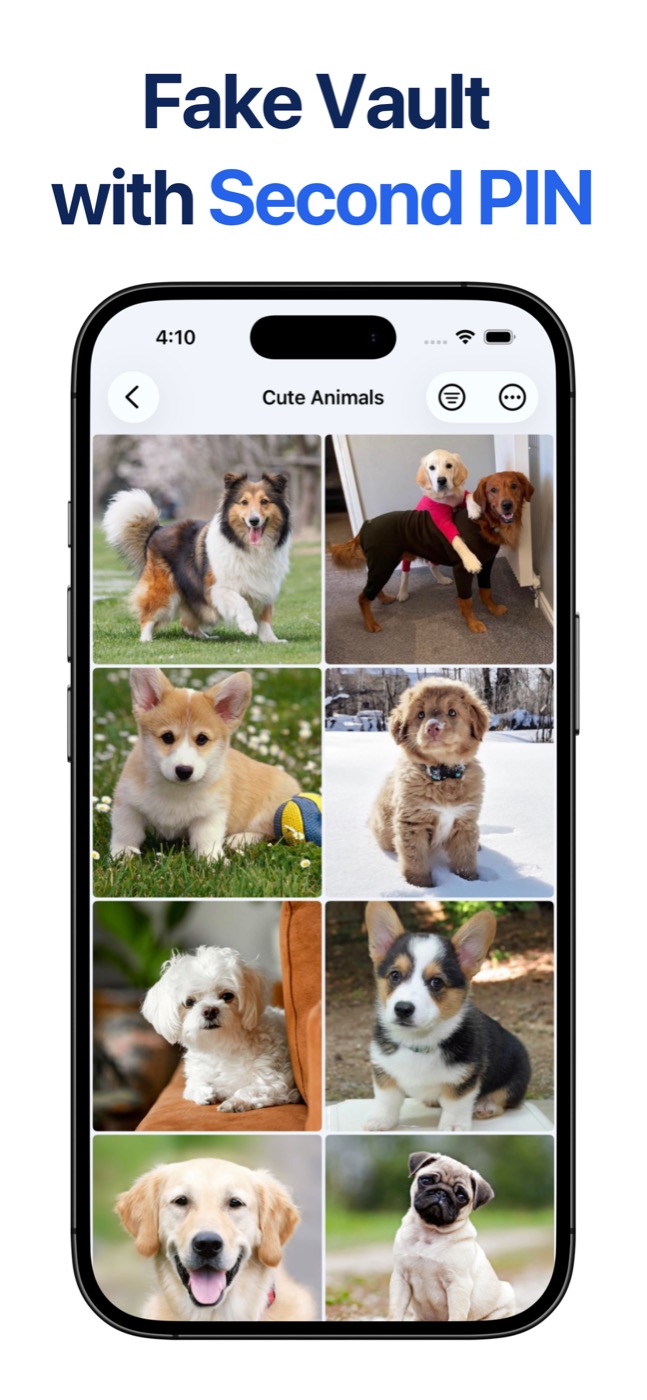
Secure Folder: Privacy Vault is an independently developed iPhone privacy app. It gives private photos, videos, files, and notes a place outside the main photo library. Photos and videos are stored locally on the iPhone, and nothing is uploaded. No account is required. The vault opens with a PIN or with Face ID. A second PIN opens a decoy vault that shows harmless content while the real vault stays closed. Alternative home-screen icons, including a calculator, help the app sit beside ordinary utilities. A wrong PIN can save a local photo and a timestamp inside the vault. The app is on the App Store at https://apps.apple.com/app/id6755857874 and is operated by Mehmet Ali Kisacik, an individual independent developer.
Key Features
- Store photos and videos locally on the iPhone, with nothing uploaded
- Open the vault with a PIN or Face ID
- Open a decoy vault with a second PIN
- Use an alternative home-screen icon, including a calculator
- Keep a local record of wrong-PIN attempts
Use Cases
- Keeping private photos, videos, and documents on an iPhone without uploading them to cloud storage
- Showing a harmless decoy vault when someone pressures you to unlock the app
- Reviewing the intruder log to see who kept entering wrong PINs and when
From the founder
Who it's for
“iPhone users who want private photos and videos kept apart from the main photo library.”
Why I built it
“Mehmet Ali Kisacik, an independent iOS developer, built Secure Folder so photos and videos stay on the iPhone. Nothing is uploaded.”
Who it is for
- iPhone users who want private photos and videos kept on the device.
- People who need private files hidden if someone asks them to unlock the phone.
Pricing
Premium: a subscription or a one-time purchase
FAQ
What is Secure Folder: Privacy Vault?
Secure Folder: Privacy Vault is a private photo vault app for iPhone. It stores photos, videos, documents, and notes on your device, with no account and no cloud sync. You lock the vault with a PIN or Face ID, and stealth mode can swap the app icon for a calculator, calendar, or weather icon. The app is free to download on the App Store for iPhones running iOS 16.6 or later. A decoy vault opens with harmless content when you enter a second PIN, and intruder alerts silently photograph whoever keeps entering the wrong PIN.
Does Secure Folder upload my photos to the cloud?
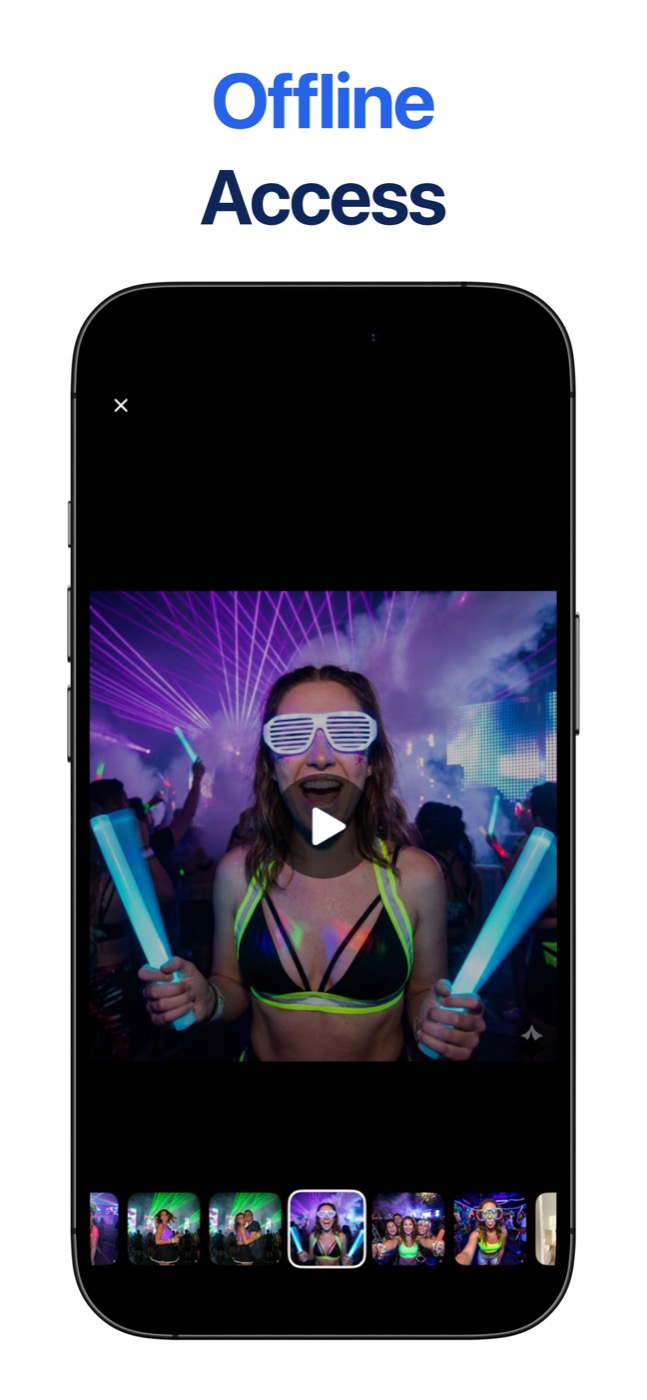
No. The app has no cloud sync, no storage server, and no account, and it never uploads what you put in the vault. The vault works without an internet connection.
Does Secure Folder work offline?
Yes. The vault itself doesn't need a connection. There's no account to sign in to, so unlocking, browsing, and importing photos that are already on the phone all work in airplane mode.
What is the decoy vault?
The decoy vault is a second, separate vault that opens with a different PIN. If someone pressures you to unlock the app, you type the decoy PIN and they see a working vault with only the harmless things you put there. Your real vault stays hidden, and nothing on screen shows that a second one exists.
What happens if someone tries to guess my PIN?
With intruder alerts on and camera access allowed, Secure Folder silently takes a front-camera photo starting with the third wrong PIN in a row and logs the date and time. You can change that number anywhere from 1 to 10. The next time you unlock your vault, the intruder log shows you who tried and when. The photos are saved inside the app.
Is Secure Folder free?
Yes, it's free to download, and the vault, PIN and Face ID lock, stealth icons, and widgets come with the free app. Premium, the optional paid upgrade, adds the decoy vault and intruder alerts.
Does iPhone have a Secure Folder like Samsung's?
Not built in. Samsung's Secure Folder is a Galaxy feature, and iOS has nothing quite like it. iPhone does have the Hidden album in Photos, which needs Face ID or your passcode to open, and since iOS 18 you can lock or hide an app the same way. A vault app like ours adds a separate space with its own PIN for photos, videos, and files.
Isn't the iPhone's Hidden album enough?
For simple tidying, it can be. But the Hidden album stays inside the Photos app, opens with the same Face ID or passcode as the phone, and syncs to your other devices if iCloud Photos is on. Secure Folder: Privacy Vault is a separate app with its own PIN, so unlocking your phone doesn't unlock the vault. The app also has stealth icons, a decoy vault, and intruder alerts. Importing copies a photo in and leaves the original in Photos, so delete it there afterward or turn on Auto-Delete Originals in the app's settings.
Who is Secure Folder: Privacy Vault for?
Secure Folder: Privacy Vault is designed for a range of users, including: • iPhone users who want private photos and videos kept on the device. • People who need private files hidden if someone asks them to unlock the phone.
Alternatives
 Sealby - Local, Encrypted Photo & Video VaultFor privacy-conscious users: Sealby encrypts photos and files in hidden vaults so your sensitive data stays invisible even if your phone is unlocked.
More in Security
New on Launch Llama
Launched this week · This month's launches · All products A–Z
Ask AI about Secure Folder: Privacy Vault
For bots & AI agents
Machine-readable versions of Secure Folder: Privacy Vault and Launch Llama. Fetch these instead of parsing this page.
This listing (.md) llms.txt llms-full.txt ai.txt Full catalog (.md) Endpoint index API docs MCP server MCP manifest Developer docs