MacScapes
Live wallpapers that drift, recolor and play sound on Mac
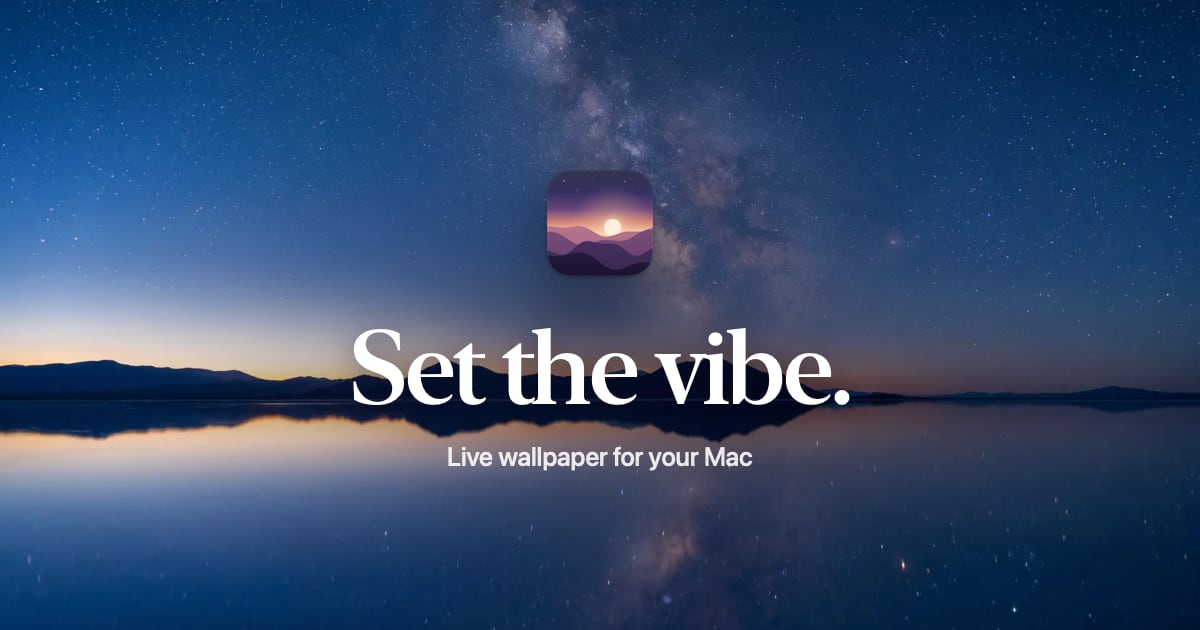
Helps Mac owners set a live desktop backdrop with matching widgets and sound, switching scenes on a sunrise and sunset schedule so the screen warms with the light outside.
Built by Neon Frenchie · Freemium
MacScapes is a Community listing on Launch Llama with 1 upvote from 1 founder, +1 in the week of Nov 3–Nov 9, 2026, founded by Neon Frenchie who joined in Nov 2026, compared against 6 alternatives.
Community listing
Listing status
1upvotes
+1 · Nov 3–Nov 9, 2026
Community score
Neon Frenchie (Joined Nov 2026)
Founder
Compared against 6 alternatives
Market comparison
Launched on Launch Llama Nov 9, 2026 · #3 of 5 that day
About
Each vibe bundles a scene, a palette that tints the widgets, and an optional soundscape, and changing vibes cross-fades all of them at once. The app includes 42 scenes and 48 palettes, drawn live on the GPU, plus nine Living Stills and 13 starter vibes. Switching can be manual, from the menu bar, or driven by a schedule based on sunrise, sunset, weekdays, or battery power.
Key Features
- Draws 42 live scenes and 9 Living Stills on the GPU as a Mac wallpaper
- Recolors any scene with one of 48 palettes that also tints the widgets
- Saves a scene, palette, widgets and soundscape together as a single vibe
- Switches vibes automatically by sunrise, sunset, weekday or time of day
- Swaps to a lighter Battery Saver vibe while the Mac runs on battery
- Plays a soundscape at a volume each vibe remembers
Use Cases
- Moving the desktop from a warm morning scene to a calm night vibe as the day goes on
- Setting a focused Deep Work desktop on weekday mornings and a battery-saving vibe when unplugged
Who it is for
- Mac users who customize their desktop look & want it to match their mood or vibe
Pricing
A free version has no time limit and includes two scenes to start from. Pro unlocks as many saved vibes as you like.
MacScapes at a glance
- 01What it is
- MacScapes: Helps Mac owners set a live desktop backdrop with matching widgets and sound, switching scenes on a sunrise and sunset schedule so the screen warms with the light outside.
- 02Pricing
- MacScapes pricing: A free version has no time limit and includes two scenes to start from.
- 03Best for
- MacScapes is best for mac users who customize their desktop look & want it to match their mood or vibe.
- 04Alternatives
- Top MacScapes alternatives on Launch Llama: Mac+, SkyWallpaper and Sticta.
FAQ
What is MacScapes?
MacScapes is a live wallpaper app for Mac, made by Neon Frenchie. It draws 42 animated scenes live on your Mac's graphics chip, in any of 48 palettes, and pairs each one with desktop widgets, folder icons and ambient sound that match. Together they're saved as vibes, which can change on a schedule or at sunrise and sunset. It runs on macOS 14 or later, on Apple silicon and Intel. The free version has no time limit, and MacScapes Pro is $19.99 once, for up to 3 Macs.
How is it different from video wallpaper apps?
Video wallpaper apps like Backdrop and Wallper play recorded clips, which loop and keep the colors they were filmed in. MacScapes draws each scene as it plays, so there's no clip that restarts every few seconds, any palette recolors it, and the app stays about 31 MB with every scene included. It also matches widgets, folder icons and sound to the wallpaper, which neither of those apps lists. If you want your own clips, Pro plays those too.
How much battery does it use?
As little as we can manage. Each scene is designed to a budget of about two milliseconds of GPU time per frame on Apple silicon, and drawing stops whenever windows cover the desktop or the display sleeps. On battery, with Save energy on battery turned on, MacScapes drops to 30 frames per second at half resolution, and Pro can switch to a battery vibe you choose.
Is there a free trial?
The free version is the trial, and it has no time limit, so you can try scenes, widgets and schedules before you pay. If you buy Pro and it isn't right for you, ask within 30 days for a full refund.
What does MacScapes know about me?
Nothing that identifies you. There's no account and no tracking across apps or sites, and every scene is drawn on your Mac. The app sends anonymous usage counts, like which scenes are showing and when the upgrade screen opens, with a random ID that isn't tied to you; turn them off in Settings › Privacy. Location is optional and only used to work out sunrise and sunset; Apple's location service turns it into a place name. If you add the weather widget, it asks MET Norway, the Norwegian weather service, for a forecast for your approximate area. This website counts visits without cookies and stores nothing in your browser.
Does it work with more than one display?
Yes. Every display gets its own living wallpaper, and you can turn it off on any of them. Widgets can sit on whichever display you like, and with Pro each display can show a different background.
Can I use my own photos or videos?
Yes. Any photo can be a background, held still or moving slowly, and that's part of the free version. With Pro, a video can loop silently behind your windows instead. Videos use more energy than scenes, so the app says so when you pick one.
What happens to my folders if I change their icons?
Only the icon changes. MacScapes stores it in the folder, the way Finder does when you paste an icon, and keeps a list of every folder it changed. Reset one folder or all of them from that list to put the standard icon back. Icons you leave in place stay after MacScapes is gone.
Alternatives
 BackDrop_For Windows users: BackDrop_ layers any video as a transparent overlay so you watch tutorials while working without fullscreen limits.
 Screen Studio 4.0Glass Loupe, Camera Cutout, Edit by Transcript, and more
New on Launch Llama
Launched this week · This month's launches · All products A–Z
Ask AI about MacScapes
Supporters
1 founder
1 founder contributed 1 upvote to MacScapes on Launch Llama.

For bots & AI agents
Machine-readable versions of MacScapes and Launch Llama. Fetch these instead of parsing this page.
This listing (.md) llms.txt llms-full.txt ai.txt Full catalog (.md) Endpoint index API docs MCP server MCP manifest Developer docs