On Launch Llama
LUCI Desktop
Let your AI agents remember what you've seen
Built by Shawn Shen
Free
Visit website → Upvotes · 339





About
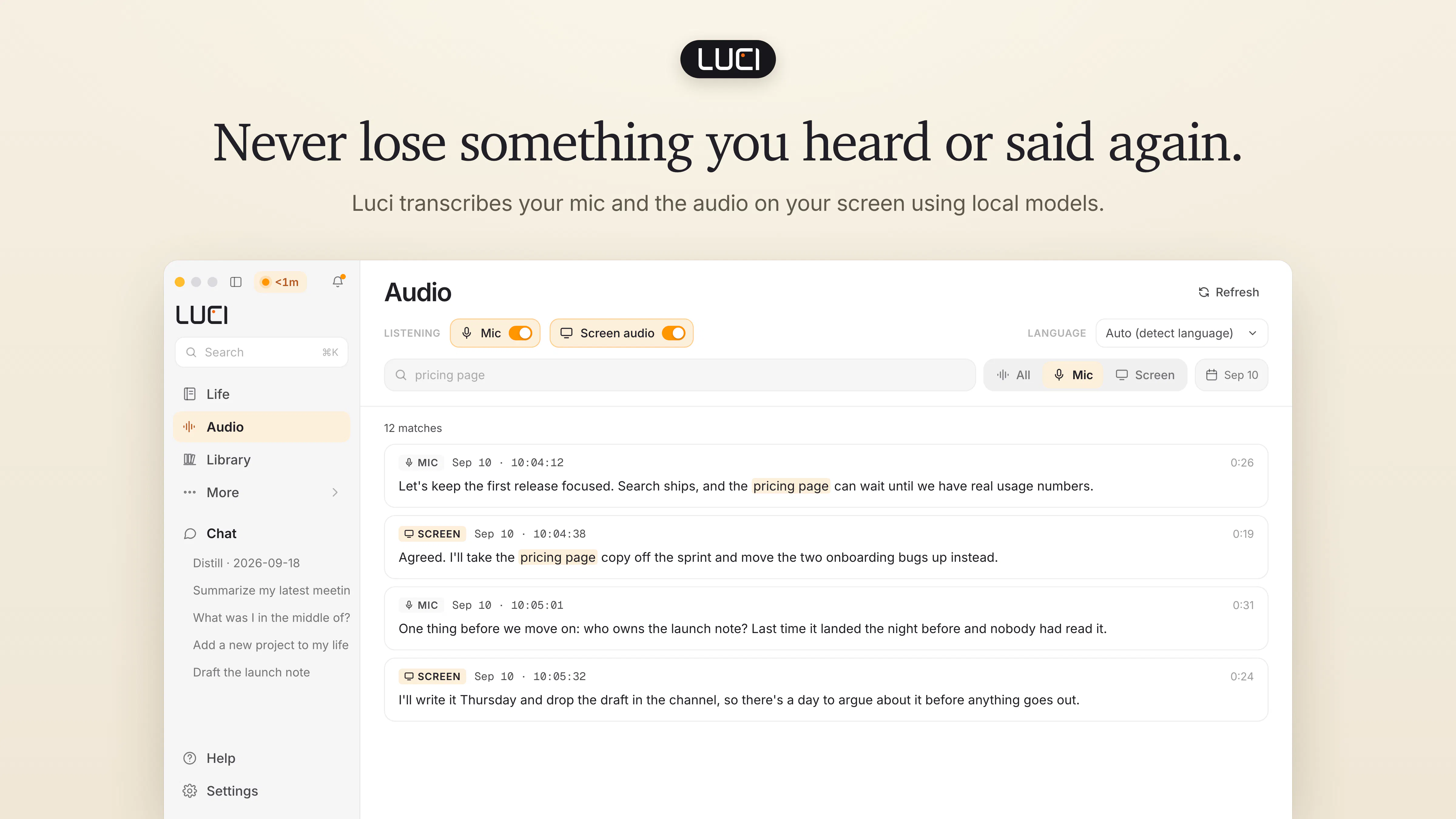
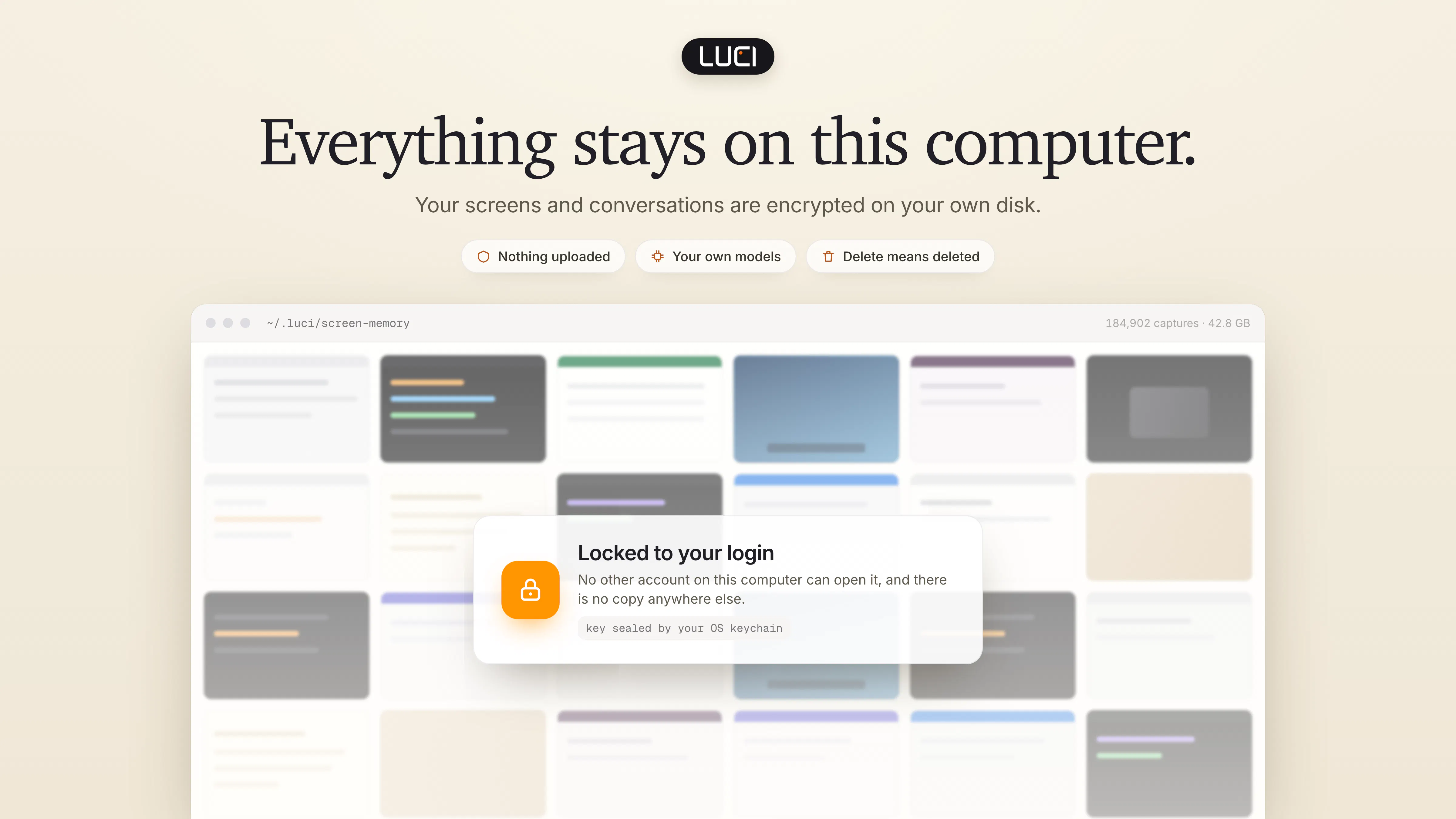
Luci saves your screen history and meeting transcripts locally, so agents like Claude Code, Cursor and Codex can help you find a page you forgot to bookmark or recall a decision from a call. Capture context across apps without setting up a connector for each one. Includes on-device transcription and daily summaries with Microsoft Foundry Local. Free for Mac and Windows.
Ask AI
ChatGPT Claude Perplexity Grok
For agents
llms.txt · llms-full.txt · ai.txt · Live fact sheet · Full catalog (.md) · Endpoint index · API spec · REST access · Agent server · Server manifest · Server discovery
Key Features
- Automatically transcribe meetings from Zoom, Google Meet and Teams
- Record your screen with AI that remembers everything
- Chat with LUCI to search and get things done
- Store meetings, notes and chats in one continuous memory
Use Cases
- Founders who want to never lose client context and keep lean teams aligned
- Investors tracking deal flow, portfolio insights and due diligence at scale
- Sales leaders who want pipeline visibility, call insights and rep coaching
Pricing
LUCI is 100% free with no trial, subscription, or credit card required. Everything runs locally on your device with all features included.
FAQ
What is LUCI Desktop?
Luci saves your screen history and meeting transcripts locally, so agents like Claude Code, Cursor and Codex can help you find a page you forgot to bookmark or recall a decision from a call. Capture context across apps without setting up a connector for each one. Includes on-device transcription and daily summaries with Microsoft Foundry Local. Free for Mac and Windows.
What are the key features of LUCI Desktop?
LUCI Desktop includes: • Automatically transcribe meetings from Zoom, Google Meet and Teams • Record your screen with AI that remembers everything • Chat with LUCI to search and get things done • Store meetings, notes and chats in one continuous memory • Give Claude Code, Codex and Cursor memory with official skills
What can I use LUCI Desktop for?
• Founders who want to never lose client context and keep lean teams aligned • Investors tracking deal flow, portfolio insights and due diligence at scale • Sales leaders who want pipeline visibility, call insights and rep coaching
How much does LUCI Desktop cost?
LUCI is 100% free with no trial, subscription, or credit card required. Everything runs locally on your device with all features included.
What category does LUCI Desktop belong to?
LUCI Desktop is listed under Screenshots and screen recording apps on Launch Llama.
How do I get started with LUCI Desktop?
Click the "Visit Website" button on this page to go directly to LUCI Desktop. You can also upvote and leave a review to help other founders discover it.
Reviews
No reviews yet — be the first
Alternatives
- Capi
For developers: Capi captures screenshots and voice notes into Claude Code conversations so you skip copy-paste and let your AI agent see exactly what you're working on.
- screenpipe
For knowledge workers: screenpipe records your screen, audio, and activity locally so AI agents access your work history through MCP and answer questions without reconstructing your day.
- Claude Code Desktop App Redesigned
For developers: Claude Code desktop runs parallel coding agents across repos, reviews diffs, and ships code—all in one workspace.
- Clipnote
For AI users: Clipnote saves your ChatGPT and Claude conversations permanently so you retrieve and continue them anytime instead of losing work on tab close.
- Omi
For professionals: Omi captures conversations and meetings in real time, then turns them into searchable summaries so you never miss important details.
- Agent Island
For developers: Agent Island monitors Claude, Codex, Grok, and Cursor sessions locally so you track AI coding progress without telemetry.