
Quick Answer
Price a SaaS product in five steps: pick a model (freemium, free trial or paid only), pick a value metric that grows with the customer (seats, projects, usage), build three tiers, set the prices from the value you create rather than your costs, and test them with real buyers. Most launched tools start freemium: of 7,150 tools on Launch Llama with known pricing, 57% are freemium, 23% free and 20% paid only. But the mix depends on the category: 29% of sales tools and 26% of SaaS tools are paid only, against 8% of education tools. And charging didn't cost clicks: free listings of paid-only tools turned 1.41% of page views into website clicks, against 1.14% for freemium ones.
Key takeaways
- Freemium is the default (57% of priced tools), but paid-only is common in B2B: 29% of sales tools, 26% of SaaS.
- Charging doesn't scare off visitors: paid-only listings clicked through at 1.41%, freemium at 1.14%.
- Pick one value metric that grows with the customer's success.
- Three tiers: a starter, the one you want most people on, and a bigger one.
- Price from value, not cost, then raise prices until a few people say no.
What launched tools chose
7,150 Launch Llama listings with a known pricing tier, of 7,938 in total. Snapshot November 14, 2026.
The mix changes a lot by category:
src/data/research-stats.mjs pricing.by_category, snapshot November 14, 2026.
The pattern makes sense: when a tool helps a business make money (sales, automation, analytics), buyers expect to pay from day one. When the buyer is an individual or a student, free tiers are the norm.
Does charging cost you visitors?
Not in our data. Among free Launch Llama listings, those for paid-only tools turned more page views into website clicks:
Free founder listings, May 4 to November 15, 2026. Correlations, not controlled tests.
One likely reason: paid-only tools are often more specific, and a specific tool for a specific buyer gets clicked. A price doesn't put off people who have the problem.
Step 1: pick a model
The detail, with our data on which tools chose which, is in free trial or freemium.
Step 2: pick a value metric
The value metric is what the price grows with. A good one goes up as the customer gets more value:
Pick one. Two or three metrics at once confuse buyers.
Step 3: build three tiers
Most SaaS pricing pages have three tiers, and the reason is simple: the middle one becomes the default choice.
Put the limits where growth happens: a starter plan with 3 clients pushes an agency with 10 clients to Pro.
Step 4: set the numbers
- Work out the value. If the tool saves an agency 4 hours a month at $50 an hour, it's worth $200 a month to them.
- Price at a fraction of that value. One-tenth to one-third is a common starting range: $20 to $60 a month here.
- Check what buyers already pay for alternatives, including spreadsheets and people.
- Make sure the unit cost works, especially for AI tools with model costs per use. See how to launch an AI tool.
- Offer annual billing at a discount (often two months free) for cash up front.
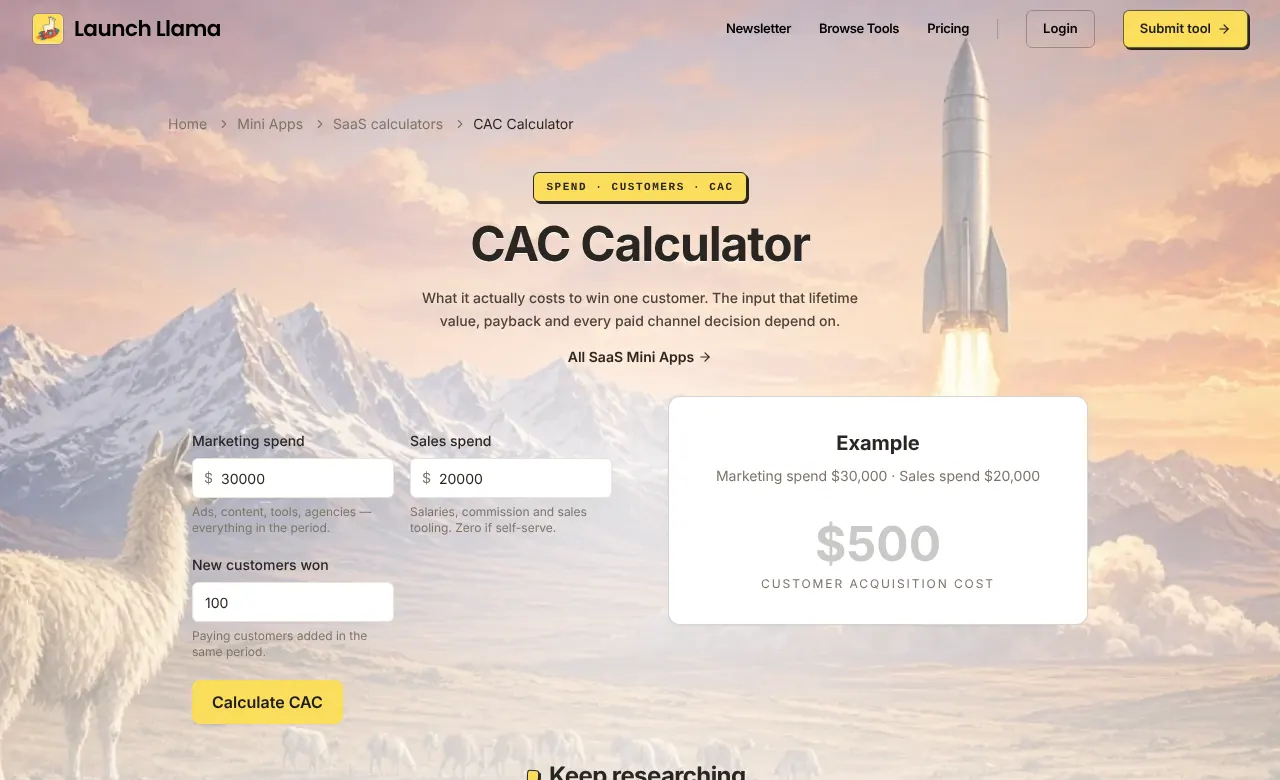
Our LTV:CAC calculator and CAC calculator show what you can spend to win a customer at each price.
Step 5: test with real buyers
- Ask, don't survey. "We're thinking $49 a month for this. Does that feel fair for what it does for you?"
- Watch what they do, not what they say. Who upgrades, at which limit, after how many days.
- Raise prices for new customers until a few say no. If nobody ever pushes back, you're too cheap.
- Keep early customers on their price as a thank-you. It costs little and earns loyalty.
- Use a launch deal to make the first purchase easy: free listings with a deal got 3.01% click-through, against 1.14% without.
Pricing page checklist
- The price is on the page. Buyers who have to "contact sales" for a small tool often leave.
- Each tier names who it's for.
- The recommended tier is highlighted.
- Limits are clear: "3 clients", not "basic usage".
- Annual and monthly prices are both shown.
- One question is answered right under the tiers: "Can I cancel anytime?"
Common pricing mistakes
- Pricing from your costs. Buyers pay for value; your costs only set the floor.
- Too cheap for too long. It's harder to raise prices than to start higher with a discount.
- Too many tiers. Three is enough for most early products.
- A free tier with everything in it. Nobody upgrades from a plan that does the whole job.
- Never revisiting it. Review pricing every few months as the product grows.
Keep reading
- Free Trial or Freemium? What 7,150 Launched Tools Chose, and How to Pick (2026)
- How to Get Your First Paying Customer (When You Have Users but Nobody Pays, 2026)
- How to Launch an AI Tool When There Are Thousands of Them (2026 Data From 3,087 AI Listings)
- Go-to-Market Strategy for Startups: A Practical Plan for Your First Launch (2026)
- Free Users Not Upgrading to Paid? How to Fix Free-to-Paid Conversion (2026)
Frequently asked questions
How should I price my SaaS product?
Pick a model (freemium, trial or paid only), pick a value metric that grows with the customer, build three tiers, price from the value you create and test with real buyers.
Should a new SaaS have a free plan?
Often, but not always. 57% of priced tools on Launch Llama are freemium, but 29% of sales tools and 26% of SaaS tools are paid only. B2B tools with a clear problem can charge from day one.
Does charging from day one hurt sign-ups?
It can lower sign-ups, but it didn't lower interest in our data: free listings of paid-only tools got 1.41% click-through, against 1.14% for freemium tools.
How many pricing tiers should a SaaS have?
Three for most early products: a starter tier, the one you want most customers on, and a larger tier for bigger teams.
How often should I change my pricing?
Review it every few months. Raise prices for new customers when demand is steady, and keep early customers on their original price.
Launch your pricing
Put your plans in front of buyers.
A free Launch Llama listing shows your pricing tier, launch deal and reviews on a permanent product page. Listings with a deal got about 2.6x the click-through.
List your product →