Updated 2026-11-16 · 5 of 5 Apps for kids tools on Launch Llama compared
Quick answer: The best Apps for kids tools in 2026, by Launch Llama community upvotes, are 中文笔顺, WonderTales, Calculadora Alicia. If you want to start free, WonderTales has a free plan. We compared 5 of the 5 Apps for kids tools listed on Launch Llama on pricing, features and use cases.
Our picks at a glance
- Best overall: 中文笔顺 — the most upvoted Apps for kids tool on Launch Llama
- Best free option: WonderTales — free plan + paid tiers
- Most features listed: Calculadora Alicia — 5+ features on its listing
The 5 best Apps for kids tools in 2026
1. 中文笔顺 — best for students look up a Chinese character's standard stroke order, watch its animated demo, then practise writing it stroke by stroke

Pricing: Free plan + paid tiers · Free plan: Yes · Upvotes: 13
In 中文笔顺's words
The app follows a look-write-check loop: users watch a standard animation for each character, trace it in practice mode, and then submit the attempt for AI review. Its library covers over 20,000 common characters aligned to current stroke standards, with pinyin, definitions, and native-speaker audio for characters and words. Courses span basic literacy, common characters, HSK 1-6, and several primary-school textbook editions. The handwriting check runs inside the iOS and Android apps, while the website offers animations and lookup.
Use cases
- Students look up a Chinese character's standard stroke order, watch its animated demo, then practise writing it stroke by stroke.
- Teachers run in-class character writing practice and use the app's AI check to flag stroke-order and stroke errors on each attempt.
- Parents help children learn characters at home, using the app's pinyin, definitions, and pronunciation alongside writing drills.
Pricing details: Free plan; membership from ¥30/mo, ¥98/yr, or ¥198 lifetime
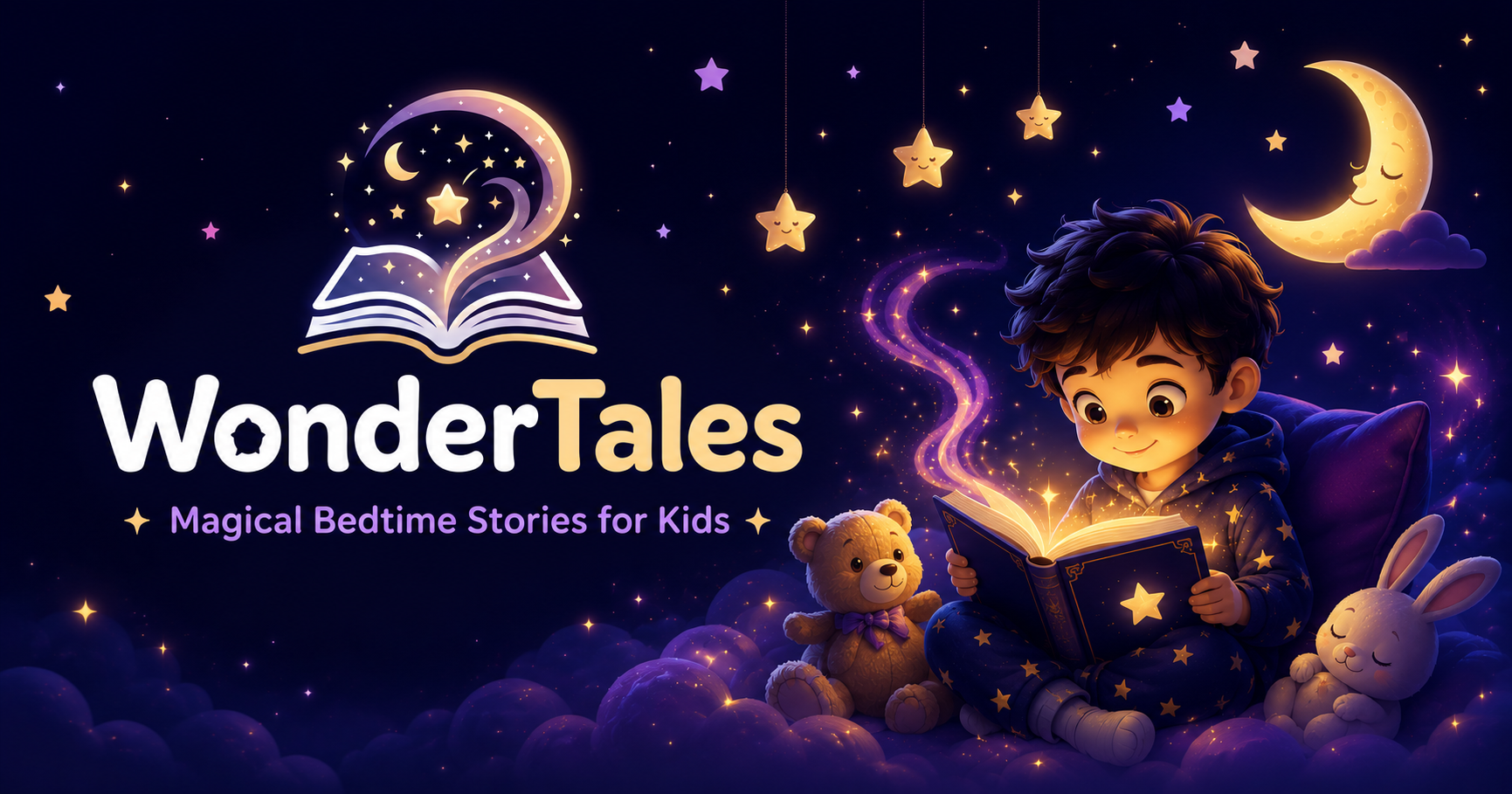
2. WonderTales — best for creating a personalized illustrated bedtime story starring a child for nightly story time
Pricing: Free plan + paid tiers · Free plan: Yes · Upvotes: 3
In WonderTales's words
Parents pick a story world, a mood, and a length, and the app generates a new illustrated adventure with the child as the hero. Stories can be read together or played back with narration in one of 10 professional voices or a cloned parent voice. Stories are saved to the device after generation, so they can be reopened offline and can build a story book.
Key features
- Generates unique illustrated stories with your child's name and age as the hero
- Offers 8 story worlds, including Enchanted Jungle, Space Adventure, and Ice Kingdom
- Narrates stories in 10 professional voices, with parent voice cloning on paid plans
- Supports 17 languages, including Hindi, Tamil, Telugu, Kannada, and Marathi
- Exports illustrated stories as PDF storybooks on the Starter plan
Use cases
- Creating a personalized illustrated bedtime story starring a child for nightly story time.
- Reading a bedtime story in a child's mother tongue, narrated in a parent's cloned voice while travelling.
- Printing generated illustrated stories as keepsake storybooks using PDF export.
Pricing details: 4.99
3. Calculadora Alicia — best for comprobar un ejercicio de fracciones simplificando el resultado y revisando el cálculo

Pricing: Free · Free plan: Yes · Upvotes: 2
In Calculadora Alicia's words
Calculadora Alicia (caluladoraalicia.com) is a free Spanish-language online calculator that doesn't just give answers — it shows the complete step-by-step solution for every problem. Designed for students, teachers and parents across the Spanish-speaking world, it runs entirely in the browser: no account to create, nothing to install, on any device. Type the exercise, get the full worked solution instantly. It's the kind of tool math teachers recommend because it teaches the process, not just the result — and it's completely free.
Key features
- Muestra el procedimiento completo de cada operación, no solo el resultado final
- Resuelve sumas, restas, multiplicaciones y divisiones con explicación
- Simplifica fracciones automáticamente y explica cada operación con fracciones
- Calcula raíces cuadradas, cúbicas y n-ésimas con verificación del resultado
- Descompone números en factores primos explicando cada división
Use cases
- Comprobar un ejercicio de fracciones simplificando el resultado y revisando el cálculo.
- Calcular las horas trabajadas entre dos horarios incluyendo descansos y horas extras.
- Estimar la nota media de Bachillerato para calcular la nota de acceso a la universidad.
4. WhitelistVideo — best for limiting a child aged 8-15 to parent-approved YouTube channels for schoolwork and learning

Pricing: Paid · Free plan: No · Upvotes: 1
In WhitelistVideo's words
Kids send a request when they find a blocked channel, and parents approve or deny it with one tap from WhatsApp, Telegram, or the app. Parents can also manage channels, playlists, and safety settings by messaging an AI chat bot, such as asking it to add a channel for a child. Content sensitivity can be set from light filtering to zero tolerance for profanity, and Religion & Faith categories let parents choose which faiths a child's videos may teach. The product runs on Windows, Mac, Chromebook, iPhone, iPad, Android, Android TV, and Google TV.
Key features
- Blocks every YouTube video by default until a parent approves its channel
- Auto-pilot screens new videos from unapproved channels against set rules
- Lets kids send channel requests that parents approve with one tap
- Accepts approval and channel management commands through a WhatsApp or Telegram AI chat
- Filters videos by keywords in titles, descriptions, and tags, and blocks Shorts
Use cases
- Limiting a child aged 8-15 to parent-approved YouTube channels for schoolwork and learning.
- Approving or denying a child's request for a blocked channel from WhatsApp or Telegram.
- Screening new uploads from unfamiliar channels automatically before a child can watch them.
Pricing details: Priced per child, with a free 2-hour test period to confirm it works on your device.
5. Tobbo — best for check whether a planned purchase fits your budget by asking Tobbo "Can I spend it?" before buying, using your connected bank data
Pricing: From $29.90/month · Free plan: No · Upvotes: 0
In Tobbo's words
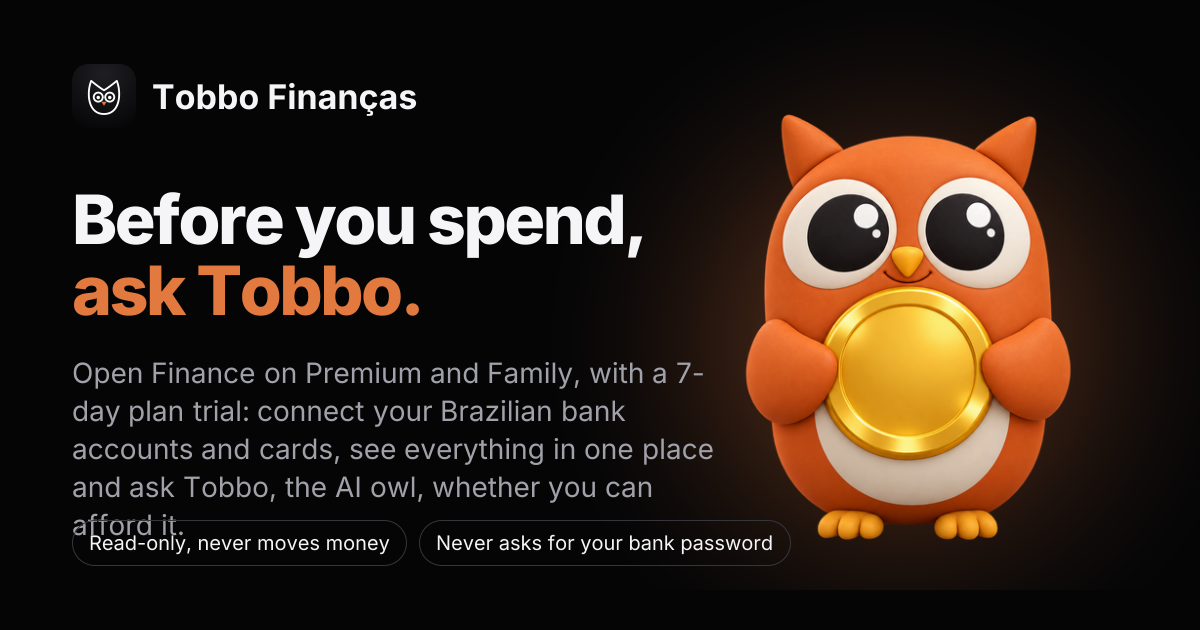
Tobbo connects to your bank and card accounts through Open Finance in a read-only way, without asking for your bank password, and categorizes each transaction automatically; fixing a category once turns it into a rule. Purchases and Pix can also be logged from Android bank notifications or receipt photos, and PDF, CSV or XLSX statements can be imported for banks that are not connected. Spending limits with 50%, 80% and 100% alerts, month-end projections, and Tobbo Kids for ages 4 to 12 round out the household features.
Key features
- Connect Brazilian banks and cards via Open Finance, read-only, without bank passwords
- Categorize every transaction automatically and turn your fixes into rules
- Answer 'Can I spend it?' with a yes or no based on your own account data
- Set daily spending limits with 50%, 80% and 100% alerts and month-end forecasts
- Track kids' digital allowance with jars, missions and lessons for ages 4 to 12
Use cases
- Check whether a planned purchase fits your budget by asking Tobbo "Can I spend it?" before buying, using your connected bank data.
- Track a couple's or family's shared spending while keeping each person's accounts private.
- Set a daily spending limit and get alerts at 50%, 80% and 100% of the monthly budget.
Pricing details: From R$ 29.90/mo after a 7-day trial
Comparison table
| # | Tool | Upvotes | Price |
|---|---|---|---|
| 1 | 中文笔顺 Students look up a Chinese character's standard stroke order, watch its animated demo, then practise writing it stroke by stroke |
▲ 13 | Free plan+ paid plans |
| 2 | WonderTales Creating a personalized illustrated bedtime story starring a child for nightly story time |
▲ 3 | Free plan+ paid plans |
| 3 | Calculadora Alicia Comprobar un ejercicio de fracciones simplificando el resultado y revisando el cálculo |
▲ 2 | Free plan |
| 4 | WhitelistVideo Limiting a child aged 8-15 to parent-approved YouTube channels for schoolwork and learning |
▲ 1 | Paid |
| 5 | Tobbo Check whether a planned purchase fits your budget by asking Tobbo "Can I spend it?" before buying, using your connected bank data |
▲ 0 | from $29.90/mo |
How we compared them
This is a comparison built from listing data, not a hands-on review: we have not tested these tools ourselves. Every product here is listed on Launch Llama, and the ranking uses what founders and their users have put on the record.
Tools are ordered by community upvotes. Duplicate listings are merged, and listings without a real description are left out. Pricing, features and use cases come from each product's listing and can change, so check the product's own site before you buy.
How to choose
- Choose 中文笔顺 for students look up a Chinese character's standard stroke order, watch its animated demo, then practise writing it stroke by stroke.
- Choose WonderTales for creating a personalized illustrated bedtime story starring a child for nightly story time.
- Choose Calculadora Alicia for comprobar un ejercicio de fracciones simplificando el resultado y revisando el cálculo.
- Choose WhitelistVideo for limiting a child aged 8-15 to parent-approved YouTube channels for schoolwork and learning.
- Choose Tobbo for check whether a planned purchase fits your budget by asking Tobbo "Can I spend it?" before buying, using your connected bank data.
Still comparing? Browse every tool in Apps for kids or see the best tools in other categories.
Frequently asked questions
What is the best Apps for kids tool in 2026?
中文笔顺 is the most upvoted Apps for kids tool on Launch Llama. Free Chinese character stroke-order practice WonderTales and Calculadora Alicia round out the top three.
Is there a free Apps for kids tool?
Yes. 3 of the 5 tools in this comparison list a free plan, including 中文笔顺, WonderTales, Calculadora Alicia.
How were these Apps for kids tools ranked?
By community upvotes on Launch Llama, after merging duplicate listings and dropping listings without a real description. We have not tested these tools hands-on; pricing and features come from each product's listing.
How many Apps for kids tools are listed on Launch Llama?
5 Apps for kids tools with full listings at the time of writing. This page compares the top 5; the rest are on the Apps for kids category page.