Updated 2026-11-16 · 15 of 50 AI Agent tools on Launch Llama compared
Quick answer: The best AI Agent tools in 2026, by Launch Llama community upvotes, are Spico, Blogizi, Citehound. If you want to start free, Citehound has a free plan. We compared 15 of the 50 AI Agent tools listed on Launch Llama on pricing, features and use cases.
Our picks at a glance
- Best overall: Spico — the most upvoted AI Agent tool on Launch Llama
- Best free option: Citehound — free plan; paid from $39/month
- Best to see in action: Skyelight — has a demo video you can watch below
- Most features listed: Blogizi — 5+ features on its listing
The 15 best AI Agent tools in 2026
1. Spico — best for finding Reddit, X, LinkedIn and Hacker News threads where people ask for a marketing tool, and drafting replies for you to send
Pricing: Free plan + paid tiers · Free plan: Yes · Upvotes: 128 · Rating: 5/5 from 2 reviews
In Spico's words
Spico is an AI head of marketing that works around the clock. It finds marketing opportunities and hands them to you to act on with one click. Each night it crawls your site for quiet problems and prepares fixes that can be sent to WordPress, Webflow, or a GitHub repository. It is an AI marketing employee aimed at startups and agencies that need help planning, executing, and improving their marketing. A morning email summarizes what ran overnight, what it found, and what is waiting for your review. Spico was built for founders who have no marketer to keep their marketing running.
Key features
- Find buyer questions across Reddit, search, and X with source attribution
- Track Google rankings and monitor AI answer visibility for your brand
- Write social posts and articles in your brand voice, drafted but never auto-posted
- Crawl site nightly to detect broken links, dead pages, and missing metadata
- Push SEO fixes to WordPress, Webflow, or GitHub as pull requests
Use cases
- Finding Reddit, X, LinkedIn and Hacker News threads where people ask for a marketing tool, and drafting replies for you to send.
- Watching competitors like Notion for pricing or page changes and getting a drafted response the next morning.
- Writing and pushing SEO fixes to WordPress, Webflow or GitHub, and tracking which pages rank and whether ChatGPT names you.
2. Blogizi — best for add a blog to a Lovable, v0, Bolt or Next.js app at yourapp.com/blog or a subdomain
Pricing: From $9/month · Free plan: No · Upvotes: 116 · Rating: 4.3/5 from 12 reviews
In Blogizi's words
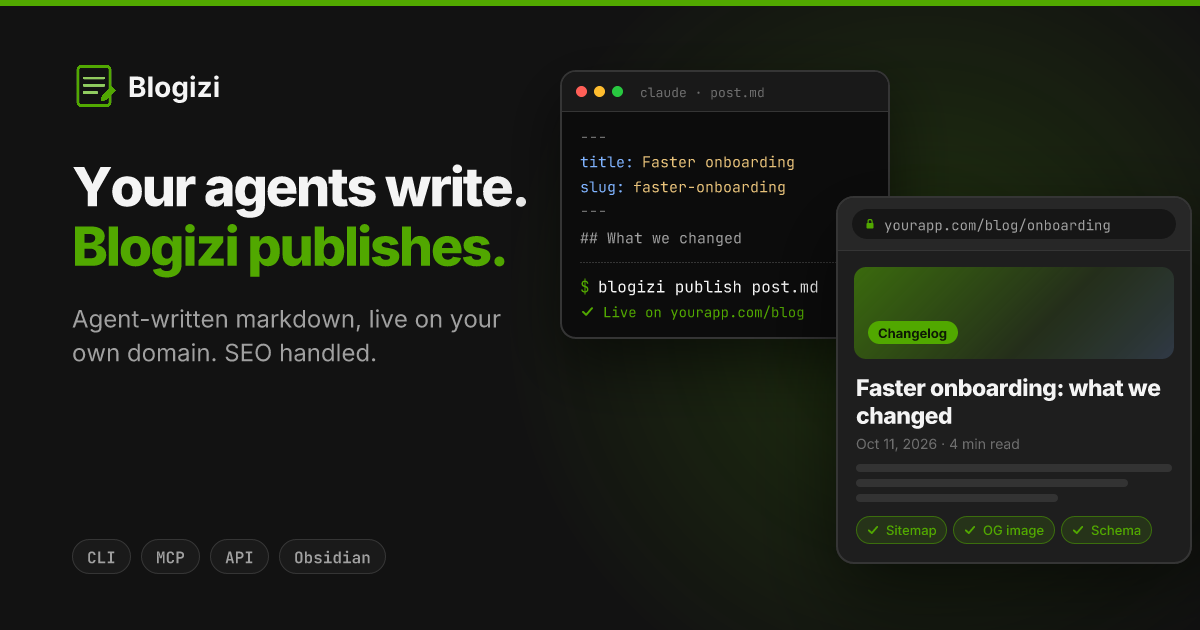
Agents connect through a hosted MCP or a local CLI and skill, so they can read clicks, impressions and positions synced daily from Google and then write for queries sitting on page two. Each draft targets a specific query and waits for your sign-off before it goes live with sitemap entries, Article schema, canonical URLs and OG images. The blog can run on a subfolder or subdomain of your own site with no embed scripts or Blogizi badge, and posts stay as markdown you keep if you leave.
Key features
- Syncs daily clicks, impressions and positions for every query from Google
- Surfaces page-two queries with real impressions as post topics
- Drafts posts with Claude, Codex, OpenClaw or Hermes in your voice
- Publishes approved posts with sitemap, Article schema and canonical URLs
- Serves the blog from a subfolder or subdomain of your own domain
Use cases
- Add a blog to a Lovable, v0, Bolt or Next.js app at yourapp.com/blog or a subdomain
- Turn a week of shipped work into a post
- Publish from a Claude chat. Add Blogizi as a connector, ask Claude to write about your launch, approve the draft, and it’s live
Pricing details: $9/mo or $19/mo
3. Citehound — best for scanning a website to see which AI crawlers can reach it and what blocks AI assistants from reading its pages
Pricing: Free plan; paid from $39/month · Free plan: Yes · Upvotes: 112
In Citehound's words
As users shift from traditional Google search to AI answer engines like ChatGPT, Claude, Perplexity, and Gemini, traditional SEO is no longer enough. If your site isn't optimized for AI crawlers, answer engines either skip your brand or hallucinate your capabilities.
Citehound is an AI Readiness and Generative Engine Optimization (GEO) platform that analyzes how machine-readable and citation-worthy your website is.
Key features
- AI Readiness Score (0–100): Instant automated audit evaluating how easily ChatGPT, Claude, and Perplexity discover, parse, and cite your website.
- llms.txt & AI Crawler Audit: Technical diagnostic checking bot permissions for major AI crawlers (GPTBot, ClaudeBot, PerplexityBot) and validation.
- Competitor GEO Benchmarking
- robots.txt policy and sitemap access for 10 AI crawlers, plus llms.txt.
- Citation-Worthy Content Analysis
Use cases
- Scanning a website to see which AI crawlers can reach it and what blocks AI assistants from reading its pages.
- Fixing technical readiness gaps such as robots.txt, structured data and metadata so ChatGPT, Perplexity and Claude can cite the site.
- Comparing two websites' AI readiness scores side by side before choosing which to improve.
Pricing details: Citehound's free scan is available with no sign-up.
4. Skyelight — best for rapid Prototyping: Collects reactions to a prototype as threads on the screens they’re about, so each round of feedback becomes the input for the next version
Pricing: Free plan; paid from $24/month · Free plan: Yes · Upvotes: 84 · Rating: 4.4/5 from 9 reviews
In Skyelight's words
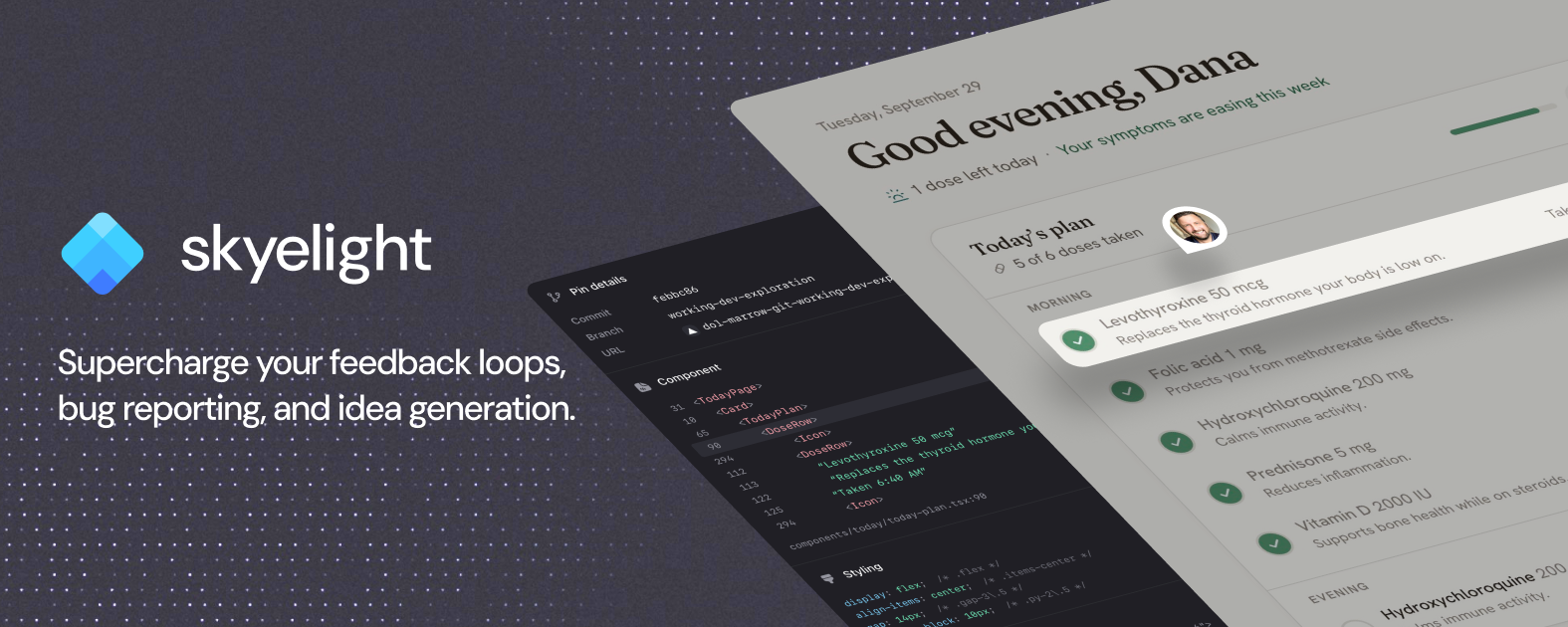
Skyelight is for agencies, designers, engineers and product teams who build live sites with clients and stakeholders. Reviewers pin comments directly on any part of a live site, prototype or preview, so each thread arrives tied to the exact element and source line. Comments are classified automatically as bug, feedback or idea. Each comment records the browser and any errors from just before it, plus an optional screenshot, so developers can send it straight to their AI coding tool to investigate, plan or fix. Reviewers are free on every plan, and on Pro and Team, guests can comment without an account.
Key features
- Pin comments on any live page with no code changes
- Hand feedback to Claude Code, Cursor or Codex via MCP
- Let your agent investigate, plan or fix and open a PR
- Capture browser, console errors and failed requests per pin
- Auto-sort feedback into bugs, ideas, copy or custom types
Use cases
- Rapid Prototyping: Collects reactions to a prototype as threads on the screens they’re about, so each round of feedback becomes the input for the next version.
- Design Review: A design feedback tool for the real build, not a static mockup. Review the design as it’s built, on staging or production, and each note becomes
- QA & Testing: Testers pin bugs on the element that broke, and Skyelight records where it happened. Fixes are reported and verified on the same thread.
Pricing details: Free $0/month: For individuals managing one project.
5. screenRIG — best for publish a daily menu board to restaurant or cafe screens by asking an AI agent to build and push it live
Pricing: Free plan; paid from $499, · Free plan: Yes · Upvotes: 67 · Rating: 4.4/5 from 9 reviews
In screenRIG's words
A complete digital signage platform, free with unlimited screens.
Put menus, announcements, dashboards and live video on the screens you already own, from one TV to thousands, and they keep playing when the internet drops. Do it yourself in the dashboard, or just ask your AI agent.
Key features
- Free with unlimited screens
- Ask your AI agent to build and update screens from your docs and calendar
- 200+ ready-made apps for menus and dashboards
- Schedules that switch pages on their own
- Live view of every screen with alerts when one goes offline
Use cases
- Publish a daily menu board to restaurant or cafe screens by asking an AI agent to build and push it live.
- Run a lobby welcome screen with photos and today's events, kept current by your AI agent.
- Deploy a self-running check-in kiosk on office or lobby screens without a design tool or editor.
Pricing details: screenRIG is free, with unlimited screens.
6. MCP Shelf — best for submit your own MCP server through the Suggest a server form. Community entries are written up and join the shelf once they pass its install check
Pricing: See website · Upvotes: 66 · Rating: 4.6/5 from 9 reviews
In MCP Shelf's words
MCP Shelf is a curated directory of Model Context Protocol (MCP) servers for AI assistants such as Claude, Cursor and ChatGPT. Instead of listing everything, it keeps a short shelf of servers worth installing, grouped by what they do: developer tools, browser and web data, databases and more. Each listed config is checked against the project's own package, and setup guides walk you through adding a server to each client. There are no paid placements. It is for people who want useful MCP servers in their assistant without researching every option themselves.
Key features
- Sorts a short, curated set of servers into shelves such as developer tools, browser data, and databases
- Labels each server with its test status, such as package checked, started in our test, or needs setup first
- Provides setup guides for adding servers to Claude Code, Cursor, Claude Desktop, and ChatGPT
- Flags what each database and cloud server can modify, so you can begin with narrower access
- Ranks servers by upvotes from signed-in members and refreshes the ranking daily
Use cases
- Submit your own MCP server through the Suggest a server form. Community entries are written up and join the shelf once they pass its install check.
- Point new users of your server to the shelf's Claude Code, Cursor, Claude Desktop or ChatGPT setup guides when you explain how to add it.
- Track new additions in your category by following the RSS feed or reading catalog.json, which the site publishes for agents.
7. Ember Origin — best for use Fund Your Growth to organize a funding file across nine building blocks, then close gaps such as a missing cash flow plan
Pricing: Free plan; paid from $16/month · Free plan: Yes · Upvotes: 54 · Rating: 3.5/5 from 2 reviews
In Ember Origin's words
What if the AI that helped write your business plan could use it to find funding, build your pitch, and spot your next sales opportunity?
Ember is an AI team for founders. Its Second Brain remembers your goals, documents, and decisions. Every agent works from that shared context and uses the model best suited to the task. Fund your growth. Structure your plan, find public funding and private capital that fit your stage, and generate the documents to apply or pitch. Make your pitch land. Get an editable deck with a clear argument, a story tailored to your audience, and visuals that reinforce it. Know who to contact this week. Get ranked prospects, signals that explain why now, and outreach drafts. Find your next business partner. Ember Community connects Second Brains across companies to uncover referrals, partnerships, and opportunities to build together.
Key features
- Catch costly blind spots with a business-focused AI Second Brain that remembers your decisions and challenges your assumptions.
- Turn a rough idea into a business plan, competitive analysis, and cash flow forecast. Export your work to Word or Excel.
- Find public grants and private investors that fit your stage, then generate the documents you need to apply or pitch.
- Create editable pitch decks with a story tailored to your audience, plus on-brand LinkedIn visuals, Instagram Stories, and YouTube thumbnails.
- Find the right B2B buyers at the right time using signals like new hires, funding rounds, and expansion.
Use cases
- Use Fund Your Growth to organize a funding file across nine building blocks, then close gaps such as a missing cash flow plan.
- Turn an idea into a deck, document or image in your brand with Creation, including pitch decks and LinkedIn post series.
- Set target accounts in Lead Intelligence, track signals like funding rounds and new hires, and review prepared approaches before anything is sent.
Pricing details: Start free with 1,000 welcome credits. No credit card required and no trial deadline. Paid plans start at $16/month before tax.
8. Chatmizer — best for answering customer price, opening-hours and location questions instantly on WhatsApp, Instagram, TikTok and Messenger around the clock
Pricing: Paid · Free plan: No · Upvotes: 47 · Rating: 4.7/5 from 3 reviews
In Chatmizer's words
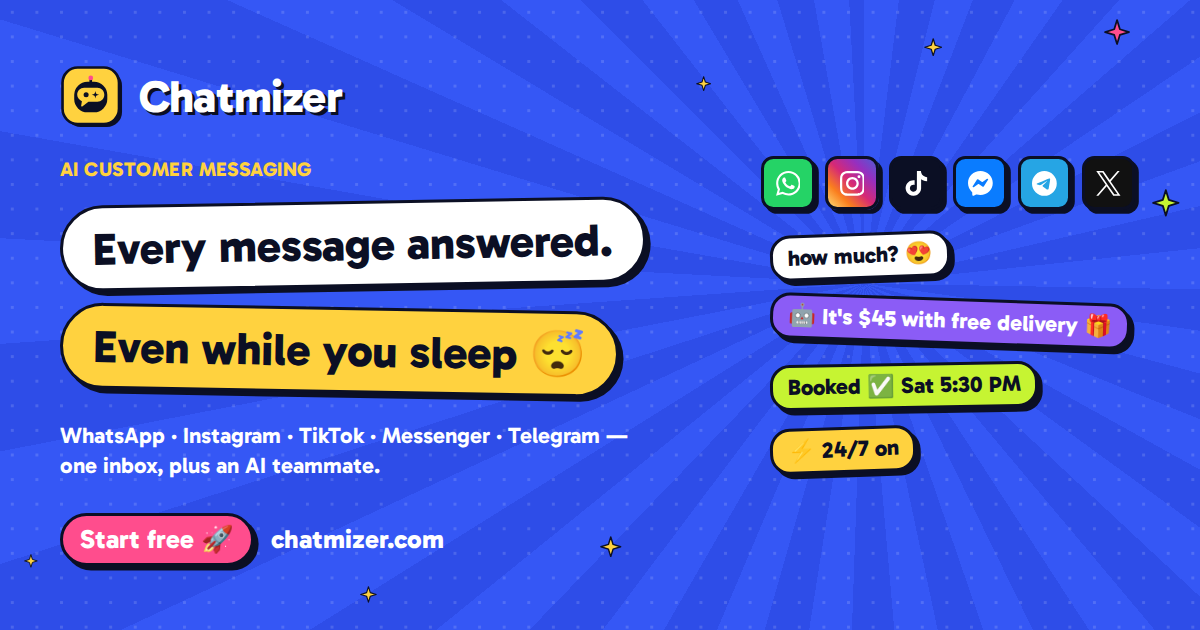
AI chatbot and WhatsApp automation that answers customers 24/7 on WhatsApp, Instagram, Messenger and TikTok, books appointments and takes orders. Free trial.
Key features
- Day and night, in your customer's language.
- WhatsApp 0 Instagram 0 TikTok 0 Messenger 0 0 3 The same answer, for the 40th time.
- Instantly, on every channel, while you get on with your day.
- One inbox for WhatsApp, Instagram, TikTok and Messenger.
Use cases
- Answering customer price, opening-hours and location questions instantly on WhatsApp, Instagram, TikTok and Messenger around the clock.
- Booking appointments by checking a live calendar, offering free slots and sending reminders from a chat.
- Taking product orders and following up with customers who go quiet, while passing hot buyers to a team inbox.
Pricing details: Chatmizer offers a free trial on every plan with no credit card required.
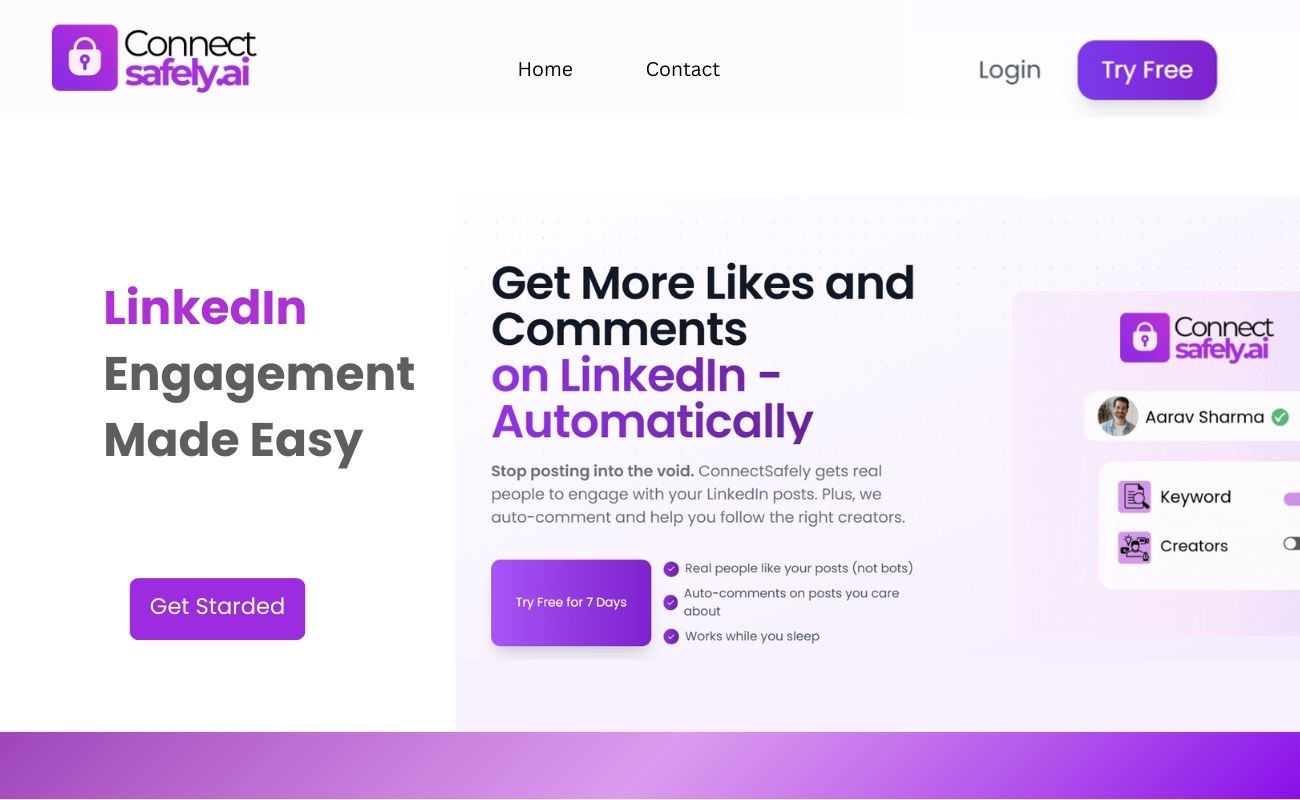
9. connectsafely — best for boost reach on your own LinkedIn posts by having real professionals engage with them soon after publishing
Pricing: Free plan; paid from $10/month · Free plan: Yes · Upvotes: 42 · Rating: 5/5 from 1 review
In connectsafely's words
Most people know LinkedIn works when you show up every day.
Key features
- In the app, Claude, API and CLI.
- AI Agent comments on prospects' posts in your voice.
- Let AI Do It Hook up ChatGPT or Claude and let them run your LinkedIn for you.
- Works in Claude Desktop Add our MCP server and talk to LinkedIn right from Claude.
Use cases
- Boost reach on your own LinkedIn posts by having real professionals engage with them soon after publishing.
- Get noticed by the followers of LinkedIn creators your ideal clients follow, through AI comments written in your voice.
- Monitor LinkedIn for posts on chosen business topics and comment on them so potential clients see your name.
Pricing details: Lead Database access starts at $99/mo. API access starts at $10/mo, and a 7-day free trial is offered.
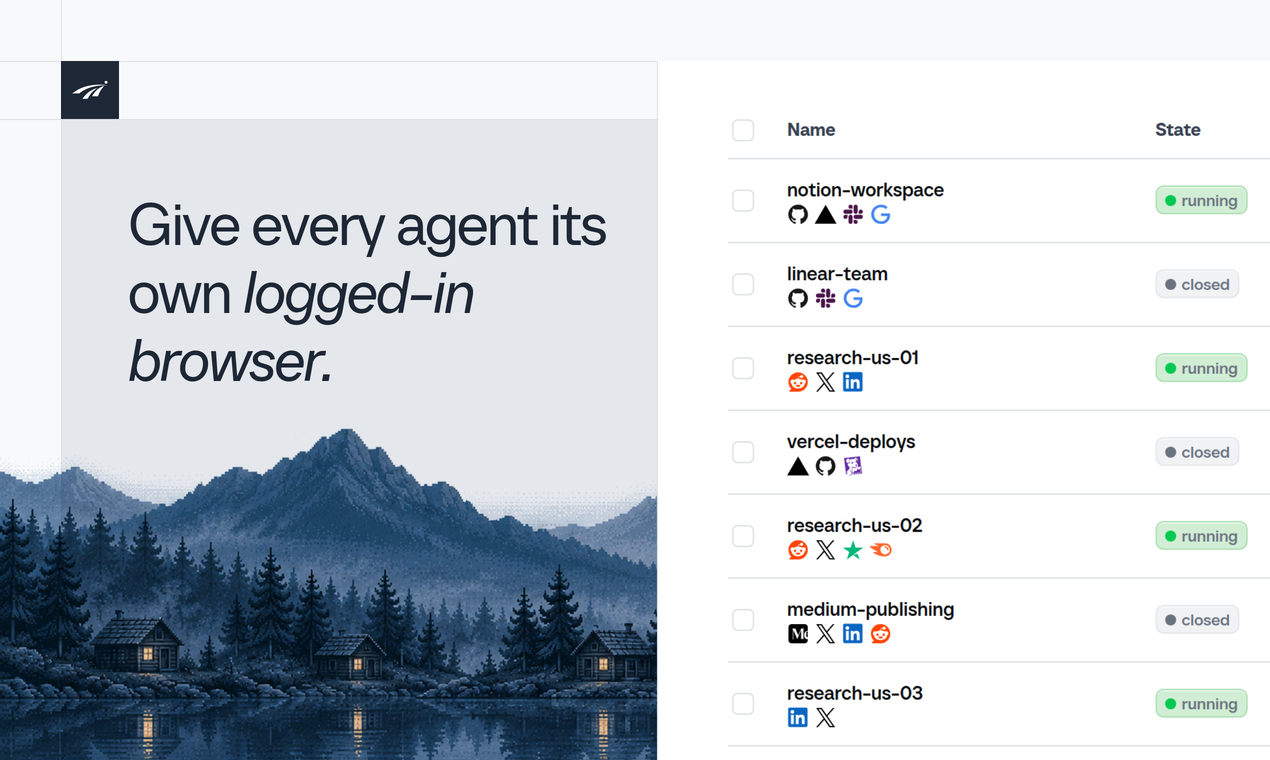
10. Scalebrowser — best for running AI agents on social media, marketplace, and messaging accounts that stay signed in across restarts
Pricing: Paid · Free plan: No · Upvotes: 24
In Scalebrowser's words
Scalebrowser is self-hosted browser infrastructure for AI agents that need to finish real work. Each isolated profile keeps the same identity, cookies, passkeys, memory, and tasks across restarts and machines. A patched Chromium engine, real local GPU values, human-like input, captcha handling, email and SMS codes, TOTP, and browser-level prompt control help agents get through the places where ordinary automation stops. Connect over MCP, REST, Node.js, Python, or direct CDP.
Use cases
- Running AI agents on social media, marketplace, and messaging accounts that stay signed in across restarts.
- Letting an agent complete logins that need two-factor codes, passkeys, or captchas without a human stepping in.
- Operating browser-only tools that have no API, such as marketplace or business dashboards, through an agent.
11. Construct Computer — best for hand off recurring workflows to the agent so routine tasks run on its cloud computer without manual steps

Pricing: From $9/month · Upvotes: 23 · Rating: 5/5 from 1 review
In Construct Computer's words
Construct is an AI agent with its own cloud computer that automates workflows, builds internal tools, and completes scheduled tasks. It is aimed at solo founders and small teams. Each agent gets a persistent cloud workspace with files, memory, schedules, workflows, email, and connected apps. You give it an outcome, and it decides which available tools are needed to get there.
Key features
- Runs an AI agent on its own cloud computer, so tasks run without tying up your local machine
- Automates multi-step workflows end to end for solo founders and small teams
- Builds internal tools the agent can use to support day-to-day operations
- Executes scheduled tasks on a set cadence so recurring work gets done on time
- Continues work in the background until tasks are completed
Use cases
- Hand off recurring workflows to the agent so routine tasks run on its cloud computer without manual steps.
- Schedule recurring tasks so the agent completes them on a set cadence while you focus on other work.
- Have the agent build small internal tools for your team when you need one quickly.
Pricing details: Plans start at $9/mo with extensive usage, and 7d trial on the pro plan
12. Animx.ai — best for generating AI video clips by switching between models like Veo, Kling, and Seedance within one project and prompt bar

Pricing: Free plan; paid from $5/month · Free plan: Yes · Upvotes: 22 · Rating: 5/5 from 2 reviews
In Animx.ai's words
Animx.ai brings the leading AI video and image generation models together in one workspace and one bill. Instead of paying for several separate subscriptions, creators get access to Seedance 2.5 and 2.0, Google Veo 3.1, Kling, OpenAI Sora 2, Grok, Wan 2.7, GPT Image 2.5, Seedream 4.5 and Nano Banana 2 / Pro from the same prompt bar. The core idea is model switching: you can test the same prompt across different models, A/B a shot before committing to it, and pick the engine that best fits each scene. Seedance 2.5, the newest model on the platform, adds end-frame control, sharper motion and native audio.
Use cases
- Generating AI video clips by switching between models like Veo, Kling, and Seedance within one project and prompt bar.
- Comparing the same prompt across different video engines side by side before committing to a shot.
- Creating AI images with Seedream and Nano Banana Pro and animating still images into short motion clips.
Pricing details: Free sign-up with 10 credits. Paid plans are Basic at $5/month, Plus at $39/month, and Ultra at $99/month when billed annually, each with a monthly credit allowance.
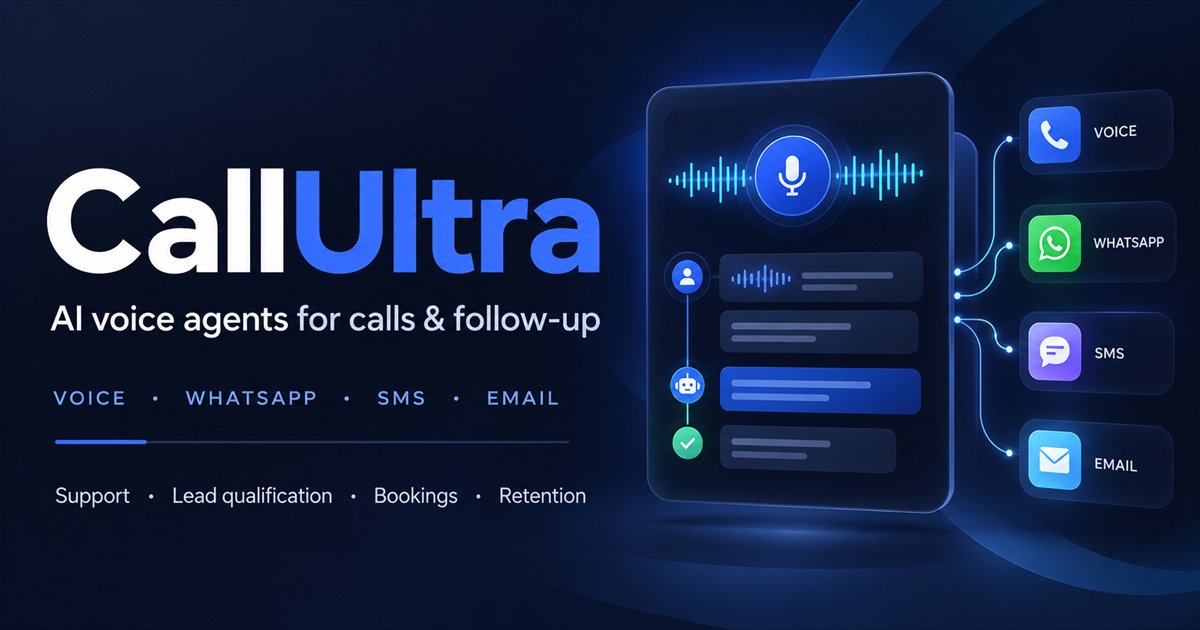
13. CallUltra — best for answering inbound support calls with an AI voice agent that shares customer context across calls, WhatsApp, SMS, and email
Pricing: Free plan + paid tiers · Free plan: Yes · Upvotes: 18 · Rating: 5/5 from 1 review
In CallUltra's words
CallUltra is an AI voice agent platform for teams handling customer calls and follow-up. Build inbound support and outbound workflows for lead qualification, appointment booking, reminders, and retention. Agents work across voice, WhatsApp, SMS, and email with shared customer context, and connect to Google Calendar, Google Sheets, HubSpot, or Zoho CRM. Teams can review recordings, transcripts, summaries, and campaign outcomes in one workspace. Plans start at ₹2,999/month.
Key features
- Inbound and outbound AI voice agents
- Shared conversation context across voice, WhatsApp, SMS, and email
- Lead qualification, appointment booking, reminders, and retention workflows
- Integrations with Google Calendar, Google Sheets, HubSpot, and Zoho CRM
- Call recordings, transcripts, summaries, and campaign outcomes
Use cases
- Answering inbound support calls with an AI voice agent that shares customer context across calls, WhatsApp, SMS, and email.
- Following up outbound leads and qualifying them by phone, then booking appointments on the team's calendar.
- Running payment reminders, collections, and post-call feedback surveys in multiple languages at high call volume.
14. SchoolWhool — best for learning machine learning in Python from the intuition and maths through to coding models on real data
Pricing: Free plan + paid tiers · Free plan: Yes · Upvotes: 17 · Rating: 4/5 from 2 reviews
In SchoolWhool's words
SchoolWhool teaches machine learning with Python in five tracks: Python, Data Tools, Maths, Statistics and Machine Learning.
Use cases
- Learning machine learning in Python from the intuition and maths through to coding models on real data.
- Preparing for machine learning and data science job interviews with questions and model answers for each module.
- Building and checking your own ML models in plain Python and NumPy against scikit-learn before relying on fit().
Pricing details: Free to start with no card required, and a free account unlocks quizzes and saved progress.
15. Krafto
Pricing: Free plan + paid tiers · Free plan: Yes · Upvotes: 17 · Rating: 5/5 from 1 review
In Krafto's words
Krafto is a premium creative-asset store — fonts, motion graphics, templates, presets, 3D assets, ebooks and courses — plus an MCP server (https://mcp.trykrafto.xyz/mcp) that plugs the whole library into AI agents like ChatGPT, Claude and Cursor. Search the catalog, inspect formats and licensing, and download assets you own, right from your AI workflow. Free tier available; paid plans from $5/month.
Comparison table
| # | Tool | Rating | Upvotes | Price |
|---|---|---|---|---|
| 1 | Spico Finding Reddit, X, LinkedIn and Hacker News threads where people ask for a marketing tool, and drafting replies for you to send |
Rated 5 out of 5 from 2 reviews5(2) | ▲ 128 | Free plan+ paid plans |
| 2 | Blogizi Add a blog to a Lovable, v0, Bolt or Next.js app at yourapp.com/blog or a subdomain |
Rated 4.3 out of 5 from 12 reviews4.3(12) | ▲ 116 | from $9/mo |
| 3 | Citehound Scanning a website to see which AI crawlers can reach it and what blocks AI assistants from reading its pages |
No reviews yet | ▲ 112 | Free planthen from $39/mo |
| 4 | Skyelight Rapid Prototyping: Collects reactions to a prototype as threads on the screens they’re about, so each round of feedback becomes the input for the next version |
Rated 4.4 out of 5 from 9 reviews4.4(9) | ▲ 84 | Free planthen from $24/mo |
| 5 | screenRIG Publish a daily menu board to restaurant or cafe screens by asking an AI agent to build and push it live |
Rated 4.4 out of 5 from 9 reviews4.4(9) | ▲ 67 | Free planthen from $499, |
| 6 | MCP Shelf Submit your own MCP server through the Suggest a server form. Community entries are written up and join the shelf once they pass its install check |
Rated 4.6 out of 5 from 9 reviews4.6(9) | ▲ 66 | See site |
| 7 | Ember Origin Use Fund Your Growth to organize a funding file across nine building blocks, then close gaps such as a missing cash flow plan |
Rated 3.5 out of 5 from 2 reviews3.5(2) | ▲ 54 | Free planthen from $16/mo |
| 8 | Chatmizer Answering customer price, opening-hours and location questions instantly on WhatsApp, Instagram, TikTok and Messenger around the clock |
Rated 4.7 out of 5 from 3 reviews4.7(3) | ▲ 47 | Paid |
| 9 | connectsafely Boost reach on your own LinkedIn posts by having real professionals engage with them soon after publishing |
Rated 5 out of 5 from 1 review5(1) | ▲ 42 | Free planthen from $10/mo |
| 10 | Scalebrowser Running AI agents on social media, marketplace, and messaging accounts that stay signed in across restarts |
No reviews yet | ▲ 24 | Paid |
| 11 | Construct Computer Hand off recurring workflows to the agent so routine tasks run on its cloud computer without manual steps |
Rated 5 out of 5 from 1 review5(1) | ▲ 23 | from $9/mo |
| 12 | Animx.ai Generating AI video clips by switching between models like Veo, Kling, and Seedance within one project and prompt bar |
Rated 5 out of 5 from 2 reviews5(2) | ▲ 22 | Free planthen from $5/mo |
| 13 | CallUltra Answering inbound support calls with an AI voice agent that shares customer context across calls, WhatsApp, SMS, and email |
Rated 5 out of 5 from 1 review5(1) | ▲ 18 | Free plan+ paid plans |
| 14 | SchoolWhool Learning machine learning in Python from the intuition and maths through to coding models on real data |
Rated 4 out of 5 from 2 reviews4(2) | ▲ 17 | Free plan+ paid plans |
| 15 | Krafto One creative library. Everything you make — now for your AI |
Rated 5 out of 5 from 1 review5(1) | ▲ 17 | Free plan+ paid plans |
How we compared them
This is a comparison built from listing data, not a hands-on review: we have not tested these tools ourselves. Every product here is listed on Launch Llama, and the ranking uses what founders and their users have put on the record.
Tools are ordered by community upvotes. Duplicate listings are merged, and listings without a real description are left out. Pricing, features and use cases come from each product's listing and can change, so check the product's own site before you buy.
How to choose
- Choose Spico for finding Reddit, X, LinkedIn and Hacker News threads where people ask for a marketing tool, and drafting replies for you to send.
- Choose Blogizi for add a blog to a Lovable, v0, Bolt or Next.js app at yourapp.com/blog or a subdomain.
- Choose Citehound for scanning a website to see which AI crawlers can reach it and what blocks AI assistants from reading its pages.
- Choose Skyelight for rapid Prototyping: Collects reactions to a prototype as threads on the screens they’re about, so each round of feedback becomes the input for the next version.
- Choose screenRIG for publish a daily menu board to restaurant or cafe screens by asking an AI agent to build and push it live.
- Choose MCP Shelf for submit your own MCP server through the Suggest a server form. Community entries are written up and join the shelf once they pass its install check.
Still comparing? Browse every tool in AI Agent or see the best tools in other categories.
Frequently asked questions
What is the best AI Agent tool in 2026?
Spico is the most upvoted AI Agent tool on Launch Llama. AI head of marketing working 24/7 Blogizi and Citehound round out the top three.
Is there a free AI Agent tool?
Yes. 10 of the 15 tools in this comparison list a free plan, including Spico, Citehound, Skyelight.
How were these AI Agent tools ranked?
By community upvotes on Launch Llama, after merging duplicate listings and dropping listings without a real description. We have not tested these tools hands-on; pricing and features come from each product's listing.
How many AI Agent tools are listed on Launch Llama?
50 AI Agent tools with full listings at the time of writing. This page compares the top 15; the rest are on the AI Agent category page.