On Launch Llama
Shepherd Terminal - Persistent Terminal for Coding Agents
For developers: Shepherd Terminal keeps coding agent sessions persistent across tabs and machines so you maintain context and monitor agent progress in real time.
Built by Junseo (Chato) Ko
Free
Visit website → Upvotes · 119
Shepherd Terminal is a Product Hunt listing on Launch Llama with 119 total upvotes, founded by Junseo (Chato) Ko who joined in Aug 2026, compared against 6 alternatives.
Product Hunt listing
Listing status
119upvotes
Community score
Junseo (Chato) Ko (Joined Aug 2026)
Founder
Compared against 6 alternatives
Market comparison

About
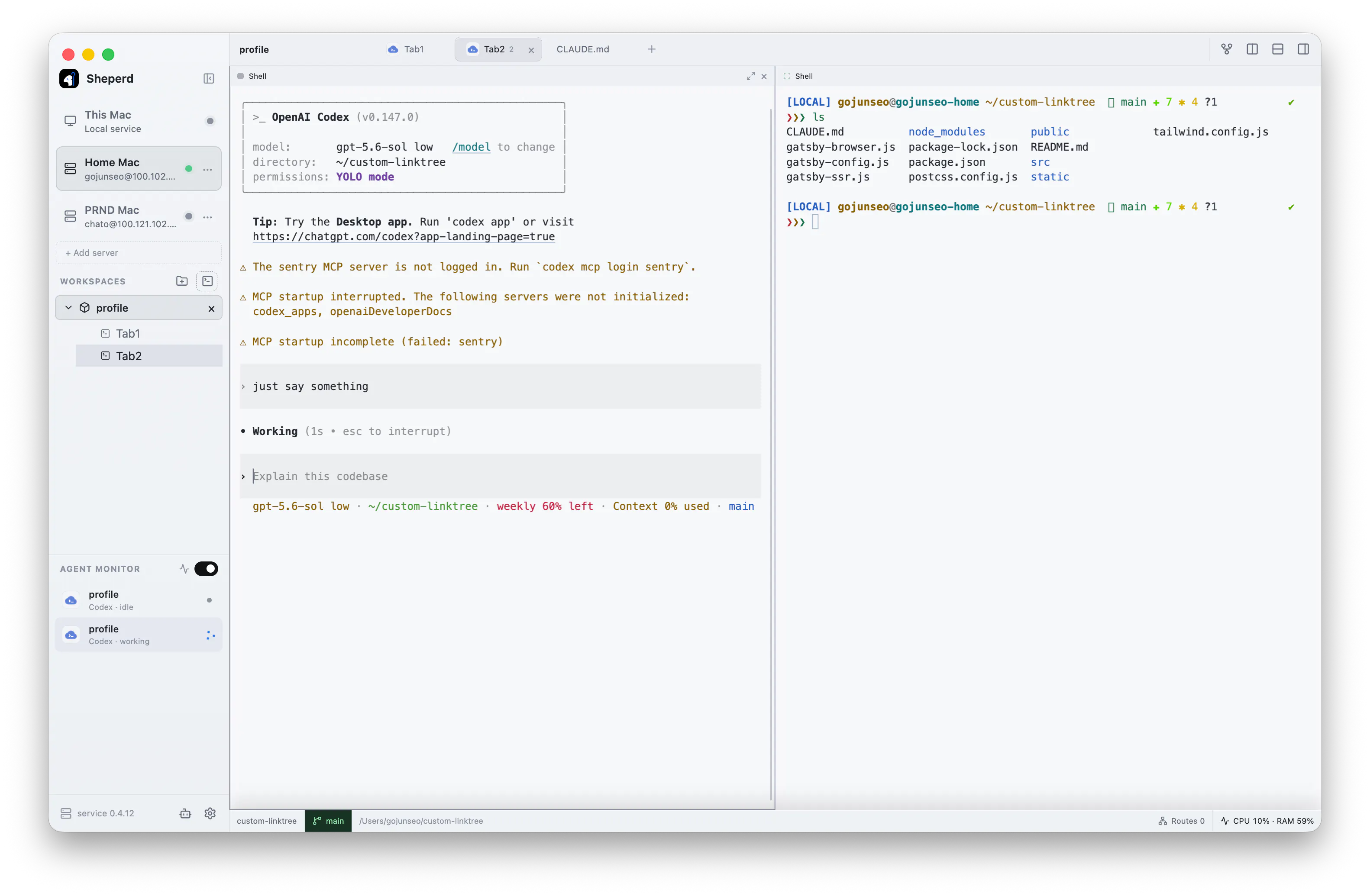
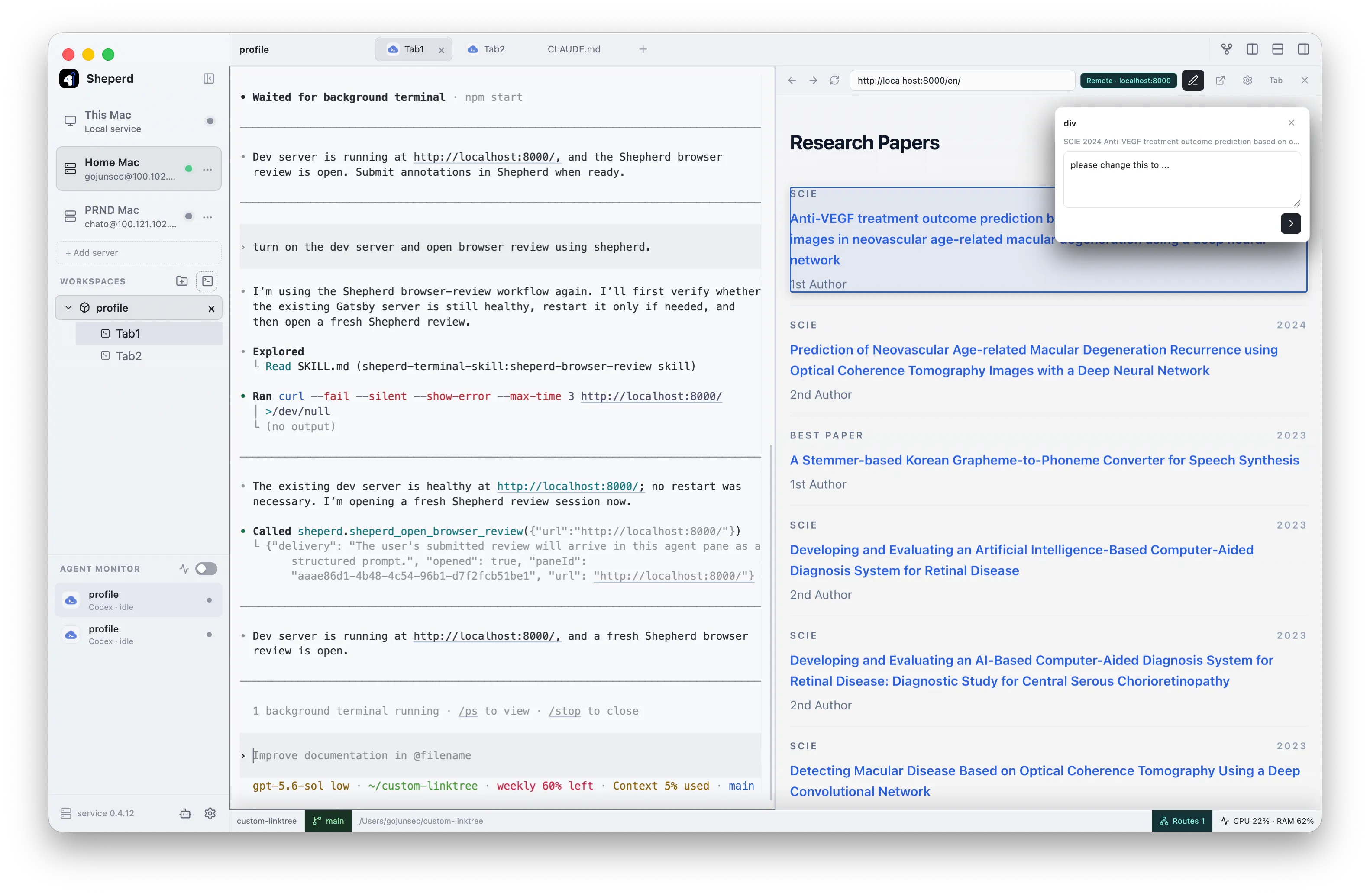
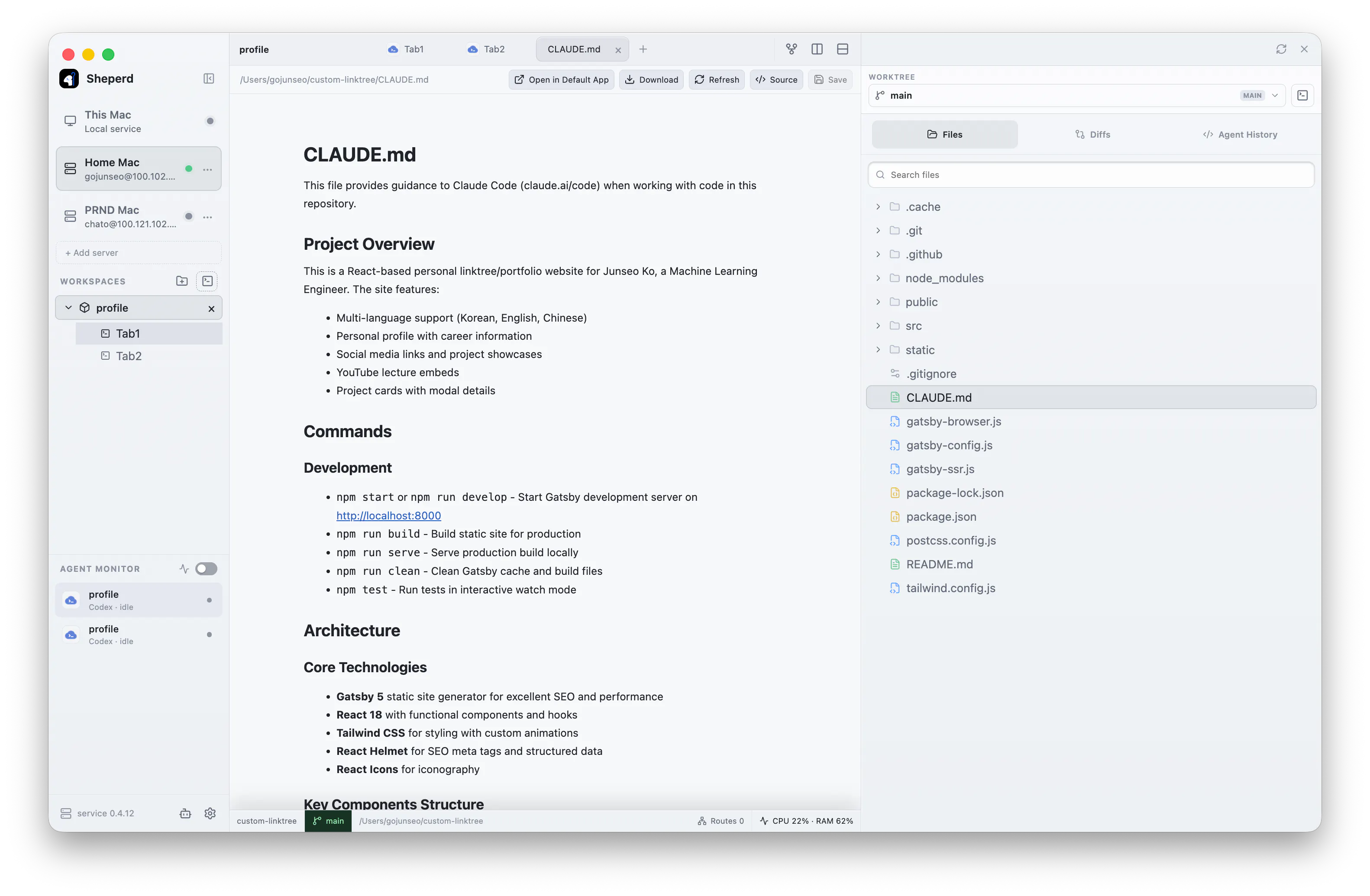
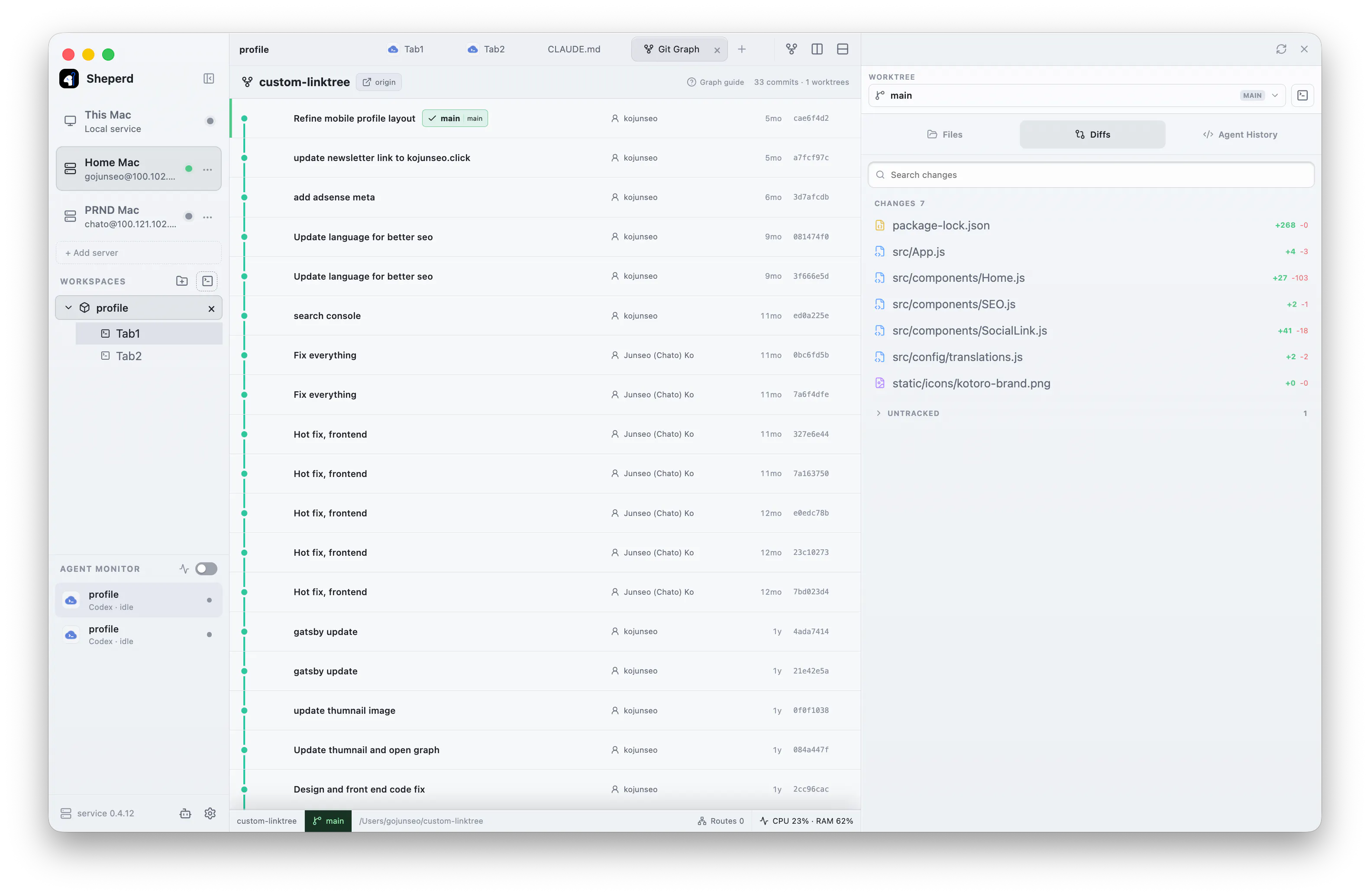
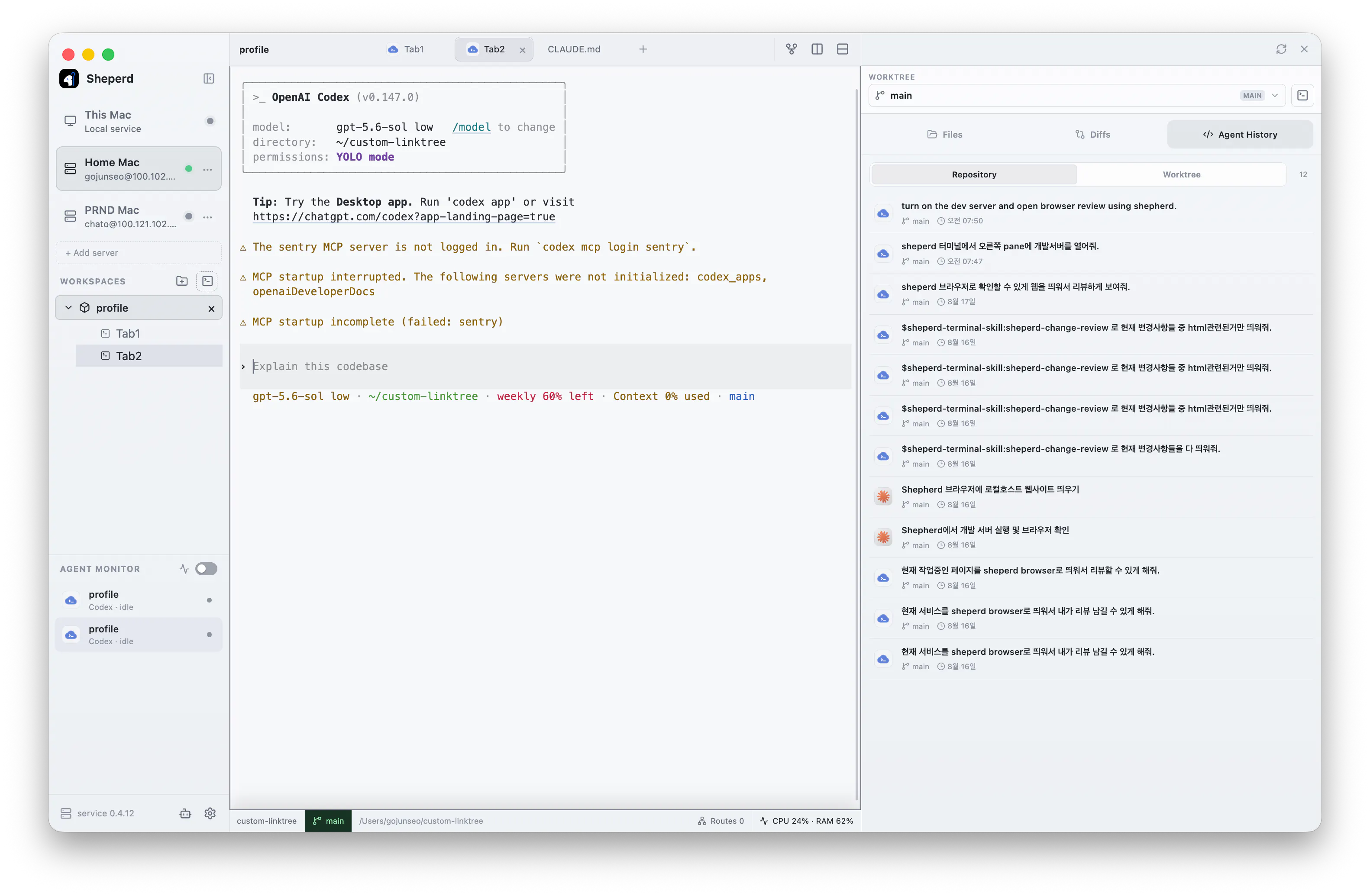
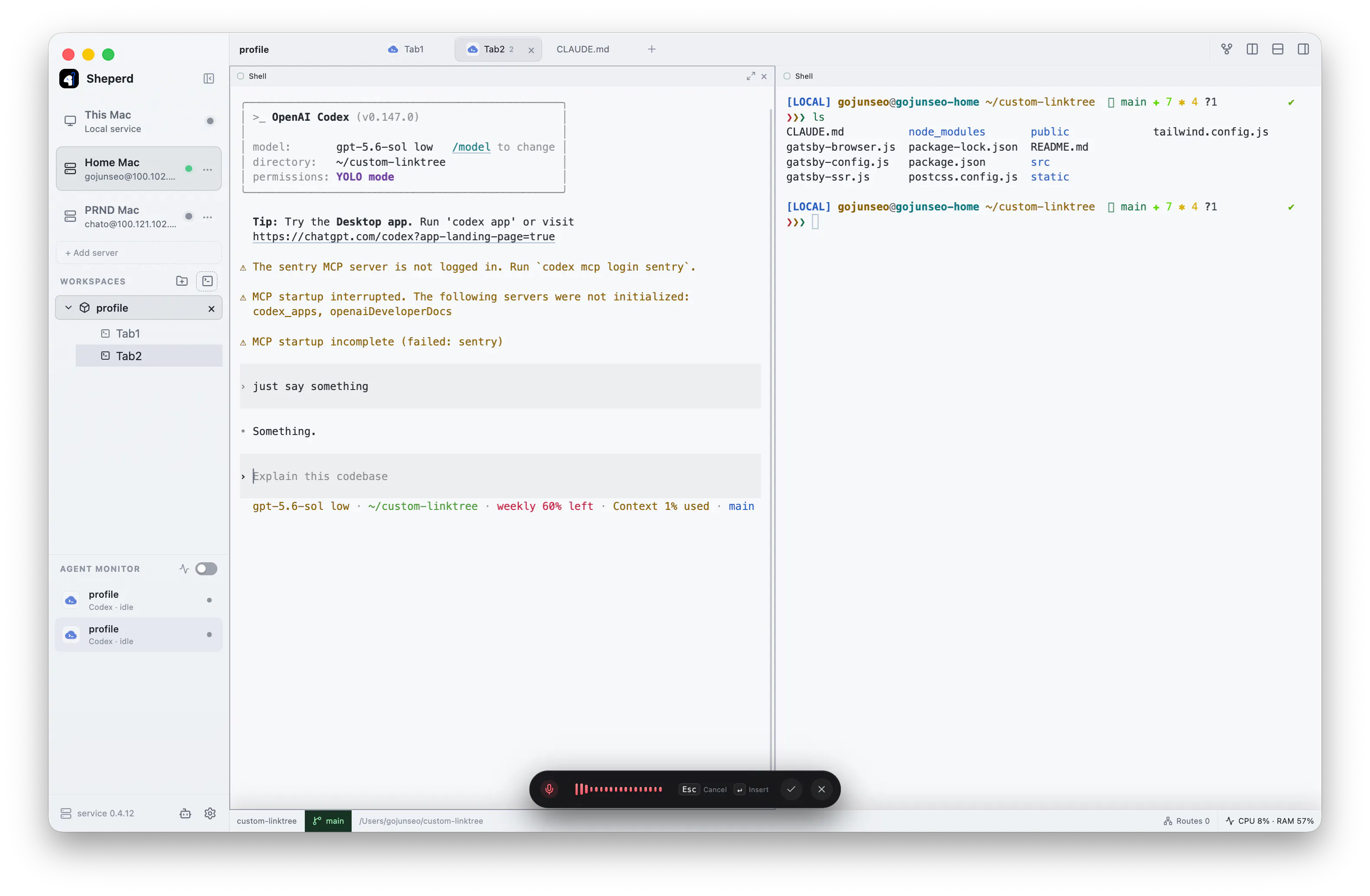
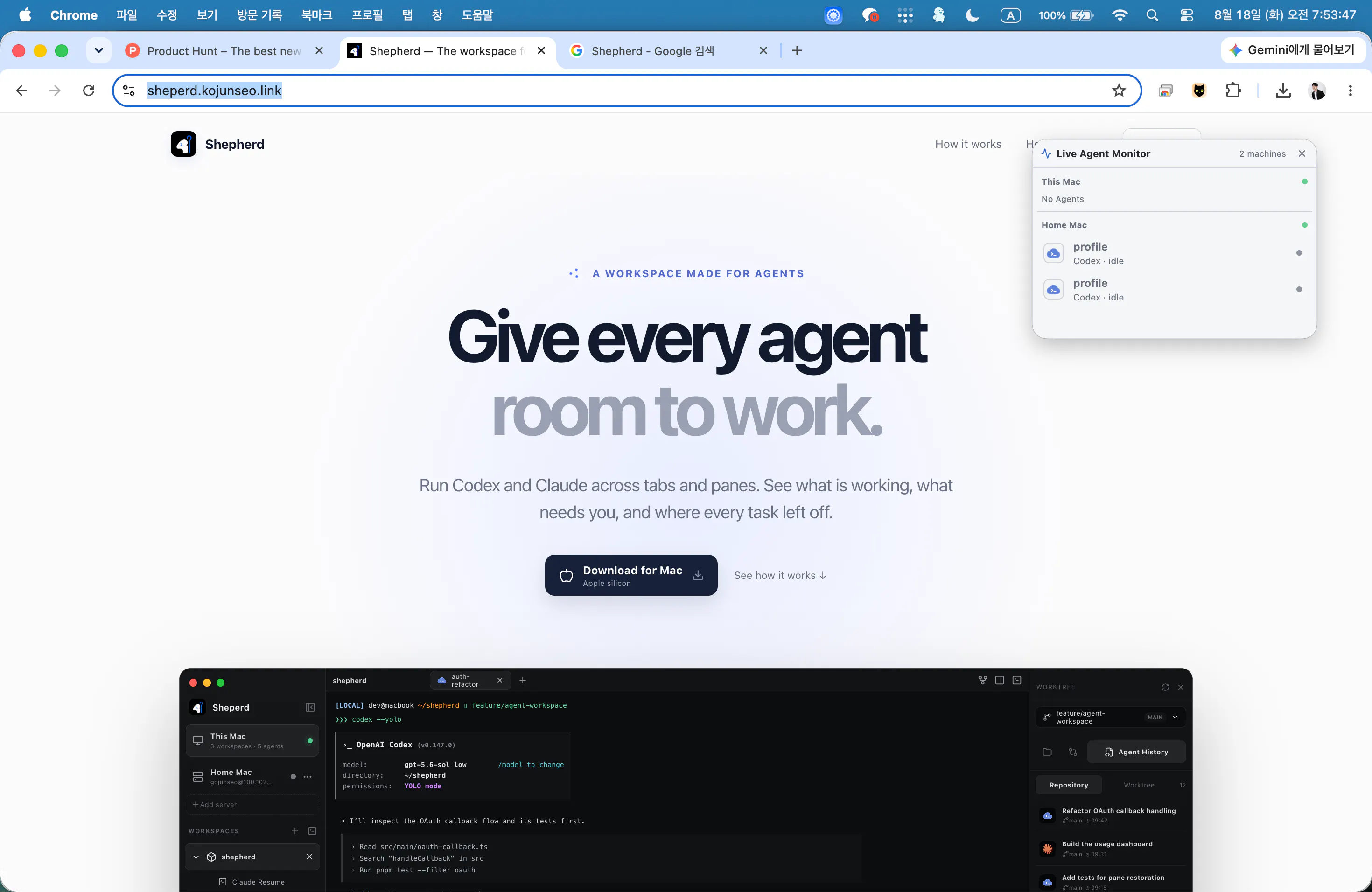
Run coding agents across tabs, panes, and remote machines. Shepherd keeps terminal sessions alive when the app closes, tracks which agents are working or waiting, and lets you return to their files and changes without losing context. Agents understand the current Shepherd context, control tabs and panes, and collect feedback through browser reviews, while you monitor every agent’s status in real time.
Ask AI
ChatGPT Claude Perplexity Grok
For agents
llms.txt · llms-full.txt · ai.txt · Live fact sheet · Full catalog (.md) · Endpoint index · API spec · REST access · Agent server · Server manifest · Server discovery
Key Features
- Keep terminal sessions alive when the app closes
- Track which agents are working or waiting
- Return to agent files and changes without losing context
- Monitor every agent's status in real time
Use Cases
- Developers who need to run coding agents across multiple terminal sessions and machines simultaneously
- Teams monitoring multiple agent tasks in progress across different environments
Pricing
Shepherd Terminal is free to use. See the website for details.
FAQ
What is Shepherd Terminal?
Run coding agents across tabs, panes, and remote machines. Shepherd keeps terminal sessions alive when the app closes, tracks which agents are working or waiting, and lets you return to their files and changes without losing context. Agents understand the current Shepherd context, control tabs and panes, and collect feedback through browser reviews, while you monitor every agent’s status in real time.
What are the key features of Shepherd Terminal?
Shepherd Terminal includes: • Keep terminal sessions alive when the app closes • Track which agents are working or waiting • Return to agent files and changes without losing context • Monitor every agent's status in real time • Run coding agents across tabs, panes, and remote machines
What can I use Shepherd Terminal for?
• Developers who need to run coding agents across multiple terminal sessions and machines simultaneously • Teams monitoring multiple agent tasks in progress across different environments
How much does Shepherd Terminal cost?
Shepherd Terminal is free to use. See the website for details. You can discover and review Shepherd Terminal for free on Launch Llama.
What category does Shepherd Terminal belong to?
Shepherd Terminal is listed under Terminals on Launch Llama.
How do I get started with Shepherd Terminal?
Click the "Visit Website" button on this page to go directly to Shepherd Terminal. You can also upvote and leave a review to help other founders discover it.
Founder Guides
Alternatives
- Shepherd
For remote workers: Shepherd auto-tracks browser focus time, labels productivity, and visualizes habits with a growing sheep—private and effortless.
- Agent Callout
For developers: Agent Callout adds voice alerts to AI coding agents so you monitor progress without leaving your terminal.
- Cline Desktop App
For developers: Cline Desktop App automates coding tasks across editor, terminal, and browser so you ship faster Cline Desktop App keeps the workflow clear so you ship outcomes with less busywork.
- crystl
For developers: crystl is a macOS terminal for managing multiple CLI agents like Claude Code across projects without tab switching.
- Donovan Agent
For developers: Donovan Agent is a terminal-native AI assistant that edits files, runs commands, automates tasks, and remembers project context.
- Tabbit AI
For knowledge workers: Tabbit AI automates web research and task workflows across pages and files so you save hours on repetitive work.