SavePoint.fm | Broadcast Station Manager
For broadcasters: SavePoint manages 24/7 live streaming channels on schedule so you run professional stations without manual intervention.
Built by Savepoint FM · Marketing · Freemium
In category: #433 of 629 · Marketing
SavePoint.fm | Broadcast Station Manager is a Community listing on Launch Llama with 2 upvotes from 2 founders, founded by Savepoint FM who joined in Jun 2026, compared against 5 alternatives.
Community listing
Listing status
2upvotes
Community score
Savepoint FM (Joined Jun 2026)
Founder
Compared against 5 alternatives
Market comparison
Launched on Launch Llama Jun 16, 2026 · #10 of 32 that day
About
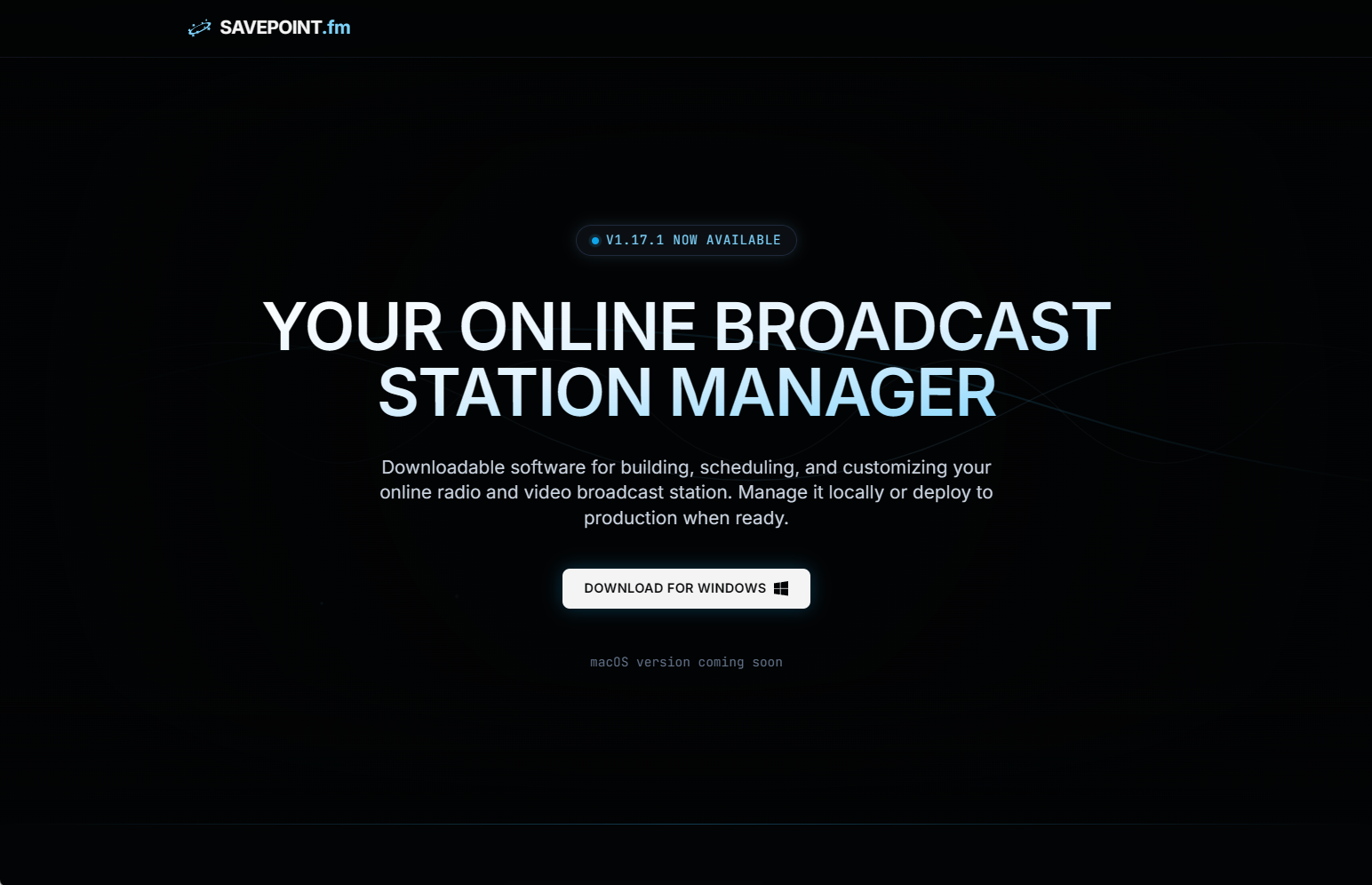
SavePoint is a powerful application designed to help broadcasters manage their streaming stations with ease. Whether you're running a small hobby station or a professional broadcasting operation, SavePoint provides the tools for running a 24/7 online content-driven channel or station experience.
Use Cases
- Running a 24/7 online radio station that rotates music, shows, and playlists automatically on a weekly schedule
- Streaming a live video broadcast to YouTube, Discord, Mixcloud, or a custom RTMP endpoint from a single station setup
- Delegating playlist and segment management to DJs or curators with storage quotas and time-slot access
Who it is for
- Independent radio broadcasters and online station operators running scheduled music programming
- Community radio and DJ collectives that need multiple curators managing timed segments
- Video streamers who combine audio playlists, live RTMP feeds, and pre-recorded shows on one channel
Pricing
SavePoint is downloadable and available on Windows, macOS, Linux, and WSL. Additional destinations such as Discord, YouTube Live, Mixcloud, Restream, and Custom RTMP are unlocked with a Broadcast Pass, which is offered as an upgrade.
FAQ
What is SavePoint?
SavePoint Station Manager is a self-hosted broadcasting application available for Windows, macOS, Linux, and WSL that manages online radio and TV stations. It provides scheduled programming, a pre-render pipeline for 24/7 broadcasting, and multi-platform publishing.
Is SavePoint free?
The core station manager is free, including the scheduling engine, pre-render pipeline, playlist management, visual overlays, and built-in HLS web player. Third-party platform publishing (Discord, YouTube) and production server deployment require a Broadcast Pass ($150 one-time, lifetime access).
What platforms can SavePoint stream to?
SavePoint streams to its built-in HLS web player (free), Discord voice channels, YouTube Live, Twitch, Kick, and Mixcloud Live. TikTok Live and X (Twitter) are under development. Discord, YouTube, Twitch, Kick, and Mixcloud all require a Broadcast Pass.
Do I need a server to run SavePoint?
No. SavePoint runs on your Windows, macOS, or Linux machine for local testing and broadcasting. A VPS is only needed if you want 24/7 broadcasting without keeping your PC on. The Broadcast Pass unlocks production server deployment with SSH management.
What is the pre-render pipeline?
SavePoint pre-renders transitions and visual overlays before broadcast, then streams cached segments during playout. This reduces CPU load compared to real-time encoding and enables stable 24/7 operation on modest hardware.
How is SavePoint different from OBS?
OBS is designed for live interactive sessions. SavePoint is designed for unattended 24/7 automated broadcasting with scheduled programming, playlist rotations, and pre-rendered transitions. SavePoint runs as a background service, not a live production tool.
Can SavePoint run 24/7 without my computer being on?
Yes. Deploy SavePoint to a VPS (virtual private server) for always-on broadcasting. The Broadcast Pass includes production server deployment with SSH management and database sync.
What file formats does SavePoint support?
SavePoint supports MP3, FLAC, WAV for audio and MP4, WebM for video. There are no software-imposed storage limits. Capacity depends on your hardware.
How do I start a radio station?
Download SavePoint Station Manager (free). Import your audio library and build a starting playlist. Define a 24/7 schedule with intros, outros, and rotation rules. Pick where to broadcast: web player, Discord, YouTube, Twitch, Kick, or Mixcloud. Deploy to a VPS when you want 24/7 uptime without keeping your PC on. The how to start a 24/7 radio station guide covers each step in depth.
How do I start an internet radio station?
An internet radio station is exactly the use case SavePoint Station Manager is built for. The free tier covers everything you need to run one locally. Add a Broadcast Pass when you want to deploy to a VPS for 24/7 uptime and publish to additional platforms like Discord and YouTube. See the online radio station hub for related guides.
Alternatives
 CrewMap ProFor field service businesses: CrewMap Pro optimizes multi-stop routes and manages crews so you complete more jobs daily with less wasted time.
More in Marketing
New on Launch Llama
- Starbucks Calorie Calculator
- VideoAny AI
- CleanOps
- EXTREMELY Autonomous Agents
- TariffsChart
- Secondee
- FirstHour Media
- JFmt
Launched this week · This month's launches · All products A–Z
Ask AI about SavePoint.fm | Broadcast Station Manager
Supporters
2 founders
2 founders contributed 2 upvotes to SavePoint.fm | Broadcast Station Manager on Launch Llama.


Reviews
1 comment
Hi Launch Llama 👋 Our founding members wanted a way to share an audio experience inside their Discord community. Along the way, they discovered that station creation and management across multiple broadcasting channels was a surprisingly underserved market. Since the community was made up of developers, they did what developers do: overreacted completely and started designing a product around it. :D
For bots & AI agents
Machine-readable versions of SavePoint.fm | Broadcast Station Manager and Launch Llama. Fetch these instead of parsing this page.
This listing (.md) llms.txt llms-full.txt ai.txt Full catalog (.md) Endpoint index API docs MCP server MCP manifest Developer docs