On Launch Llama
Remove Handwriting - Clean scanned documents instantly
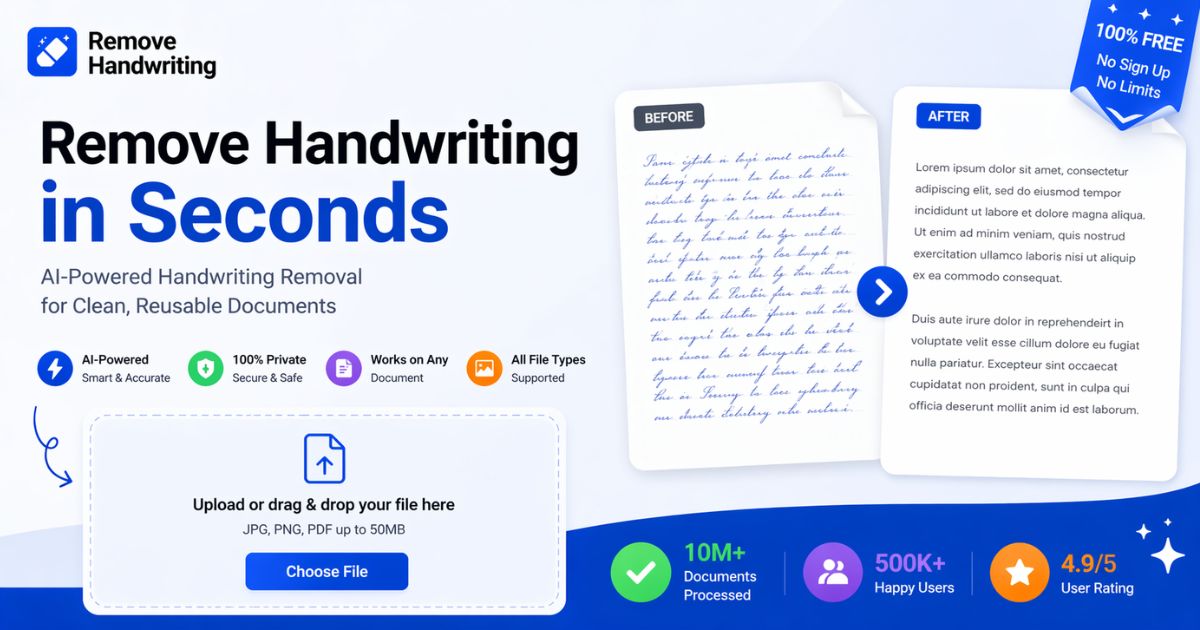
For document cleanup: Remove Handwriting strips handwriting from images and PDFs while preserving text, tables, and diagrams—browser, iOS, and Android.
Built by trent and trent luo
Freemium
Visit website → Upvotes · 2
Remove Handwriting is a Instant Launch listing on Launch Llama with 2 total upvotes across 1 founder supporter, founded by trent and trent luo who joined in May 2026, compared against 6 alternatives.
Instant Launch listing
Listing status
2upvotes
Community score
trent and trent luo (Joined May 2026)
Founder
Compared against 6 alternatives
Market comparison
About
Remove handwriting from images, PDFs, and scanned documents in seconds with our AI document cleanup tool. It preserves printed text, tables, and diagrams while fixing shadows, skew, curled edges, and background noise. Use it in your browser or on iOS and Android for worksheets, contracts, archives, and exam papers. We support JPG, PNG, JPEG, and PDF, with batch processing and API access available for larger workflows. Try it free with no credit card required.
Ask AI
ChatGPT Claude Perplexity Grok
For agents
llms.txt · llms-full.txt · ai.txt · Live fact sheet · Full catalog (.md) · Endpoint index · API spec · REST access · Agent server · Server manifest · Server discovery
Key Features
- Connects via API, webhooks, or Zapier-style integrations
- Centralizes daily tasks so context-switching drops
- Automates status updates and routine handoffs
- Syncs work across the tools your team already opens
Use Cases
- Create professional designs and prototypes without hiring a designer
- Deflect support tickets with automated responses and self-serve resources
- Plug Remove Handwriting into your founder toolkit to move faster with fewer resources
- Integrate into your existing workflow with minimal setup time
- Reduce manual work so your team can focus on high-impact tasks
Pricing
Remove Handwriting offers a free plan plus paid tiers. See the website for current pricing.
Verdict
Remove Handwriting is a solid option for founders looking for a reliable tool. It's gaining traction among founders who value simplicity and results. Remove handwriting from images, PDFs, and scanned documents in seconds with our AI document cleanup tool. If for document cleanup: remove handwriting strips handwriting from images and pdfs while preserving text, tables, and diagrams—browser, ios, and android is a priority for your team, it's worth giving Remove Handwriting a closer look.
FAQ
What is Remove Handwriting?
Remove handwriting from images, PDFs, and scanned documents in seconds with our AI document cleanup tool. It preserves printed text, tables, and diagrams while fixing shadows, skew, curled edges, and background noise. Use it in your browser or on iOS and Android for worksheets, contracts, archives, and exam papers. We support JPG, PNG, JPEG, and PDF, with batch processing and API access available for larger workflows. Try it free with no credit card required.
How much does Remove Handwriting cost?
Remove Handwriting offers a free plan plus paid tiers. See the website for current pricing. You can discover and review Remove Handwriting for free on Launch Llama.
How do I get started with Remove Handwriting?
Click the "Visit Website" button on this page to go directly to Remove Handwriting. You can also upvote and leave a review to help other founders discover it.
Supporters
1 founder1 founder contributed 2 upvotes to Remove Handwriting on Launch Llama.
Reviews
1 comment
Hey, love seeing this here! 👋 What inspired you to build this? Would love to hear the story behind it.
Alternatives
- Label Cleanup
Label Cleanup is useful for cleaning and preparing photos and videos before they are published online, particularly when users want to remove AI labels, watermarks, or private metadata.
- PDF & Image Tools
For professionals: PDF & Image Tools compresses and converts files in your browser instantly so you skip uploads and keep data private.
- Tidy
For Mac users: Tidy fixes grammar and removes AI slop on-device with one keystroke so your writing stays private Tidy keeps the workflow clear so you ship outcomes with less busywork.
- PDFtoMarkdown.ai
For developers and AI teams: PDFtoMarkdown.ai converts PDFs to clean Markdown for Claude, ChatGPT, and RAG pipelines so you feed AI better data.
- Sniploom
For photographers: Sniploom enhances photos, removes backgrounds, and processes PDFs in your browser so your images stay private and look professional.
- PDFtoMD
For developers: PDFtoMD converts PDFs to clean Markdown in seconds so you can edit and repurpose content without manual reformatting.