Microsoft Copilot
The Al built for work
Built by Chris Messina
Microsoft Copilot is a Product Hunt listing on Launch Llama with 129 total upvotes, founded by Chris Messina who joined in Sep 2026, compared against 5 alternatives.
Product Hunt listing
Listing status
129upvotes
Community score
Chris Messina (Joined Sep 2026)
Founder
Compared against 5 alternatives
Market comparison
Launched on Launch Llama Sep 30, 2026 · #13 of 45 that day



About
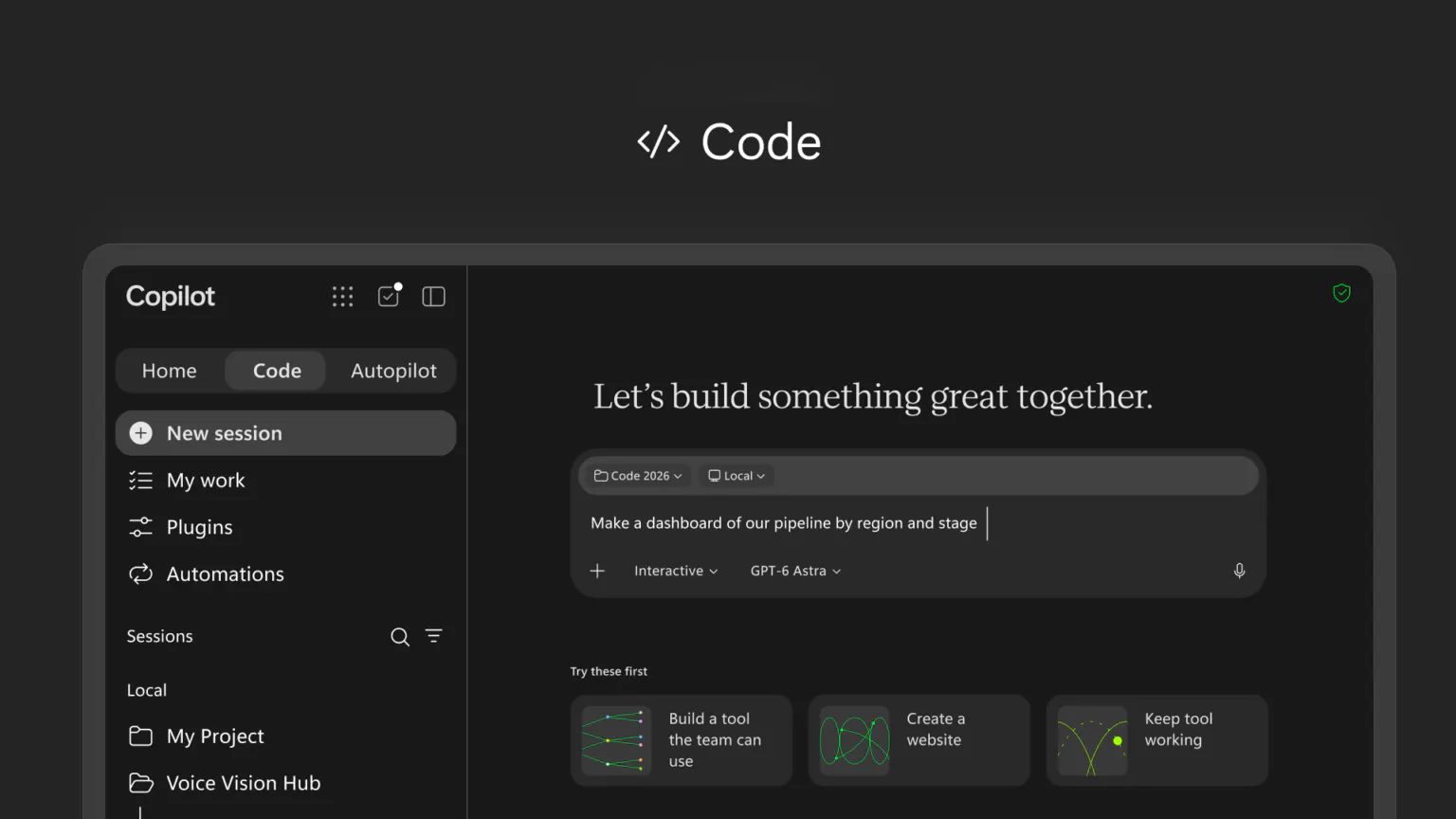
Microsoft Copilot is an AI companion designed to make AI more useful by personalizing it to individual needs. It remembers details, takes action, and has vision capabilities to interact with users' digital and physical worlds.
Competitors: Claude (Anthropic), ChatGPT (OpenAI), Google Gemini, Perplexity AI, Copilot Pro
Follow Microsoft Copilot: X (Twitter) · Facebook
Launch Llama's Take
Based on Launch Llama data as of
Microsoft Copilot has 129 upvotes, including the votes it received on Product Hunt. It has been listed on Launch Llama since September 2026. No Launch Llama members have upvoted it yet and it has no reviews yet.
Microsoft Copilot vs Caret
Microsoft Copilot is an AI companion that remembers details and takes actions, while Caret is an AI assistant for Mac that completes sentences with a Tab keystroke. Adam CAD Copilot is an AI CAD copilot for mechanical engineers working in Onshape and Autodesk Fusion, whereas Microsoft Copilot covers tasks like scheduling and data entry.
| Microsoft Copilot | Caret | Adam CAD Copilot | Tines | |
|---|---|---|---|---|
| What it does | The Al built for work | For Mac users: Caret learns your writing style and autocompletes across all apps. Press Tab for AI-powered suggestions that sound like you. | For mechanical engineers: Adam CAD Copilot creates and edits parts with prompts inside Onshape and Fusion so designs stay editable and wo… | For teams building automations: Tines is a vendor-agnostic platform to build, run, and monitor intelligent workflows across your tools. |
| Pricing | Not stated | Not stated | Freemium | Not stated |
| Free plan | Not stated | Not stated | Yes, free plan | Not stated |
| Category | AI Voice Agents | Mac | Design Tools | Developer Tools |
| Upvotes on Launch Llama | 129 | 216 | 321 | 382 |
| Listed on Launch Llama | September 2026 | April 2026 | July 2026 | February 2026 |
Key Features
- Remember details about users and their preferences
- Take actions on behalf of users
- See and understand the user's world
- Search the web with AI assistance
Use Cases
- Use Copilot's Memory feature to retain key project details, client preferences, and conversation history across work sessions without manual note-taking
- Use Copilot Actions to automate scheduling, data entry, and document formatting tasks in your work environment
- Deploy Copilot's Vision feature to analyze images, diagrams, or screenshots during meetings or reviews to extract insights and context automatically
- Integrate Copilot as a voice agent to handle hands-free task execution, ideal for multitasking or accessibility needs during busy workdays
- Use Copilot's AI notetaker during meetings and calls to automatically capture key points, decisions, and action items without distraction
Who it is for
- Microsoft Windows users who want an AI assistant built into their PC experience
- Small business owners using Microsoft 365 and Microsoft Teams
- Students and educators using Microsoft's education products and devices
Pricing
See the Microsoft Copilot website for current pricing.
FAQ
What is Microsoft Copilot?
Microsoft Copilot is an AI companion designed to make AI more useful by personalizing it to individual needs. It remembers details, takes action, and has vision capabilities to interact with users' digital and physical worlds.
How does Microsoft Copilot work?
Microsoft Copilot is an AI companion designed to make AI more useful by personalizing it to individual needs. It remembers details, takes action, and has vision capabilities to interact with users' digital and physical worlds.
Who is Microsoft Copilot for?
Microsoft Copilot is designed for a range of users, including: • Microsoft Windows users who want an AI assistant built into their PC experience • Small business owners using Microsoft 365 and Microsoft Teams • Students and educators using Microsoft's education products and devices
What can you do with Microsoft Copilot?
With Microsoft Copilot you can: • Use Copilot's Memory feature to retain key project details, client preferences, and conversation history across work sessions without manual note-taking. • Use Copilot Actions to automate scheduling, data entry, and document formatting tasks in your work environment. • Deploy Copilot's Vision feature to analyze images, diagrams, or screenshots during meetings or reviews to extract insights and context automatically. • Integrate Copilot as a voice agent to handle hands-free task execution, ideal for multitasking or accessibility needs during busy workdays. • Use Copilot's AI notetaker during meetings and calls to automatically capture key points, decisions, and action items without distraction.
What are the best Microsoft Copilot alternatives?
Microsoft Copilot positions itself as an alternative to Claude (Anthropic), ChatGPT (OpenAI), Google Gemini, Perplexity AI and Copilot Pro. In its own words: "The Al built for work."
Alternatives
New on Launch Llama
- AI Collage Maker - Collager.ai
- MangaTranslate
- ToText
- Midmap
- Kizunatap
- Macswarm
- ImageConverter24
- Backlink Hub
Launched this week · This month's launches · All products A–Z
Featured in
- The 7 Best AI Voice Agents in 2026 (Compared) — ranked #3
- The 11 Best AI Notetakers in 2026 (Compared) — ranked #5
Ask AI about Microsoft Copilot
Third-party sources
- Microsoft's Majorana 1 chip carves new path for quantum computing
Hacker News · February 19, 2025 · 118 points
- MSFT demonstrates formerly elusive physics needed to build scalable qubits
Hacker News · March 16, 2022 · 75 points
- Microsoft to Acquire Activision Blizzard
Hacker News · January 18, 2022 · 2,051 points
- Microsoft recommends WA and CA employees work from home
Hacker News · March 5, 2020 · 124 points
- Project Silica proof-of-concept stores movie on quartz glass
Hacker News · November 8, 2019 · 191 points
- Two brothers invented an alphabet for their native language, Fulfulde
Hacker News · August 15, 2019 · 151 points
- Microsoft, UW demonstrate first fully automated DNA data storage
Hacker News · March 21, 2019 · 169 points
- Dave Cutler’s five-decade-long quest for quality (2016)
Hacker News · January 23, 2019 · 101 points
For bots & AI agents
Machine-readable versions of Microsoft Copilot and Launch Llama. Fetch these instead of parsing this page.
This listing (.md) llms.txt llms-full.txt ai.txt Full catalog (.md) Endpoint index API docs MCP server MCP manifest Developer docs