Free Bulk Image Compressor Online
For e-commerce sellers: Free Bulk Image Compressor resizes and converts up to 100 product images in your browser so you upload faster.
Built by Anthony · Marketing · Social Media · E-Commerce · Free
In category: #423 of 612 · Marketing
Free Bulk Image Compressor Online is a Community listing on Launch Llama with 2 upvotes from 2 founders, founded by Anthony who joined in Sep 2026, compared against 6 alternatives.
Community listing
Listing status
2upvotes
Community score
Anthony (Joined Sep 2026)
Founder
Compared against 6 alternatives
Market comparison
Launched on Launch Llama Sep 14, 2026 · #108 of 125 that day
About
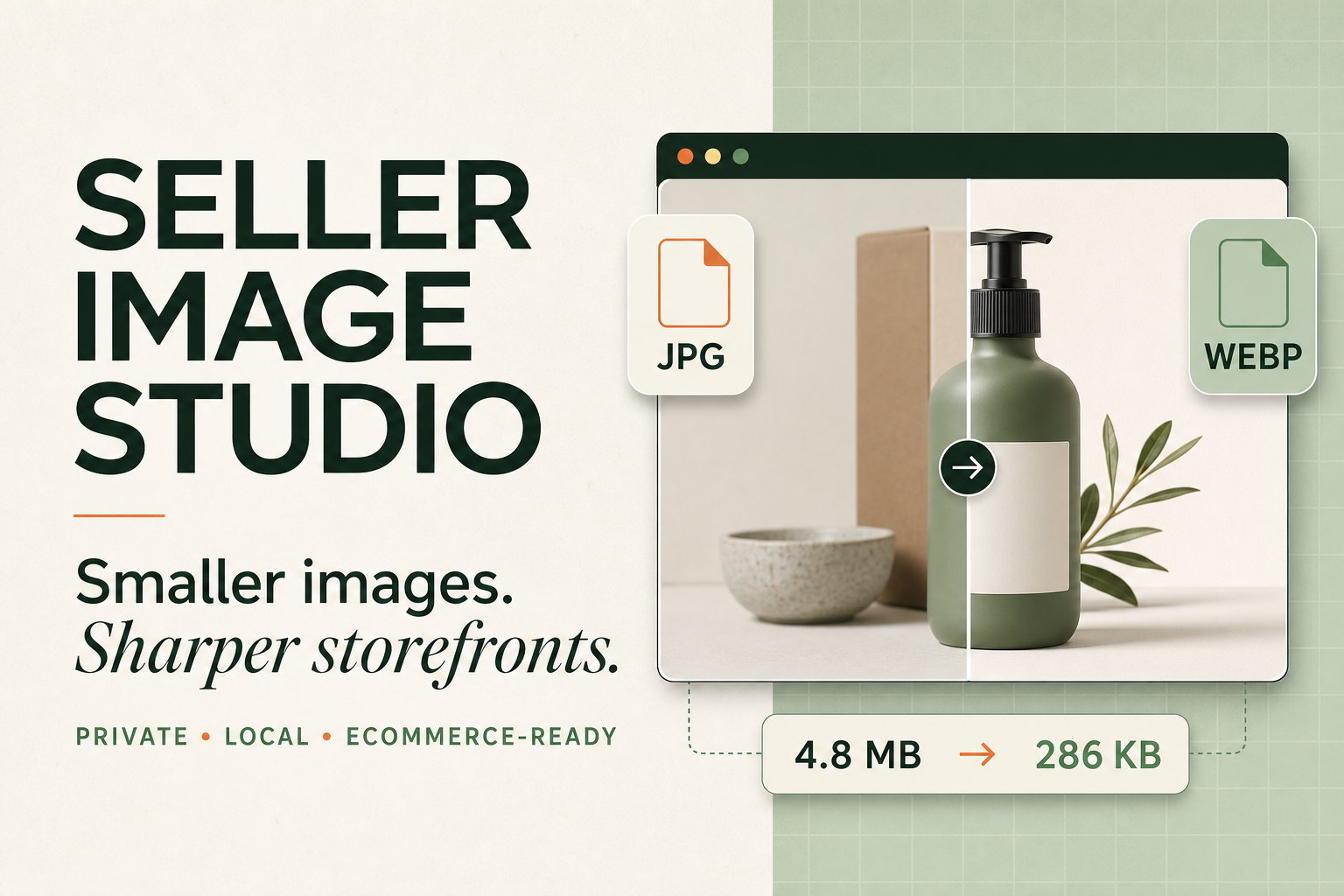
Compress up to 100 JPG, PNG, WebP, AVIF, GIF or BMP product images in your browser. Resize, convert and download a ZIP with no upload or sign-up.
Use Cases
- Batch-resizing and converting up to 100 product photos at once before uploading them to WooCommerce, Shopify, Amazon or TikTok Shop
- Preparing a set of product images in WebP with a 1000px longest-edge limit for faster-loading storefront galleries
- Compressing product photos on-device so original images are never uploaded to a third-party server
Who it is for
- E-commerce sellers preparing product photo batches for online stores and marketplaces.
- Store owners and merchants who upload product galleries to WooCommerce, Shopify, Amazon or TikTok Shop.
- Sellers who want to avoid uploading their product images to external servers during compression.
Pricing
Free Bulk Image Compressor Online is free to use. See the website for details.
Free Bulk Image Compressor Online at a glance
- 01What it is
- Free Bulk Image Compressor Online: For e-commerce sellers: Free Bulk Image Compressor resizes and converts up to 100 product images in your browser so you upload faster.
- 02Pricing
- Free Bulk Image Compressor Online pricing: Free.
- 03Best for
- Free Bulk Image Compressor Online is best for e-commerce sellers preparing product photo batches for online stores and marketplaces., store owners and merchants who upload product galleries to WooCommerce, Shopify, Amazon or TikTok Shop. and sellers who want to avoid uploading their product images to external servers during compression.
- 04Alternatives
- Top Free Bulk Image Compressor Online alternatives on Launch Llama: Allimagetools, Video Compressor and ImgZilla.
FAQ
Why does the Website preset use WebP?
WebP works in modern browsers and generally compresses better than older JPEG or PNG formats, making it a practical single-format export for a modern storefront. If your site must support an older browser or a workflow that cannot accept WebP, keep a JPEG or PNG fallback or choose JPEG in the tool.
How many images can I compress at once?
Seller Image Studio accepts up to 100 supported images in one batch to protect browser memory and keep the queue responsive.
Can I compress a complete image folder?
Yes. Add a folder to import supported JPG, PNG, WebP, AVIF, GIF and BMP files. With folder write permission, individual results and the ZIP can be saved to that folder; without permission, the ZIP uses the browser's default download location.
Are my images uploaded?
No. Compression, resizing and format conversion run on your device. The product images are not uploaded to Seller Image Studio.
Is SellerImg free?
Yes. SellerImg is free to use and does not require an account, payment card, subscription, conversion credits or an advertisement before download.
Why is AVIF not the default recommendation?
AVIF can produce smaller files than JPEG or WebP at similar visual quality, but it is still less universal than WebP across browsers, servers, CDNs, themes and ecommerce upload workflows. If your complete storefront pipeline supports AVIF, it is a strong format to test and can be used as the preferred product-image delivery format with a WebP or JPEG fallback. Marketplaces are different: Amazon, TikTok Shop and other sales channels must still receive the formats required by their current listing rules.
Can I safely compress images containing people?
Yes. SellerImg processes portraits and other supported images locally in your browser, so the files are not uploaded to SellerImg's servers. The original files stay unchanged. As with any sensitive material, use a trusted device and browser and review the finished image before sharing it.
What are the advantages over TinyPNG?
TinyPNG is a mature online compression service focused on simple uploads and content-aware compression. According to its own documentation, uploaded images are stored temporarily and deleted within 48 hours. SellerImg is built for a different workflow centered on privacy, precise output controls and ecommerce batch processing. Images are processed on your device without being uploaded; you can choose the output format, quality mode and longest-edge limit, apply ecommerce presets, process up to 100 files, and save individual results or a ZIP to an authorized folder. The tools have different strengths, and SellerImg does not claim smaller results for every image. Choose based on your privacy requirements, image quality and workflow.
Alternatives
 Video CompressorFor content creators: Video Compressor reduces video file sizes in-browser using GPU acceleration without uploading to servers.
More in Marketing
New on Launch Llama
Launched this week · This month's launches · All products A–Z
Ask AI about Free Bulk Image Compressor Online
Supporters
2 founders
2 founders contributed 2 upvotes to Free Bulk Image Compressor Online on Launch Llama.

For bots & AI agents
Machine-readable versions of Free Bulk Image Compressor Online and Launch Llama. Fetch these instead of parsing this page.
This listing (.md) llms.txt llms-full.txt ai.txt Full catalog (.md) Endpoint index API docs MCP server MCP manifest Developer docs