On Launch Llama
CrewTower - AI agent control center for your MacBook
For developers: CrewTower monitors all your AI coding agents from your MacBook notch so you approve actions instantly without leaving your workflow.
Built by Said Altan
Paid
Visit website → Upvotes · 95
CrewTower is a Product Hunt listing on Launch Llama with 95 total upvotes, founded by Said Altan who joined in Aug 2026, compared against 6 alternatives.
Product Hunt listing
Listing status
95upvotes
Community score
Said Altan (Joined Aug 2026)
Founder
Compared against 6 alternatives
Market comparison

About
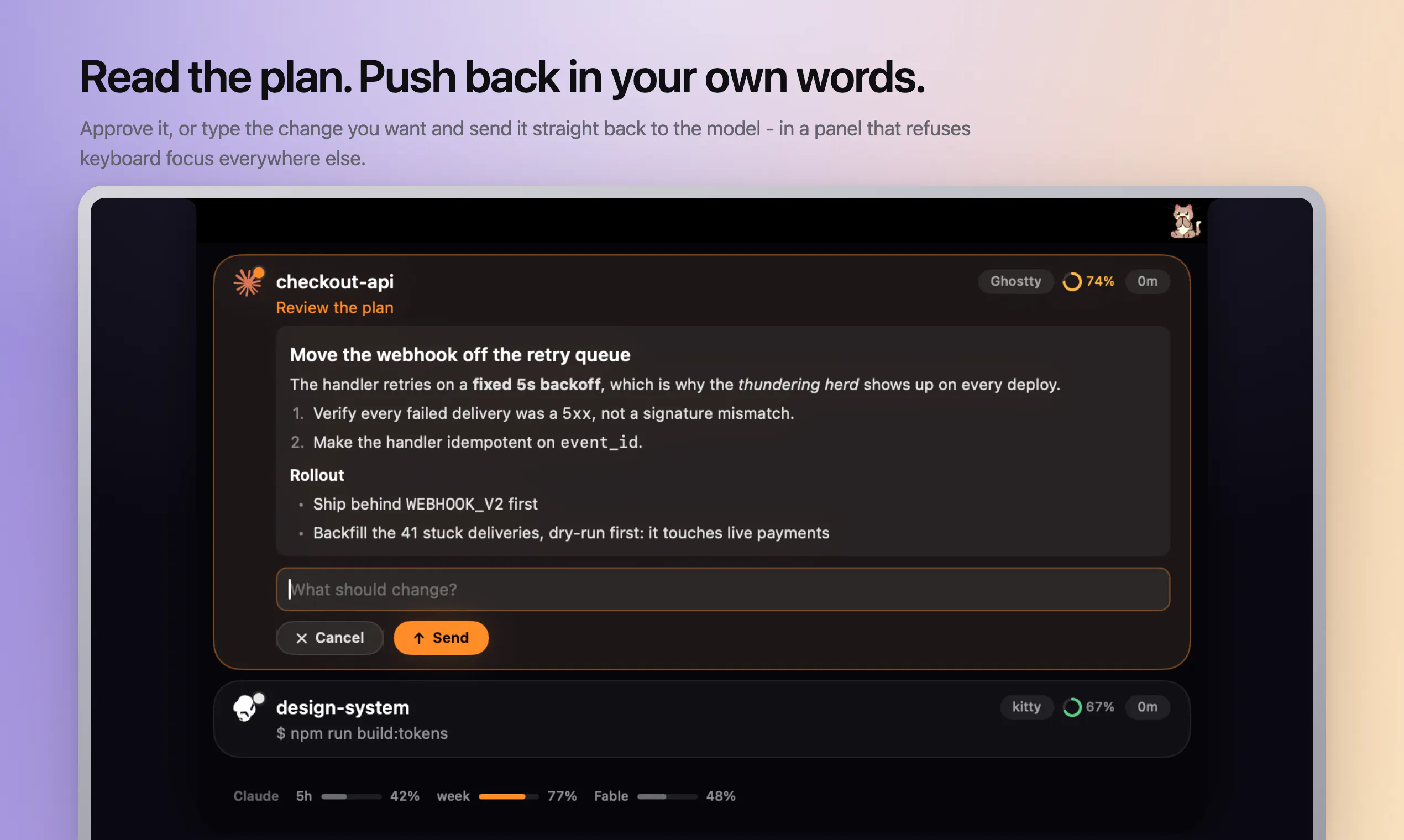
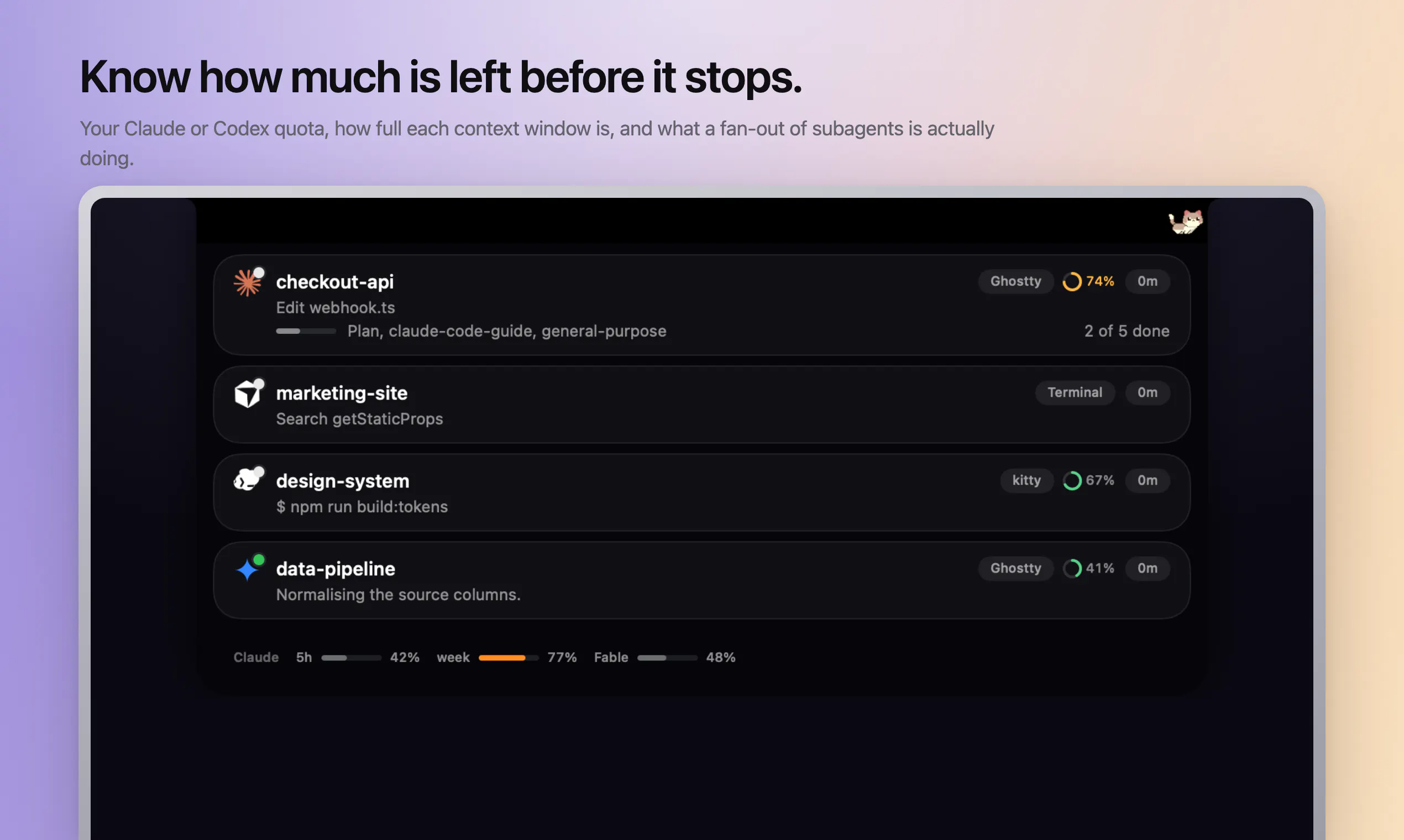
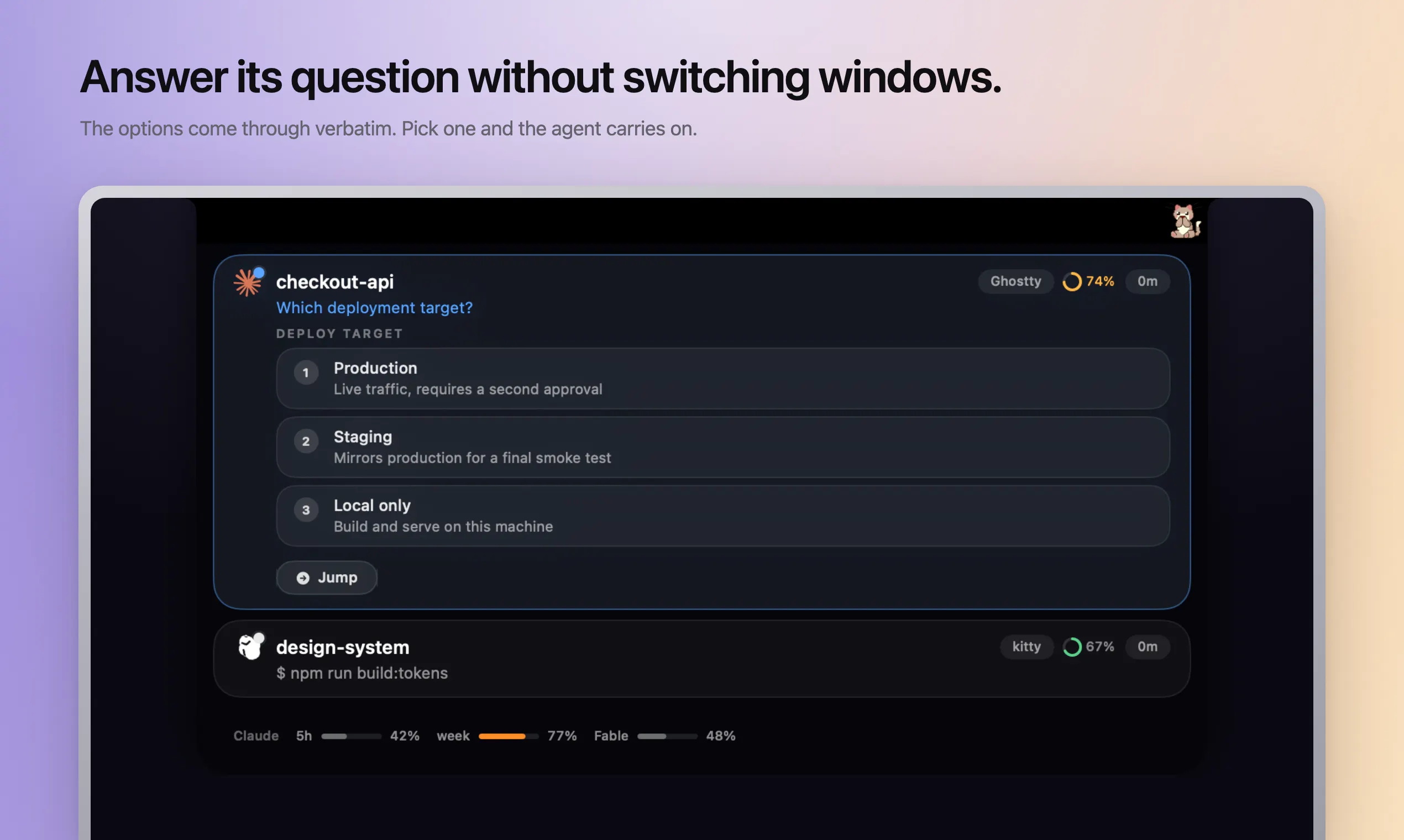
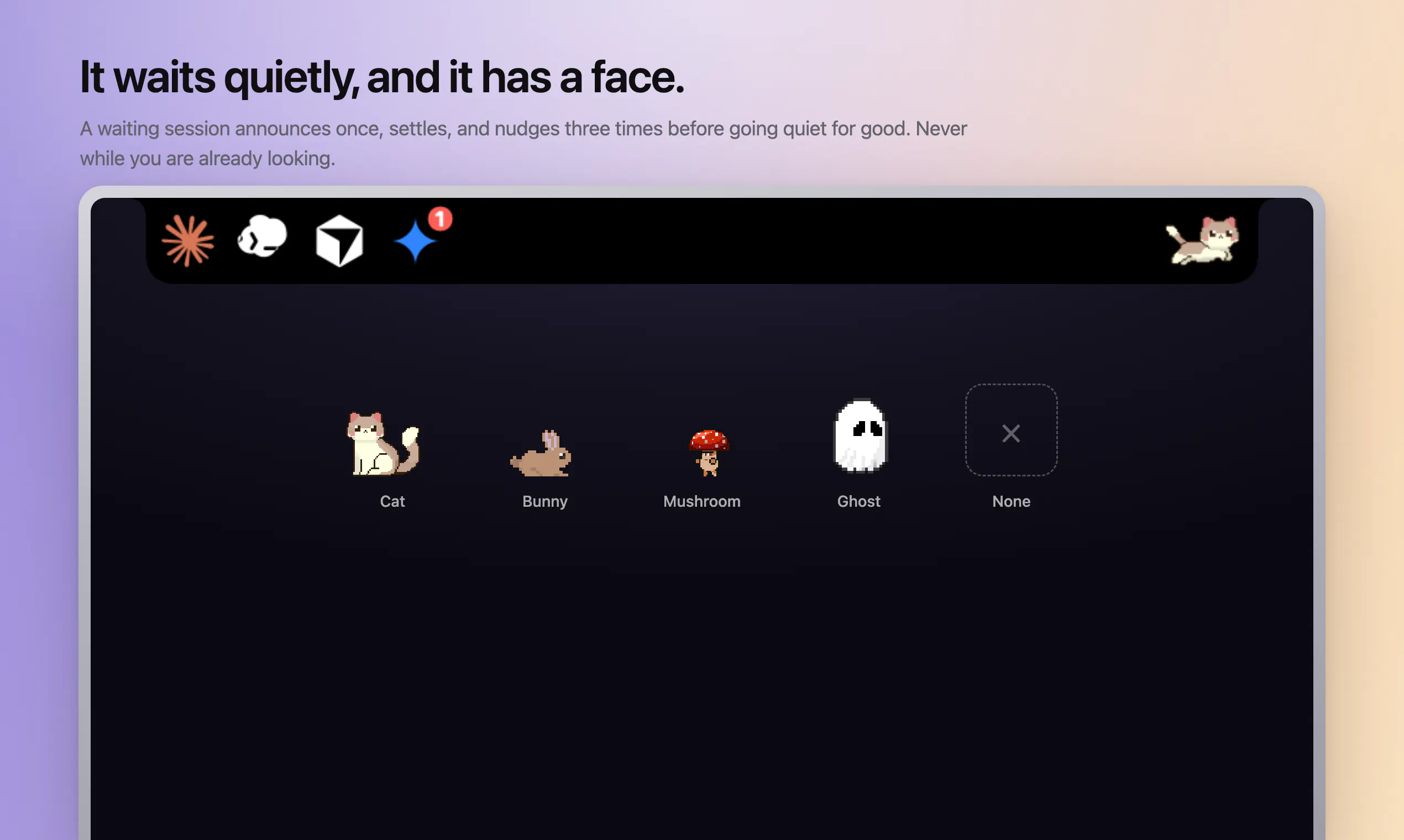
Crew Tower lives in your MacBook notch and watches every AI coding agent you run: Claude Code, Codex, Cursor, Gemini, Qwen, OpenCode and more. When an agent needs permission, the request shows up in the notch with full context: the exact command, the file edit, the question. Approve or deny in one click, without touching the terminal. See every session at once, working, waiting or done. Jump straight to the right terminal window when one needs you. Nothing stalls silently.
Ask AI
ChatGPT Claude Perplexity Grok
For agents
llms.txt · llms-full.txt · ai.txt · Live fact sheet · Full catalog (.md) · Endpoint index · API spec · REST access · Agent server · Server manifest · Server discovery
Key Features
- Monitor AI coding agent progress across multiple apps and terminals
- Approve or deny agent requests without switching applications
- Jump directly to the right terminal session or application window
- Review plans and provide feedback before work begins
Use Cases
- Developers running multiple AI coding agents who need to approve commands quickly without leaving their current workflow
- Mac users who want to review destructive shell commands before they execute
Pricing
One-time purchase of $9.99 (early bird pricing) or $14.99 regular price for Mac. No subscription required.
FAQ
What is CrewTower?
Crew Tower lives in your MacBook notch and watches every AI coding agent you run: Claude Code, Codex, Cursor, Gemini, Qwen, OpenCode and more. When an agent needs permission, the request shows up in the notch with full context: the exact command, the file edit, the question. Approve or deny in one click, without touching the terminal. See every session at once, working, waiting or done. Jump straight to the right terminal window when one needs you. Nothing stalls silently.
What are the key features of CrewTower?
CrewTower includes: • Monitor AI coding agent progress across multiple apps and terminals • Approve or deny agent requests without switching applications • Jump directly to the right terminal session or application window • Review plans and provide feedback before work begins • View context window usage for supported coding agents
What can I use CrewTower for?
• Developers running multiple AI coding agents who need to approve commands quickly without leaving their current workflow • Mac users who want to review destructive shell commands before they execute
How much does CrewTower cost?
One-time purchase of $9.99 (early bird pricing) or $14.99 regular price for Mac. No subscription required.
What category does CrewTower belong to?
CrewTower is listed under AI Coding Agents on Launch Llama.
How do I get started with CrewTower?
Click the "Visit Website" button on this page to go directly to CrewTower. You can also upvote and leave a review to help other founders discover it.
Founder Guides
Alternatives
- Agent Callout
For developers: Agent Callout adds voice alerts to AI coding agents so you monitor progress without leaving your terminal.
- Pushary
For AI developers: Pushary approves agent requests from your phone so Claude, Cursor, and Gemini CLI keep running without manual terminal intervention.
- Agent Island
For developers: Agent Island monitors Claude, Codex, Grok, and Cursor sessions locally so you track AI coding progress without telemetry.
- ChatView
For developers: ChatView pairs your coding agent to a QR code, letting you approve commands and monitor edits from anywhere securely.
- CodeBreak
For macOS developers: CodeBreak monitors Claude Code across all windows and alerts you when tasks complete, so you stay productive.
- nala
For developers: nala runs Claude, Codex, Cursor and other coding agents side-by-side with shared tasks so you skip terminal tab chaos.