
Coming soon on Launch Llama Tools
ClipmivoAI is a Community listing on Launch Llama with 0 total upvotes, compared against 4 alternatives.
Community listing
Listing status
0upvotes
Community score
—
Founder
Compared against 4 alternatives
Market comparison
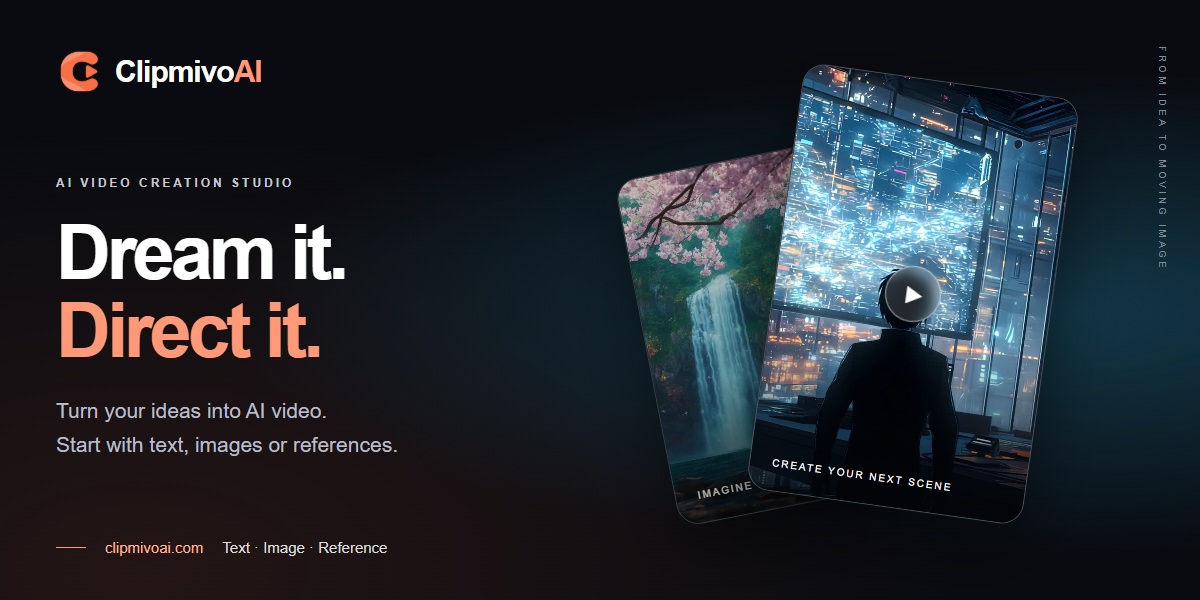
Generates AI videos from text prompts, uploaded images, or reference clips for creators and small teams, with model choice, a credit quote before each run, and downloadable results.
About
You pick a text, image, or reference-media workflow first, then choose an available model. Resolution, duration, aspect ratio, and audio options depend on that model, and the studio shows a credit reservation before anything runs. Finished videos and uploaded inputs are saved to My creations and your asset library, and a developer guide covers API and CLI access. It is designed for creators who want a fast way to test video ideas without a full production setup.
Key Features
- Generate videos from text prompts with selectable model, aspect ratio, duration, and resolution
- Animate uploaded images into video using a described motion such as a slow pan or rotation
- Guide video generation with image, video, or audio references on supported models
- Review a credit reservation quote before each generation to see the cost upfront
- Track task status and download finished videos from My creations
- Create and run video jobs via API or CLI with uploads, polling, and downloads
Use Cases
- Turning a product photo into a short video with a described slow rotation or camera pan
- Generating a cinematic B-roll shot from a text prompt, then adjusting resolution or duration after testing motion
- Producing a video guided by reference media on a model that supports image, video, or audio inputs
From the founder
Who it's for
“Creators, marketers, and small teams who want to turn text prompts or images into short videos without editing skills or a production crew.”
Why I built it
“ClipmivoAI was built to make AI video creation simple and accessible: pick a text, image, or reference-media workflow, choose a model, and generate a video, with the credit cost shown upfront before each generation.”
Who it is for
- Creators producing AI video from text prompts, images, or references
- Small teams making B-roll and short AI films in one studio workspace
- Developers integrating video generation into their apps through the API or CLI
Pricing
Paid credits available for more generations; price varies by credit pack
FAQ
How do I choose an AI video model?
Choose text, image or reference-media mode first, then select a model. Resolution, duration, aspect ratio, audio and first/last-frame support vary by model; use the options currently offered in the studio. Test motion and composition in a short shot before changing resolution or duration.
Is the credit reservation the final price?
No. Before submission, the studio shows the reservation for your settings. Final charges depend on the locked rate and settled usage: some models bill by token, others by second or request. Read the pricing page for reservation and settlement details, and confirm reference-media quotes after uploading your inputs.
Where can I find my generated videos?
Sign in and open My creations to view task status and results. Successfully generated and stored videos can be downloaded from their creation records; uploaded inputs are in your asset library. The background selection includes external artists and original ClipmivoAI examples, identified in the film information. It does not promise identical results from every generation.
Can I generate videos through an API or CLI?
Yes. The developer guide covers model discovery, uploads, quotes, asynchronous tasks, polling and downloads. Create a key with the required scopes in the signed-in developer area, then follow the guide. Keep API keys out of public code.
Alternatives
 ClipTrend.aiFor creators: ClipTrend.ai converts images to viral short-form videos with 40+ templates so you generate social-ready content in seconds without prompt engineering.
 FreeVideoGeneratorGenerates short clips from written prompts or uploaded images for social creators and marketers, with starter credits on a free account and watermark-free MP4 exports.
More in API
New on Launch Llama
Launched this week · This month's launches · All products A–Z
Ask AI about ClipmivoAI
For bots & AI agents
Machine-readable versions of ClipmivoAI and Launch Llama. Fetch these instead of parsing this page.
This listing (.md) llms.txt llms-full.txt ai.txt Full catalog (.md) Endpoint index API docs MCP server MCP manifest Developer docs